BUILD YOUR BATTLEFIELD
Vulture's Expanse Wargaming Mat
Roll-up or rigid tiles Sizes from 1×1 ft to 6×4 ft
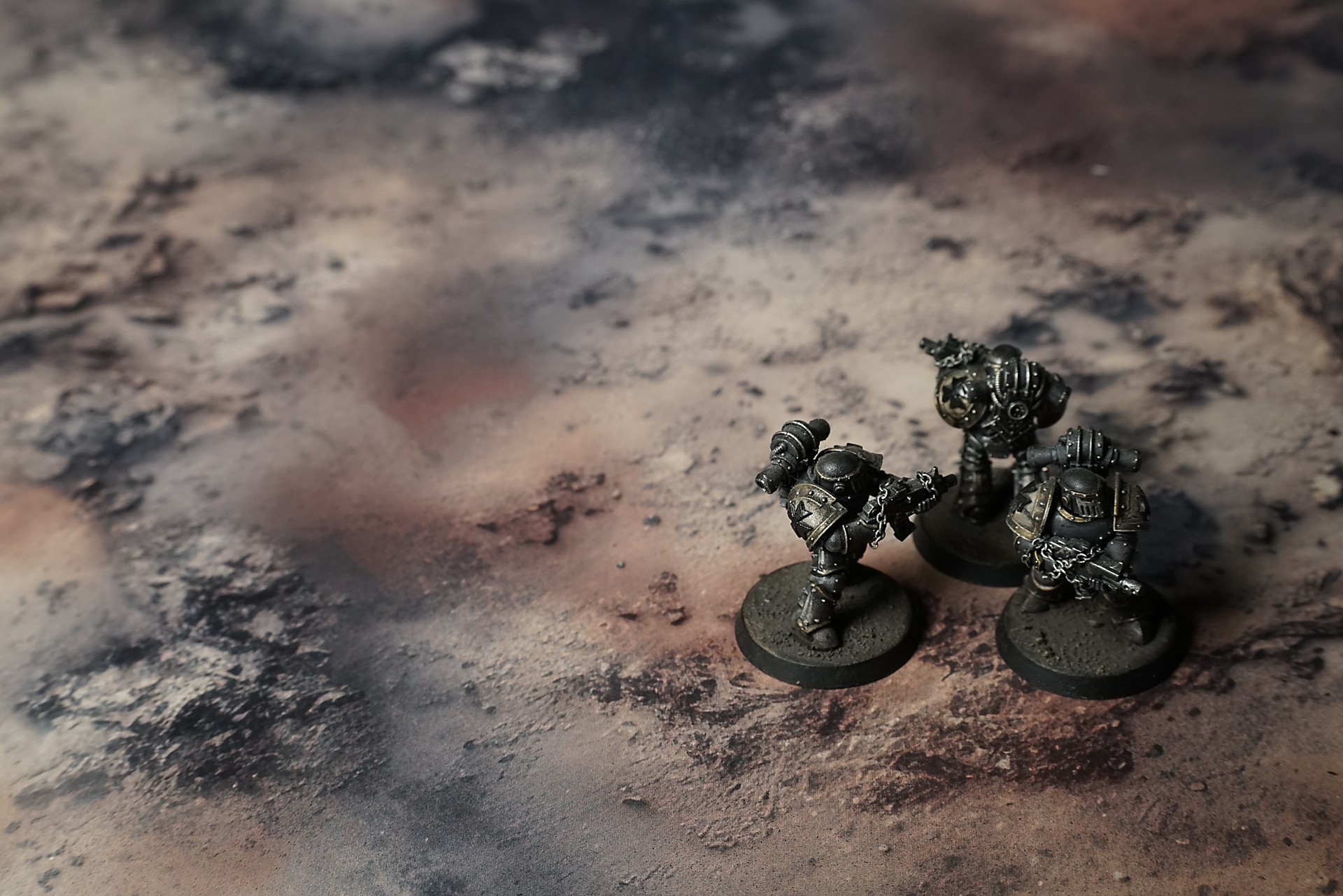
This mat shows dusty tan and beige earth mottled with charcoal-gray smudges and ashen patches. Fine cracks and subtle spiral marks traverse the surface, while gritty pebble clusters, hardened clay ridges, and sparse dried twigs lend a wind-swept, arid character to this barren terrain.
This design is available as a roll-up gaming mat or rigid tile set, with supported battlefield sizes ranging from compact 1×1 ft tables up to full-size 6×4 ft battlefields, including 2×2 ft, 3×3 ft, 4×4 ft and 45×60 in presets.
Vulture’s Expanse Battle Mat
I woke with grit in my mouth and a weight of heat pressing into my chest. Every breath tasted of smoke and stone. I staggered to my feet, the charred grass spitting grey dust at my boots, and realized I’d traded a life of soft floors and cool water for this hushed expanse where thirst was a constant companion.
I knelt by a cracked rock, fingers tracing the thin glassy film where flames had pooled. The sun caught it, sending a dull sparkle into my eyes—false promise of relief. I closed my hand around a handful of powdery ash. It sifted through my fingers like breadcrumbs, reminding me every trail here was doomed to vanish.
Select material type for gaming mat
How to use the Mat Designer:
- Select tile size.
- Use the +/− controls next to “Rows” and “Columns” to adjust the map size.
- Click the Randomize button to reshuffle all tiles at once.
- Click a tile on the maps to select it, then click another tile to swap their positions.
- Or click an image in the preview gallery below the map to replace the selected tile on the map.
Tile or Graphic Size
Size Presets
Custom Logo Upload
Only PNG with transparent background. Max file size: 2 MB.
Note:
Recommended image size for 50x50mm logo is apx 500x500px
Unique preset code, copy and save it to regenerate the pattern in the future. Click on the code to paste new one.
Backdrops
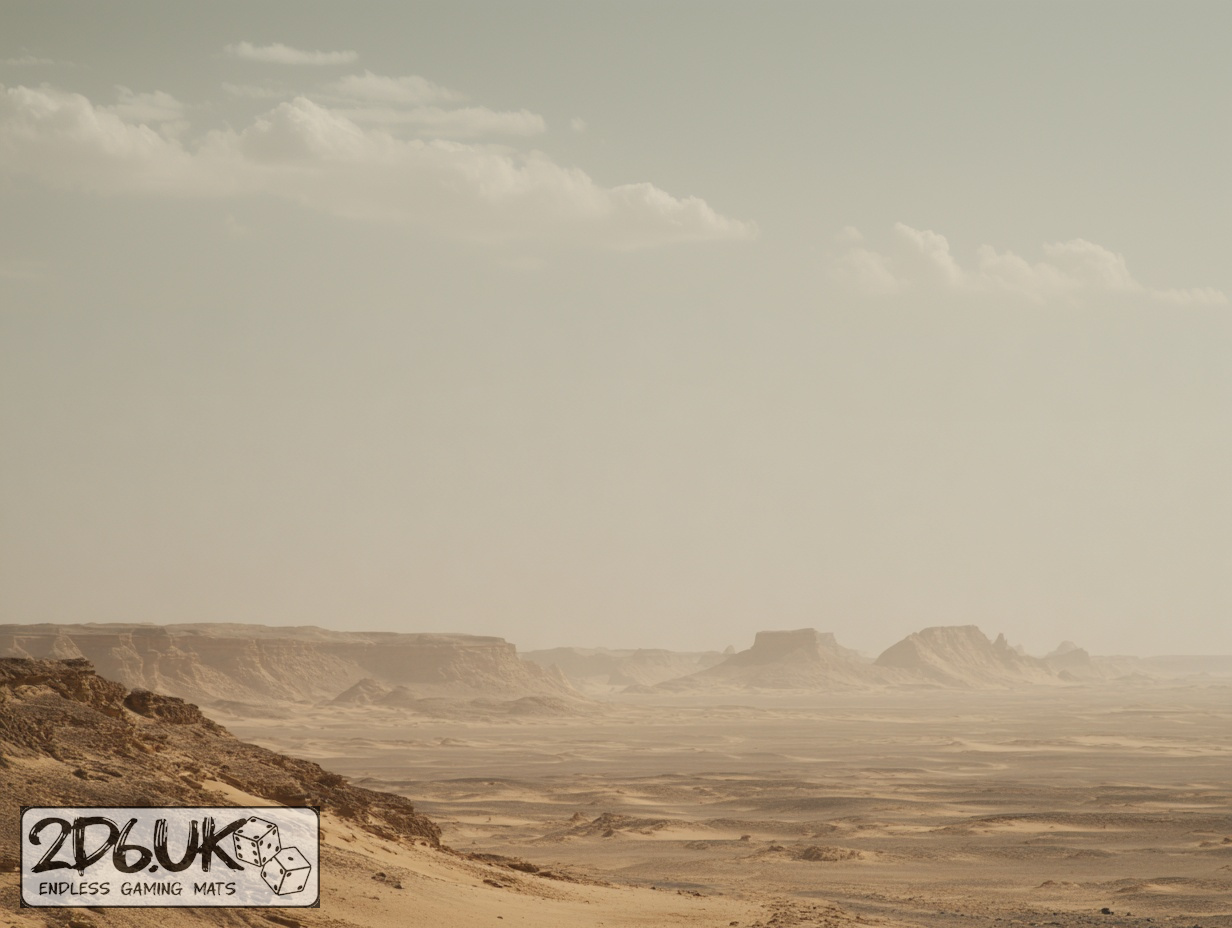
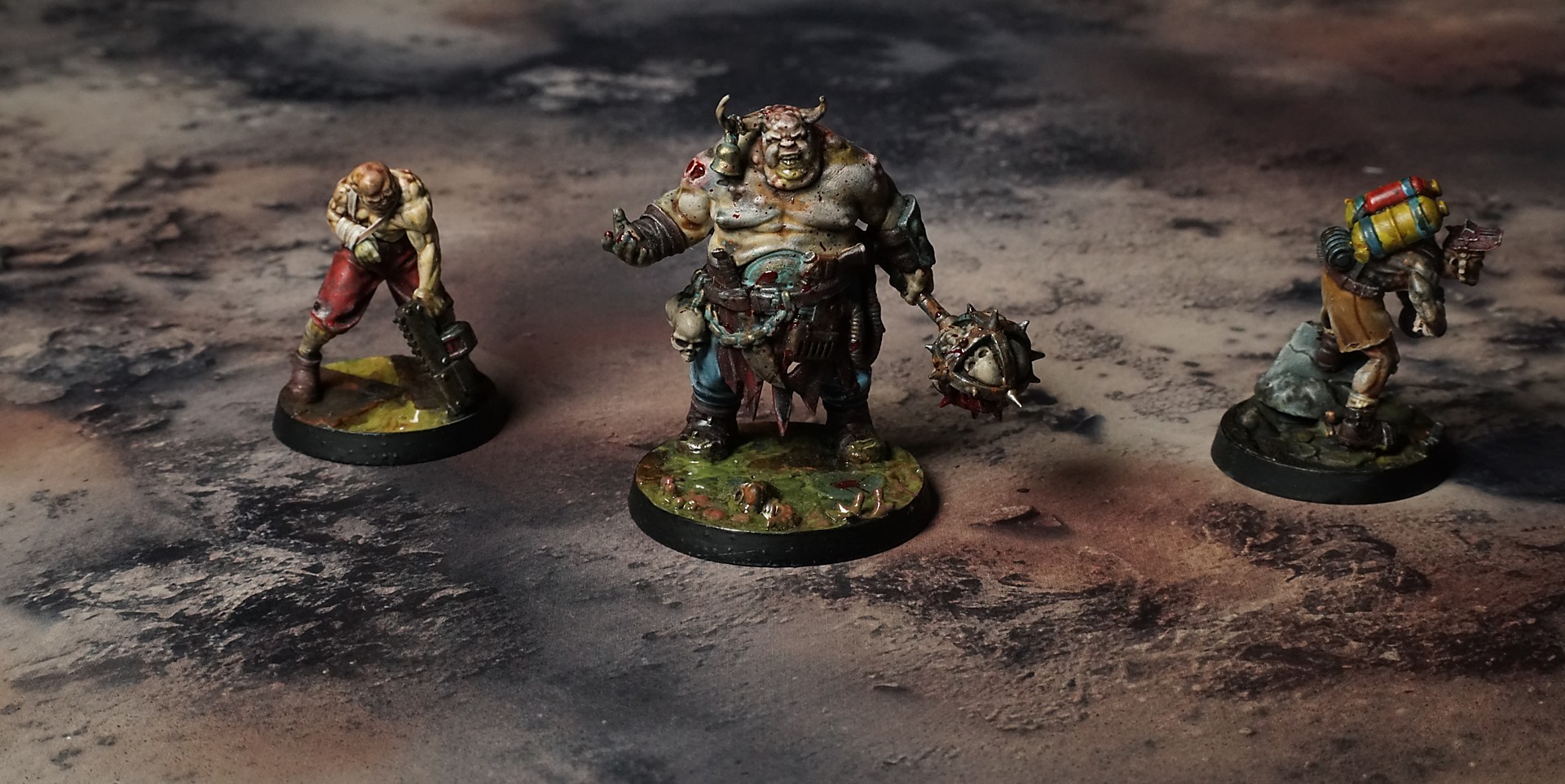
Set of 5x, 14x10.5in map related background for photos



How to use Backdrops:
- Backdrop upright on a stand, 5–30 cm behind the model.
- Lower the camera to model eye level.
- For action shots, raise the camera and include plenty of floor tile.
- Focus on the model; keep the background softly blurred.
- Hide edges: add models/terrain to break the floor tile boundary.
- Light model, not so much tile or background.
- Step back and zoom (50–85 mm equiv. or phone 2–3×) to avoid distortion.
- Add depth with occluders: place small elements front/behind and half way through frame edges.
- Test light colour, angles and heights.
- Dark room, one handheld light. Photo with timer let you position light easily.
- Brush light across the miniature to mimic sun/lamp/fire.