BUILD YOUR BATTLEFIELD
Voidgate Sector Wargaming Mat
Roll-up or rigid tiles Sizes from 1×1 ft to 6×4 ft
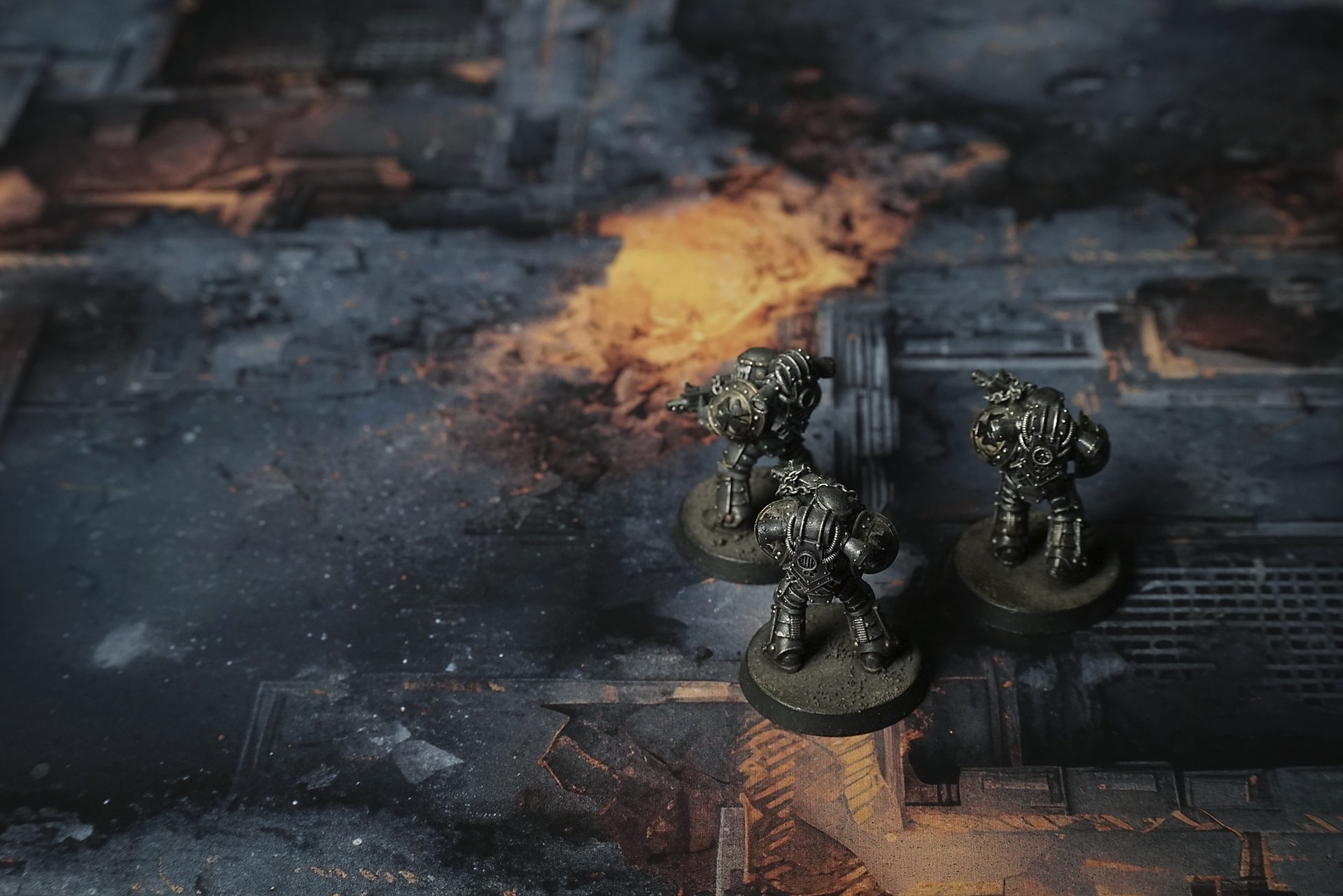
This mat shows a ruined industrial floor layered in sooty gray panels and fractured concrete. Scattered metal grates, girders, and broken pipes protrude across the surface. Rusted railings and grated walkways peek through debris. Pools of molten orange glow seep through cracks, lighting corroded machinery.
This design is available as a roll-up gaming mat or rigid tile set, with supported battlefield sizes ranging from compact 1×1 ft tables up to full-size 6×4 ft battlefields, including 2×2 ft, 3×3 ft, 4×4 ft and 45×60 in presets.

Voidgate Sector Battle Mat
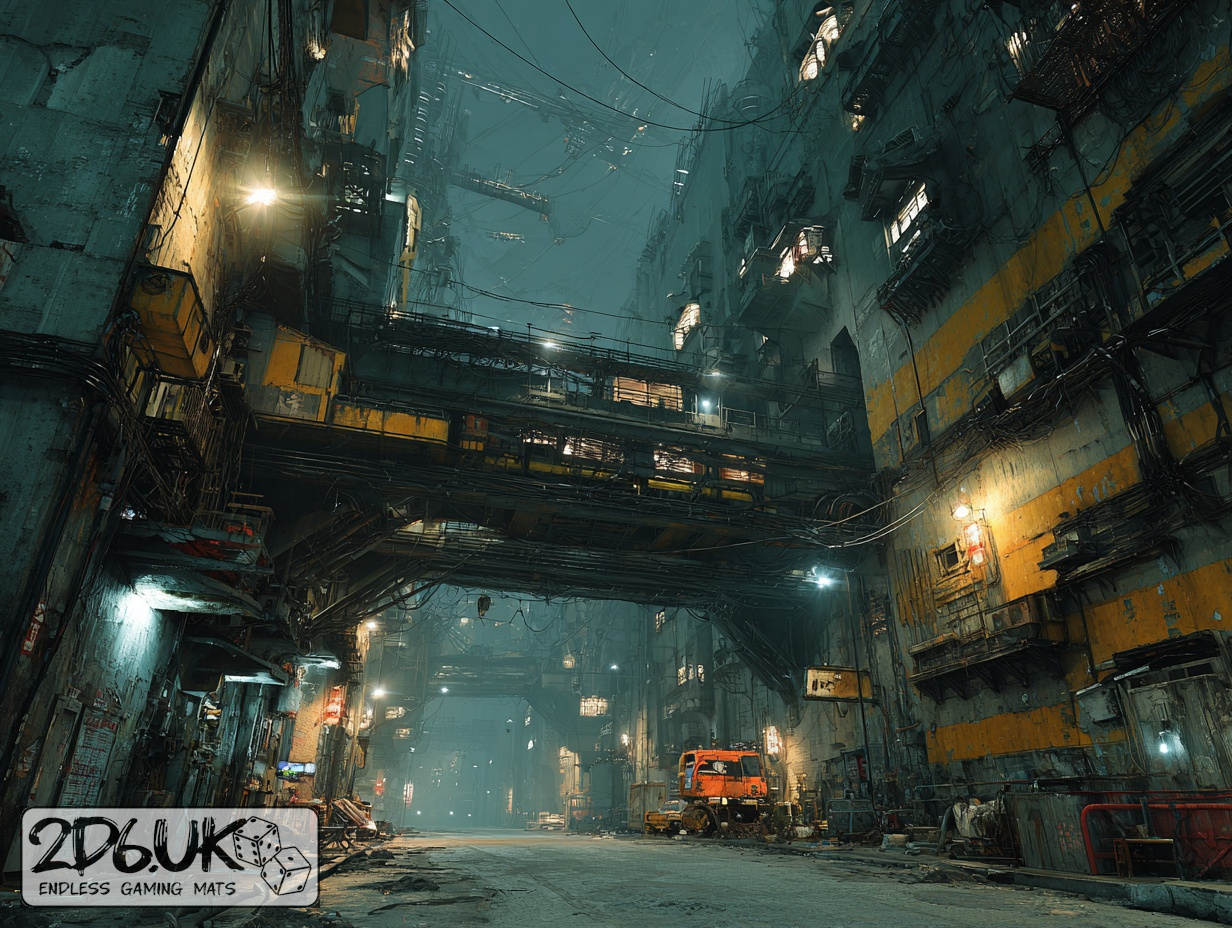
They picked their way down the fractured gangway in two-man teams, rifles raised where the yellow lamps cast broken halos on scorched plates. Each step echoed hollow as the deck shuddered beneath them—shell-splintered layers held together by fraying cable. Below, pools of burning fuel breathed orange glows through shattered gratings, staining every beam with soot and warning.
Lieutenant Hesa paused at the pixel-flicker board, eyes narrowing at half-legible ship names scrolling past like ghosts. A hiss of metal drew her gaze to a pitched corridor—clean lines of sight ended in ragged darkness where floors had fallen away. She signaled forward, boots crunching the ash-fine dust of blasted wiring and hot oil.
Select material type for gaming mat
How to use the Mat Designer:
- Select tile size.
- Use the +/− controls next to “Rows” and “Columns” to adjust the map size.
- Click the Randomize button to reshuffle all tiles at once.
- Click a tile on the maps to select it, then click another tile to swap their positions.
- Or click an image in the preview gallery below the map to replace the selected tile on the map.
Tile or Graphic Size
Size Presets
Custom Logo Upload
Only PNG with transparent background. Max file size: 2 MB.
Note:
Recommended image size for 50x50mm logo is apx 500x500px
Unique preset code, copy and save it to regenerate the pattern in the future. Click on the code to paste new one.
Backdrops
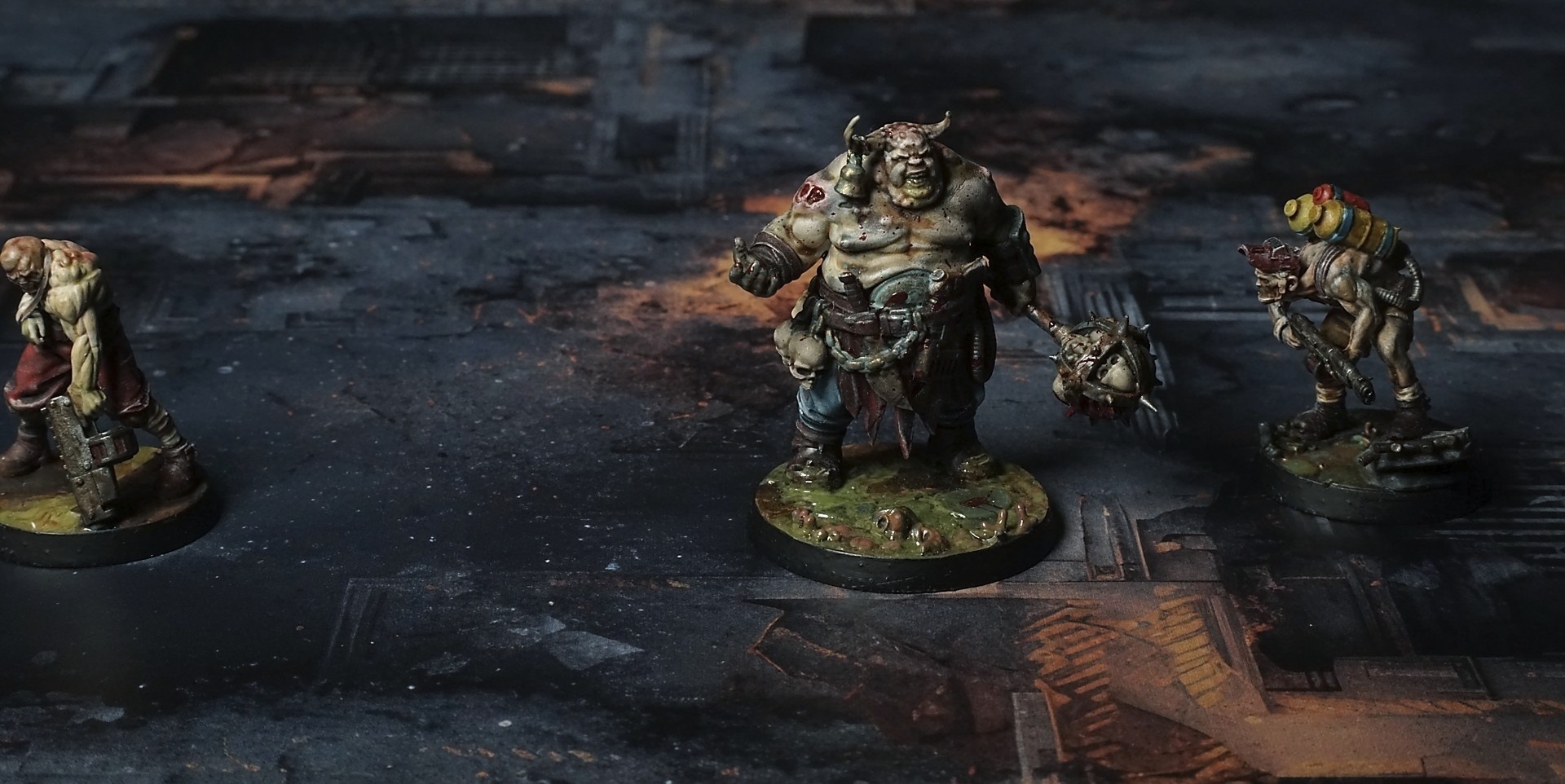
Set of 5x, 14x10.5in map related background for photos



How to use Backdrops:
- Backdrop upright on a stand, 5–30 cm behind the model.
- Lower the camera to model eye level.
- For action shots, raise the camera and include plenty of floor tile.
- Focus on the model; keep the background softly blurred.
- Hide edges: add models/terrain to break the floor tile boundary.
- Light model, not so much tile or background.
- Step back and zoom (50–85 mm equiv. or phone 2–3×) to avoid distortion.
- Add depth with occluders: place small elements front/behind and half way through frame edges.
- Test light colour, angles and heights.
- Dark room, one handheld light. Photo with timer let you position light easily.
- Brush light across the miniature to mimic sun/lamp/fire.