BUILD YOUR BATTLEFIELD
Twilight Toadstools Wargaming Mat
Roll-up or rigid tiles Sizes from 1×1 ft to 6×4 ft
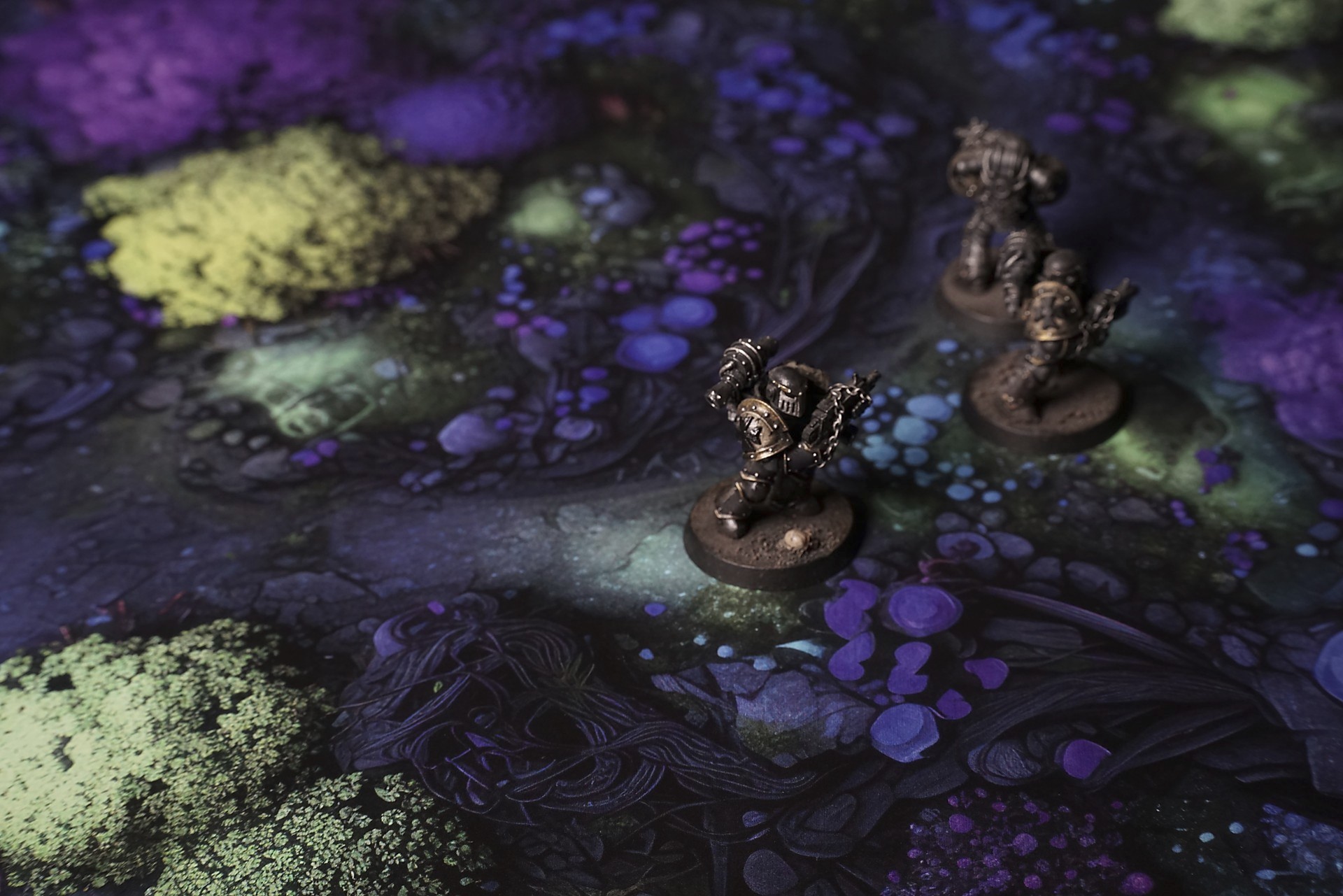
This mat shows dark, rugged stone broken by fissures, where clusters of bright violet toadstools sprout in plush mounds. Concentric blue caps swirl at the edges. Pools of glowing green fluid fill crevices, and verdant lichen creeps along cracks, blending alien fungi with eerie luminescence.
This design is available as a roll-up gaming mat or rigid tile set, with supported battlefield sizes ranging from compact 1×1 ft tables up to full-size 6×4 ft battlefields, including 2×2 ft, 3×3 ft, 4×4 ft and 45×60 in presets.
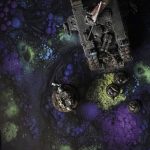
Twilight Toadstools Battle Mat
They slipped into the moonlit grove in single file, boots sinking into the soft, warm loam. The ranger paused first, bow drawn, as the bioluminescent mushrooms overhead flared brighter for a heartbeat—then faded, leaving only bruised blue shadows among the roots.
The rogue followed, blade at the ready, each step sending a ripple through the earth. A spore cloud drifted across her sight—she ducked under it, watching as its after-image dissolved into the undergrowth. Somewhere to her right, a pair of glowing eyes vanished behind a twisted trunk. She froze, heart hammering, waiting for it to reappear.
Behind them, the cleric whispered a prayer, hands glowing with pale light that pooled in the hollows between gnarled roots. The soft radiance made the bark gleam like wet slate. When she moved forward, her miniature figure cast a long, wavering shadow that slid across the mat’s uneven pools of light.
Select material type for gaming mat
How to use the Mat Designer:
- Select tile size.
- Use the +/− controls next to “Rows” and “Columns” to adjust the map size.
- Click the Randomize button to reshuffle all tiles at once.
- Click a tile on the maps to select it, then click another tile to swap their positions.
- Or click an image in the preview gallery below the map to replace the selected tile on the map.
Tile or Graphic Size
Size Presets
Custom Logo Upload
Only PNG with transparent background. Max file size: 2 MB.
Note:
Recommended image size for 50x50mm logo is apx 500x500px
Unique preset code, copy and save it to regenerate the pattern in the future. Click on the code to paste new one.
Backdrops
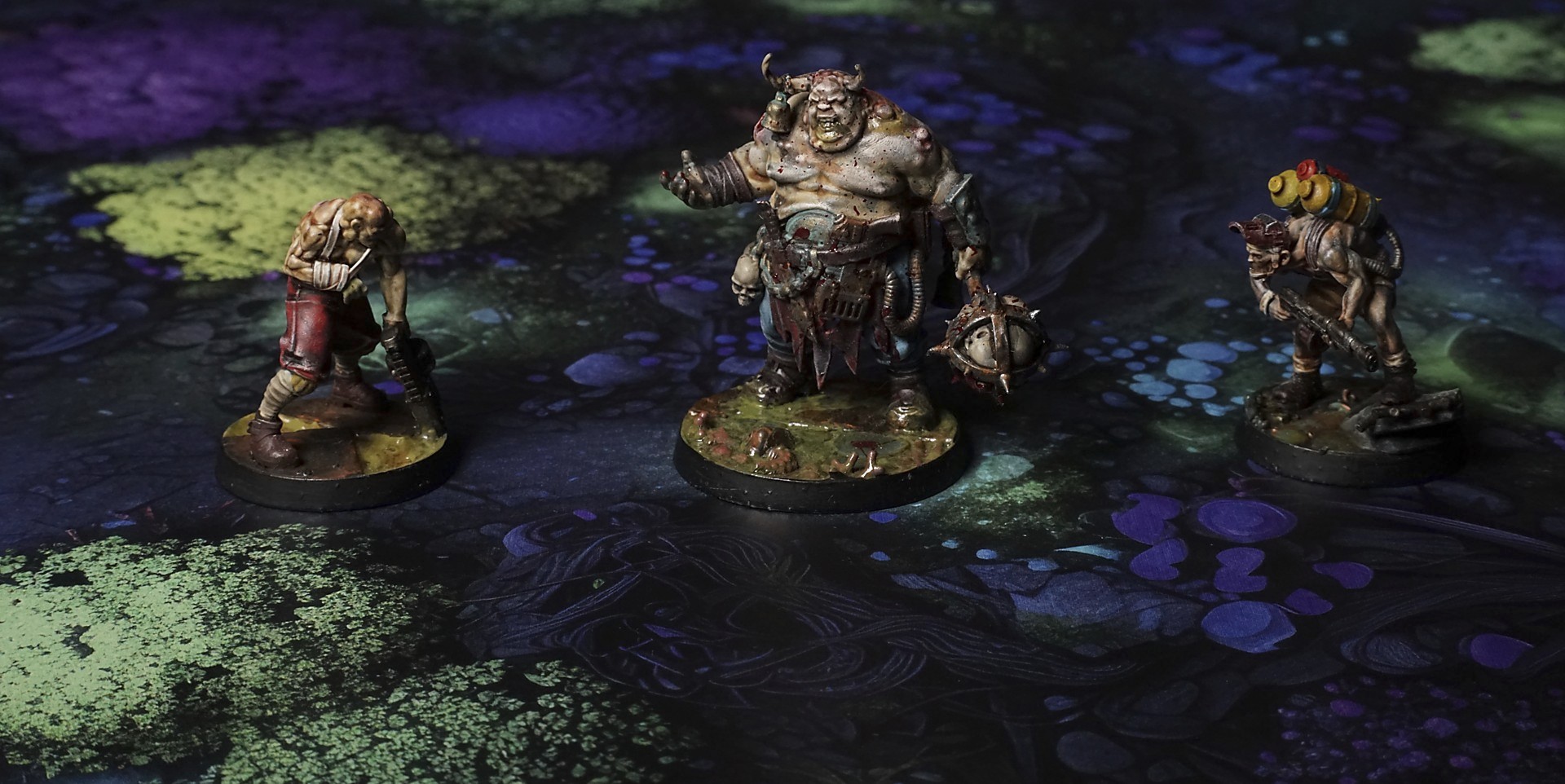
Set of 5x, 14x10.5in map related background for photos



How to use Backdrops:
- Backdrop upright on a stand, 5–30 cm behind the model.
- Lower the camera to model eye level.
- For action shots, raise the camera and include plenty of floor tile.
- Focus on the model; keep the background softly blurred.
- Hide edges: add models/terrain to break the floor tile boundary.
- Light model, not so much tile or background.
- Step back and zoom (50–85 mm equiv. or phone 2–3×) to avoid distortion.
- Add depth with occluders: place small elements front/behind and half way through frame edges.
- Test light colour, angles and heights.
- Dark room, one handheld light. Photo with timer let you position light easily.
- Brush light across the miniature to mimic sun/lamp/fire.