BUILD YOUR BATTLEFIELD
Trenches of Vimy Wargaming Mat
Roll-up or rigid tiles Sizes from 1×1 ft to 6×4 ft
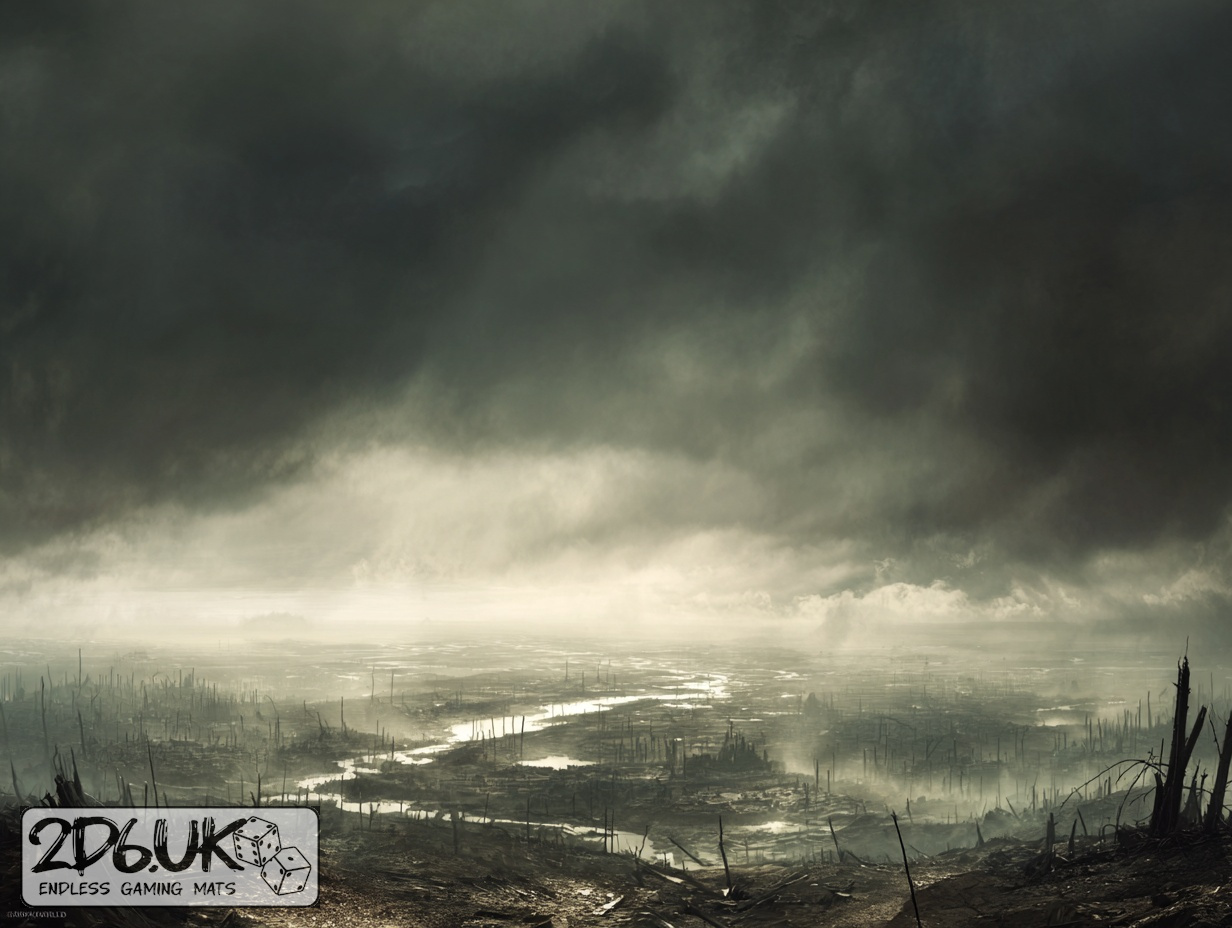
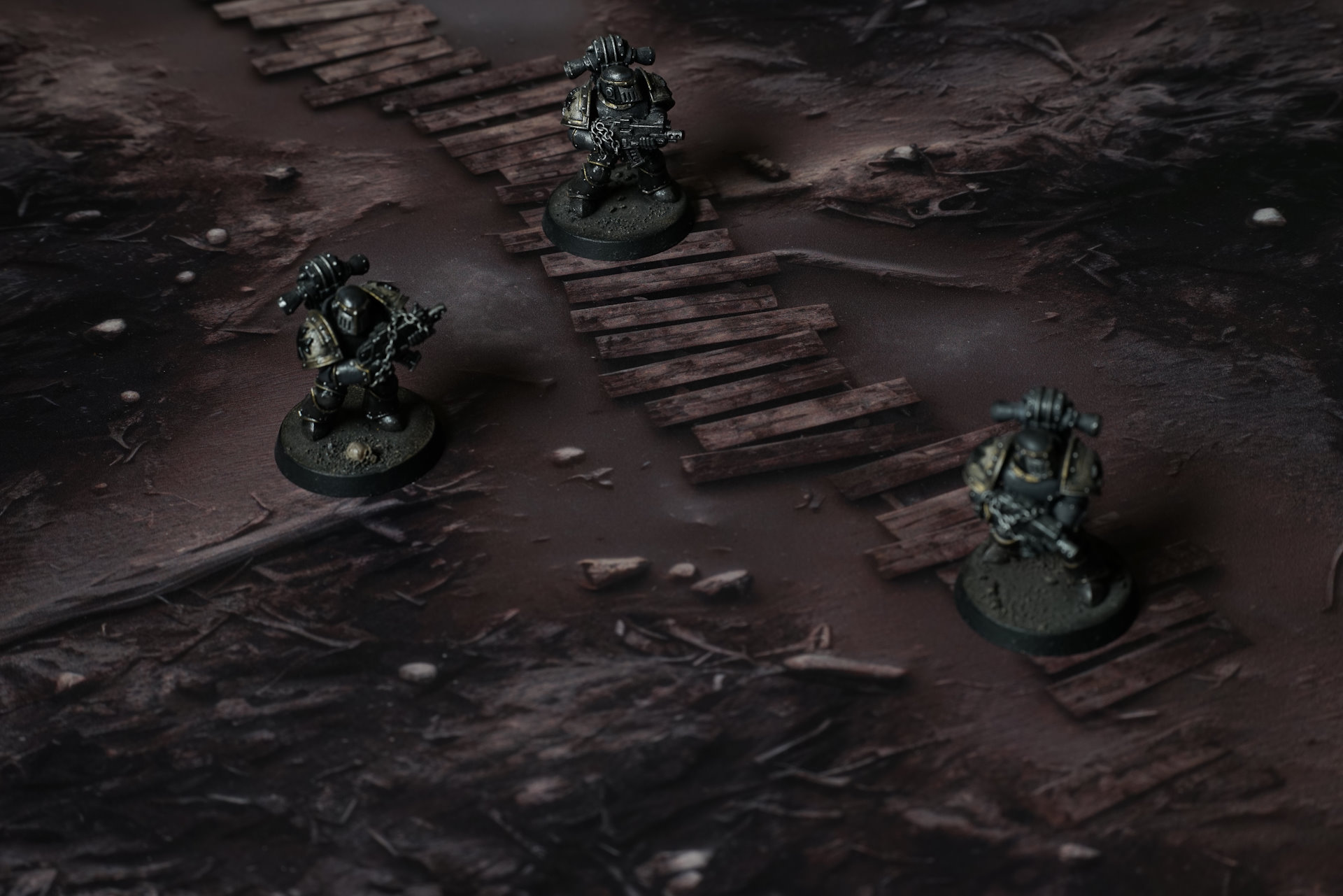
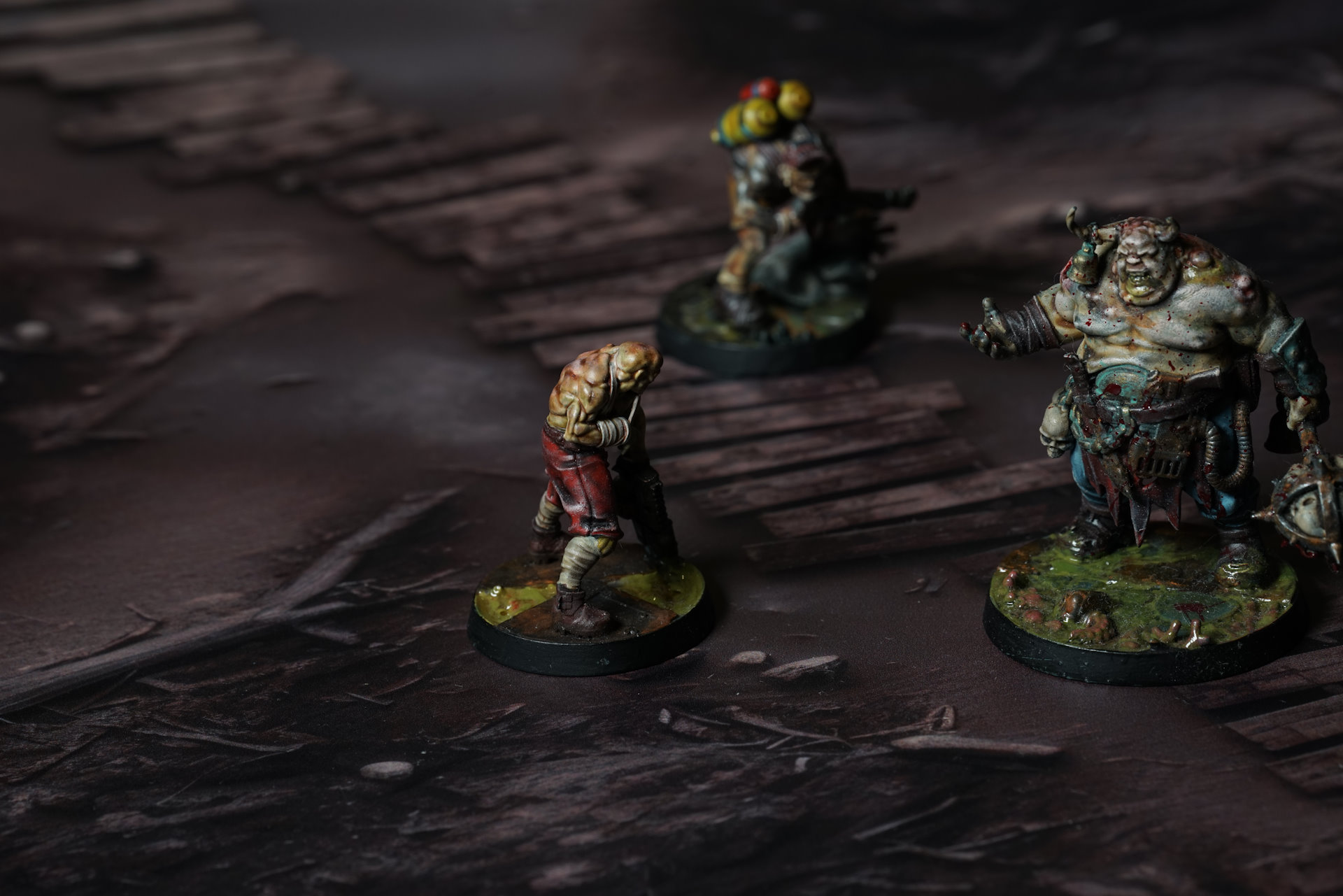
This mat depicts churned brown earth crossed by shallow flooded channels, with fallen timbers, exposed roots and scattered debris across the battlefield.
This design is available as a roll-up gaming mat or rigid tile set, with supported battlefield sizes ranging from compact 1×1 ft tables up to full-size 6×4 ft battlefields, including 2×2 ft, 3×3 ft, 4×4 ft and 45×60 in presets.


Trenches of Vimy Battle Mat
Underfoot: mud. Thick, heavy, rotting mud that’s been walked, bled, and shoveled until the ground forgot how to be ground. Each step sinks deep and comes back slow, with a wet pull like something trying to keep you. Boots vanish to the ankle. Sometimes deeper. The sludge is full of wreckage — snapped bone, shredded canvas, cracked plate, sagging devotional tin, pages of prayer melted into pulp. All pressed together until it became one colour. One smell.
The trench walls lean and slump, tired of holding shape. Sandbags have split along their seams and spilled dark water. Planks that were laid down to keep a path have drowned in the muck, swallowed and gone soft. Barbed wire drags low and half-buried across the route, coils of rust and hooked teeth. Some of it hums faintly. Some of it moves when nothing touches it.
Select material type for gaming mat
How to use the Mat Designer:
- Select tile size.
- Use the +/− controls next to “Rows” and “Columns” to adjust the map size.
- Click the Randomize button to reshuffle all tiles at once.
- Click a tile on the maps to select it, then click another tile to swap their positions.
- Or click an image in the preview gallery below the map to replace the selected tile on the map.
Tile or Graphic Size
Size Presets
Custom Logo Upload
Only PNG with transparent background. Max file size: 2 MB.
Note:
Recommended image size for 50x50mm logo is apx 500x500px
Unique preset code, copy and save it to regenerate the pattern in the future. Click on the code to paste new one.
Backdrops
Set of 5x, 14x10.5in map related background for photos



How to use Backdrops:
- Backdrop upright on a stand, 5–30 cm behind the model.
- Lower the camera to model eye level.
- For action shots, raise the camera and include plenty of floor tile.
- Focus on the model; keep the background softly blurred.
- Hide edges: add models/terrain to break the floor tile boundary.
- Light model, not so much tile or background.
- Step back and zoom (50–85 mm equiv. or phone 2–3×) to avoid distortion.
- Add depth with occluders: place small elements front/behind and half way through frame edges.
- Test light colour, angles and heights.
- Dark room, one handheld light. Photo with timer let you position light easily.
- Brush light across the miniature to mimic sun/lamp/fire.