BUILD YOUR BATTLEFIELD
Trenches of Somme Wargaming Mat
Roll-up or rigid tiles Sizes from 1×1 ft to 6×4 ft
This mat depicts dense, intersecting timber-lined trenches cutting through dark waterlogged mud, with cratered banks, standing water and broken wooden walkways.
This design is available as a roll-up gaming mat or rigid tile set, with supported battlefield sizes ranging from compact 1×1 ft tables up to full-size 6×4 ft battlefields, including 2×2 ft, 3×3 ft, 4×4 ft and 45×60 in presets.
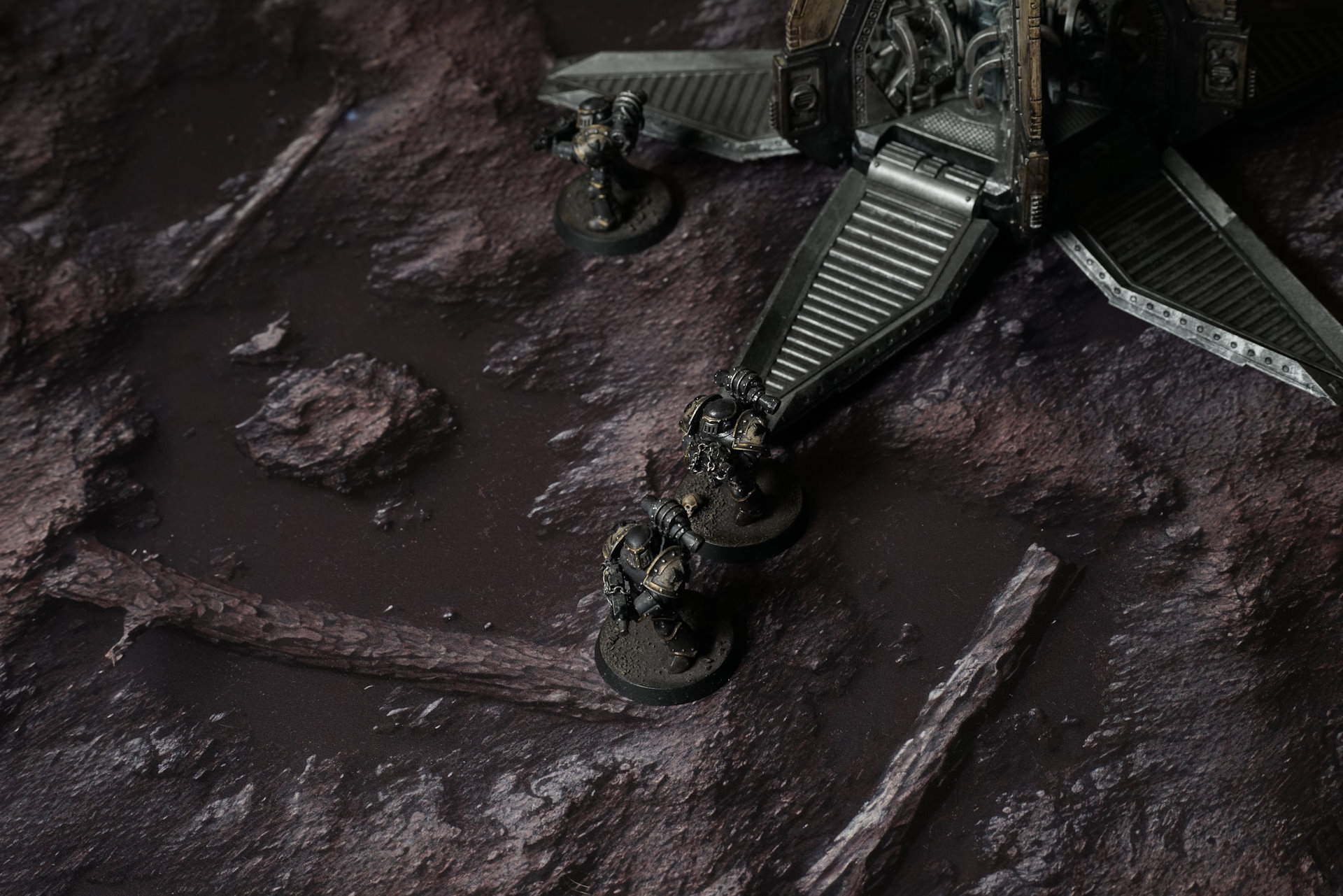


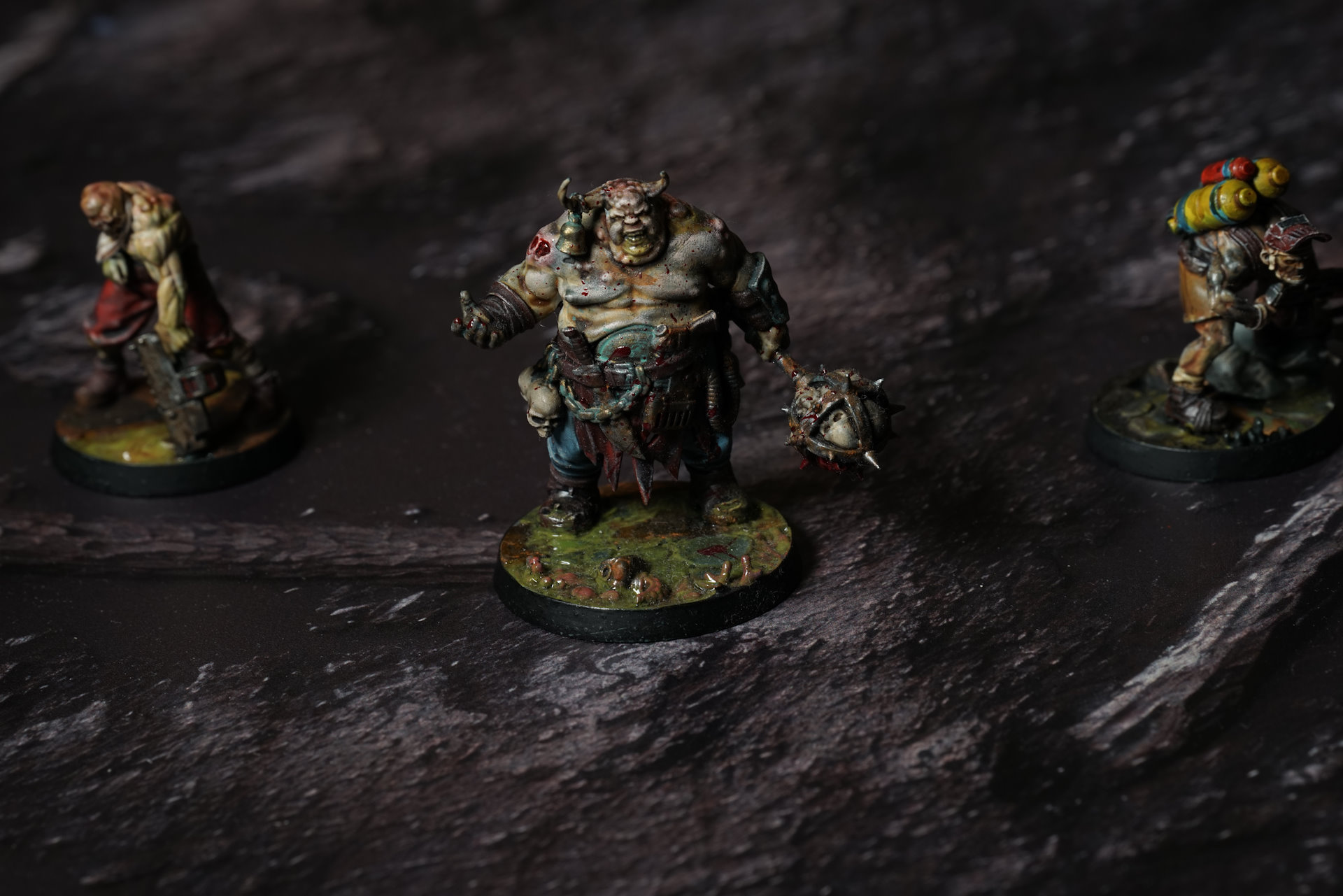
Trenches of Somme Battle Mat
The ground carries relics. Not buried deep — half-shown, half-sunk, waiting in the open like offerings no one came back to claim. A cracked mask with the lenses blown, staring up through a film of trench water. A torn purity seal, wax softened to rot, scripture washed to pale threads. A bolt casing wedged upright in the mud like a stubby brass candle. A jaw hinge with teeth still set. All of it laid out across the sludge, casual, familiar. Part of the landscape now.
Old faith lies here too, broken down to hardware. Iron devotional studs hammered into planking that’s already soft with moisture. Rusted chains carrying stamped icons of saints no one remembers by name anymore. Some of them have been stepped on so often they’ve flattened into the boards. Metal and wood fused together by weight and repetition. You don’t walk around them. You walk over them, like everyone before.
Select material type for gaming mat
How to use the Mat Designer:
- Select tile size.
- Use the +/− controls next to “Rows” and “Columns” to adjust the map size.
- Click the Randomize button to reshuffle all tiles at once.
- Click a tile on the maps to select it, then click another tile to swap their positions.
- Or click an image in the preview gallery below the map to replace the selected tile on the map.
Tile or Graphic Size
Size Presets
Custom Logo Upload
Only PNG with transparent background. Max file size: 2 MB.
Note:
Recommended image size for 50x50mm logo is apx 500x500px
Unique preset code, copy and save it to regenerate the pattern in the future. Click on the code to paste new one.
Backdrops
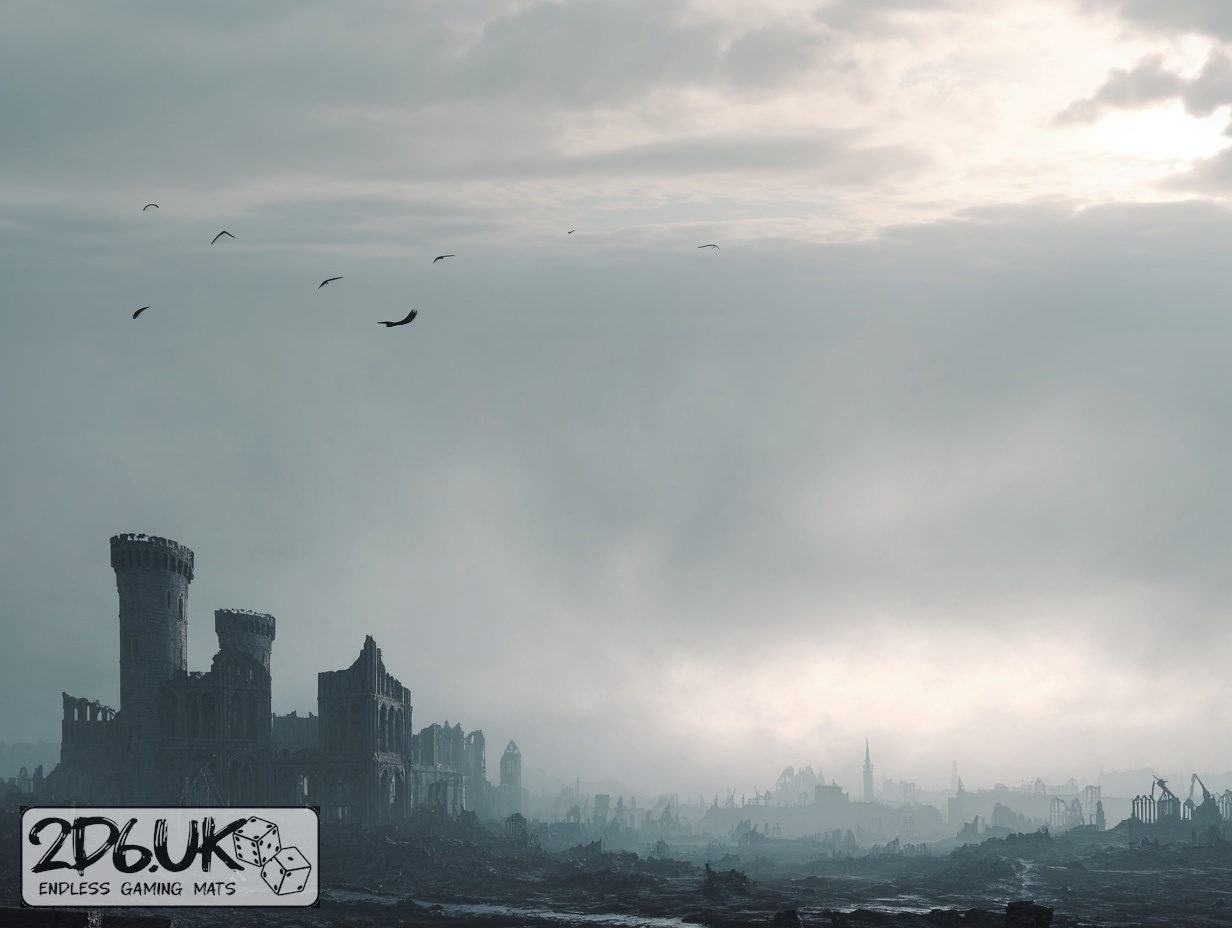
Set of 5x, 14x10.5in map related background for photos



How to use Backdrops:
- Backdrop upright on a stand, 5–30 cm behind the model.
- Lower the camera to model eye level.
- For action shots, raise the camera and include plenty of floor tile.
- Focus on the model; keep the background softly blurred.
- Hide edges: add models/terrain to break the floor tile boundary.
- Light model, not so much tile or background.
- Step back and zoom (50–85 mm equiv. or phone 2–3×) to avoid distortion.
- Add depth with occluders: place small elements front/behind and half way through frame edges.
- Test light colour, angles and heights.
- Dark room, one handheld light. Photo with timer let you position light easily.
- Brush light across the miniature to mimic sun/lamp/fire.