BUILD YOUR BATTLEFIELD
Trenches of Marne Wargaming Mat
Roll-up or rigid tiles Sizes from 1×1 ft to 6×4 ft
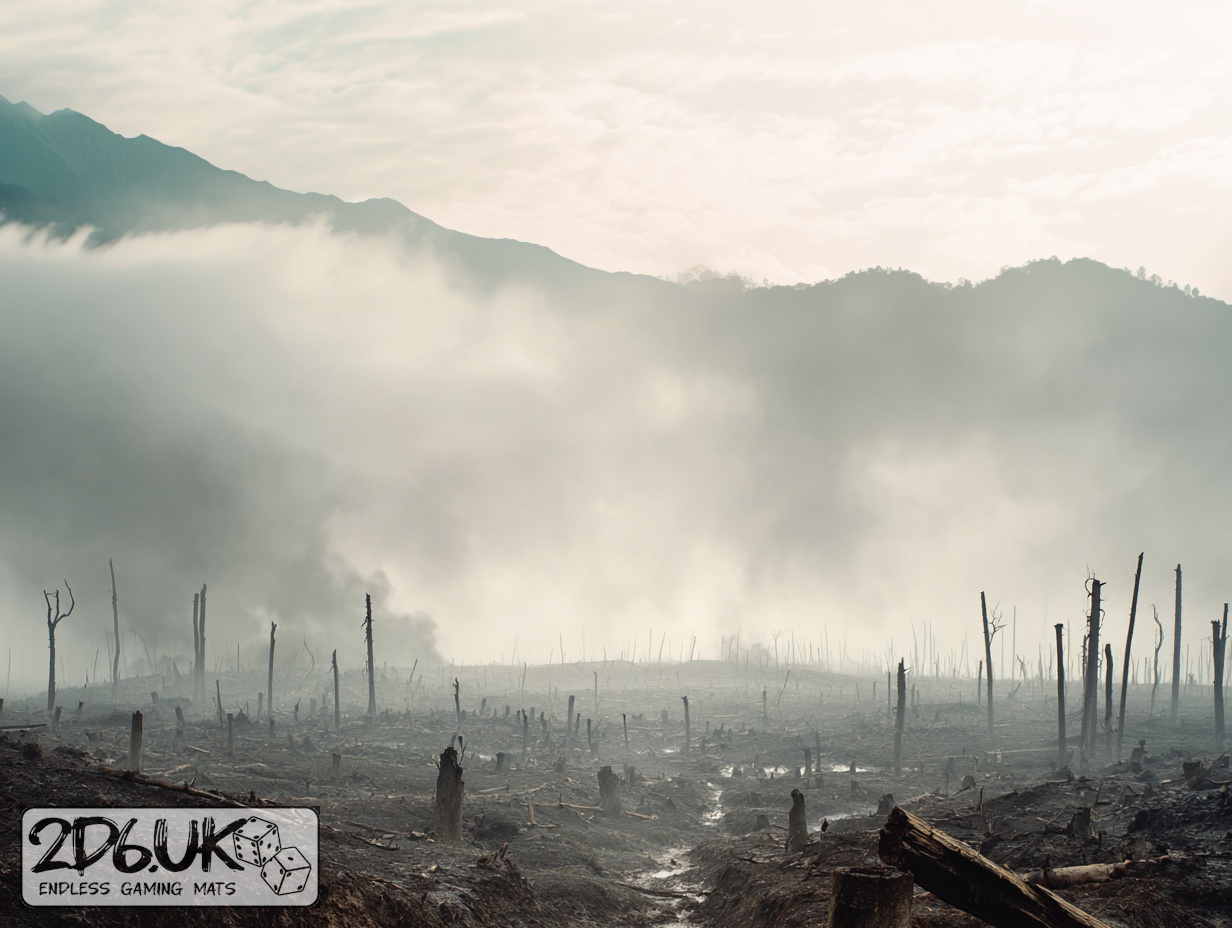
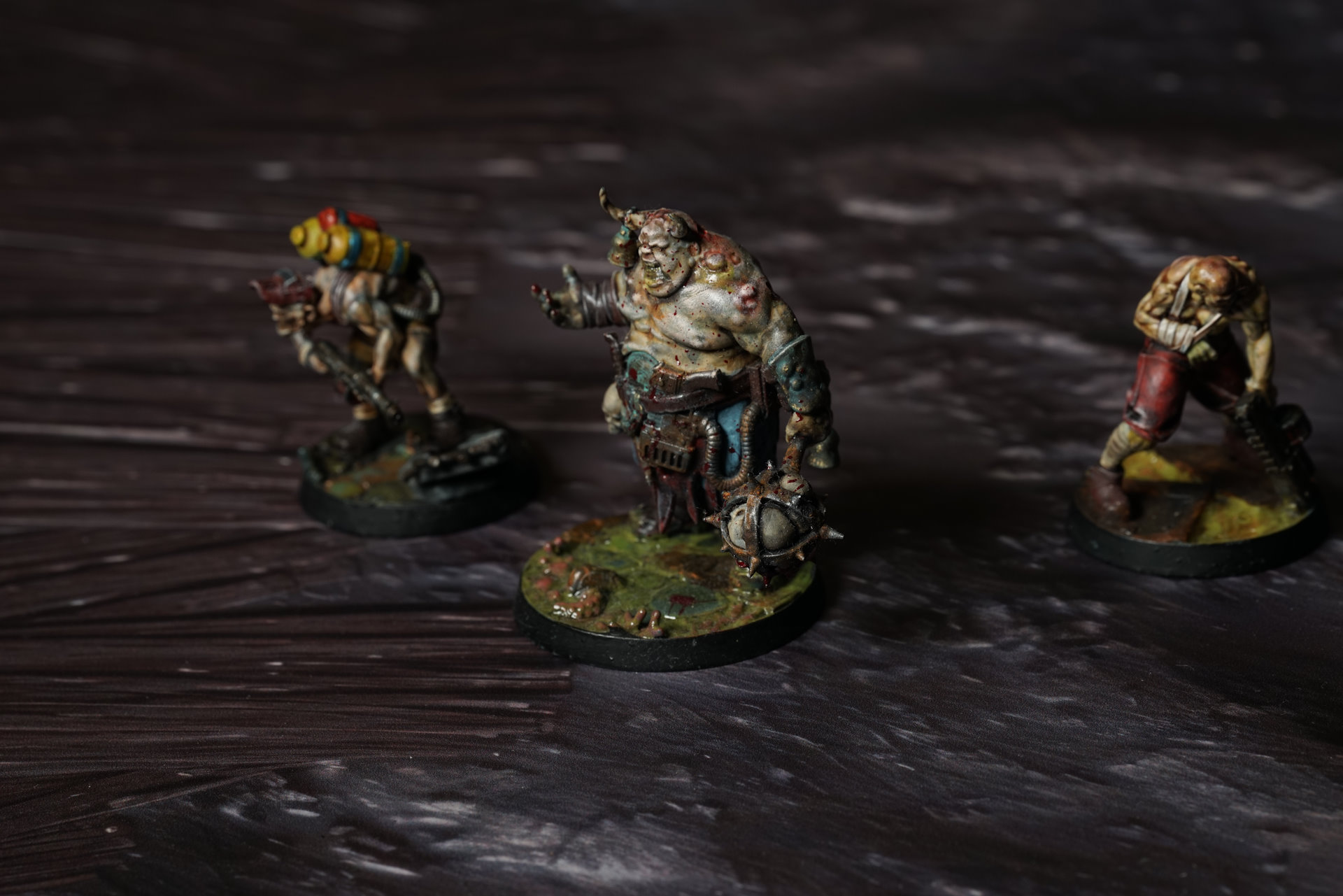
This mat depicts a churned, waterlogged battlefield with muddy shell craters, collapsed timber duckboards and scattered trench debris in a dark brown-grey palette.
This design is available as a roll-up gaming mat or rigid tile set, with supported battlefield sizes ranging from compact 1×1 ft tables up to full-size 6×4 ft battlefields, including 2×2 ft, 3×3 ft, 4×4 ft and 45×60 in presets.
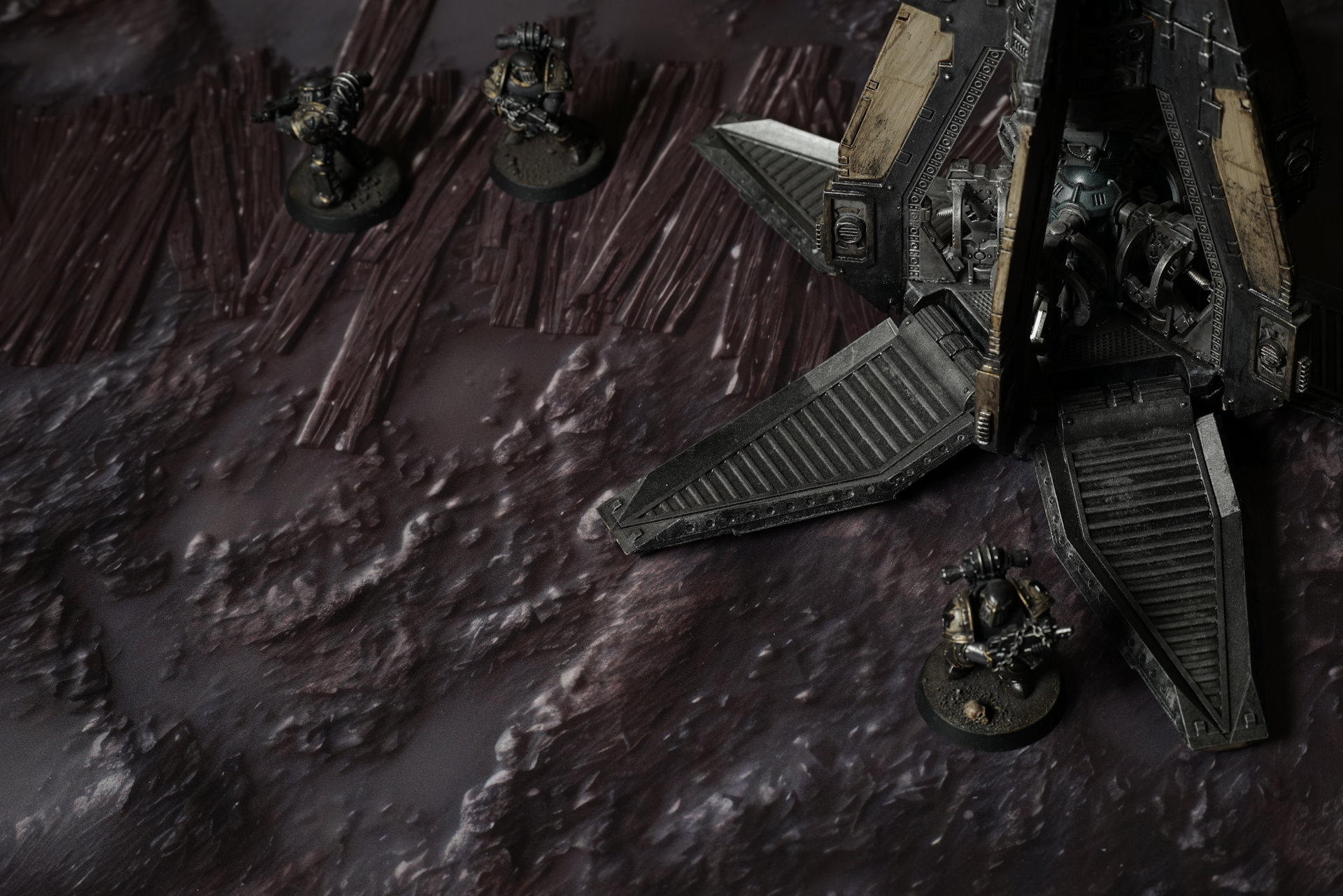
Trenches of Marne Battle Mat
The ground is thick and wet, stirred to a slow drag of mud that never fully settles. Every surface is filmed with it — boots, boards, prayer tabs, relic cases — all the same colour now. Brown gone almost black. Under each step, there’s that pull again, that sucking weight that feels like the trench itself is trying to keep you here. The mud doesn’t just swallow movement. It keeps what falls. Shredded robes. Bent plate. A hand once gloved, now just bone and wire. Everything sinks at its own pace.
The line is held together with faith and scrap in about equal measure. Planks lean against the trench walls, nailed in crooked, reinforced with armour plates torn off bodies and hammered flat. Over those plates: chalk scrawl, smeared ink, wax seals stuck on in clusters. Phrases cut in block letters. Oaths. Fragments of liturgy. Requests. Orders. Pleas. You can trace them with a finger and feel the groove of pressure, like whoever carved them was trying to get the words into the wood deep enough that the mud couldn’t wash them out.
Select material type for gaming mat
How to use the Mat Designer:
- Select tile size.
- Use the +/− controls next to “Rows” and “Columns” to adjust the map size.
- Click the Randomize button to reshuffle all tiles at once.
- Click a tile on the maps to select it, then click another tile to swap their positions.
- Or click an image in the preview gallery below the map to replace the selected tile on the map.
Tile or Graphic Size
Size Presets
Custom Logo Upload
Only PNG with transparent background. Max file size: 2 MB.
Note:
Recommended image size for 50x50mm logo is apx 500x500px
Unique preset code, copy and save it to regenerate the pattern in the future. Click on the code to paste new one.
Backdrops
Set of 5x, 14x10.5in map related background for photos



How to use Backdrops:
- Backdrop upright on a stand, 5–30 cm behind the model.
- Lower the camera to model eye level.
- For action shots, raise the camera and include plenty of floor tile.
- Focus on the model; keep the background softly blurred.
- Hide edges: add models/terrain to break the floor tile boundary.
- Light model, not so much tile or background.
- Step back and zoom (50–85 mm equiv. or phone 2–3×) to avoid distortion.
- Add depth with occluders: place small elements front/behind and half way through frame edges.
- Test light colour, angles and heights.
- Dark room, one handheld light. Photo with timer let you position light easily.
- Brush light across the miniature to mimic sun/lamp/fire.