BUILD YOUR BATTLEFIELD
The Warp Bloom Wargaming Mat
Roll-up or rigid tiles Sizes from 1×1 ft to 6×4 ft
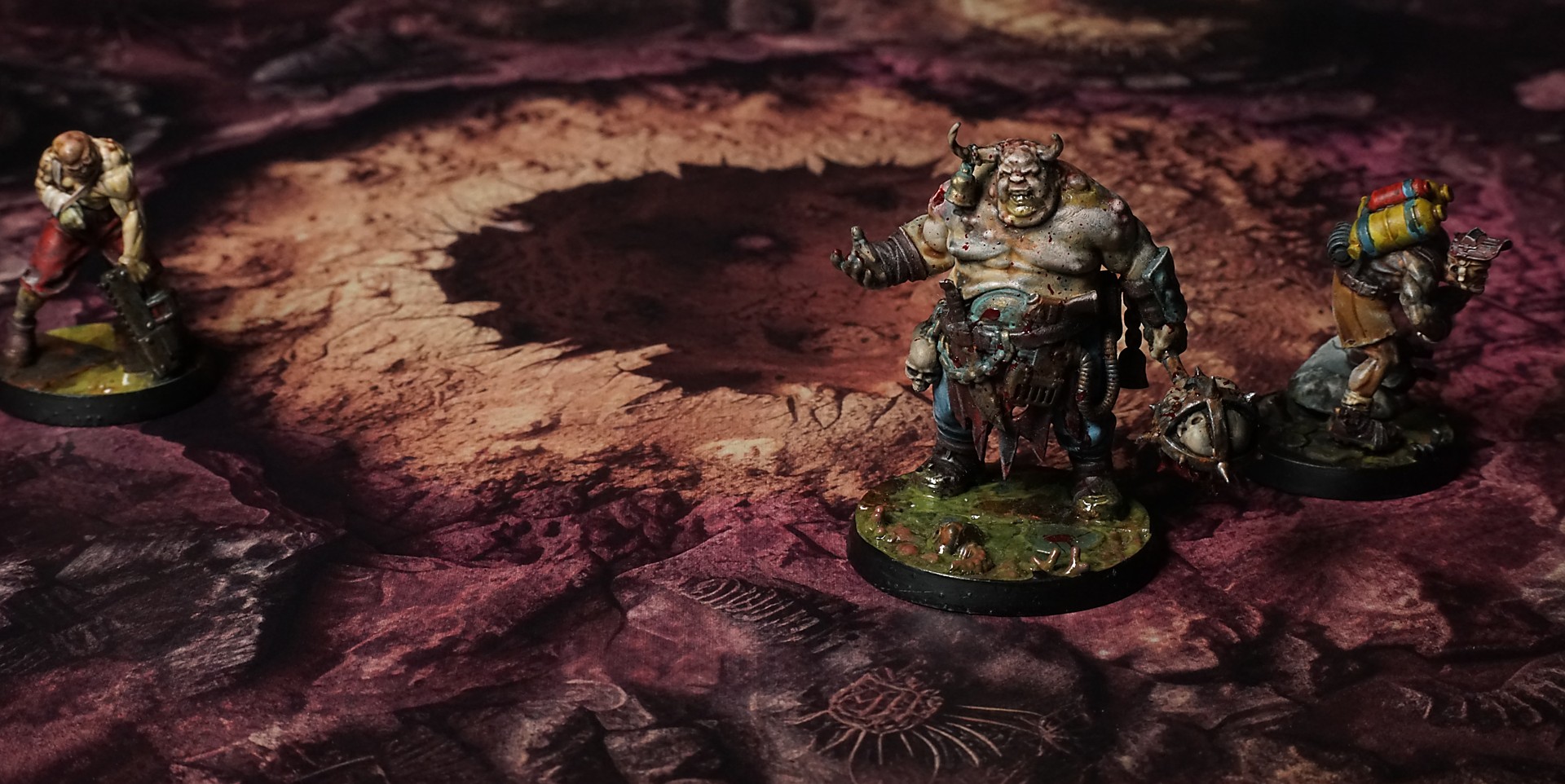
This mat shows clusters of spongy coral-like growths in magenta, rose pink, and mustard yellow rising from a plush crimson base. Rounded fungal blooms and spiky starburst pods dot the surface, while curled tendrils, pitted crusts, and drifting spore dust weave through cracks in this surreal, alien garden.
This design is available as a roll-up gaming mat or rigid tile set, with supported battlefield sizes ranging from compact 1×1 ft tables up to full-size 6×4 ft battlefields, including 2×2 ft, 3×3 ft, 4×4 ft and 45×60 in presets.
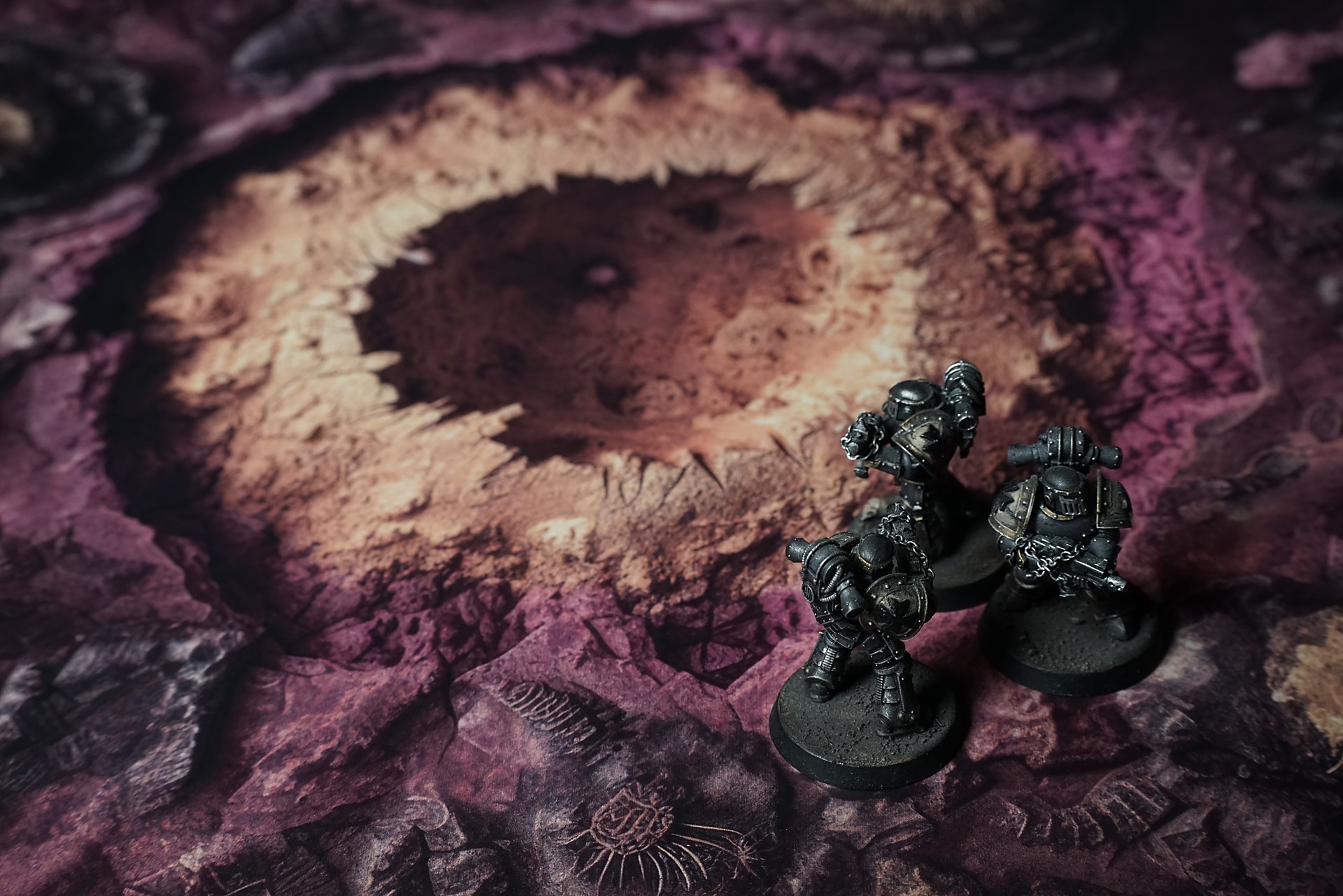
The Warp Bloom Battle Mat
I stumbled in, boots sinking into grass so plush it felt wrong—like velvet laid over quicksand. The flowers around me caught the sunlight and exploded into color: golden disks quivering, coral trumpets unfurling liquid vapors, indigo cups heavy with dew that smelled like spilled wine. My throat burned with thirst; when I tried to call out, my voice rasped like dry leaves.
I swallowed and staggered forward, breath shallow. One bloom brushed my arm—a gentle brush, soft as silk. It paused, then folded open to reveal a crown of glass-fine thorns. A drop of clear fluid formed on the tip and fell to my skin, ice-cold before it seared. Pain flared—sharp, electric—snapping me awake in a place I didn’t remember entering.
My hand closed around the hilt at my hip. I’d carried that blade through worse nightmares, but here it felt absurd—too heavy, too real. The flowers watched as I pivoted, their petals shifting, tightening into patterns that flickered like pupils. Every step my foot pressed into the grass, the blades rose, begging me to lie down, to let the warmth lull me under. I fought it, heart hammering.
Select material type for gaming mat
How to use the Mat Designer:
- Select tile size.
- Use the +/− controls next to “Rows” and “Columns” to adjust the map size.
- Click the Randomize button to reshuffle all tiles at once.
- Click a tile on the maps to select it, then click another tile to swap their positions.
- Or click an image in the preview gallery below the map to replace the selected tile on the map.
Tile or Graphic Size
Size Presets
Custom Logo Upload
Only PNG with transparent background. Max file size: 2 MB.
Note:
Recommended image size for 50x50mm logo is apx 500x500px
Unique preset code, copy and save it to regenerate the pattern in the future. Click on the code to paste new one.
Backdrops
Set of 5x, 14x10.5in map related background for photos



How to use Backdrops:
- Backdrop upright on a stand, 5–30 cm behind the model.
- Lower the camera to model eye level.
- For action shots, raise the camera and include plenty of floor tile.
- Focus on the model; keep the background softly blurred.
- Hide edges: add models/terrain to break the floor tile boundary.
- Light model, not so much tile or background.
- Step back and zoom (50–85 mm equiv. or phone 2–3×) to avoid distortion.
- Add depth with occluders: place small elements front/behind and half way through frame edges.
- Test light colour, angles and heights.
- Dark room, one handheld light. Photo with timer let you position light easily.
- Brush light across the miniature to mimic sun/lamp/fire.