BUILD YOUR BATTLEFIELD
The Starlight Verge Wargaming Mat
Roll-up or rigid tiles Sizes from 1×1 ft to 6×4 ft
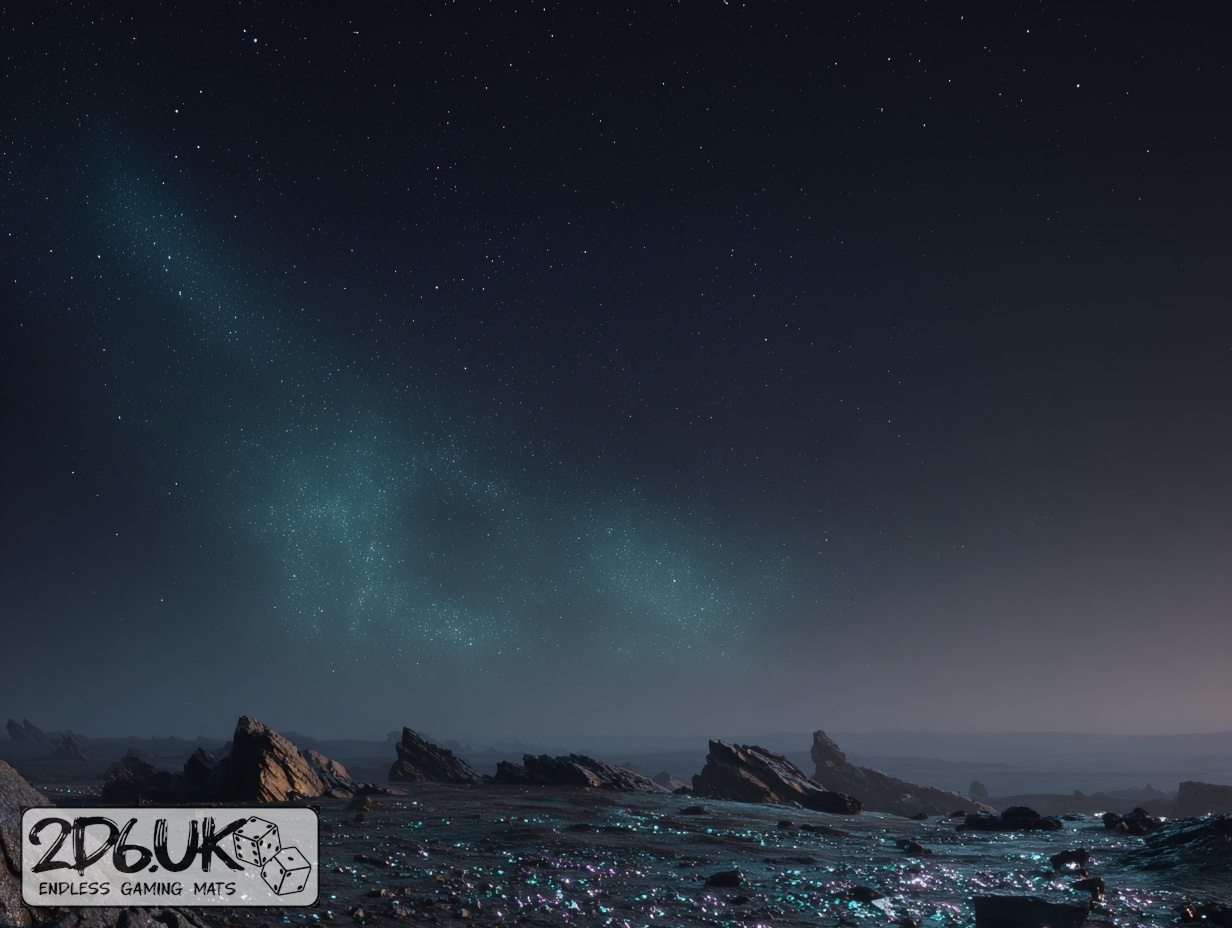
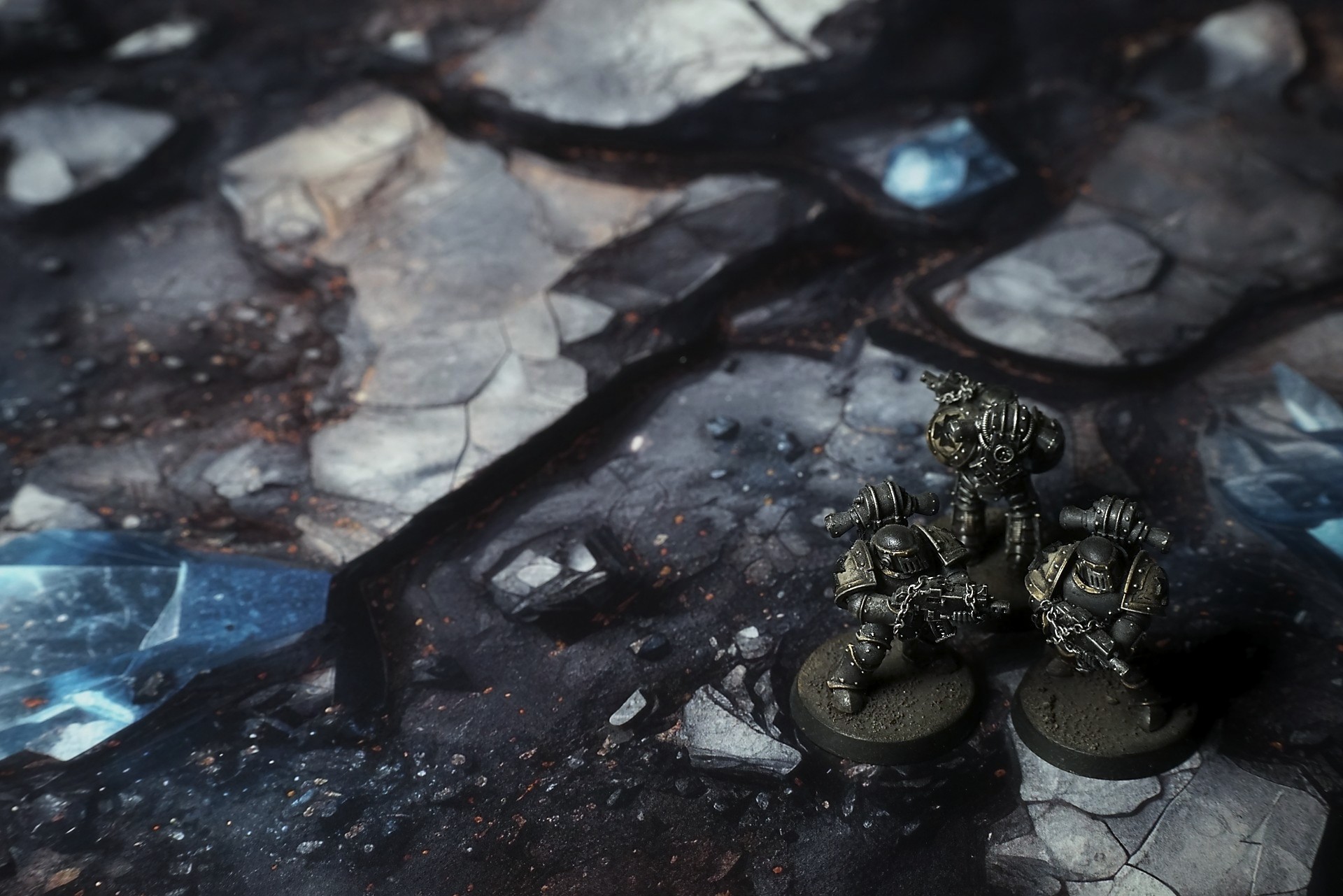
This mat shows a charred ground scattered with jagged silvery rock shards and smaller debris. Deep fissures glow with pale teal light, pooling into misty hollows. Flecks of violet and white sparkle like distant stars against the soot-dark surface, blending alien glow with lunar ruin.
This design is available as a roll-up gaming mat or rigid tile set, with supported battlefield sizes ranging from compact 1×1 ft tables up to full-size 6×4 ft battlefields, including 2×2 ft, 3×3 ft, 4×4 ft and 45×60 in presets.
The Starlight Verge Battle Mat
I woke to the hiss of my own breathing, boots sinking into dust as black as coal. Moonlight—or whatever passes for moonlight here—caught on the edges of a shard at my feet. It winked a colour I didn’t recognize, like a star I’d never charted.
“Galen,” I whispered into the comm earpiece. Nothing answered but my own echo.
Every step crunched, and the plain shifted in soft waves beneath me. I pressed my hand to a crystal pillar—cold, impossibly smooth—and felt the ground tremble in reply. A faint thrum, like a heartbeat trapped in stone.
Ahead, half-buried glass towers leaned together, tracing impossible angles. I leaned in close; the facets danced with patterns I thought were constellations until they slipped and revealed stars that didn’t belong. My pulse jumped. If the sky above lied, what guarantee did I have of earth below?
Select material type for gaming mat
How to use the Mat Designer:
- Select tile size.
- Use the +/− controls next to “Rows” and “Columns” to adjust the map size.
- Click the Randomize button to reshuffle all tiles at once.
- Click a tile on the maps to select it, then click another tile to swap their positions.
- Or click an image in the preview gallery below the map to replace the selected tile on the map.
Tile or Graphic Size
Size Presets
Custom Logo Upload
Only PNG with transparent background. Max file size: 2 MB.
Note:
Recommended image size for 50x50mm logo is apx 500x500px
Unique preset code, copy and save it to regenerate the pattern in the future. Click on the code to paste new one.
Backdrops
Set of 5x, 14x10.5in map related background for photos



How to use Backdrops:
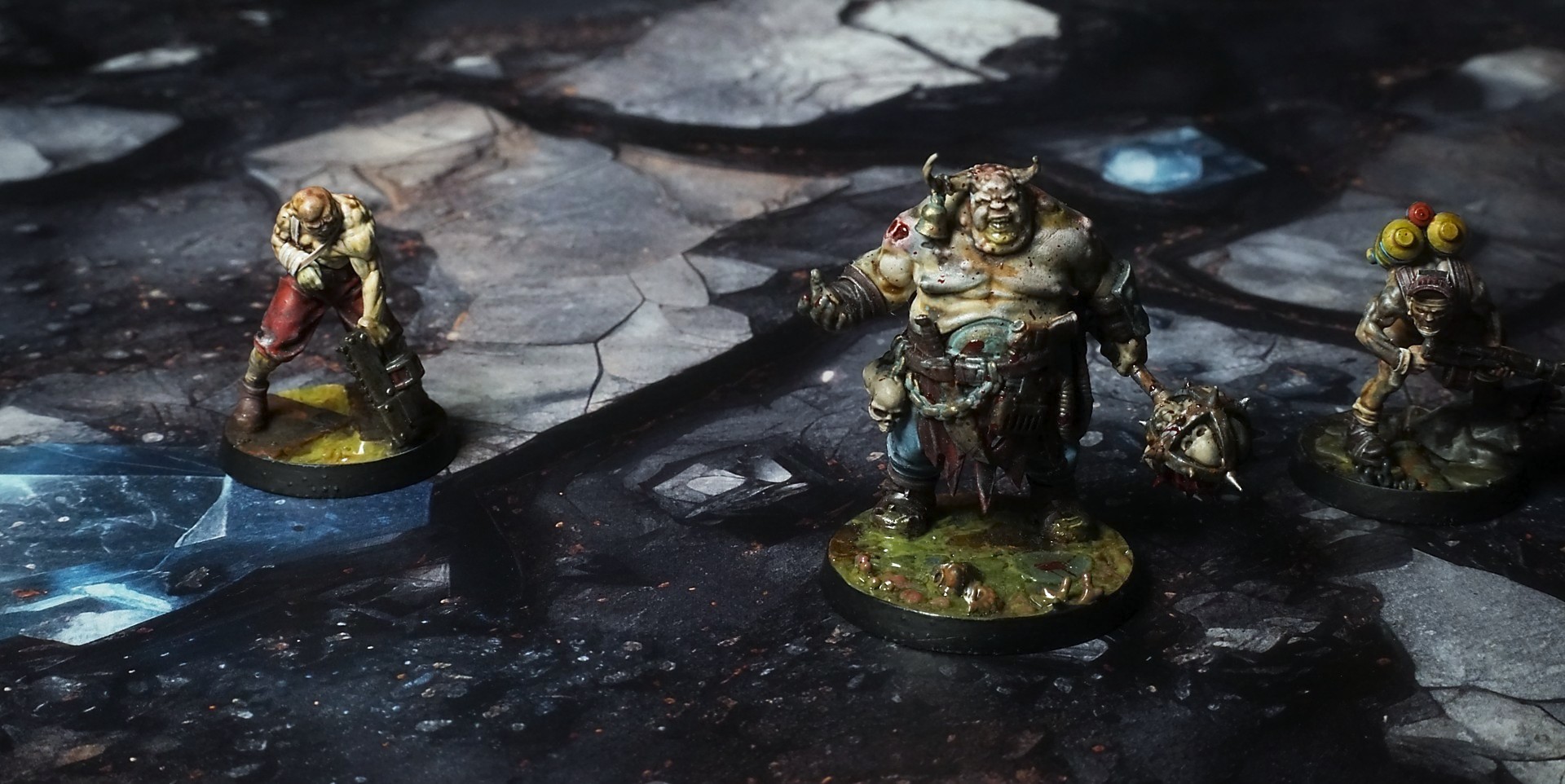
- Backdrop upright on a stand, 5–30 cm behind the model.
- Lower the camera to model eye level.
- For action shots, raise the camera and include plenty of floor tile.
- Focus on the model; keep the background softly blurred.
- Hide edges: add models/terrain to break the floor tile boundary.
- Light model, not so much tile or background.
- Step back and zoom (50–85 mm equiv. or phone 2–3×) to avoid distortion.
- Add depth with occluders: place small elements front/behind and half way through frame edges.
- Test light colour, angles and heights.
- Dark room, one handheld light. Photo with timer let you position light easily.
- Brush light across the miniature to mimic sun/lamp/fire.