BUILD YOUR BATTLEFIELD
The Prism Vale Wargaming Mat
Roll-up or rigid tiles Sizes from 1×1 ft to 6×4 ft
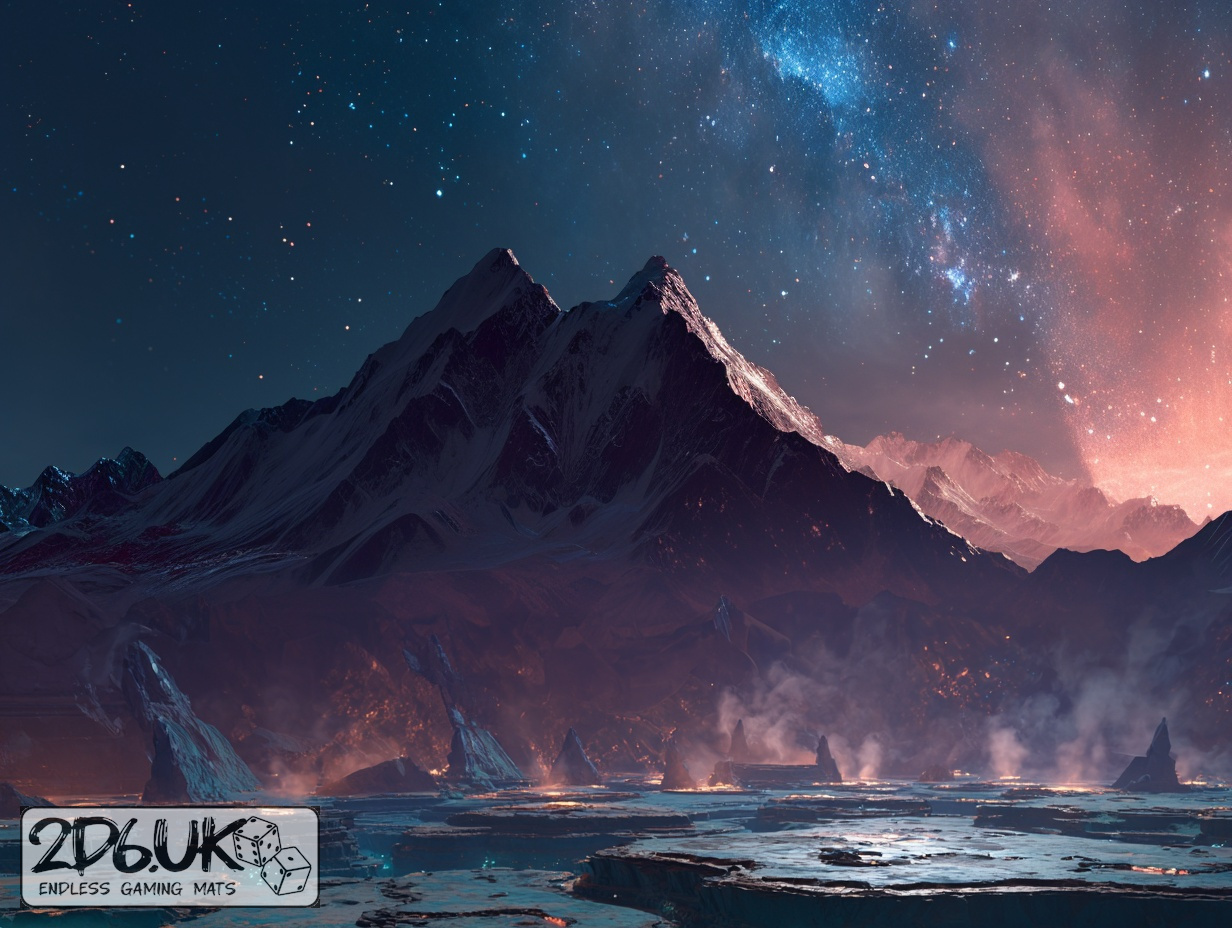
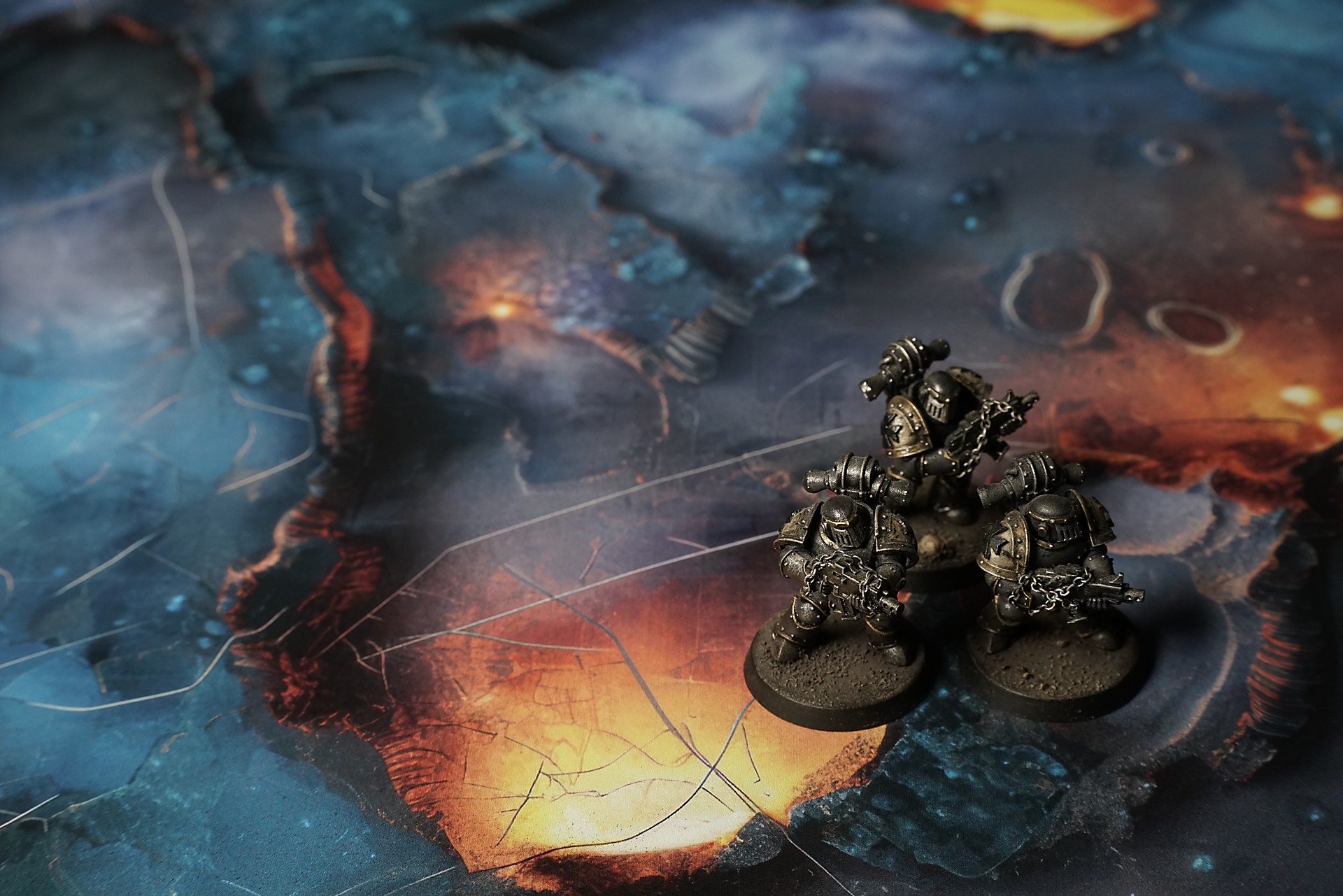
This mat shows shimmering teal pools edged by jagged ridges of rusted bronze. Soft gray mist drifts across fractured expanses, while thin silver striations and glowing amber patches accent raised plateaus. Cool and warm hues merge into a fractured crystal landscape.
This design is available as a roll-up gaming mat or rigid tile set, with supported battlefield sizes ranging from compact 1×1 ft tables up to full-size 6×4 ft battlefields, including 2×2 ft, 3×3 ft, 4×4 ft and 45×60 in presets.

The Prism Vale Battle Mat
[iThey told us the “Reef” was a fossilized bio-construct—no ghosts, no gods. Just ancient engineering gone brittle, a place where biology had fused with crystal under pressure and time. That didn’t make the sound any easier to swallow when it started.
The first step in was a sharp note—clear, ringing, like a dropped metal plate. The crystal beneath my boots flexed the way a bridge does when too much weight shifts too fast: subtle, then a tremor running up through the soles, a vibration that set teeth on edge. Light from the embedded worm-cores caught in the hairline fractures and flared, white and fierce, as if the structure was reacting to the sudden load. Kess froze, hand on the survey rig, her breath shallow in the headset. “You hear that?” she hissed. “It’s not echoing us. It’s… adjusting.”
The “silent equations” in the grooves weren’t some mystic script. They were stress differentials—microscopic shifts in the lattice showing load paths, cracks propagating that only someone with a trained eye could read. When I angled my shadow over one of them, the light along the fracture changed. It wasn’t a whisper from the past; it was the crystal’s internal strain response to my movement.
Select material type for gaming mat
How to use the Mat Designer:
- Select tile size.
- Use the +/− controls next to “Rows” and “Columns” to adjust the map size.
- Click the Randomize button to reshuffle all tiles at once.
- Click a tile on the maps to select it, then click another tile to swap their positions.
- Or click an image in the preview gallery below the map to replace the selected tile on the map.
Tile or Graphic Size
Size Presets
Custom Logo Upload
Only PNG with transparent background. Max file size: 2 MB.
Note:
Recommended image size for 50x50mm logo is apx 500x500px
Unique preset code, copy and save it to regenerate the pattern in the future. Click on the code to paste new one.
Backdrops
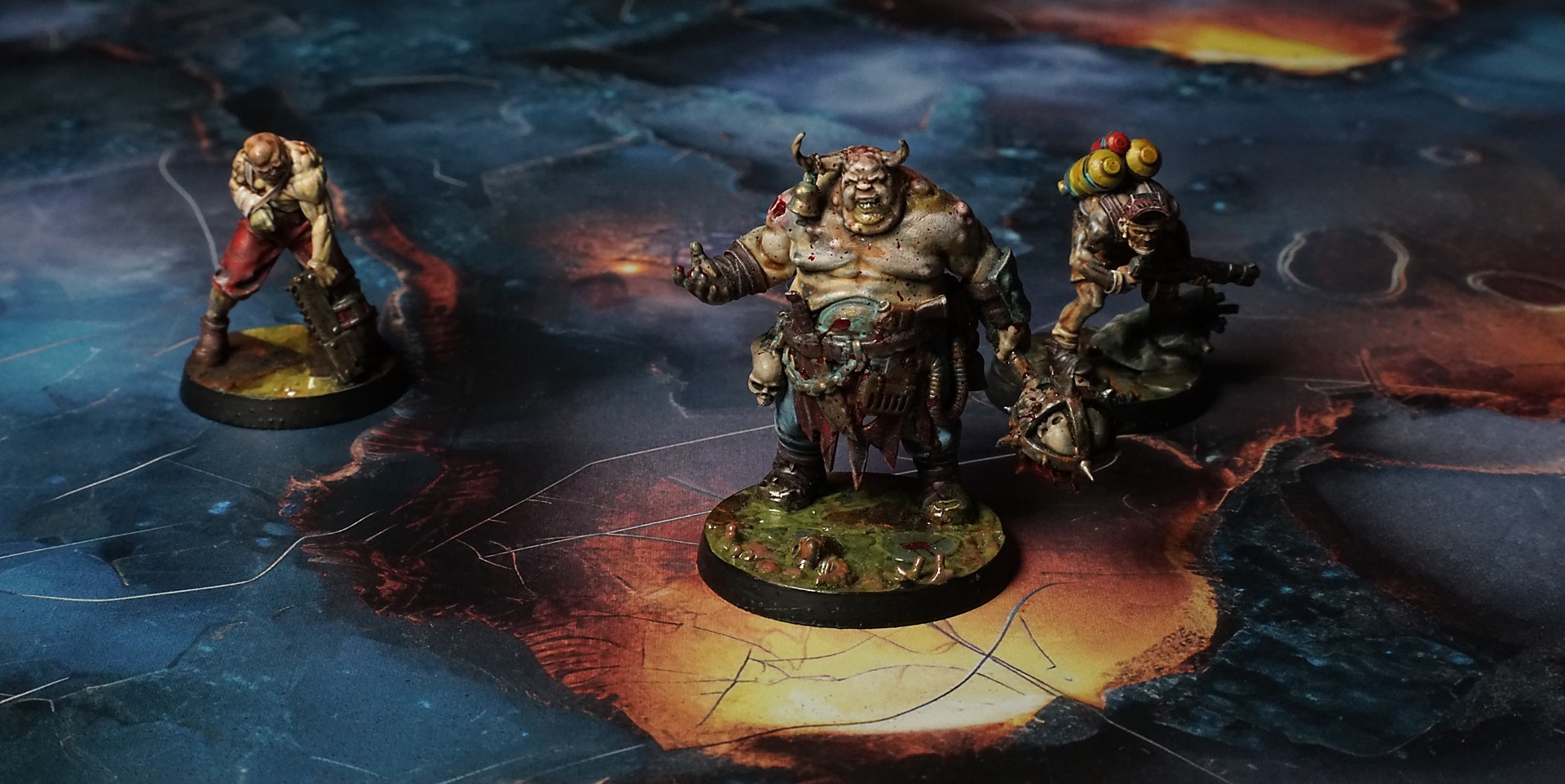
Set of 5x, 14x10.5in map related background for photos



How to use Backdrops:
- Backdrop upright on a stand, 5–30 cm behind the model.
- Lower the camera to model eye level.
- For action shots, raise the camera and include plenty of floor tile.
- Focus on the model; keep the background softly blurred.
- Hide edges: add models/terrain to break the floor tile boundary.
- Light model, not so much tile or background.
- Step back and zoom (50–85 mm equiv. or phone 2–3×) to avoid distortion.
- Add depth with occluders: place small elements front/behind and half way through frame edges.
- Test light colour, angles and heights.
- Dark room, one handheld light. Photo with timer let you position light easily.
- Brush light across the miniature to mimic sun/lamp/fire.