BUILD YOUR BATTLEFIELD
The Glistening Rift Wargaming Mat
Roll-up or rigid tiles Sizes from 1×1 ft to 6×4 ft
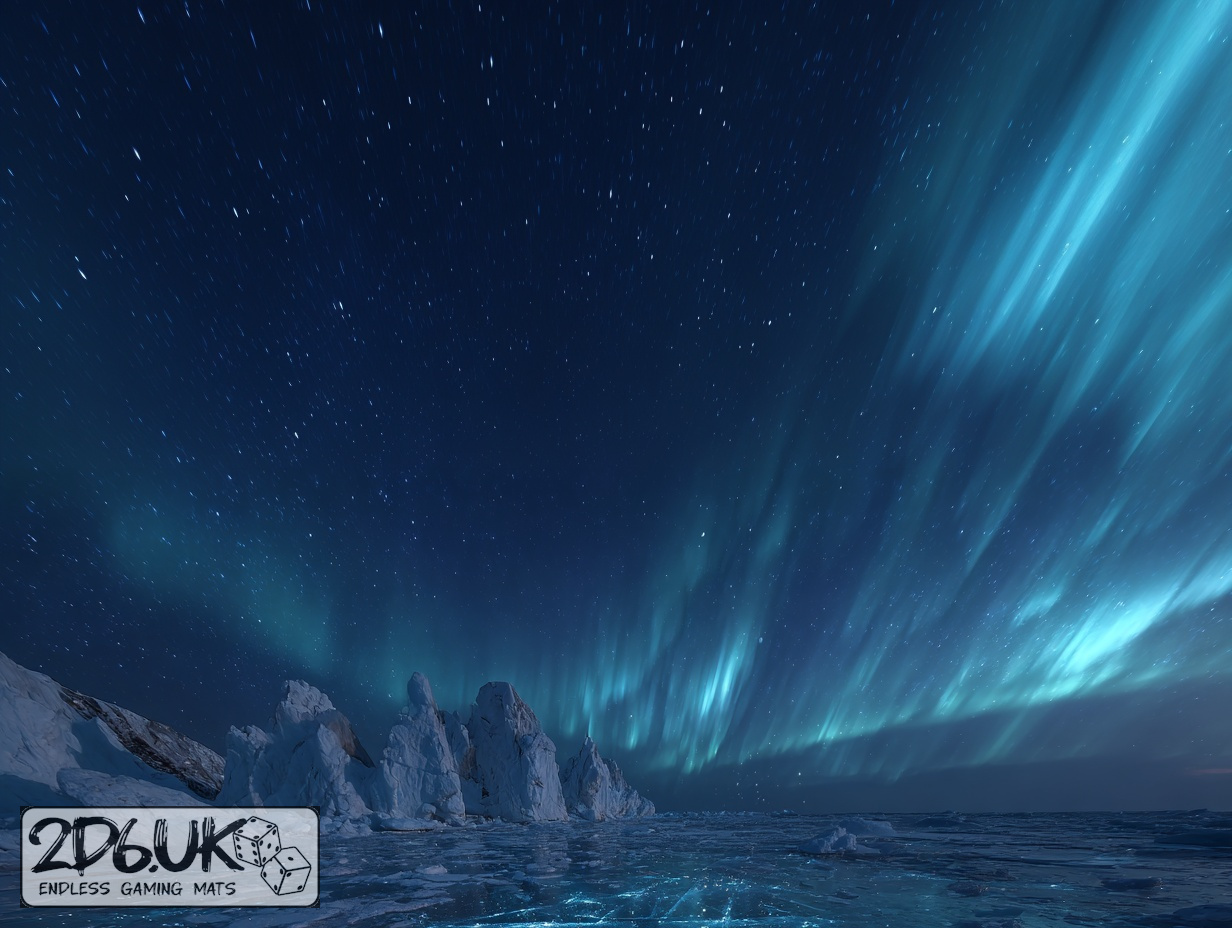
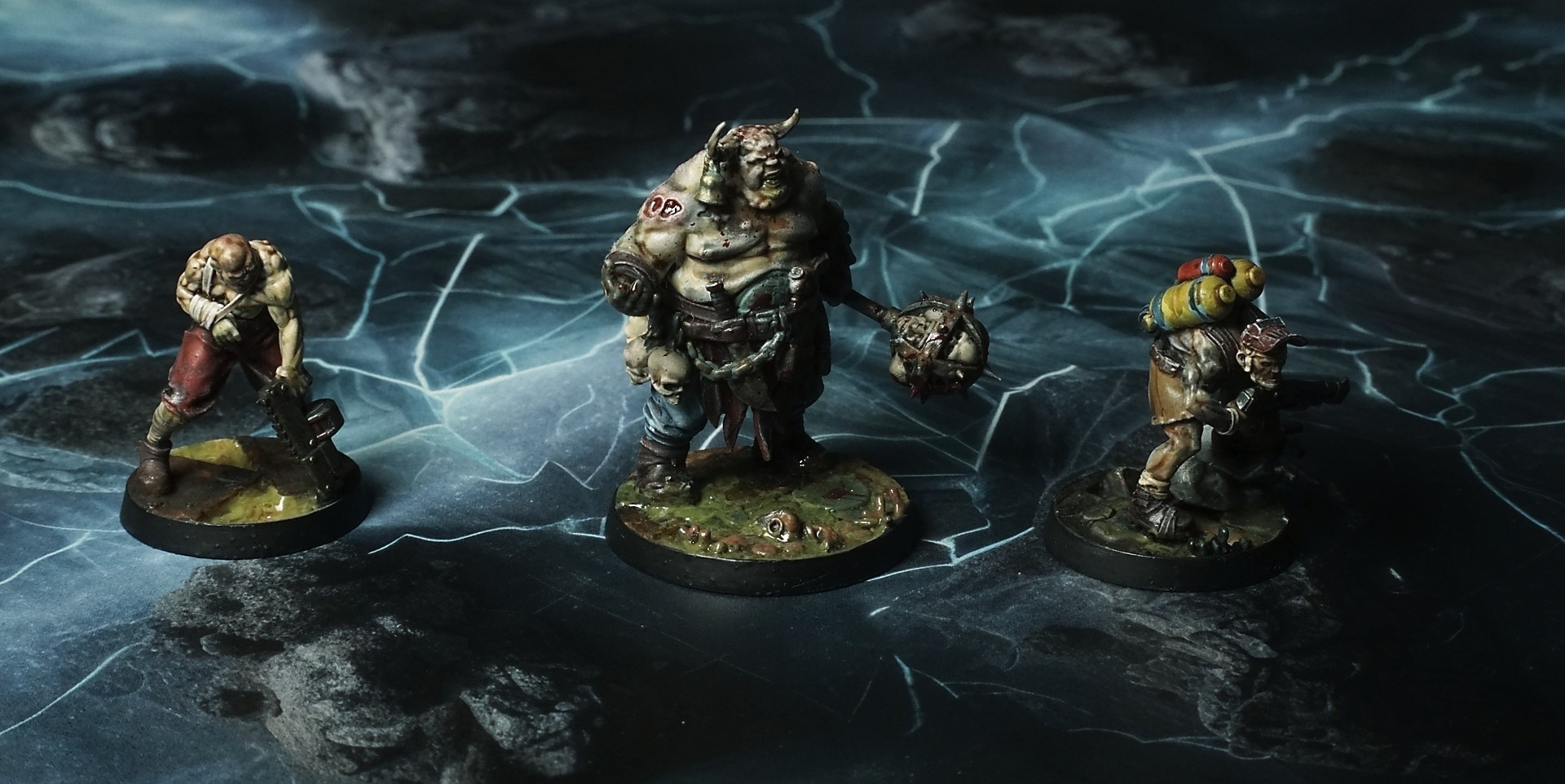
This mat shows translucent ice sheets veined with pale teal crystals, frozen over dark basalt boulders pushing through the surface. Jagged stone tips pierce the glassy layer, while frost shards collect around cracks, blending smooth ice and rugged rock.
This design is available as a roll-up gaming mat or rigid tile set, with supported battlefield sizes ranging from compact 1×1 ft tables up to full-size 6×4 ft battlefields, including 2×2 ft, 3×3 ft, 4×4 ft and 45×60 in presets.
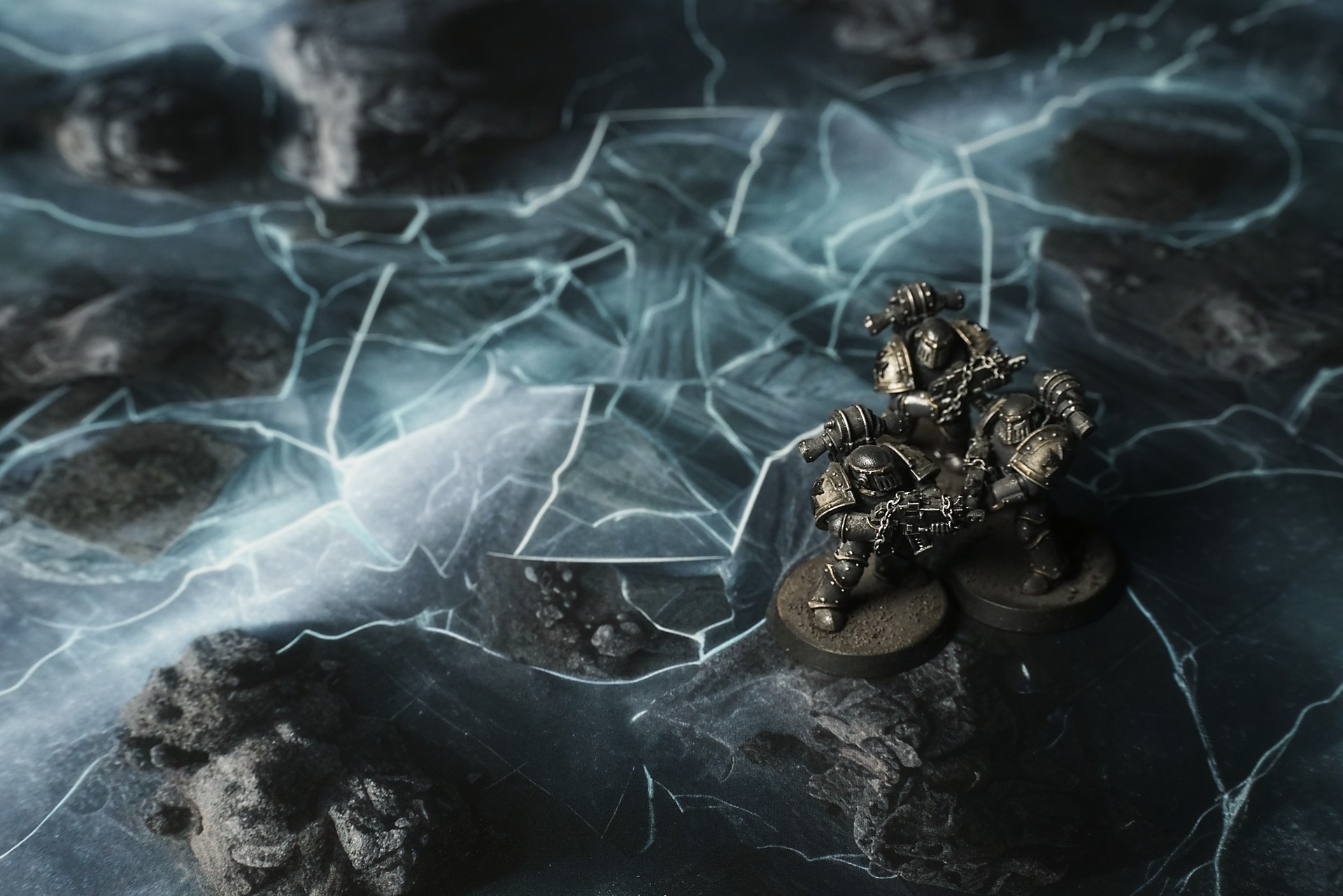
The Glistening Rift Battle Mat
It wasn’t noise so much as a held note—something caught between breath and break—and the old relay had echoed it like a plea. The plate lay ahead, a thousand feet of ice, bruised and bright, so still it felt like a held breath. We moved onto it with the care of people who read the mat and heard the warning: boots didn’t sink, they chimed. Each step sang thin, brittle notes that traveled, hung, and answered back. The fracture near the center caught my eye first—light bent around it like it was trying to push itself through. Up close it wasn’t a crack. It was a face, stretched and frozen in a silent howl. I wanted to touch it. I didn’t.
Jara was the one who found the glow below. She crawled flat, headset whispering that something under the ice pulsed in time with the soft vibration running through the whole sheet. “It’s not heat,” she said. “It’s pressure. It’s… waiting.” Her breath fogged, and for a second the fog didn’t disperse. It hung shaped, like a ghost caught between breaths, then flared and dissolved as the ice answered with a low groan—reminding itself to hold.
Select material type for gaming mat
How to use the Mat Designer:
- Select tile size.
- Use the +/− controls next to “Rows” and “Columns” to adjust the map size.
- Click the Randomize button to reshuffle all tiles at once.
- Click a tile on the maps to select it, then click another tile to swap their positions.
- Or click an image in the preview gallery below the map to replace the selected tile on the map.
Tile or Graphic Size
Size Presets
Custom Logo Upload
Only PNG with transparent background. Max file size: 2 MB.
Note:
Recommended image size for 50x50mm logo is apx 500x500px
Unique preset code, copy and save it to regenerate the pattern in the future. Click on the code to paste new one.
Backdrops
Set of 5x, 14x10.5in map related background for photos



How to use Backdrops:
- Backdrop upright on a stand, 5–30 cm behind the model.
- Lower the camera to model eye level.
- For action shots, raise the camera and include plenty of floor tile.
- Focus on the model; keep the background softly blurred.
- Hide edges: add models/terrain to break the floor tile boundary.
- Light model, not so much tile or background.
- Step back and zoom (50–85 mm equiv. or phone 2–3×) to avoid distortion.
- Add depth with occluders: place small elements front/behind and half way through frame edges.
- Test light colour, angles and heights.
- Dark room, one handheld light. Photo with timer let you position light easily.
- Brush light across the miniature to mimic sun/lamp/fire.