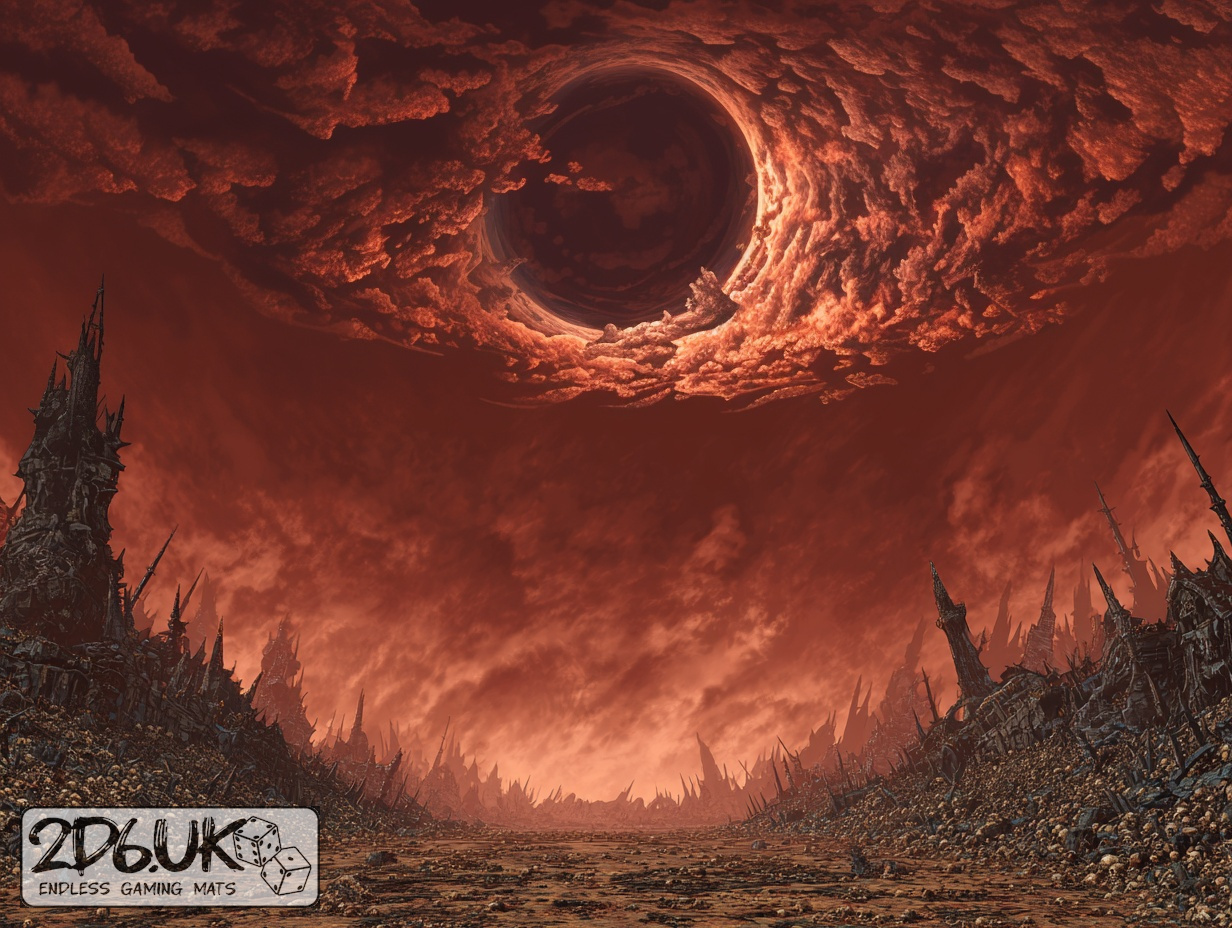
BUILD YOUR BATTLEFIELD
The Butcher’s Span Wargaming Mat
Roll-up or rigid tiles Sizes from 1×1 ft to 6×4 ft
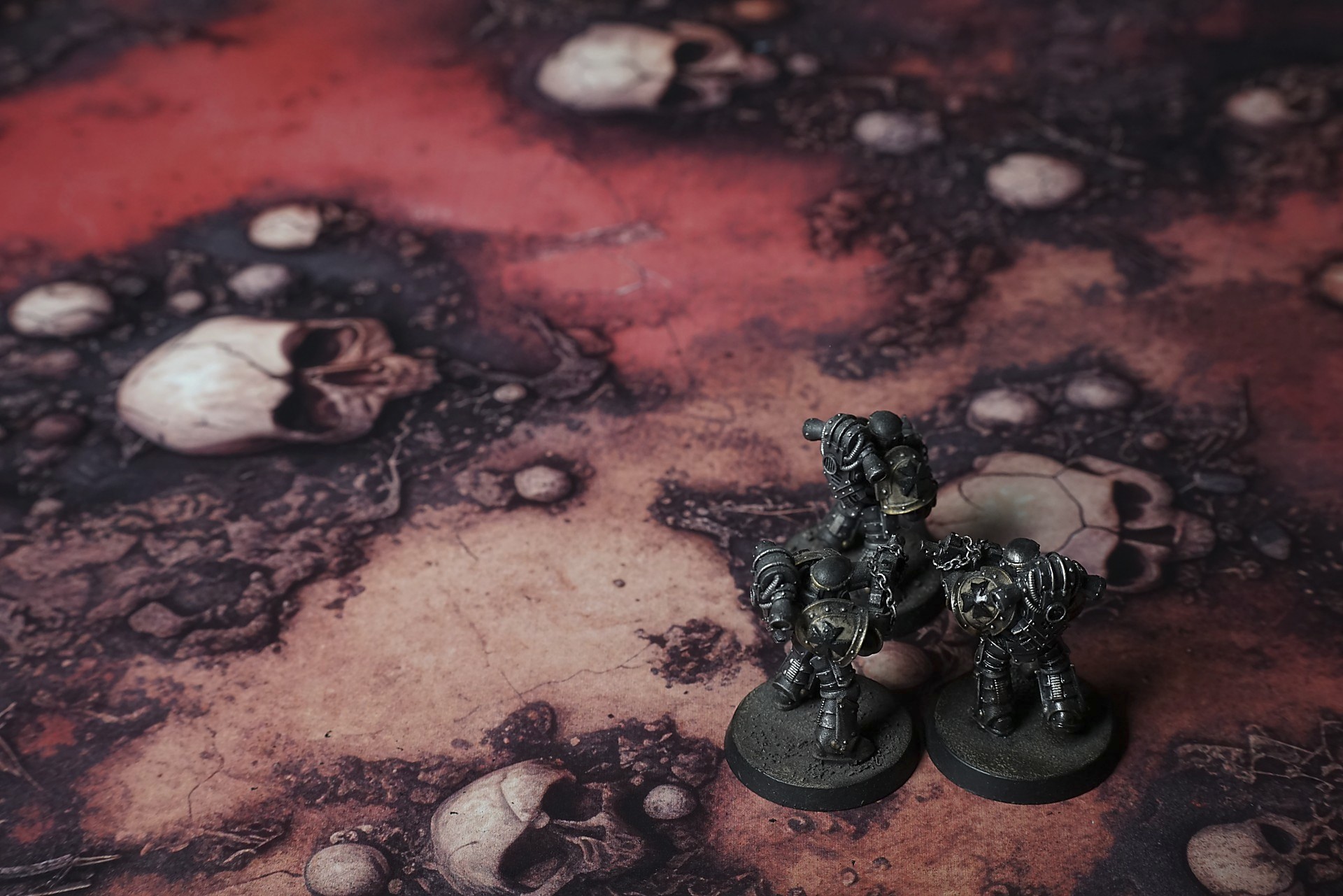
This mat shows a blood-red streak cutting through dark, scorched earth scattered with weathered skulls and bone fragments. Rusty brown soil fills the gaps, while clusters of bleached craniums lend a grim texture. The contrast of vivid red and charred black creates a macabre tableau.
This design is available as a roll-up gaming mat or rigid tile set, with supported battlefield sizes ranging from compact 1×1 ft tables up to full-size 6×4 ft battlefields, including 2×2 ft, 3×3 ft, 4×4 ft and 45×60 in presets.
The Butcher’s Span Battle Mat
They came at dawn’s edge, the sun a bruised wound on the horizon. Mara led the way, boots sliding in red sand that snapped like ground glass. Every step uncovered new bone—giant skulls half-buried where children’s jaws once lay. She paused to catch her breath, the copper tang stinging her lips. Around her, the dunes shifted, swallowing prints before dawn had fully broken.
Behind her, Toma knelt by a fist-sized cranium, fingertips brushing the worn ivory. It clicked—a dry, echoing snap—and he jumped back, heart pounding. The wind had shifted, stirring a hollow hymn through empty eye sockets. “Keep moving,” he rasped, voice trembling. But the desert pressed in, as if hungry for their fear.
They climbed the first ridge of fused skulls—ancient ramparts polished by sand and ash. Toma’s throat went dry, each breath tasting faintly of bone dust. Above them, the air shimmered in bloody waves, heat rolling so close they could almost touch it. Mara kept her eyes fixed forward, the promise of solid ground driving her onward.
Select material type for gaming mat
How to use the Mat Designer:
- Select tile size.
- Use the +/− controls next to “Rows” and “Columns” to adjust the map size.
- Click the Randomize button to reshuffle all tiles at once.
- Click a tile on the maps to select it, then click another tile to swap their positions.
- Or click an image in the preview gallery below the map to replace the selected tile on the map.
Tile or Graphic Size
Size Presets
Custom Logo Upload
Only PNG with transparent background. Max file size: 2 MB.
Note:
Recommended image size for 50x50mm logo is apx 500x500px
Unique preset code, copy and save it to regenerate the pattern in the future. Click on the code to paste new one.
Backdrops
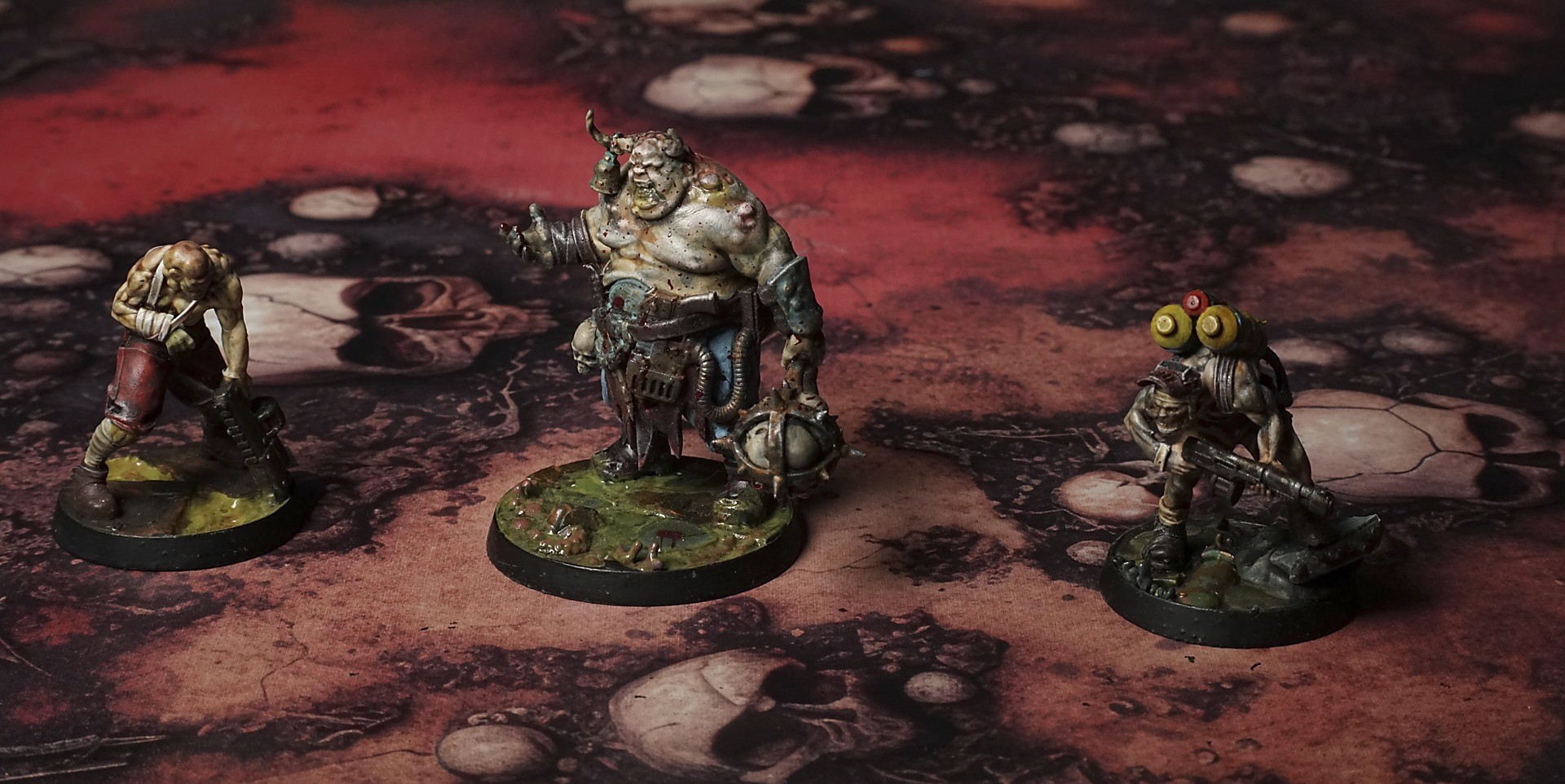
Set of 5x, 14x10.5in map related background for photos



How to use Backdrops:
- Backdrop upright on a stand, 5–30 cm behind the model.
- Lower the camera to model eye level.
- For action shots, raise the camera and include plenty of floor tile.
- Focus on the model; keep the background softly blurred.
- Hide edges: add models/terrain to break the floor tile boundary.
- Light model, not so much tile or background.
- Step back and zoom (50–85 mm equiv. or phone 2–3×) to avoid distortion.
- Add depth with occluders: place small elements front/behind and half way through frame edges.
- Test light colour, angles and heights.
- Dark room, one handheld light. Photo with timer let you position light easily.
- Brush light across the miniature to mimic sun/lamp/fire.