BUILD YOUR BATTLEFIELD
The Burnt Crossings Wargaming Mat
Roll-up or rigid tiles Sizes from 1×1 ft to 6×4 ft
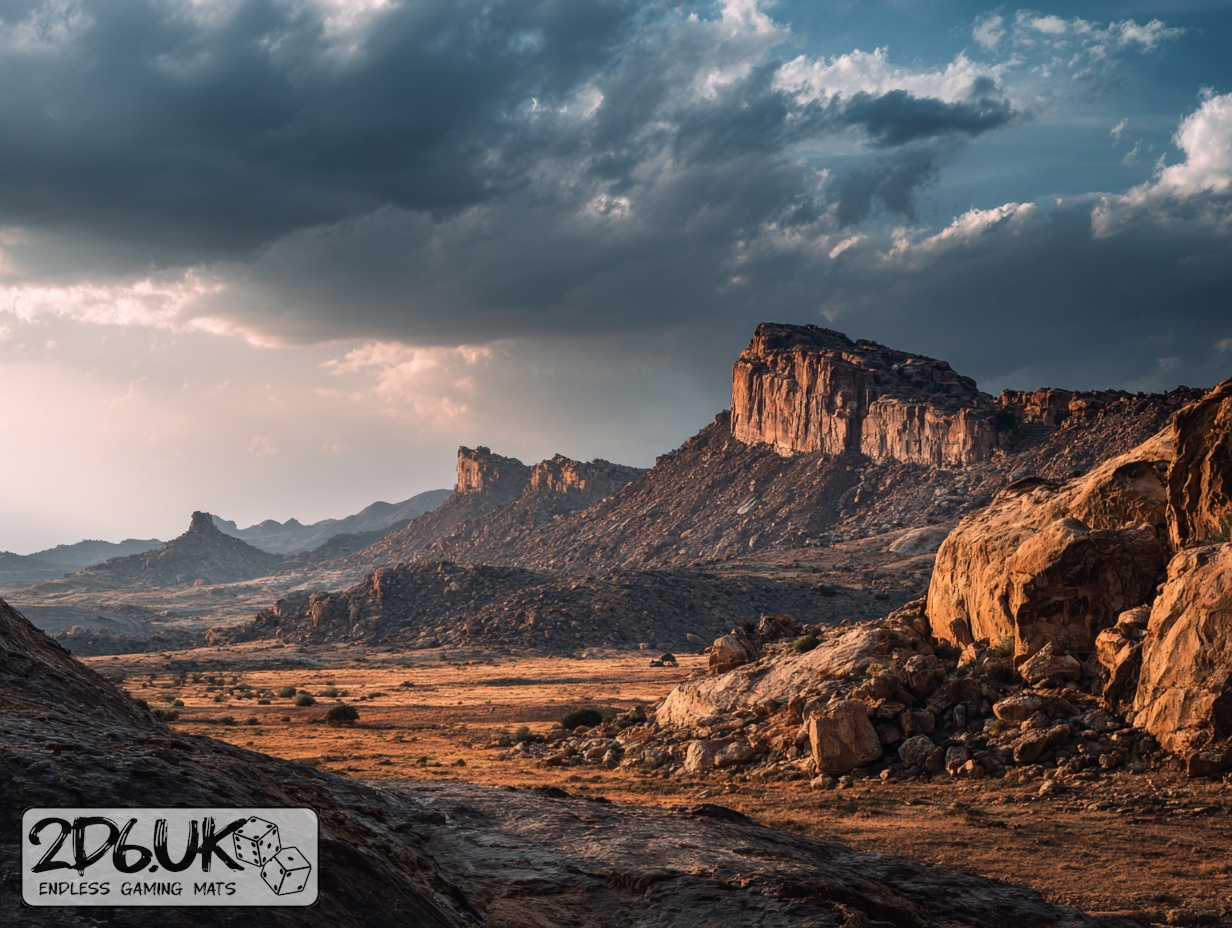
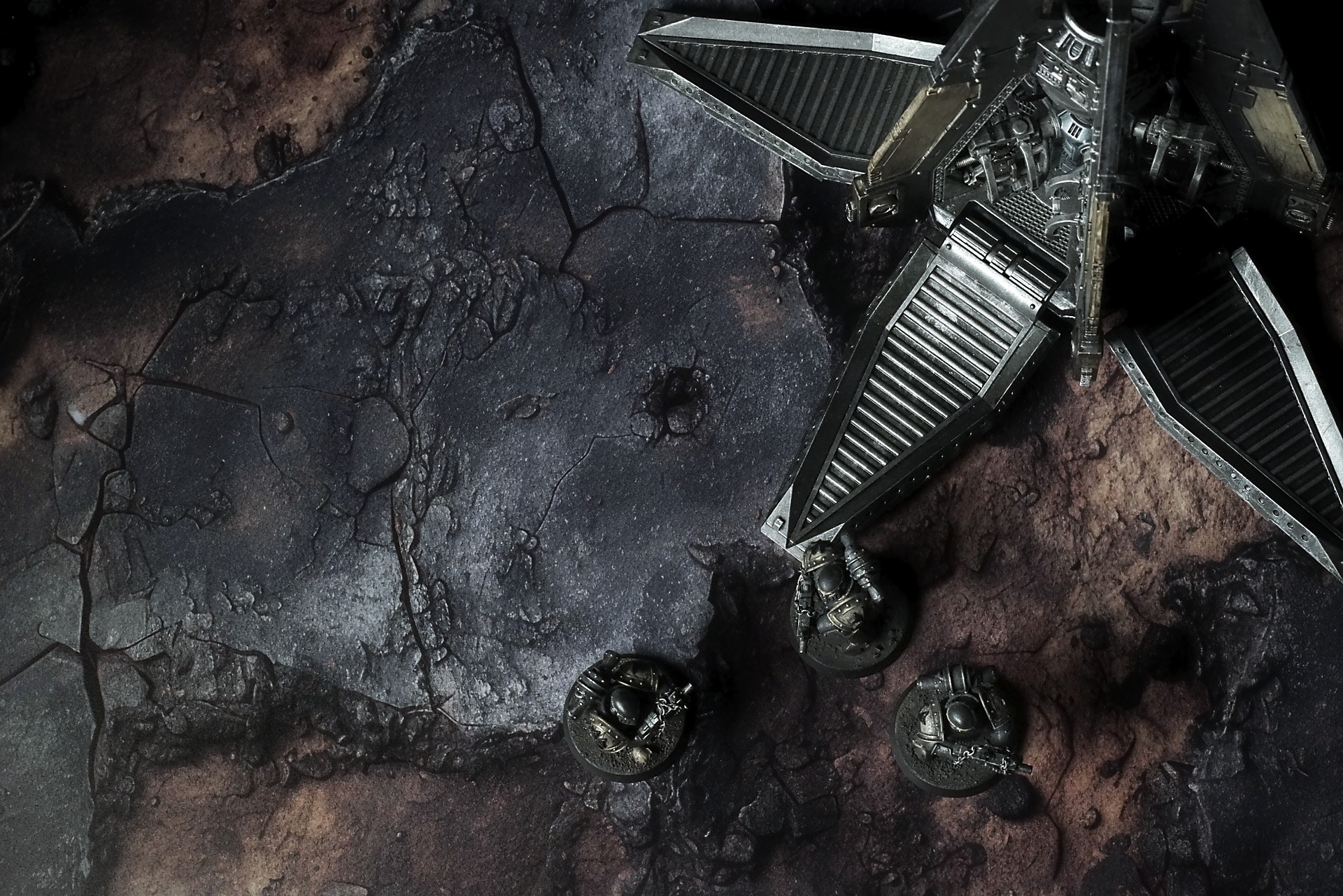
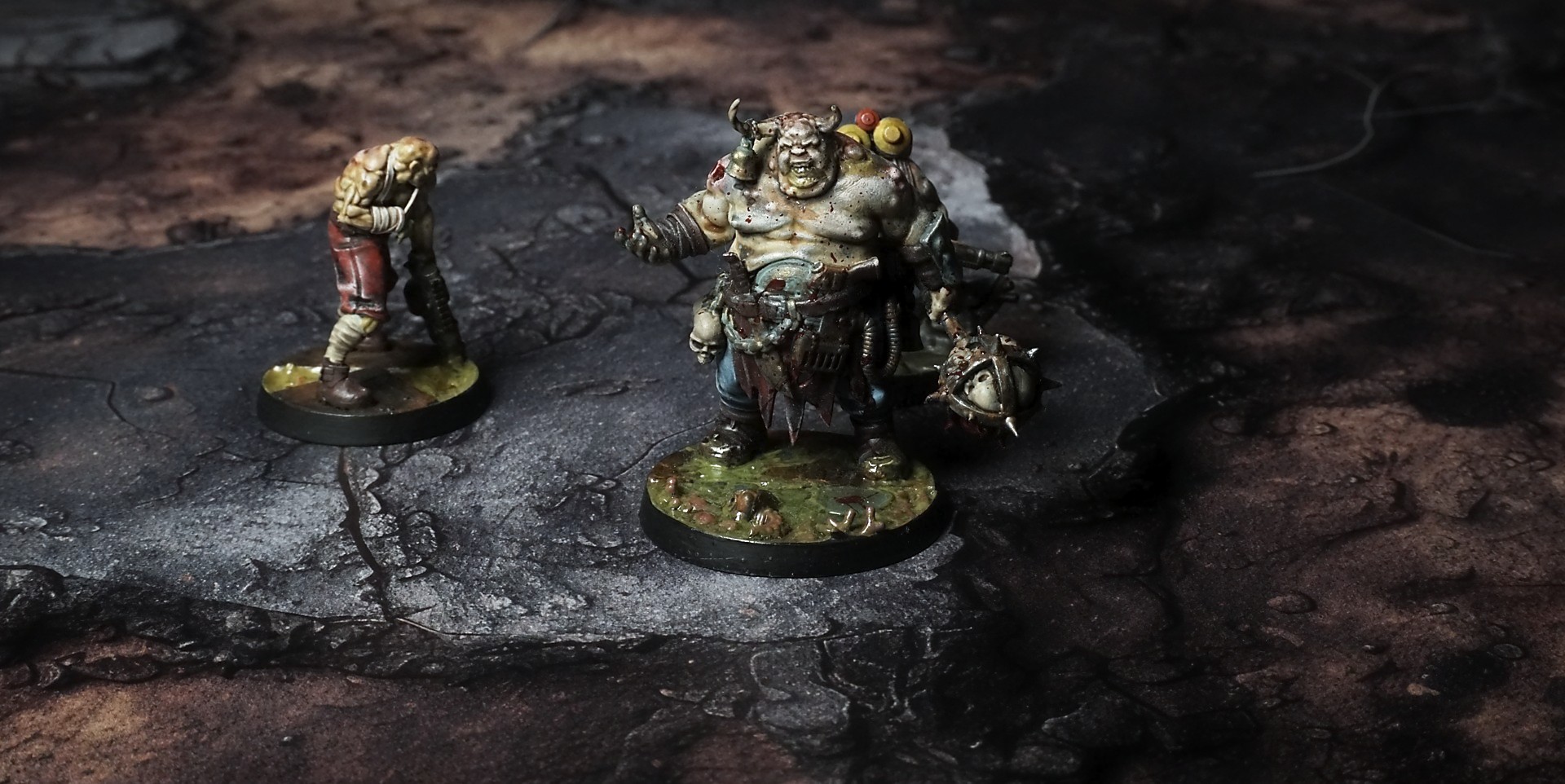
This mat shows a scorched landscape of dark charred surfaces mingled with burnt sienna dust. Jagged cracks fracture the ground, while scattered fragments and pitted hollows hint at smoldering impacts. The blend of blackened ash and rusty tones evokes a field ravaged by fire.
This design is available as a roll-up gaming mat or rigid tile set, with supported battlefield sizes ranging from compact 1×1 ft tables up to full-size 6×4 ft battlefields, including 2×2 ft, 3×3 ft, 4×4 ft and 45×60 in presets.
The Burnt Crossings Battle Mat
The tire went with a hiss that sounded too loud in the dry heat—sharp, betrayed, the rubber peeling away like scab from old skin. Jax cursed, one hand on the steering wheel, the other brushing dust from the cracked windshield. The buggy rolled half off the track, one wheel sunk in the baked mud, the sun bleeding light over the horizon like a warning.
“Flat,” Ryn panted from the back, throat rasping. “Of course it is. Always something.”
He’d seen the glint before the glint saw him. A flicker—a scope catching light—over the ridge of sun-baked rock. Too clean to be mirage. Too deliberate to be anything but lined up. The wasteland was a long, empty lie until the first bullet told you otherwise.
“Ambush,” Jax said, voice low, fingers tightening on the cracked leather of the wheel. He scanned the broken ruins left of the old highway pylons, the rusted skeletons of billboards twisting like praying hands. Heat waves crawled over the plains, making the world breathe in slow, shimmering pulses. Nothing moved in the open. Everything moved just beyond sight.
Select material type for gaming mat
How to use the Mat Designer:
- Select tile size.
- Use the +/− controls next to “Rows” and “Columns” to adjust the map size.
- Click the Randomize button to reshuffle all tiles at once.
- Click a tile on the maps to select it, then click another tile to swap their positions.
- Or click an image in the preview gallery below the map to replace the selected tile on the map.
Tile or Graphic Size
Size Presets
Custom Logo Upload
Only PNG with transparent background. Max file size: 2 MB.
Note:
Recommended image size for 50x50mm logo is apx 500x500px
Unique preset code, copy and save it to regenerate the pattern in the future. Click on the code to paste new one.
Backdrops
Set of 5x, 14x10.5in map related background for photos



How to use Backdrops:
- Backdrop upright on a stand, 5–30 cm behind the model.
- Lower the camera to model eye level.
- For action shots, raise the camera and include plenty of floor tile.
- Focus on the model; keep the background softly blurred.
- Hide edges: add models/terrain to break the floor tile boundary.
- Light model, not so much tile or background.
- Step back and zoom (50–85 mm equiv. or phone 2–3×) to avoid distortion.
- Add depth with occluders: place small elements front/behind and half way through frame edges.
- Test light colour, angles and heights.
- Dark room, one handheld light. Photo with timer let you position light easily.
- Brush light across the miniature to mimic sun/lamp/fire.