BUILD YOUR BATTLEFIELD
The Blistered Reach Wargaming Mat
Roll-up or rigid tiles Sizes from 1×1 ft to 6×4 ft
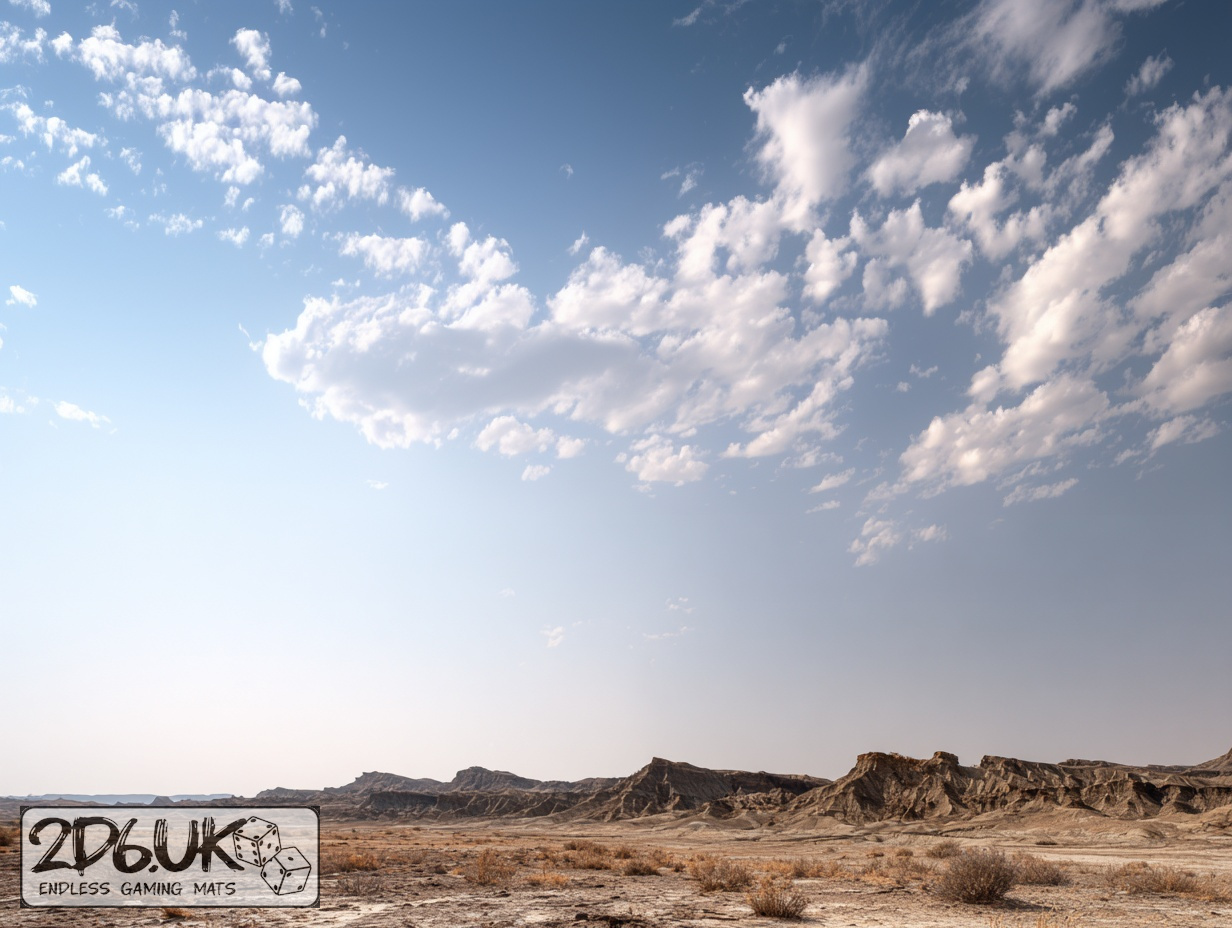
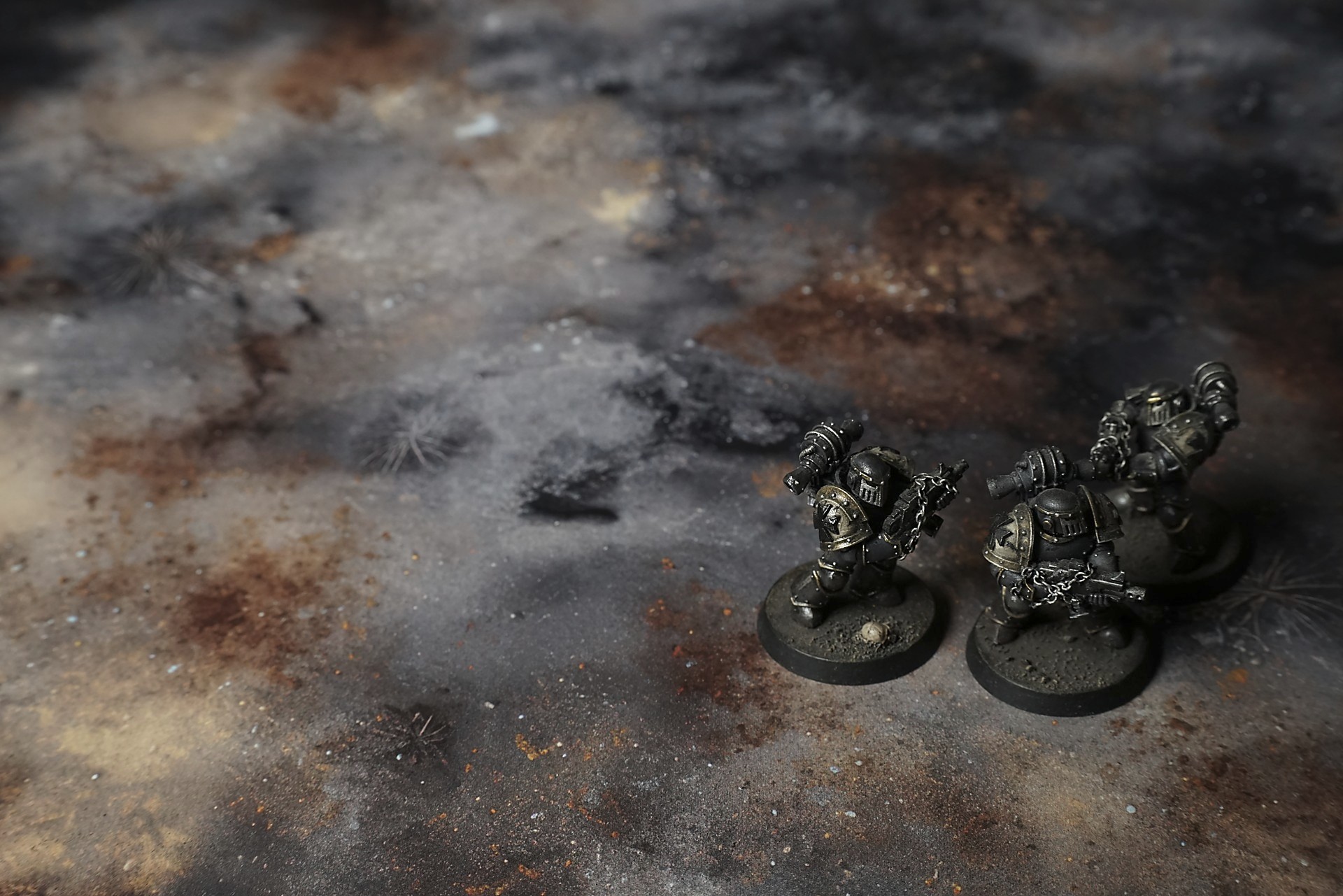
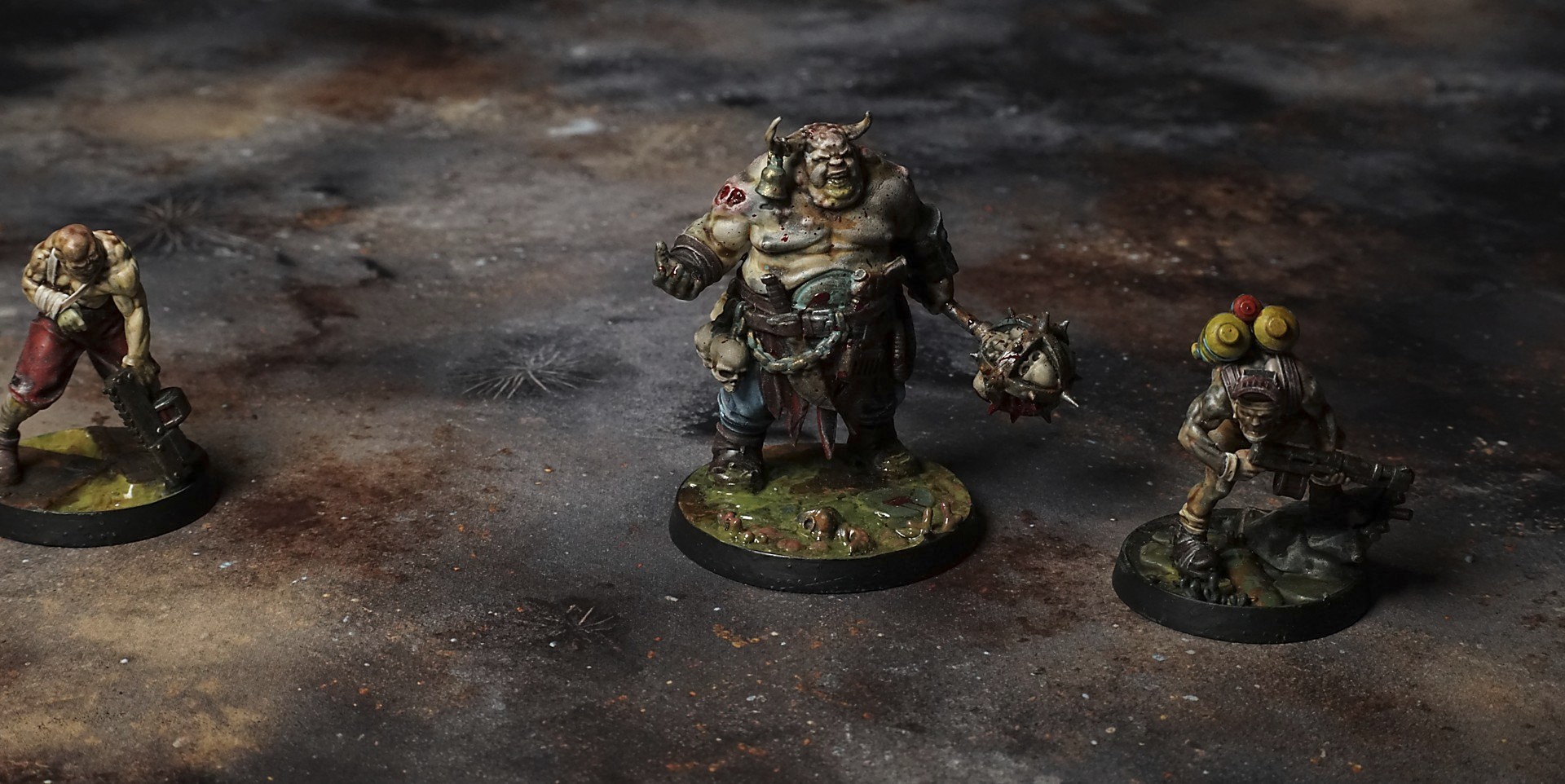
This mat shows cracked, parched earth in dusty tan and ash-gray hues with scorched patches and jagged rock outcrops. Sparse tufts of dry scrub dot the rough stone textures, while subtle rust stains and blown dust highlights emphasize the blistered, weathered surface.
This design is available as a roll-up gaming mat or rigid tile set, with supported battlefield sizes ranging from compact 1×1 ft tables up to full-size 6×4 ft battlefields, including 2×2 ft, 3×3 ft, 4×4 ft and 45×60 in presets.
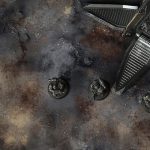
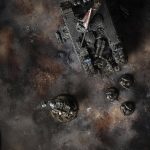
The Blistered Reach Battle Mat
I wake to gravel crunching under my boots—charred grass turned to ash that grates against the sole. The air hangs heavy and still, like I’ve stepped into the embers of a world. I squint against the glare off blistered rocks; their glassy scars flash white, then fade into soot-black hollows.
A hot breeze stirs the ash in lazy spirals, burying my footprints before I can even finish each step. I taste smoke on my tongue—memory of fire that quit long ago—while the sun presses down so hard it feels like a fist to the skull.
I spot a blackened trunk leaning into the wind, branches gone sharp and skeletal. I rest a hand on the rough bark. It’s dry as bone. This tree survived the burn, just barely. If it can keep standing, so can I.
Ahead, a shallow crater holds a puddle of glazed stone, where the heat melted earth into glass. I kneel, cup my hands—and find only warmth. No water here. My throat tightens. I swallow dust and spit it out.
Select material type for gaming mat
How to use the Mat Designer:
- Select tile size.
- Use the +/− controls next to “Rows” and “Columns” to adjust the map size.
- Click the Randomize button to reshuffle all tiles at once.
- Click a tile on the maps to select it, then click another tile to swap their positions.
- Or click an image in the preview gallery below the map to replace the selected tile on the map.
Tile or Graphic Size
Size Presets
Custom Logo Upload
Only PNG with transparent background. Max file size: 2 MB.
Note:
Recommended image size for 50x50mm logo is apx 500x500px
Unique preset code, copy and save it to regenerate the pattern in the future. Click on the code to paste new one.
Backdrops
Set of 5x, 14x10.5in map related background for photos



How to use Backdrops:
- Backdrop upright on a stand, 5–30 cm behind the model.
- Lower the camera to model eye level.
- For action shots, raise the camera and include plenty of floor tile.
- Focus on the model; keep the background softly blurred.
- Hide edges: add models/terrain to break the floor tile boundary.
- Light model, not so much tile or background.
- Step back and zoom (50–85 mm equiv. or phone 2–3×) to avoid distortion.
- Add depth with occluders: place small elements front/behind and half way through frame edges.
- Test light colour, angles and heights.
- Dark room, one handheld light. Photo with timer let you position light easily.
- Brush light across the miniature to mimic sun/lamp/fire.