BUILD YOUR BATTLEFIELD
Sunfallow Wargaming Mat
Roll-up or rigid tiles Sizes from 1×1 ft to 6×4 ft
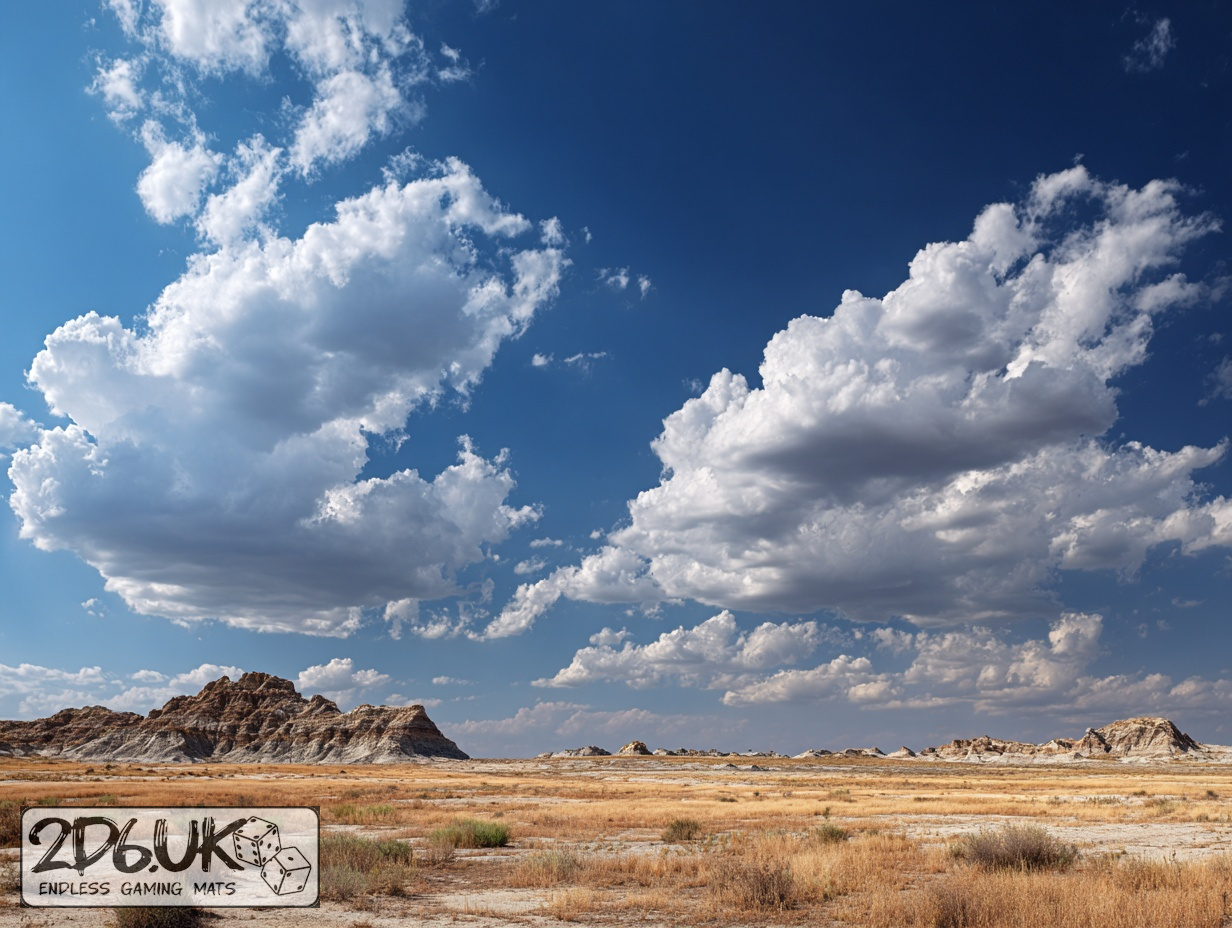
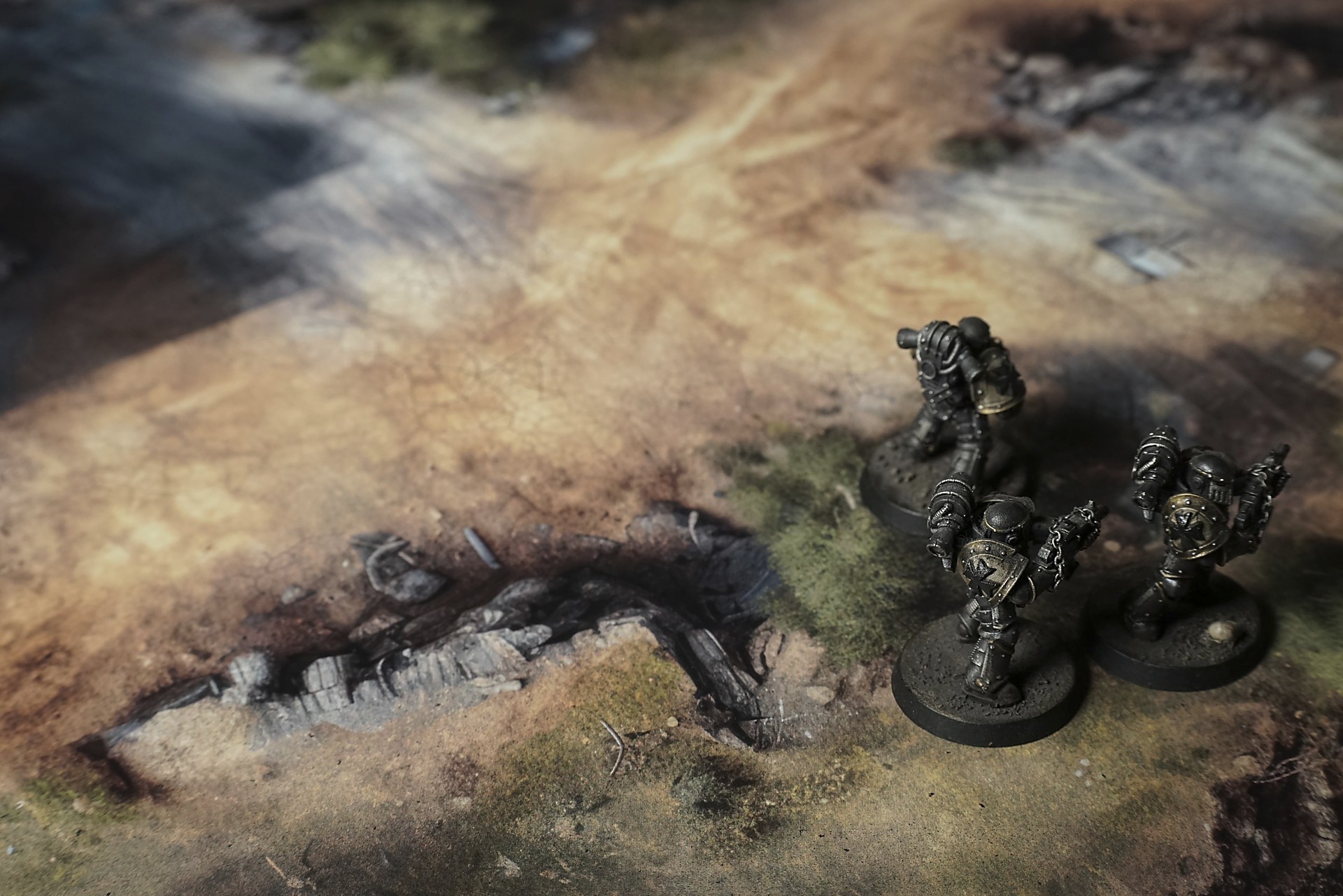
This mat shows sun-baked earth in warm tan and gray tones, its surface split by fine cracks and shaded by soft shadows. Clumps of dry golden grass sprout along the edges, while exposed dark soil and scattered pebbles lend a rugged, weathered look.
This design is available as a roll-up gaming mat or rigid tile set, with supported battlefield sizes ranging from compact 1×1 ft tables up to full-size 6×4 ft battlefields, including 2×2 ft, 3×3 ft, 4×4 ft and 45×60 in presets.

Sunfallow Battle Mat
Dust curled in lazy snakes along the mountain’s flank as Mara picked her way past the shattered headframe. Her boots crunched on rusted rails half-buried in wind-blown sand, the iron ribs groaning under each careful step. An overturned ore cart loomed nearby, wheels sunk deep enough to look molten, a testament to the mine’s last, violent collapse.
She scanned the loading dock where weathered planks thrummed under the gusts—each vibration a tired heartbeat in this hollow world. Behind her, Joss squinted at the sagging timber braces that guarded the shaft entrances. Shadows pooled beyond the broken crossbars, deep and absolute.
A lantern’s glow flickered somewhere below, steady against the wind’s will. “Someone’s down there,” Joss muttered, voice thick with dust. He cocked his rifle tighter, the metal clank from within the mine echoing up like a warning.
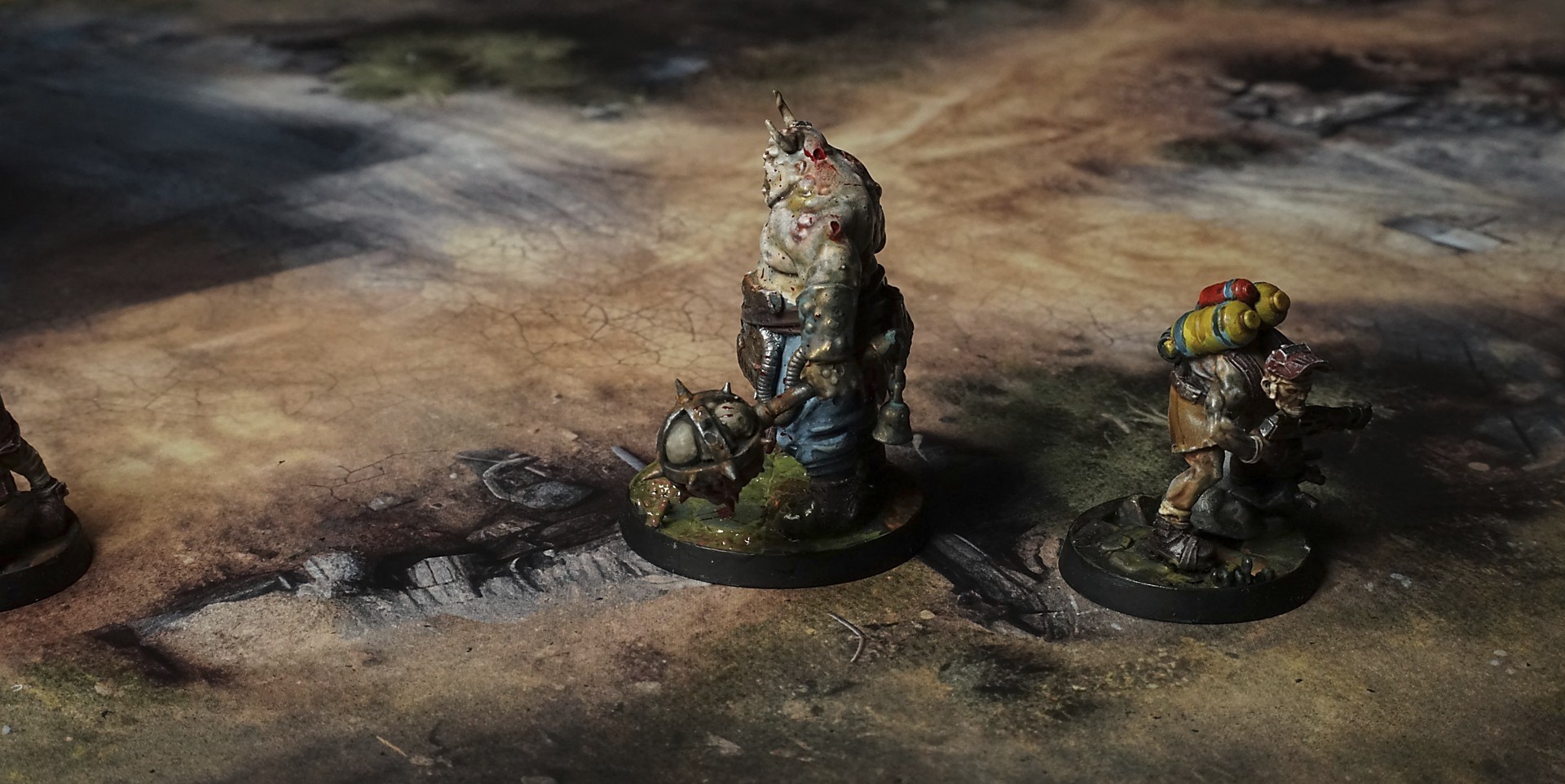
Select material type for gaming mat
How to use the Mat Designer:
- Select tile size.
- Use the +/− controls next to “Rows” and “Columns” to adjust the map size.
- Click the Randomize button to reshuffle all tiles at once.
- Click a tile on the maps to select it, then click another tile to swap their positions.
- Or click an image in the preview gallery below the map to replace the selected tile on the map.
Tile or Graphic Size
Size Presets
Custom Logo Upload
Only PNG with transparent background. Max file size: 2 MB.
Note:
Recommended image size for 50x50mm logo is apx 500x500px
Unique preset code, copy and save it to regenerate the pattern in the future. Click on the code to paste new one.
Backdrops
Set of 5x, 14x10.5in map related background for photos



How to use Backdrops:
- Backdrop upright on a stand, 5–30 cm behind the model.
- Lower the camera to model eye level.
- For action shots, raise the camera and include plenty of floor tile.
- Focus on the model; keep the background softly blurred.
- Hide edges: add models/terrain to break the floor tile boundary.
- Light model, not so much tile or background.
- Step back and zoom (50–85 mm equiv. or phone 2–3×) to avoid distortion.
- Add depth with occluders: place small elements front/behind and half way through frame edges.
- Test light colour, angles and heights.
- Dark room, one handheld light. Photo with timer let you position light easily.
- Brush light across the miniature to mimic sun/lamp/fire.