BUILD YOUR BATTLEFIELD
Stormreach Spur Wargaming Mat
Roll-up or rigid tiles Sizes from 1×1 ft to 6×4 ft
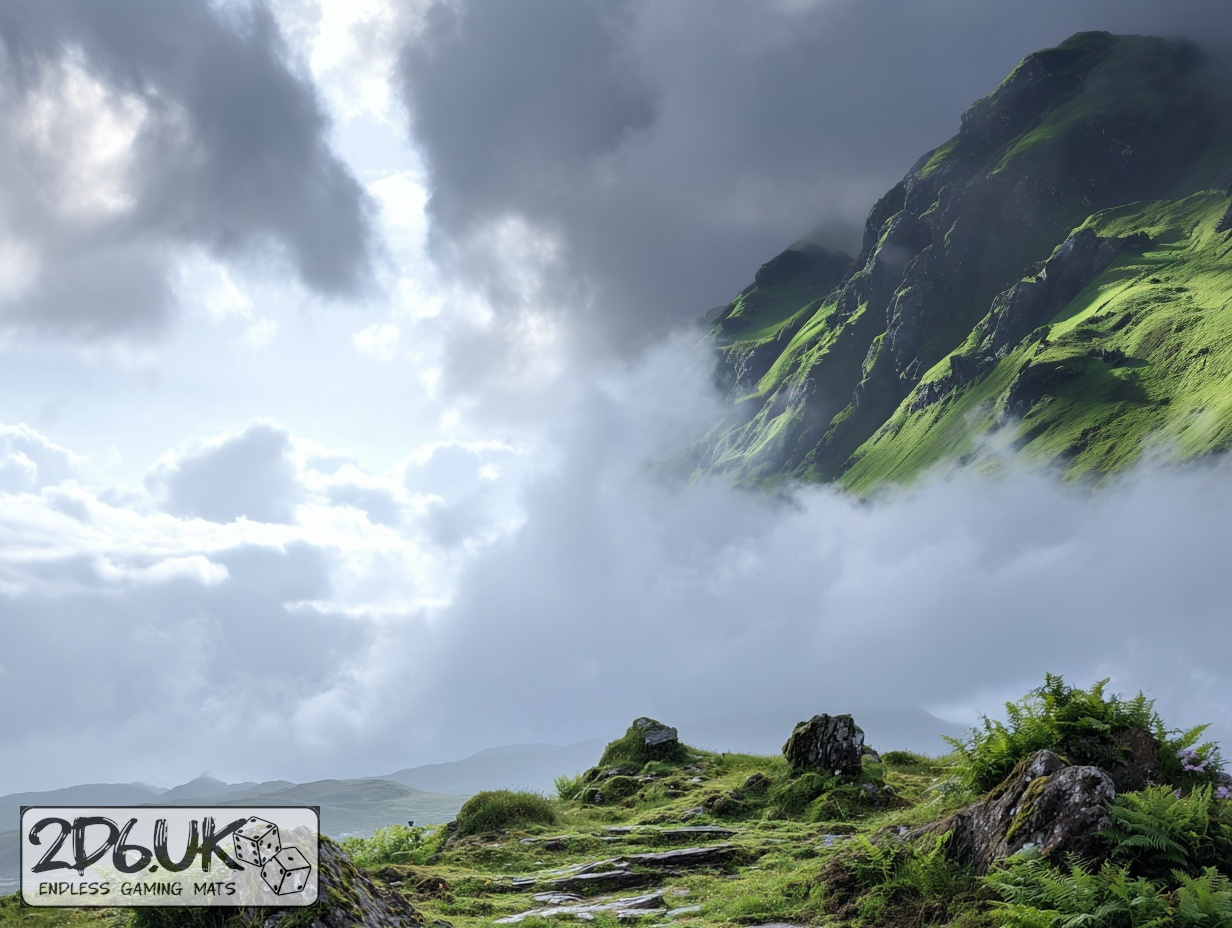
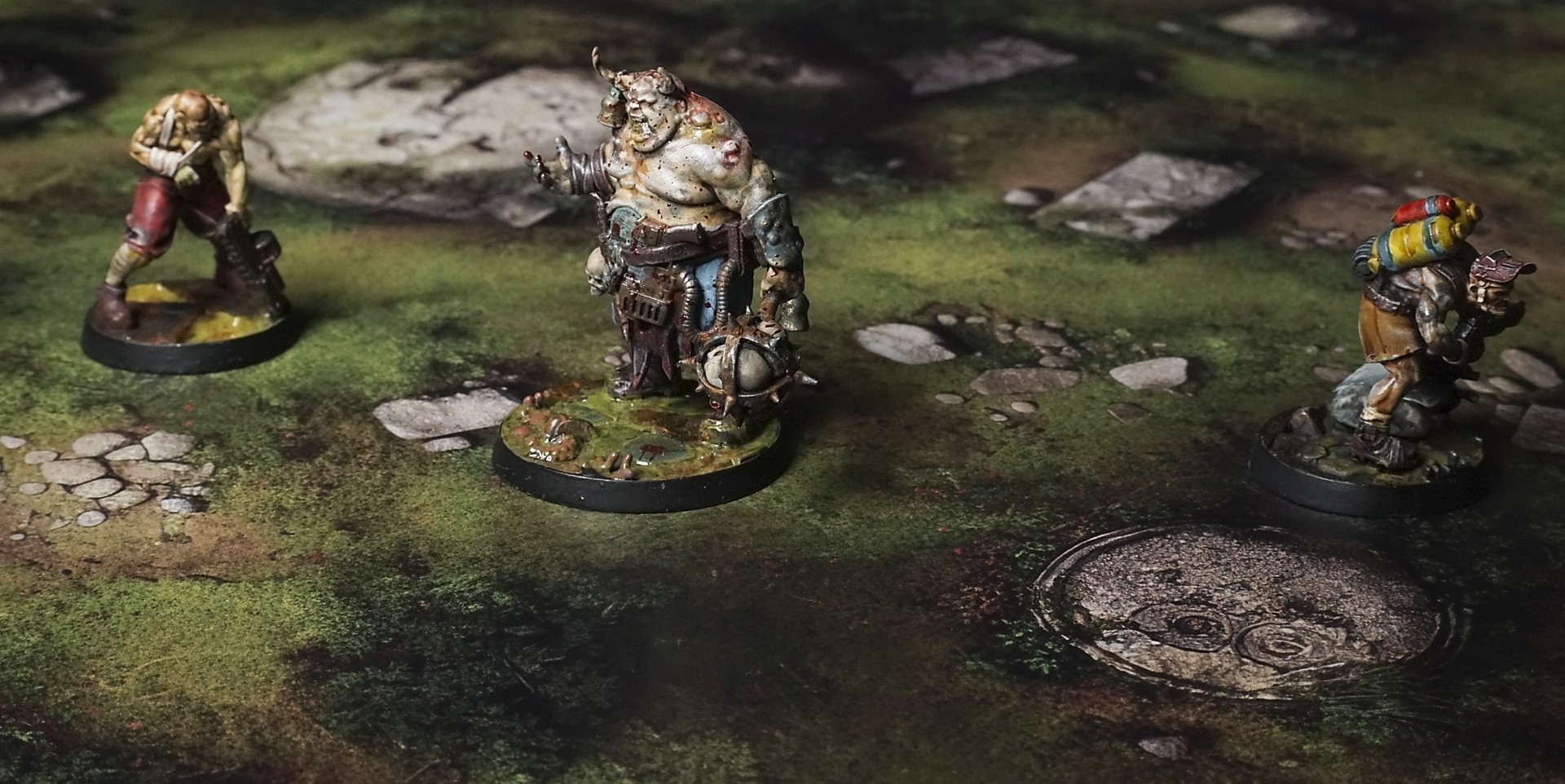
This gaming mat features moss-dappled boulders and shattered pillar remnants strewn across a lush green expanse. Soft gradients of emerald to olive merge with scattered pebbles, grassy tufts, and winding soil tracks, accentuating natural cover and focal points for woodland encounters.
This design is available as a roll-up gaming mat or rigid tile set, with supported battlefield sizes ranging from compact 1×1 ft tables up to full-size 6×4 ft battlefields, including 2×2 ft, 3×3 ft, 4×4 ft and 45×60 in presets.
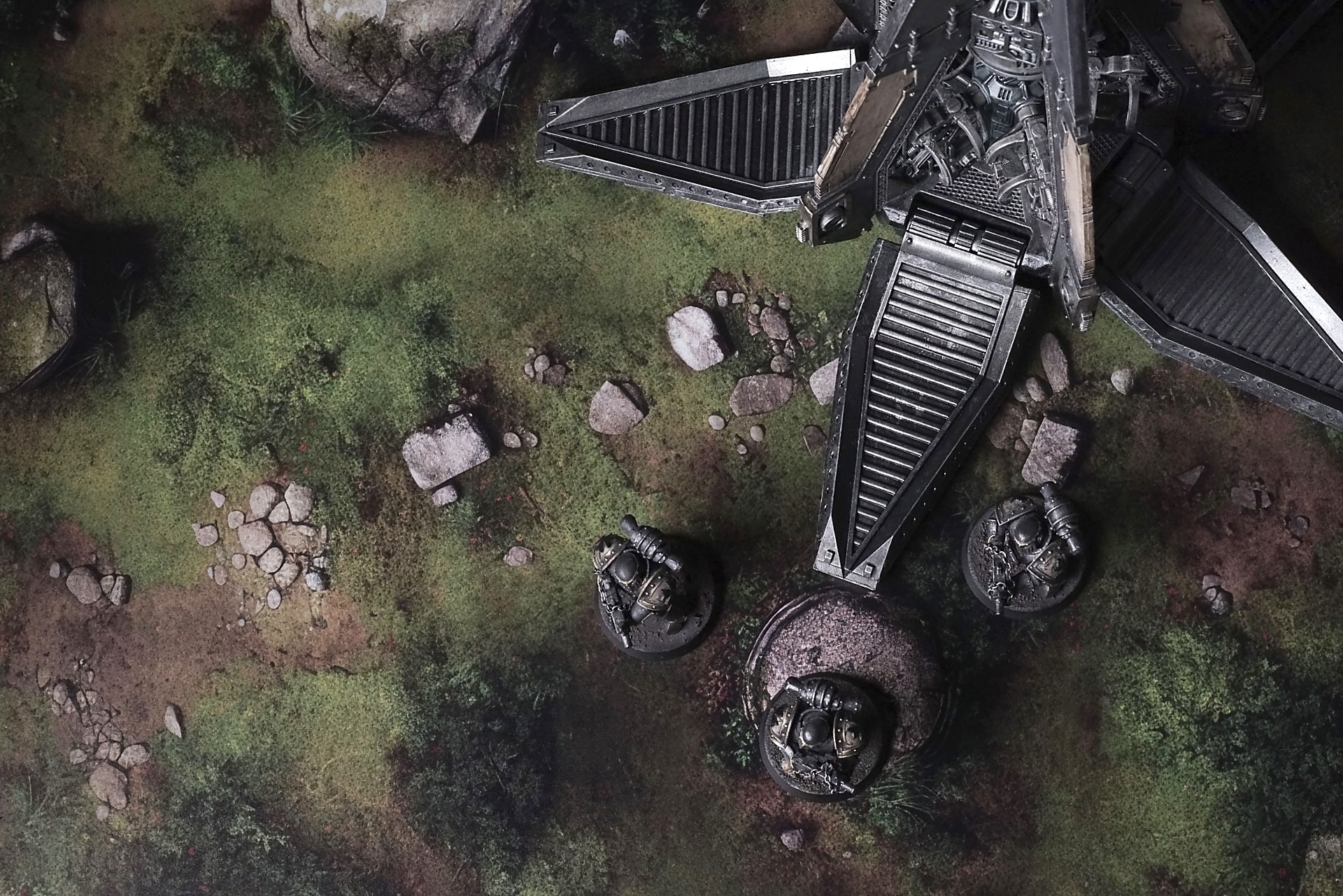
Stormreach Spur Battle Mat
Boulders sit where they’ve always sat. Heavy. Crusted with moss so thick it could be skin. The runes are worn, their edges softened by time, but they’re still there. Old dwarf marks. The kind of language that doesn’t need to be read anymore because the stone remembers it for you. They don’t watch. Watching is a human thing. They’re just present. Like the hills themselves—aware in a way that doesn’t care if you notice.
There are paths here, but none of them are right. They wind, they bend, they lure you toward bottlenecks you don’t see until you’re already in them. Ambush ground. Skirmish lanes. Places where an army could walk into its own funeral with banners high and orders loud, never knowing the earth had already made up its mind.
Select material type for gaming mat
How to use the Mat Designer:
- Select tile size.
- Use the +/− controls next to “Rows” and “Columns” to adjust the map size.
- Click the Randomize button to reshuffle all tiles at once.
- Click a tile on the maps to select it, then click another tile to swap their positions.
- Or click an image in the preview gallery below the map to replace the selected tile on the map.
Tile or Graphic Size
Size Presets
Custom Logo Upload
Only PNG with transparent background. Max file size: 2 MB.
Note:
Recommended image size for 50x50mm logo is apx 500x500px
Unique preset code, copy and save it to regenerate the pattern in the future. Click on the code to paste new one.
Backdrops
Set of 5x, 14x10.5in map related background for photos



How to use Backdrops:
- Backdrop upright on a stand, 5–30 cm behind the model.
- Lower the camera to model eye level.
- For action shots, raise the camera and include plenty of floor tile.
- Focus on the model; keep the background softly blurred.
- Hide edges: add models/terrain to break the floor tile boundary.
- Light model, not so much tile or background.
- Step back and zoom (50–85 mm equiv. or phone 2–3×) to avoid distortion.
- Add depth with occluders: place small elements front/behind and half way through frame edges.
- Test light colour, angles and heights.
- Dark room, one handheld light. Photo with timer let you position light easily.
- Brush light across the miniature to mimic sun/lamp/fire.