BUILD YOUR BATTLEFIELD
Screamspire Wilds Wargaming Mat
Roll-up or rigid tiles Sizes from 1×1 ft to 6×4 ft
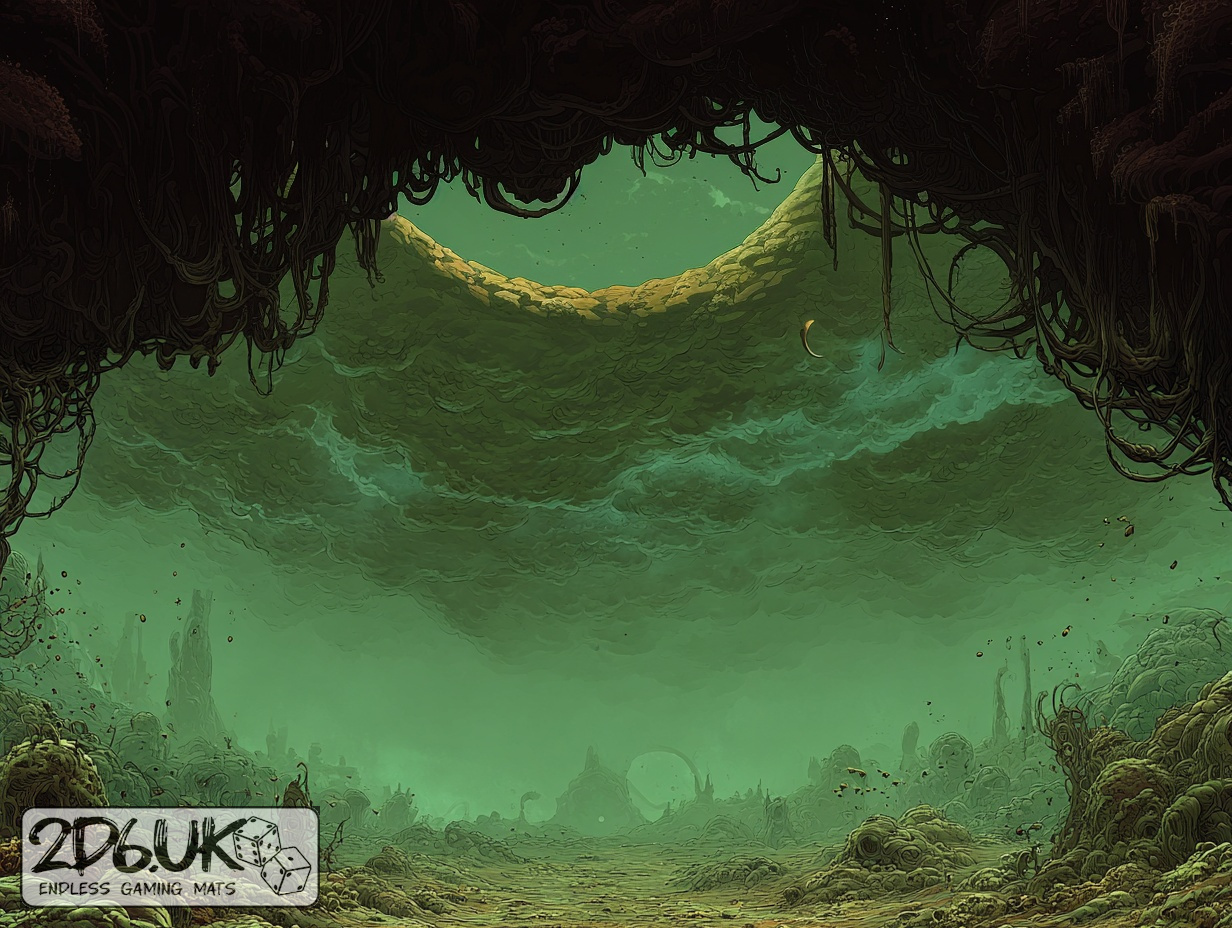
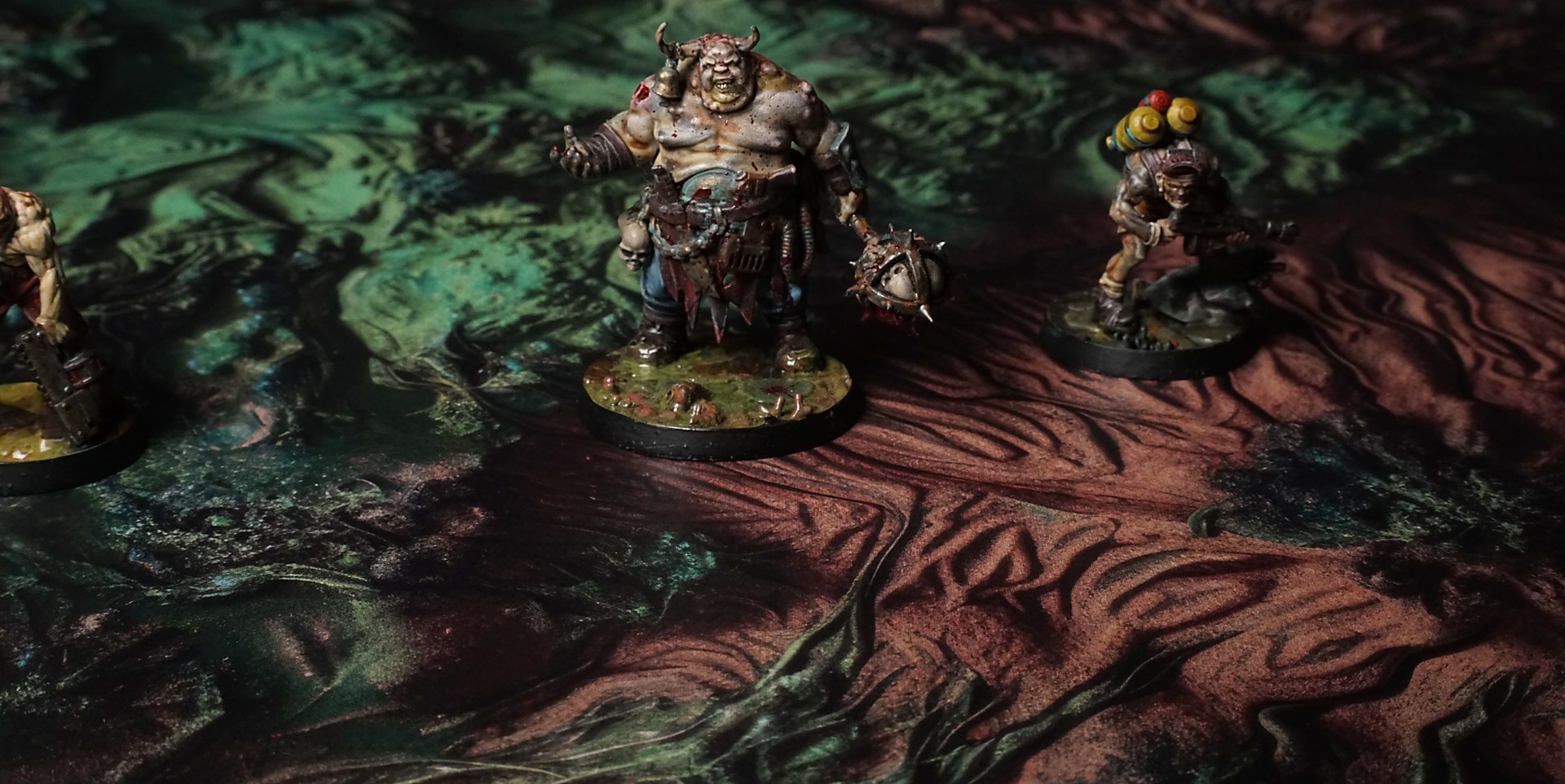
This mat features a deep, pool of jade-hued liquid nestled patterns. Radiating with twisting root-like tendrils in mossy greens, interspersed with gnarled bark textures and subtle metallic flecks that catch the light.
This design is available as a roll-up gaming mat or rigid tile set, with supported battlefield sizes ranging from compact 1×1 ft tables up to full-size 6×4 ft battlefields, including 2×2 ft, 3×3 ft, 4×4 ft and 45×60 in presets.
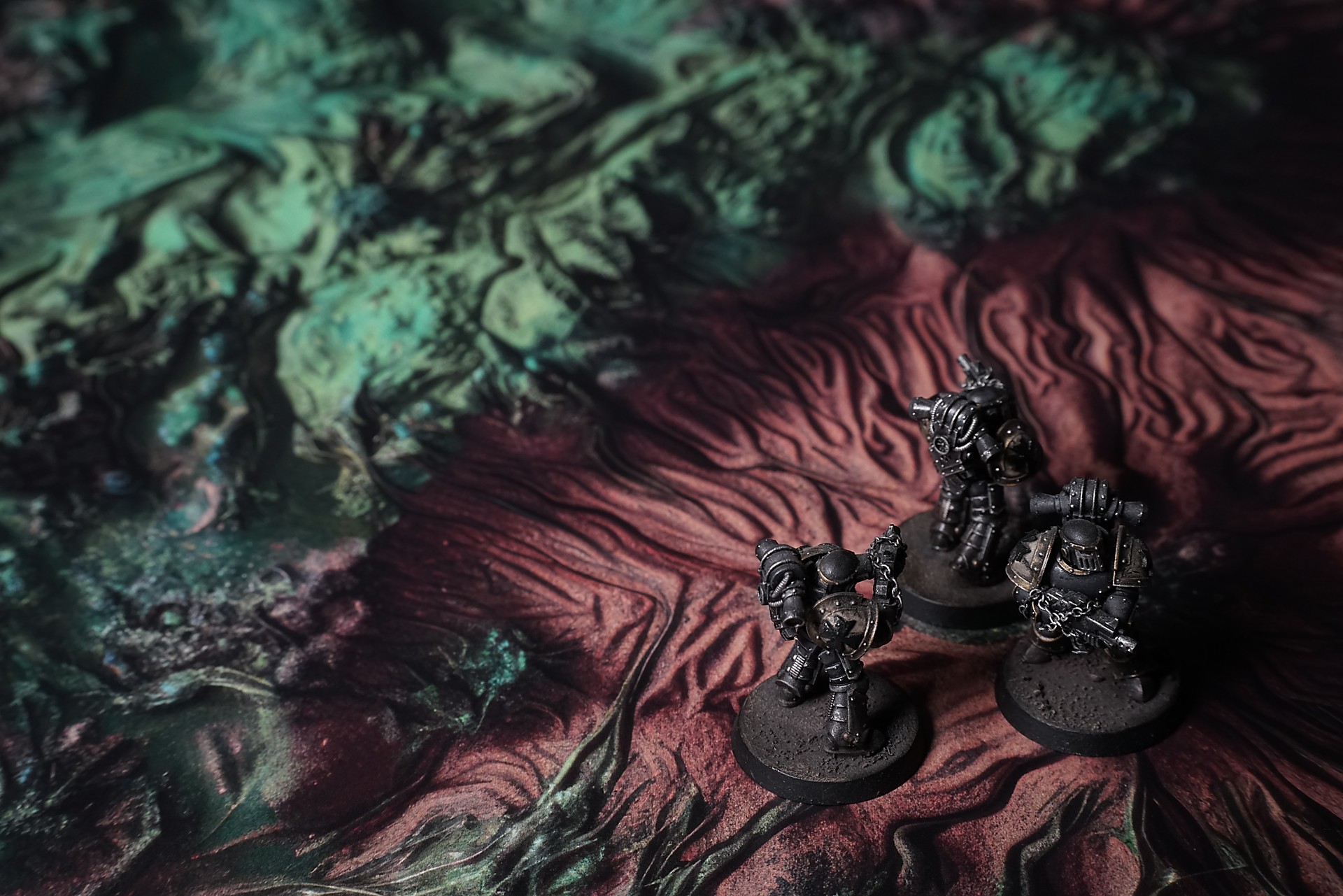
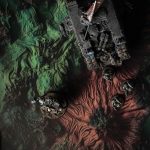
Screamspire Wilds Battle Mat
We dropped through the clouds in a silent skiff, all eyes on the HUD where the last ping from the Cordelia-7 glowed and then died. Below us the planet’s surface heaved in slow, regular pulses—like the rise and fall of a sleeping giant’s chest.
At first glance it looked safe: rolling hills, sparse rivers, an expanse no different from any other world on the scanner. We hovered at two hundred meters and the sensor flagged movement—no static, actual shifts in elevation. The river we’d tracked to the downed ship was climbing uphill. I ran a sweep across the floodplain: the water had left its bed entirely, flowing against gravity without a sound.
Lieutenant Mira broke the quiet. “It’s alive,” she said, voice low over comms. “It’s all living.”
Select material type for gaming mat
How to use the Mat Designer:
- Select tile size.
- Use the +/− controls next to “Rows” and “Columns” to adjust the map size.
- Click the Randomize button to reshuffle all tiles at once.
- Click a tile on the maps to select it, then click another tile to swap their positions.
- Or click an image in the preview gallery below the map to replace the selected tile on the map.
Tile or Graphic Size
Size Presets
Custom Logo Upload
Only PNG with transparent background. Max file size: 2 MB.
Note:
Recommended image size for 50x50mm logo is apx 500x500px
Unique preset code, copy and save it to regenerate the pattern in the future. Click on the code to paste new one.
Backdrops
Set of 5x, 14x10.5in map related background for photos



How to use Backdrops:
- Backdrop upright on a stand, 5–30 cm behind the model.
- Lower the camera to model eye level.
- For action shots, raise the camera and include plenty of floor tile.
- Focus on the model; keep the background softly blurred.
- Hide edges: add models/terrain to break the floor tile boundary.
- Light model, not so much tile or background.
- Step back and zoom (50–85 mm equiv. or phone 2–3×) to avoid distortion.
- Add depth with occluders: place small elements front/behind and half way through frame edges.
- Test light colour, angles and heights.
- Dark room, one handheld light. Photo with timer let you position light easily.
- Brush light across the miniature to mimic sun/lamp/fire.