BUILD YOUR BATTLEFIELD
Rustspire Heights Wargaming Mat
Roll-up or rigid tiles Sizes from 1×1 ft to 6×4 ft
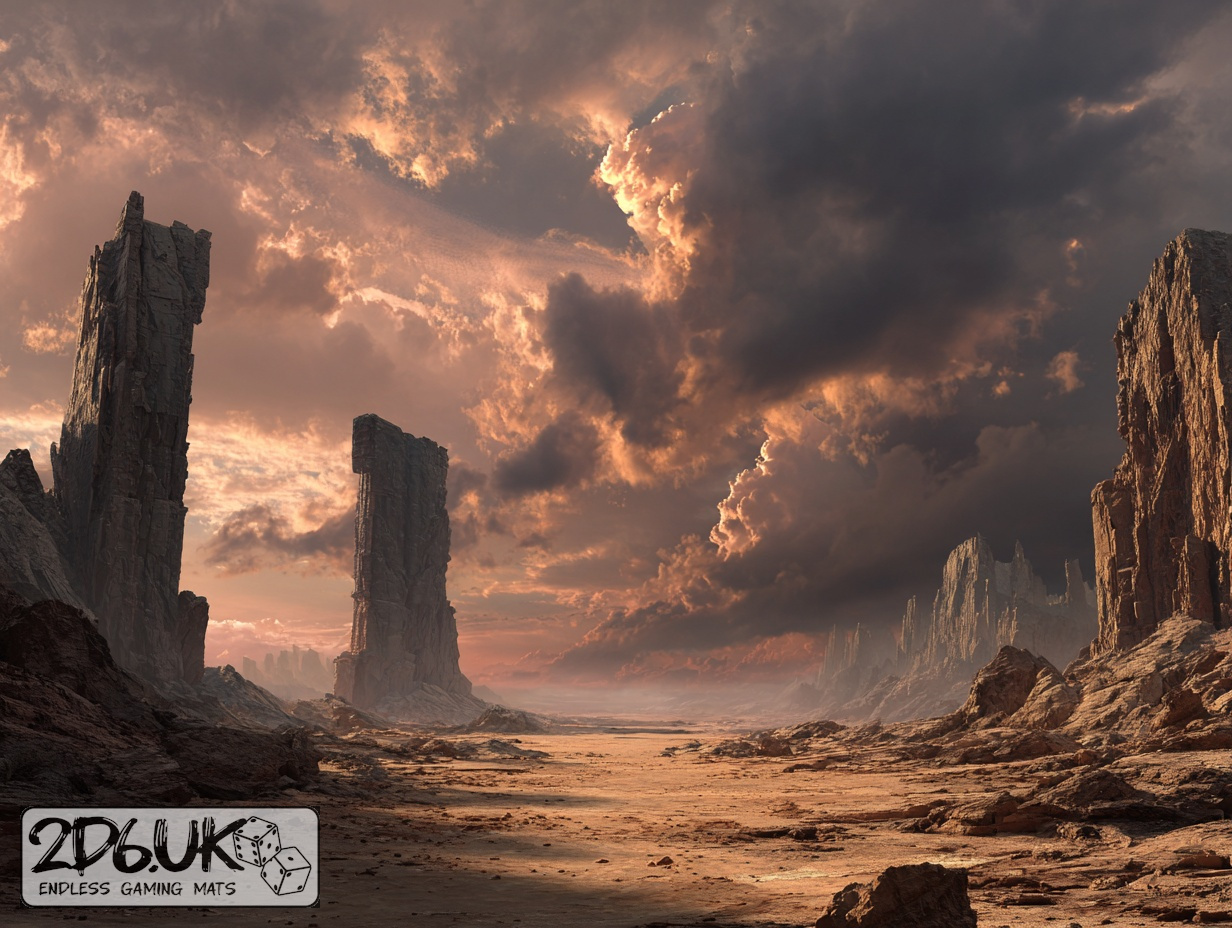
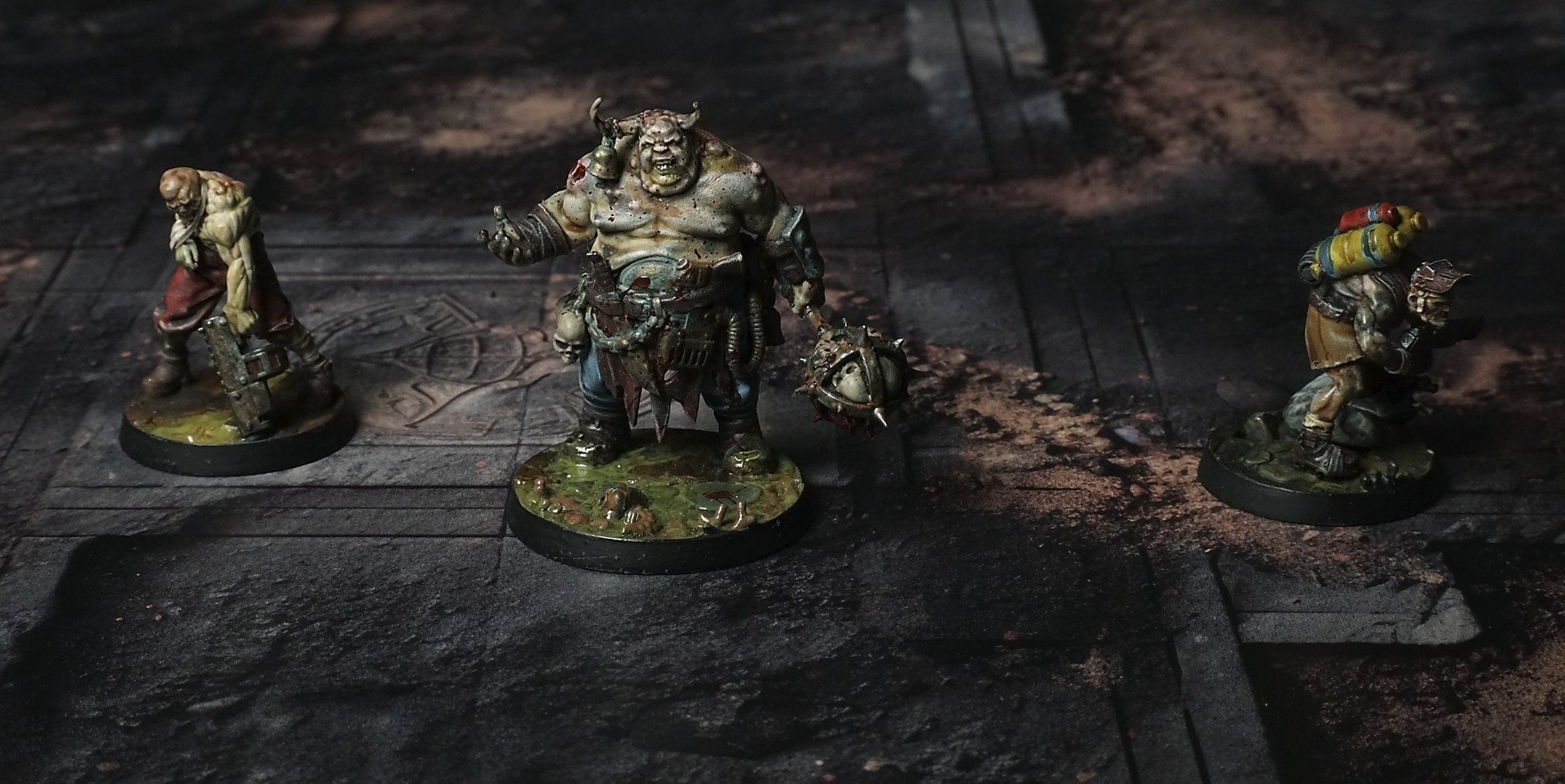
This mat displays metal patterns , layered over eroded stone foundations. Corroded plating outlines channels and ridges, while scattered rust flecks and ingrained sediment highlight strategic approach corridors amid industrial ruin.
This design is available as a roll-up gaming mat or rigid tile set, with supported battlefield sizes ranging from compact 1×1 ft tables up to full-size 6×4 ft battlefields, including 2×2 ft, 3×3 ft, 4×4 ft and 45×60 in presets.
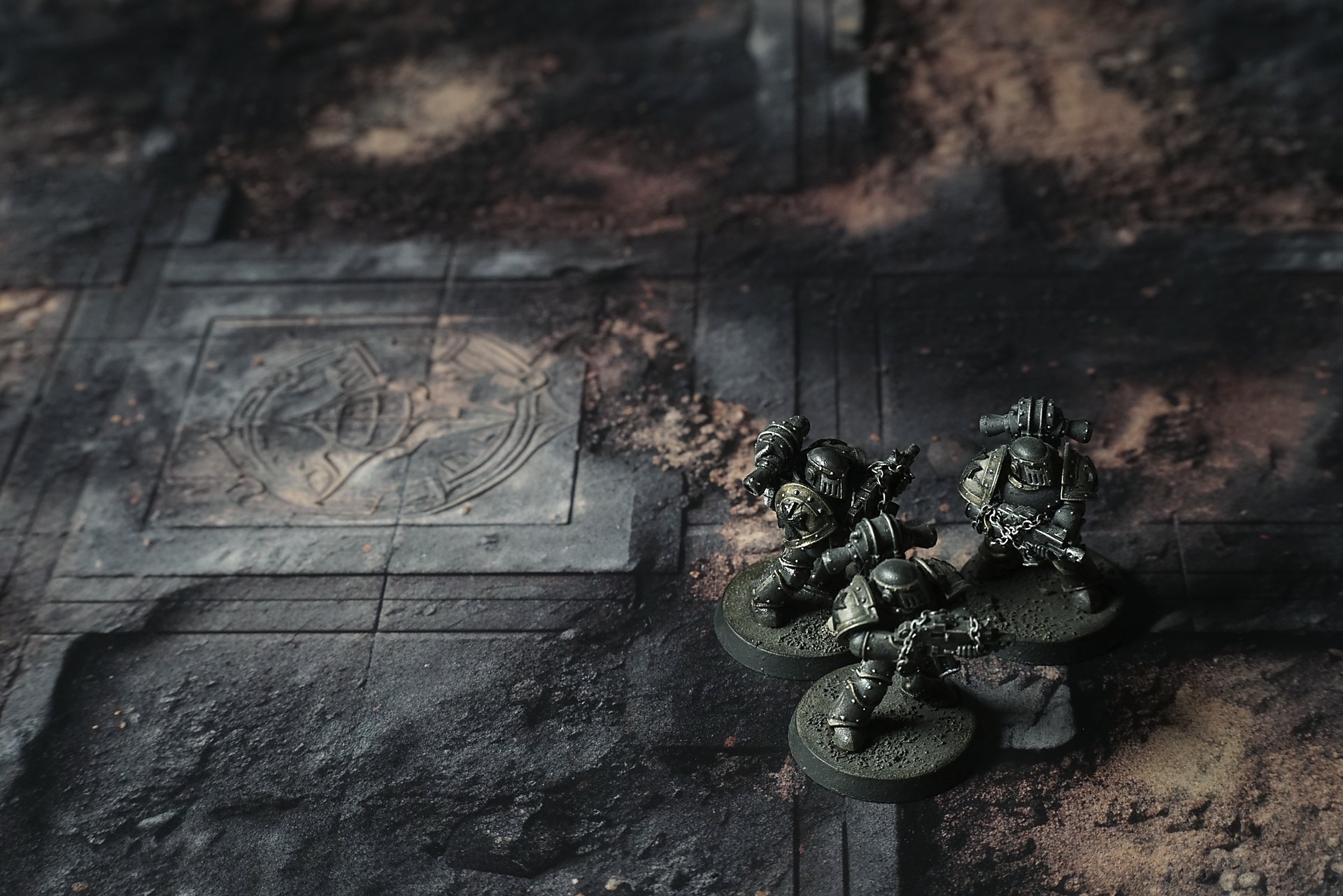
Rustspire Heights Battle Mat
He’d walked on faith and stubbornness. A year of dead suns and hollow promises, carrying scripture in the hollow of his ribs, expecting an answer carved in light or thunder. What waited was quiet. Too quiet. The world beneath his boots was a carcass, iron ribs and shattered geometry exposed to a thin sky. Rust whispered. The runes had been scraped clean by time; their shapes still hung like old scars, offering nothing but the memory of language. He spoke the litany anyway—out of habit, out of need—and the wind just slid over him, noting the sound without answering.
Night came like a bruise. He wrapped himself in the broken shelter of a collapsed arch, fire sputtering with the effort of defiance. Sleep wasn’t a surrender; it was a pause long enough to feel the change. Something slid into the space behind the edges of perception. Not a beast. Not quite a vision. A weight in the air that made the hair along his spine raise without asking permission. “You asked,” it said—voice without sound, a tightness in the bones of the place. “You wanted the one who gives. I am what’s left after giving ends.
Select material type for gaming mat
How to use the Mat Designer:
- Select tile size.
- Use the +/− controls next to “Rows” and “Columns” to adjust the map size.
- Click the Randomize button to reshuffle all tiles at once.
- Click a tile on the maps to select it, then click another tile to swap their positions.
- Or click an image in the preview gallery below the map to replace the selected tile on the map.
Tile or Graphic Size
Size Presets
Custom Logo Upload
Only PNG with transparent background. Max file size: 2 MB.
Note:
Recommended image size for 50x50mm logo is apx 500x500px
Unique preset code, copy and save it to regenerate the pattern in the future. Click on the code to paste new one.
Backdrops
Set of 5x, 14x10.5in map related background for photos



How to use Backdrops:
- Backdrop upright on a stand, 5–30 cm behind the model.
- Lower the camera to model eye level.
- For action shots, raise the camera and include plenty of floor tile.
- Focus on the model; keep the background softly blurred.
- Hide edges: add models/terrain to break the floor tile boundary.
- Light model, not so much tile or background.
- Step back and zoom (50–85 mm equiv. or phone 2–3×) to avoid distortion.
- Add depth with occluders: place small elements front/behind and half way through frame edges.
- Test light colour, angles and heights.
- Dark room, one handheld light. Photo with timer let you position light easily.
- Brush light across the miniature to mimic sun/lamp/fire.