BUILD YOUR BATTLEFIELD
Nocturne Riftworld Wargaming Mat
Roll-up or rigid tiles Sizes from 1×1 ft to 6×4 ft
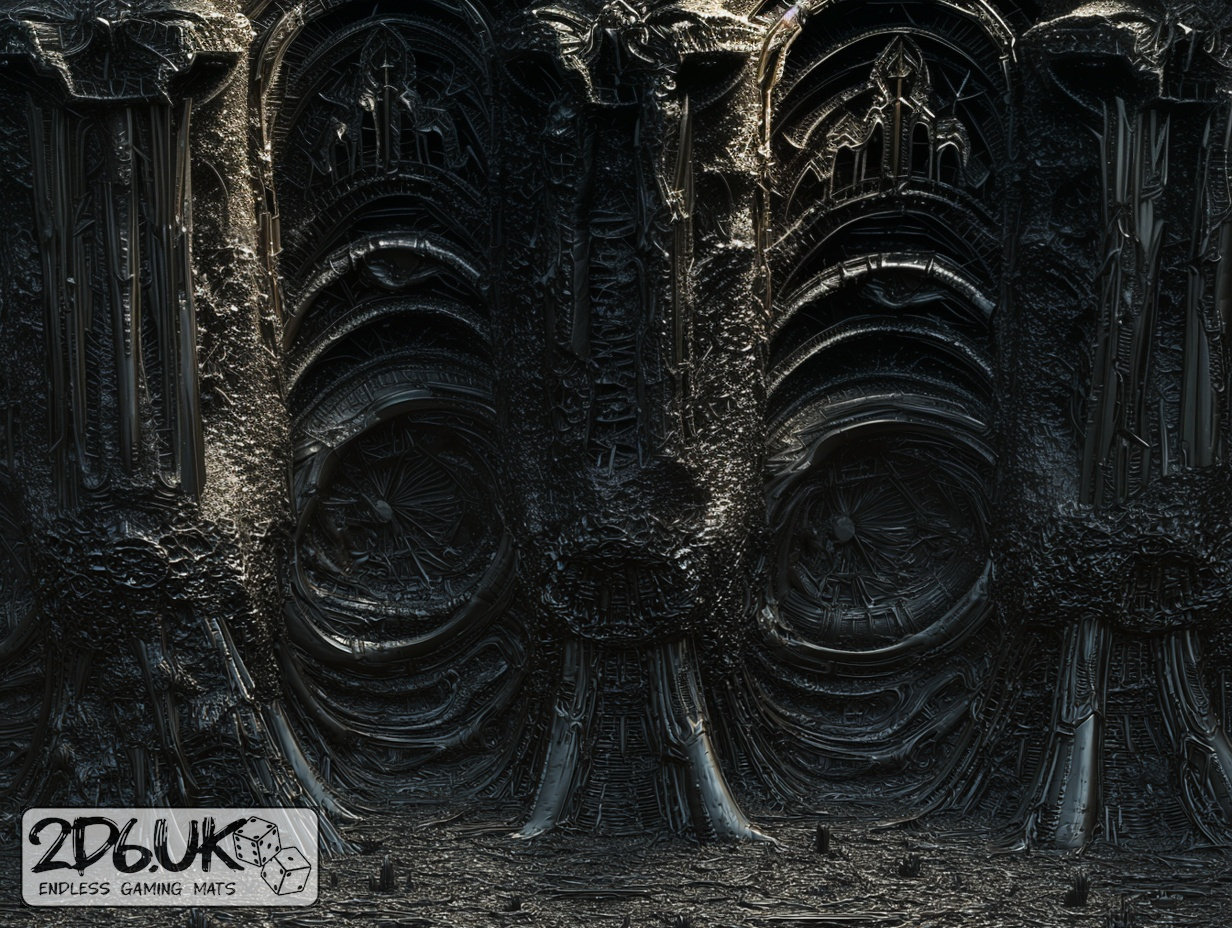
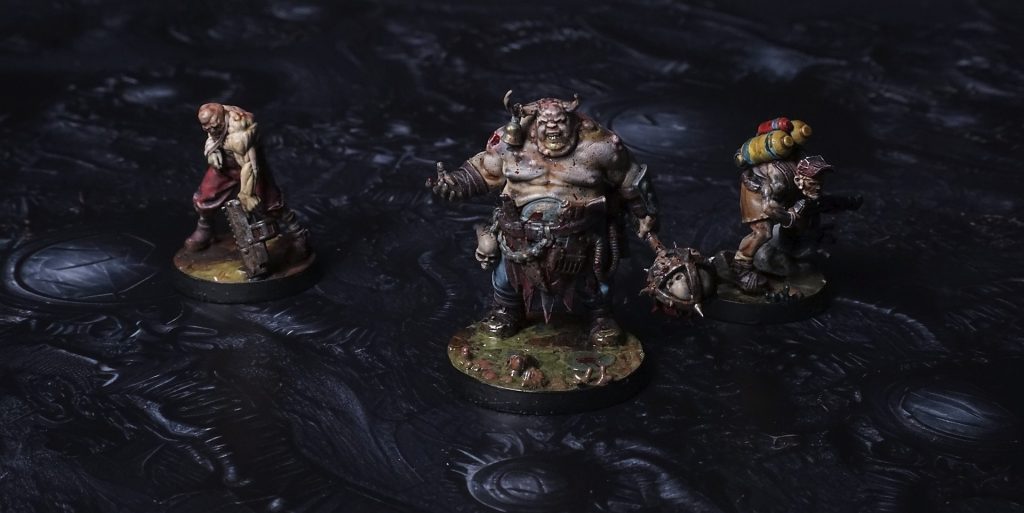
This mat shows a glossy black expanse dotted with sharp rock fragments and smooth spheres. The slick surface is embossed with curled shavings and fine ridges, while subtle gold flecks glimmer along edges.
This design is available as a roll-up gaming mat or rigid tile set, with supported battlefield sizes ranging from compact 1×1 ft tables up to full-size 6×4 ft battlefields, including 2×2 ft, 3×3 ft, 4×4 ft and 45×60 in presets.
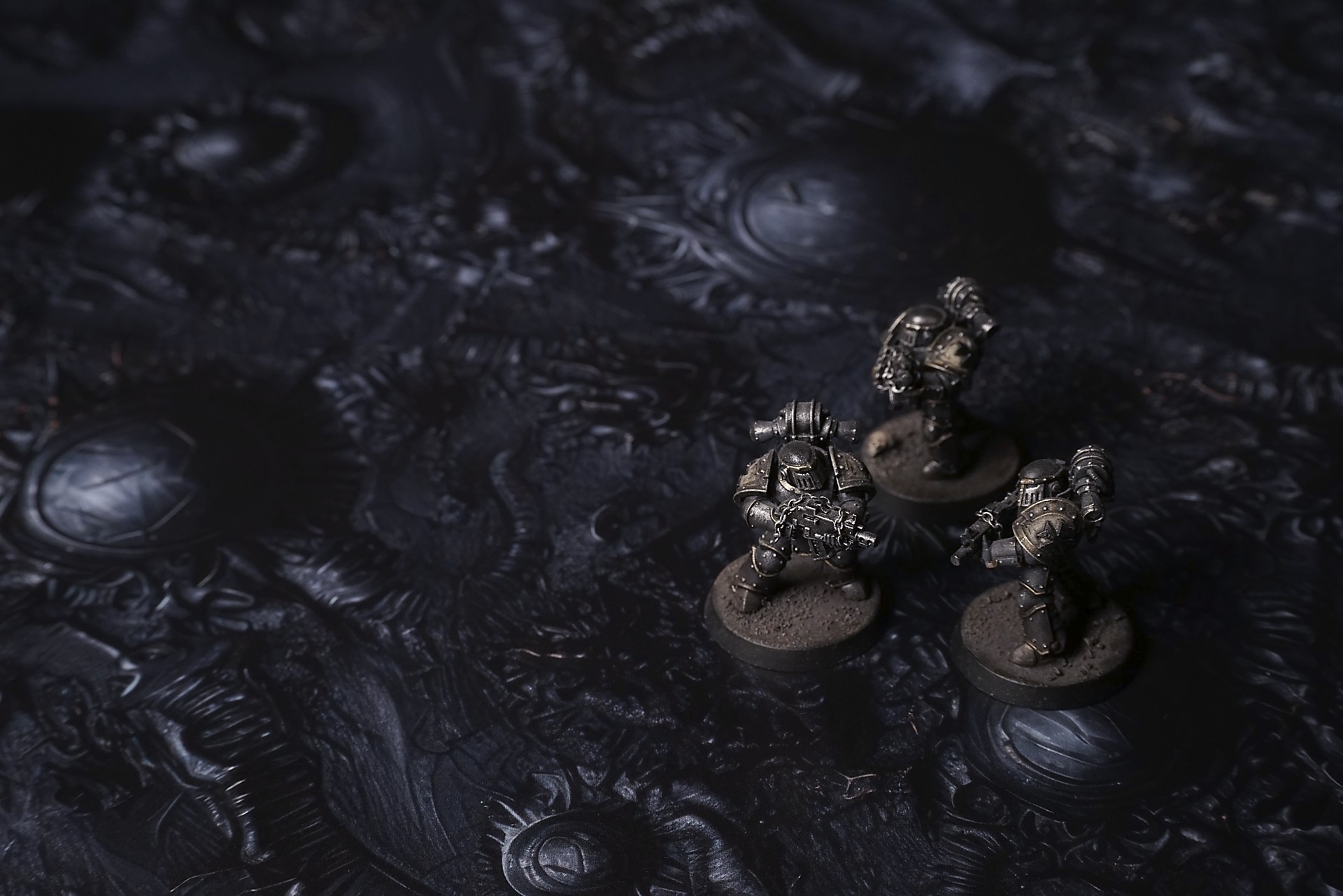
Nocturne Riftworld Battle Mat
We found it with the scanner still whimpering.
The probe feed had shown the lattice—black veins spidering across the surface like frozen lightning caught mid-strike. The mission log called it “incomplete infestation.” The captain called it “a gamble worth the risk.” I called it something darker the moment the land came into view.
The shuttle door sighed open, and the air that spilled out was thin, cold, and carrying that stuttered hum. Not a sound you heard with ears so much as something that vibrated under your teeth. It wasn’t constant. It hiccupped—half-breaths, like a machine in its last cycle trying to remember what power felt like. The first step off the ramp sunk into soil that flexed with a softness that didn’t belong to rock, then held like it had been waiting. The pulse beneath my boots was faint, something that used to be heartbeat and had been throttled down to a tremor.
“Keep your light low,” Juno whispered behind me. Her breath steamed, but the humidity was wrong—not wet, just a fine fog of something biological suspended in the air, clinging to suits like static. “Don’t sweep wide. We don’t know what wakes when it sees itself reflected.”
Select material type for gaming mat
How to use the Mat Designer:
- Select tile size.
- Use the +/− controls next to “Rows” and “Columns” to adjust the map size.
- Click the Randomize button to reshuffle all tiles at once.
- Click a tile on the maps to select it, then click another tile to swap their positions.
- Or click an image in the preview gallery below the map to replace the selected tile on the map.
Tile or Graphic Size
Size Presets
Custom Logo Upload
Only PNG with transparent background. Max file size: 2 MB.
Note:
Recommended image size for 50x50mm logo is apx 500x500px
Unique preset code, copy and save it to regenerate the pattern in the future. Click on the code to paste new one.
Backdrops
Set of 5x, 14x10.5in map related background for photos



How to use Backdrops:
- Backdrop upright on a stand, 5–30 cm behind the model.
- Lower the camera to model eye level.
- For action shots, raise the camera and include plenty of floor tile.
- Focus on the model; keep the background softly blurred.
- Hide edges: add models/terrain to break the floor tile boundary.
- Light model, not so much tile or background.
- Step back and zoom (50–85 mm equiv. or phone 2–3×) to avoid distortion.
- Add depth with occluders: place small elements front/behind and half way through frame edges.
- Test light colour, angles and heights.
- Dark room, one handheld light. Photo with timer let you position light easily.
- Brush light across the miniature to mimic sun/lamp/fire.