BUILD YOUR BATTLEFIELD
Nhexora Plains Wargaming Mat
Roll-up or rigid tiles Sizes from 1×1 ft to 6×4 ft
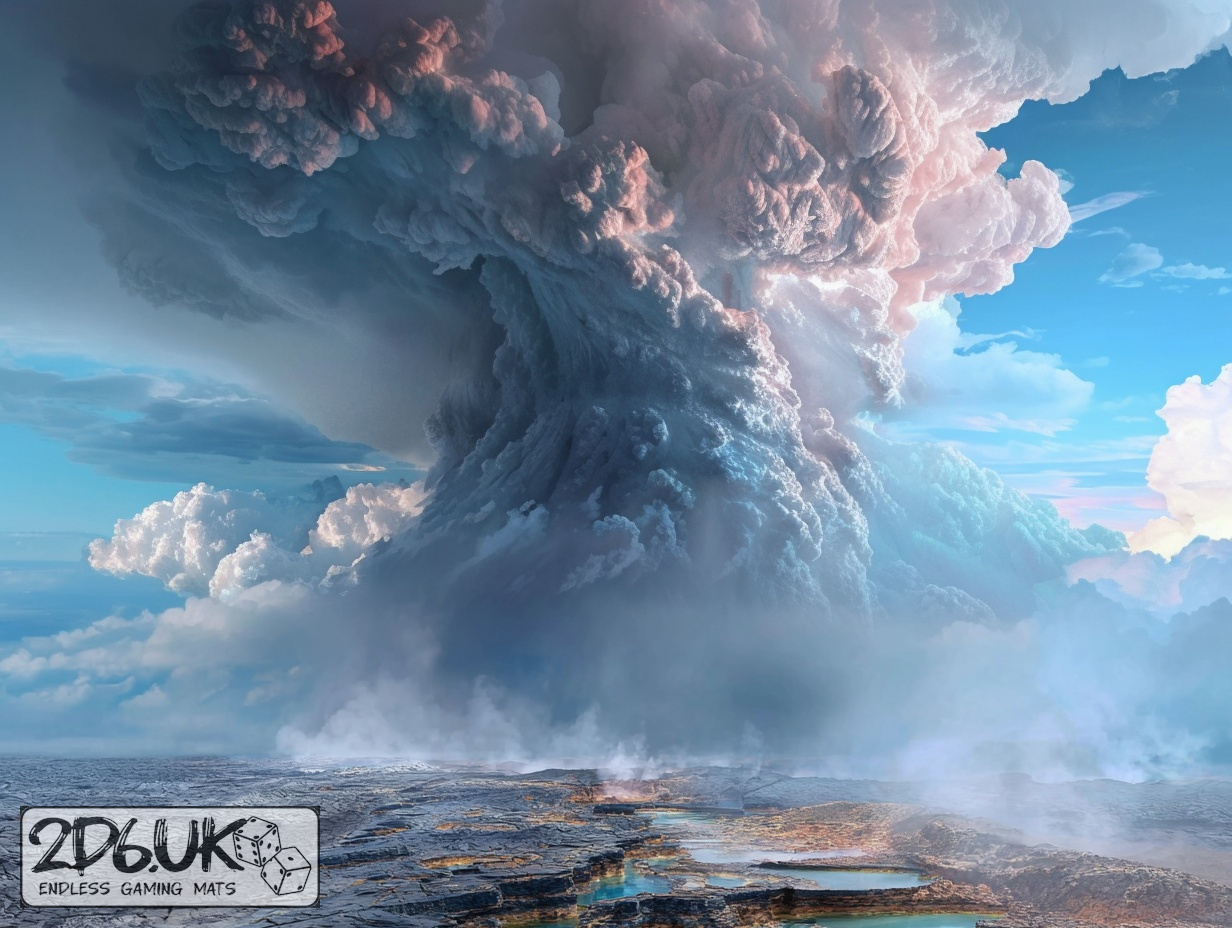
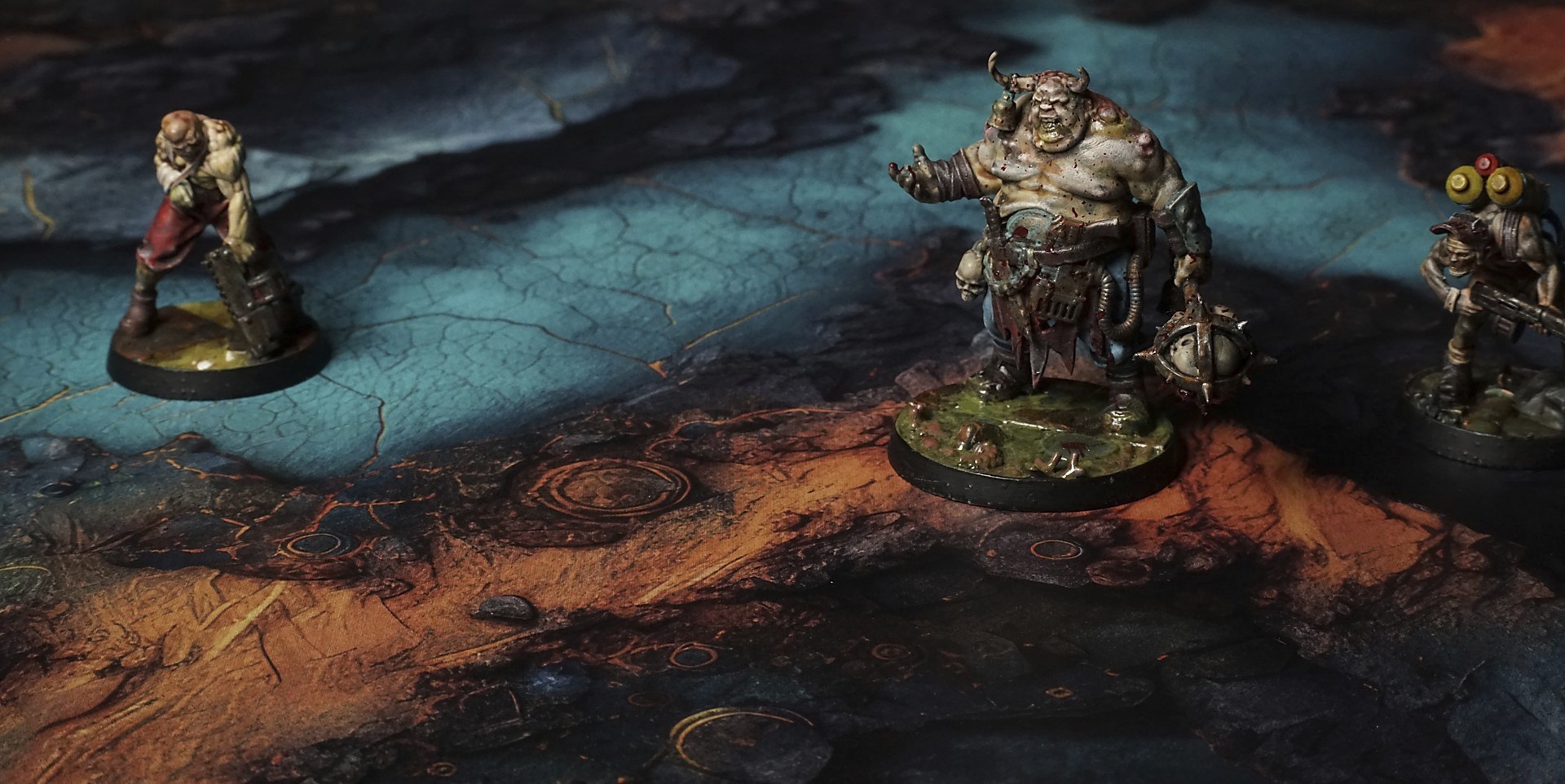
This mat shows a vivid turquoise river like deposit winding between dark gray rock ledges. Jagged stone outcrops frame the glowing water, while bright orange lichen patches cling to cracks. Faint carved glyphs peek beneath the surface, giving an aged, mysterious look.
This design is available as a roll-up gaming mat or rigid tile set, with supported battlefield sizes ranging from compact 1×1 ft tables up to full-size 6×4 ft battlefields, including 2×2 ft, 3×3 ft, 4×4 ft and 45×60 in presets.
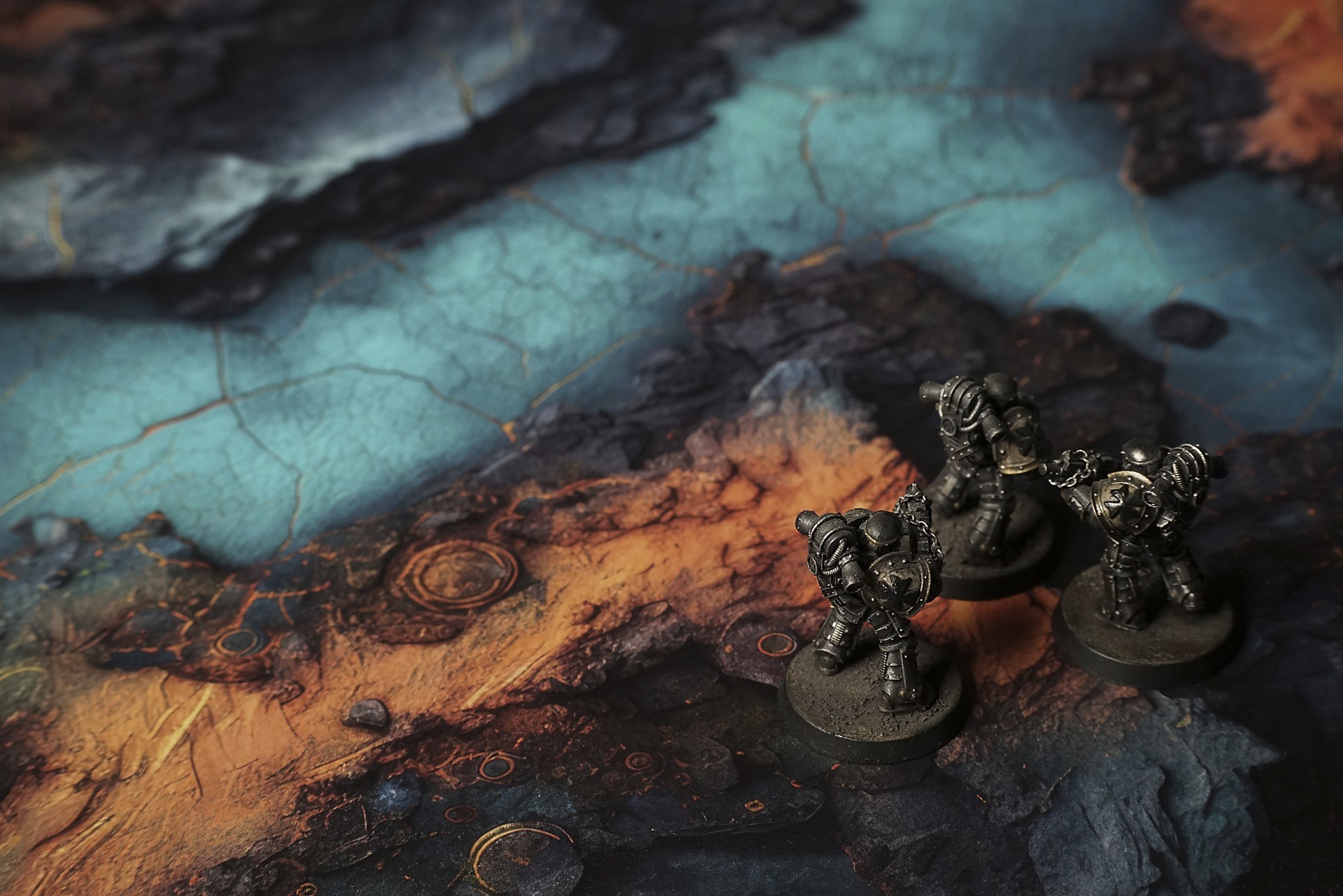
Nhexora Plains Battle Mat
My boots cracked the crust—sharp as breaking sugar—sending a puff of bruised-copper dust curling into the still air. I swallowed, tasting salt and acid on my tongue, and realized the basin was holding its breath around me.
“We push on,” Mara said, voice tight in her mask. Her scanner chimed against the vein of mag-iridium glowing beneath our feet. Light pooled in cobalt hollows, then flared on the razor edges of fractured plates. Every step felt like trespassing on a world still reacting to its own birth.
A sharp hiss drew our eyes to a cluster of boron crystals, their opalescent patina shifting from violet to green as the gas flare overhead tilted. Mara knelt and scraped a sample into her canister. “Cobalt salts,” she muttered. “Dried brine. Nothing a filter can’t handle—yet.”
Select material type for gaming mat
How to use the Mat Designer:
- Select tile size.
- Use the +/− controls next to “Rows” and “Columns” to adjust the map size.
- Click the Randomize button to reshuffle all tiles at once.
- Click a tile on the maps to select it, then click another tile to swap their positions.
- Or click an image in the preview gallery below the map to replace the selected tile on the map.
Tile or Graphic Size
Size Presets
Custom Logo Upload
Only PNG with transparent background. Max file size: 2 MB.
Note:
Recommended image size for 50x50mm logo is apx 500x500px
Unique preset code, copy and save it to regenerate the pattern in the future. Click on the code to paste new one.
Backdrops
Set of 5x, 14x10.5in map related background for photos



How to use Backdrops:
- Backdrop upright on a stand, 5–30 cm behind the model.
- Lower the camera to model eye level.
- For action shots, raise the camera and include plenty of floor tile.
- Focus on the model; keep the background softly blurred.
- Hide edges: add models/terrain to break the floor tile boundary.
- Light model, not so much tile or background.
- Step back and zoom (50–85 mm equiv. or phone 2–3×) to avoid distortion.
- Add depth with occluders: place small elements front/behind and half way through frame edges.
- Test light colour, angles and heights.
- Dark room, one handheld light. Photo with timer let you position light easily.
- Brush light across the miniature to mimic sun/lamp/fire.