BUILD YOUR BATTLEFIELD
Ironmantle Square Wargaming Mat
Roll-up or rigid tiles Sizes from 1×1 ft to 6×4 ft
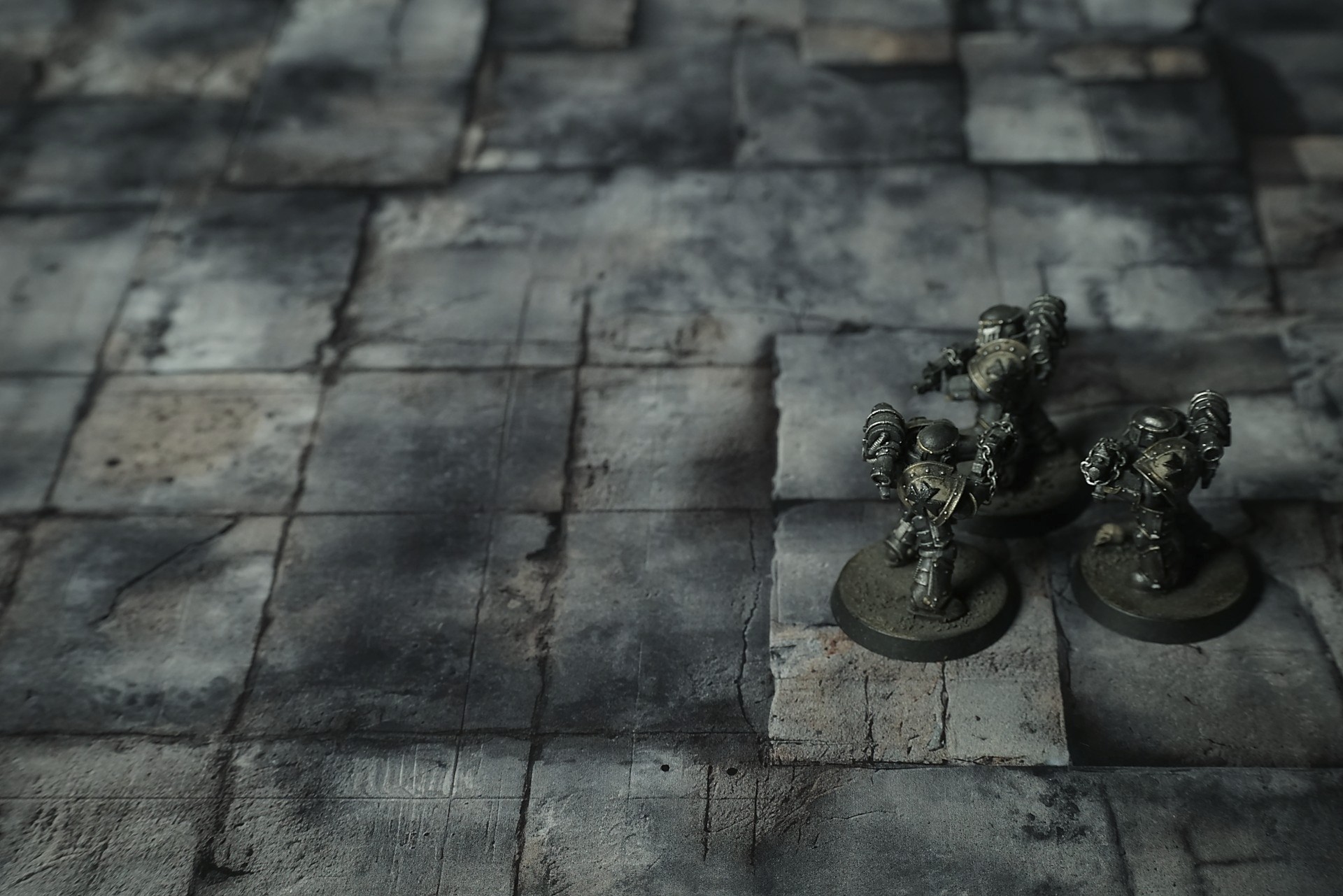
This mat shows large square slabs of weathered concrete in charcoal gray and tan. Each panel bears stains, cracks, and pitted textures. Dark grime pools near edges, while sandy deposits fill seams. The grid layout and worn surfaces give a timeworn urban feel.
This design is available as a roll-up gaming mat or rigid tile set, with supported battlefield sizes ranging from compact 1×1 ft tables up to full-size 6×4 ft battlefields, including 2×2 ft, 3×3 ft, 4×4 ft and 45×60 in presets.
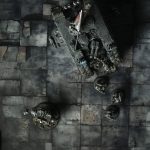
Ironmantle Square Battle Mat
The first goblin came through the slit in the wall—no warning, just a flash of grey-green and teeth and a shriek that dragged dust out of the cracks. Maris barely had her hand on the pommel. The creature’s knife bit the air where her ribs would’ve been if she’d stayed still. She rolled, blade flashing, and the sound of stone underfoot answered: tiles shifting, angling, throwing the little bastard off balance. He hit the floor hard. The keep’s bone remembered the impact, and a powder of ancient dust puffed up, making him cough and squint.
“Goblins!” Jurn barked, already moving, axe swinging in a wide arc that chewed through two more before they could shriek properly. His boots thundered. Stone gave under weight, not breaking, just… accentuating. The floor’s old grooves flared pale where his blows landed, throwing shadows across severed limbs like the place was framing the slaughter.
“Left!” Sera cursed, ducking low as a trio of the things spilled out from behind the dais. The floor reacted like a bruised animal. Where the goblins tried to flank through a narrow passage, the tiles tilted beneath their scuttling weight—not enough to throw them outright, but enough to turn their leaps into flails, their balance into chaos. A blade clipped a goblin’s throat as he stumbled. He went down cursing, blood spreading into the dark stain near the entrance, mixing with the old, baked mark until the keep’s memory took the new story in.

Select material type for gaming mat
How to use the Mat Designer:
- Select tile size.
- Use the +/− controls next to “Rows” and “Columns” to adjust the map size.
- Click the Randomize button to reshuffle all tiles at once.
- Click a tile on the maps to select it, then click another tile to swap their positions.
- Or click an image in the preview gallery below the map to replace the selected tile on the map.
Tile or Graphic Size
Size Presets
Custom Logo Upload
Only PNG with transparent background. Max file size: 2 MB.
Note:
Recommended image size for 50x50mm logo is apx 500x500px
Unique preset code, copy and save it to regenerate the pattern in the future. Click on the code to paste new one.
Backdrops
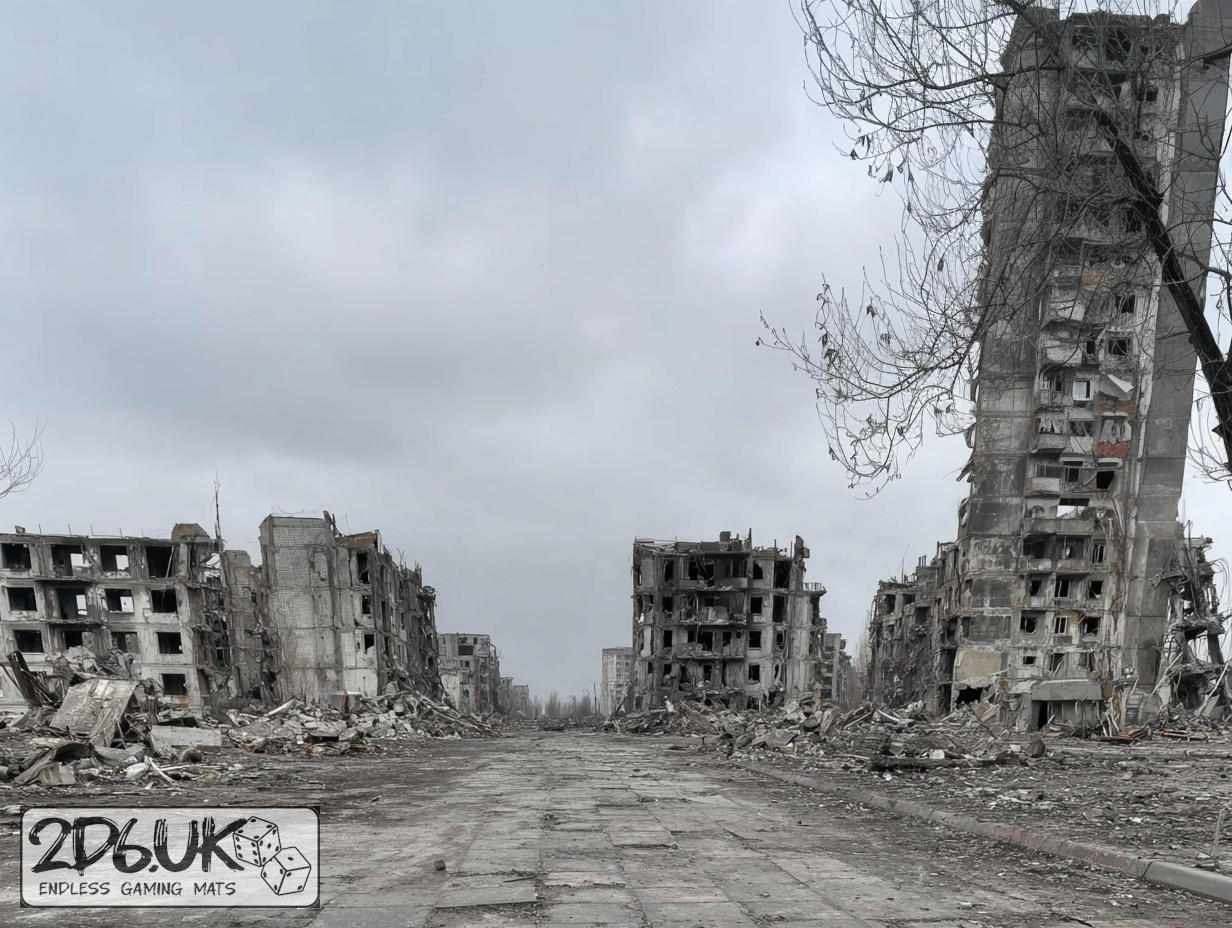
Set of 5x, 14x10.5in map related background for photos



How to use Backdrops:
- Backdrop upright on a stand, 5–30 cm behind the model.
- Lower the camera to model eye level.
- For action shots, raise the camera and include plenty of floor tile.
- Focus on the model; keep the background softly blurred.
- Hide edges: add models/terrain to break the floor tile boundary.
- Light model, not so much tile or background.
- Step back and zoom (50–85 mm equiv. or phone 2–3×) to avoid distortion.
- Add depth with occluders: place small elements front/behind and half way through frame edges.
- Test light colour, angles and heights.
- Dark room, one handheld light. Photo with timer let you position light easily.
- Brush light across the miniature to mimic sun/lamp/fire.