BUILD YOUR BATTLEFIELD
Boneveil Steppe Wargaming Mat
Roll-up or rigid tiles Sizes from 1×1 ft to 6×4 ft
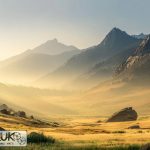
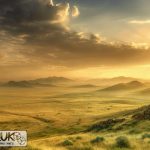
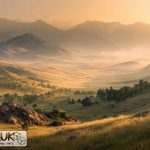
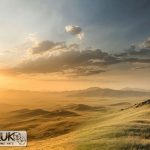
This mat features windswept golden grasses interspersed with rocky outcrops and scrubby bushes. Soft tufts of pale green grass blend into dry yellow fields, while scattered stones and exposed earth patches add texture—evoking the sparse, sun-baked feel of an open steppe.
This design is available as a roll-up gaming mat or rigid tile set, with supported battlefield sizes ranging from compact 1×1 ft tables up to full-size 6×4 ft battlefields, including 2×2 ft, 3×3 ft, 4×4 ft and 45×60 in presets.
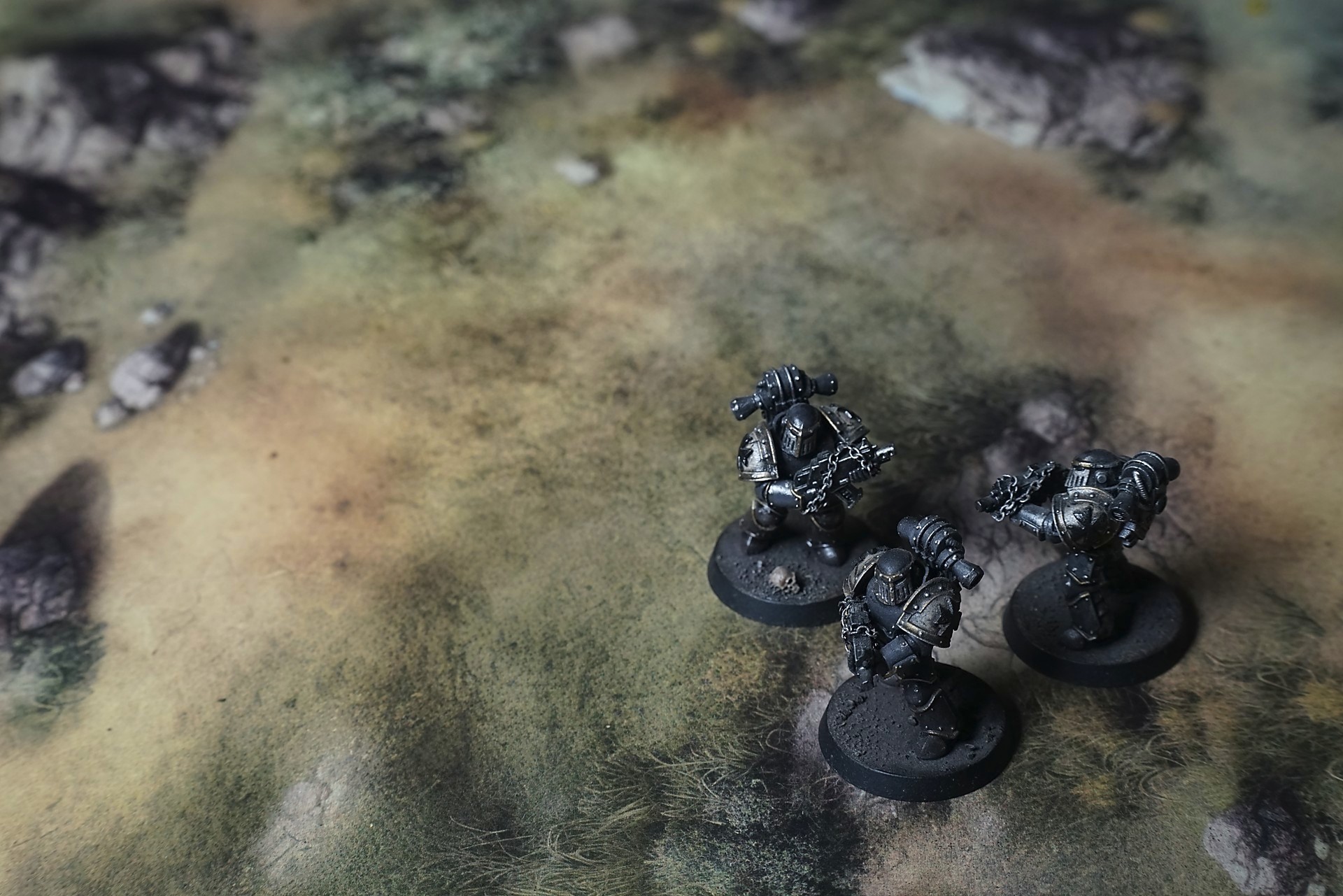
Boneveil Steppe Battle Mat
They crossed the burn scar in silence, each footfall swallowed by the ash-grey dust. Kara led, eyes narrowed against the glare off the blistered rocks, where the wind whittled edges to razor ridges. Behind her, Jax scanned the horizon, hawk-keen in a place built to hide threats.
The grass—once golden prairie—had been blackened to powder, snapping underfoot like dry bones. Kara paused at a cyclopean tree trunk, its bark curled back in charred ribbons. “Water’s not here,” she muttered, wiping sweat from her brow. The air tasted of smoke and regret. Jax handed her a canteen with a nod. They shared a gulp, metal touching metal—their only solace.
A distant clamor drew their ears: a loose boulder tumbling somewhere unseen. Kara raised her gauss pistol, stance low. Dust whipped up in swirling spines around them, erasing the path they’d made. “Keep moving,” Jax urged, voice flat. Every second spent standing still let the wasteland settle further.
Select material type for gaming mat
How to use the Mat Designer:
- Select tile size.
- Use the +/− controls next to “Rows” and “Columns” to adjust the map size.
- Click the Randomize button to reshuffle all tiles at once.
- Click a tile on the maps to select it, then click another tile to swap their positions.
- Or click an image in the preview gallery below the map to replace the selected tile on the map.
Tile or Graphic Size
Size Presets
Custom Logo Upload
Only PNG with transparent background. Max file size: 2 MB.
Note:
Recommended image size for 50x50mm logo is apx 500x500px
Unique preset code, copy and save it to regenerate the pattern in the future. Click on the code to paste new one.
Backdrops
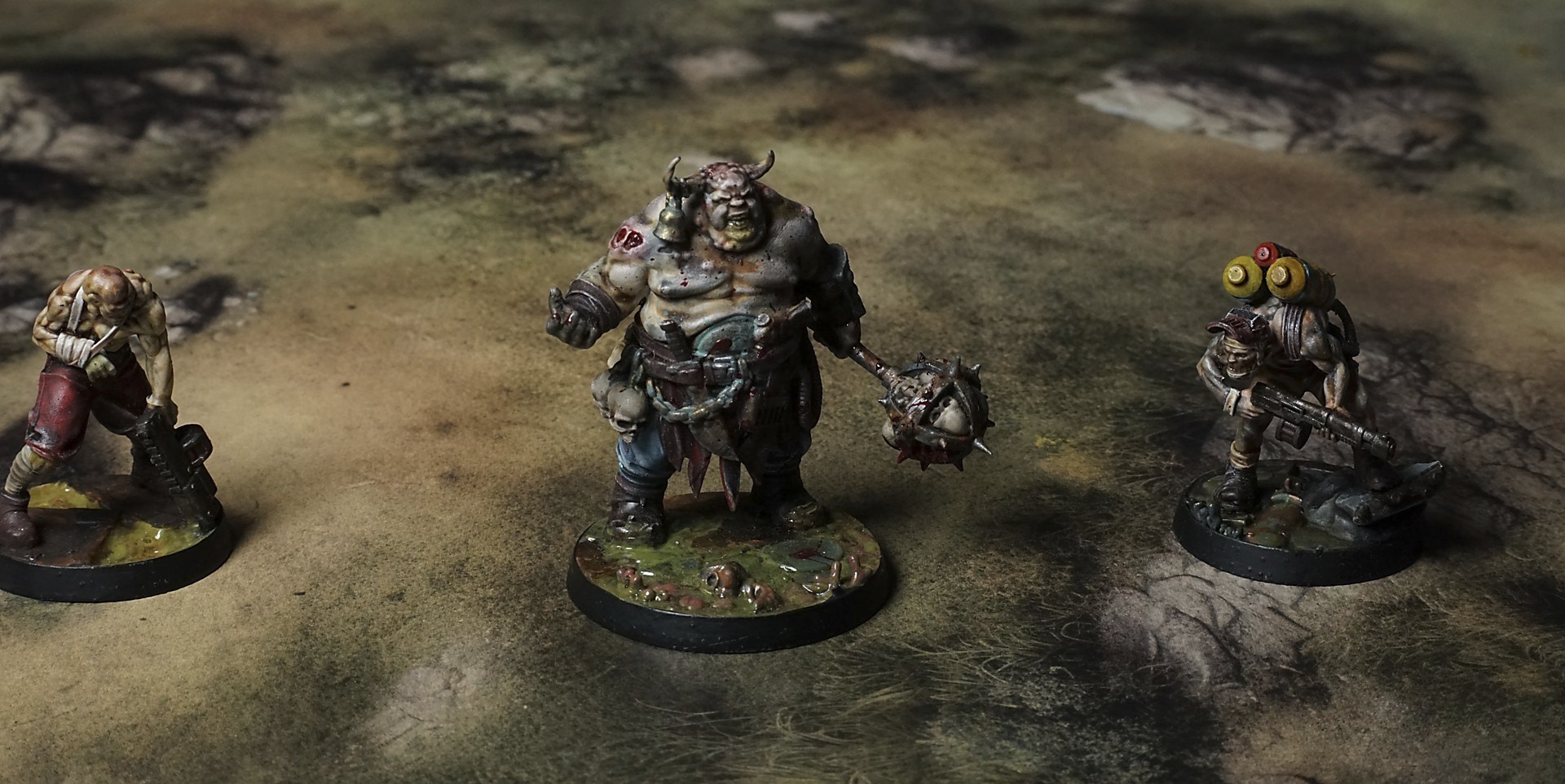
Set of 5x, 14x10.5in map related background for photos



How to use Backdrops:
- Backdrop upright on a stand, 5–30 cm behind the model.
- Lower the camera to model eye level.
- For action shots, raise the camera and include plenty of floor tile.
- Focus on the model; keep the background softly blurred.
- Hide edges: add models/terrain to break the floor tile boundary.
- Light model, not so much tile or background.
- Step back and zoom (50–85 mm equiv. or phone 2–3×) to avoid distortion.
- Add depth with occluders: place small elements front/behind and half way through frame edges.
- Test light colour, angles and heights.
- Dark room, one handheld light. Photo with timer let you position light easily.
- Brush light across the miniature to mimic sun/lamp/fire.