BUILD YOUR BATTLEFIELD
Bloommantle Glade Wargaming Mat
Roll-up or rigid tiles Sizes from 1×1 ft to 6×4 ft
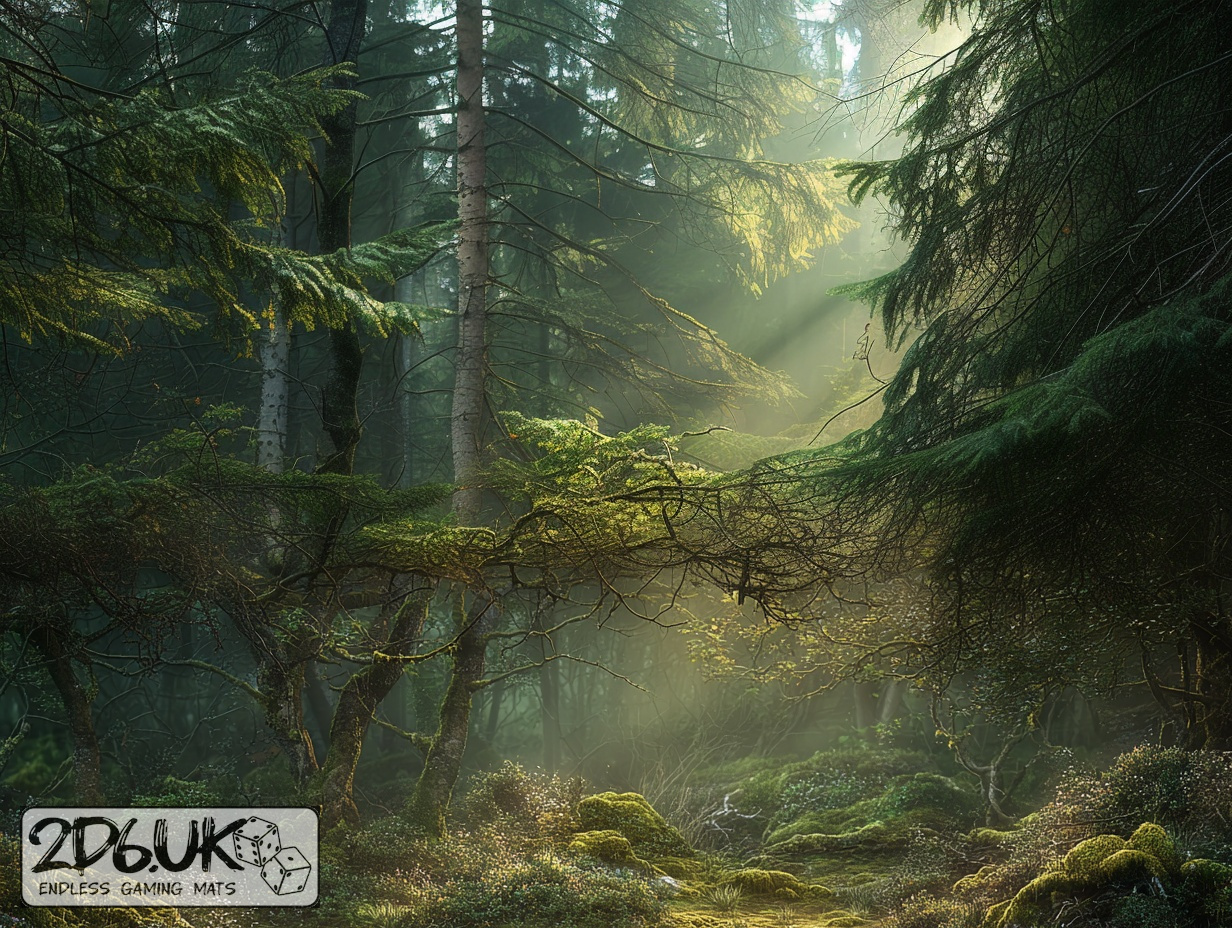
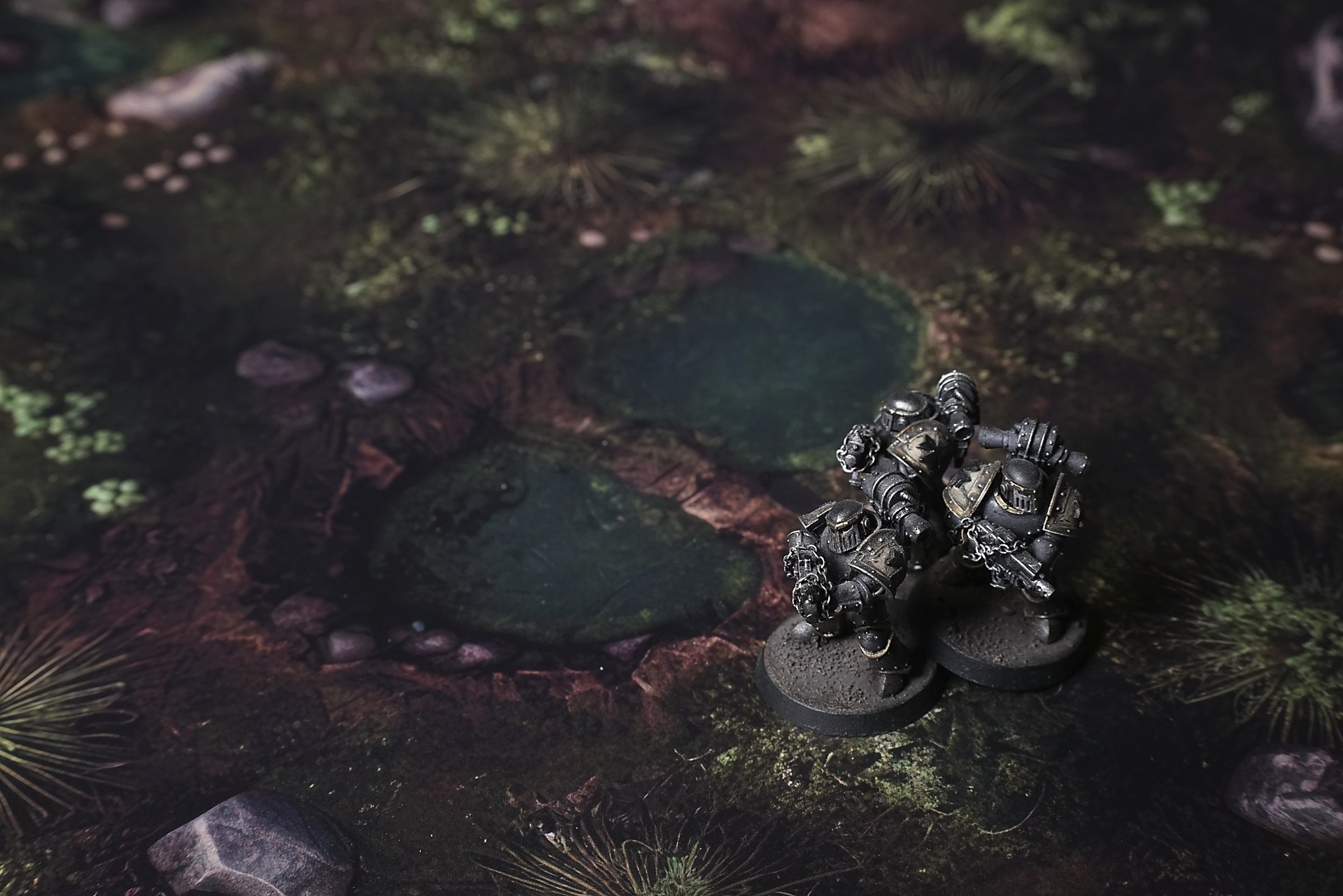
This mat layers verdant shrubs and ferns around emerald pools linked by a weathered plank bridge. Worn earth pathways meander past moss-draped stones and spiky thickets, while subtle light-to-shadow transitions highlight hidden ford crossings and ambush hollows in the glade.
This design is available as a roll-up gaming mat or rigid tile set, with supported battlefield sizes ranging from compact 1×1 ft tables up to full-size 6×4 ft battlefields, including 2×2 ft, 3×3 ft, 4×4 ft and 45×60 in presets.
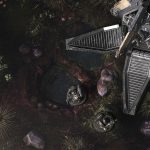
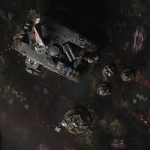
Bloommantle Glade Battle Mat
They cut the beaten road at dusk, chasing the promise of saved coin and passing tolls, and the swamp took them in like a slow breath. The wagons rolled soft over reed-muffled ground at first, the night hiding the way the earth wanted to hold them, promising quiet and cover. Greed had a smell—damp, sweet with sweat—and it hung over the caravan as they followed half-remembered tracks, convinced the marsh would spit them out on the other side if they kept their heads down and wheels turning.
By midnight the mists had thickened into a skin over everything. The path dissolved. Lanterns flared weak and wavering; reflections in the black water were not stars but things that watched from just beneath the surface. The swamp didn’t rush. It waited. Wagons sank slow, quiet, the soft suck of wheel and axle pulling under like a hand that tightened without warning. Men argued in whispers, trading curses for direction, and the price of silence grew sharper—food caches misplaced, the lead mule gone with the fog, the youngest scout swallowed by a hollow that opened under his step as if the ground had decided to reclaim him.

Select material type for gaming mat
How to use the Mat Designer:
- Select tile size.
- Use the +/− controls next to “Rows” and “Columns” to adjust the map size.
- Click the Randomize button to reshuffle all tiles at once.
- Click a tile on the maps to select it, then click another tile to swap their positions.
- Or click an image in the preview gallery below the map to replace the selected tile on the map.
Tile or Graphic Size
Size Presets
Custom Logo Upload
Only PNG with transparent background. Max file size: 2 MB.
Note:
Recommended image size for 50x50mm logo is apx 500x500px
Unique preset code, copy and save it to regenerate the pattern in the future. Click on the code to paste new one.
Backdrops
Set of 5x, 14x10.5in map related background for photos



How to use Backdrops:
- Backdrop upright on a stand, 5–30 cm behind the model.
- Lower the camera to model eye level.
- For action shots, raise the camera and include plenty of floor tile.
- Focus on the model; keep the background softly blurred.
- Hide edges: add models/terrain to break the floor tile boundary.
- Light model, not so much tile or background.
- Step back and zoom (50–85 mm equiv. or phone 2–3×) to avoid distortion.
- Add depth with occluders: place small elements front/behind and half way through frame edges.
- Test light colour, angles and heights.
- Dark room, one handheld light. Photo with timer let you position light easily.
- Brush light across the miniature to mimic sun/lamp/fire.