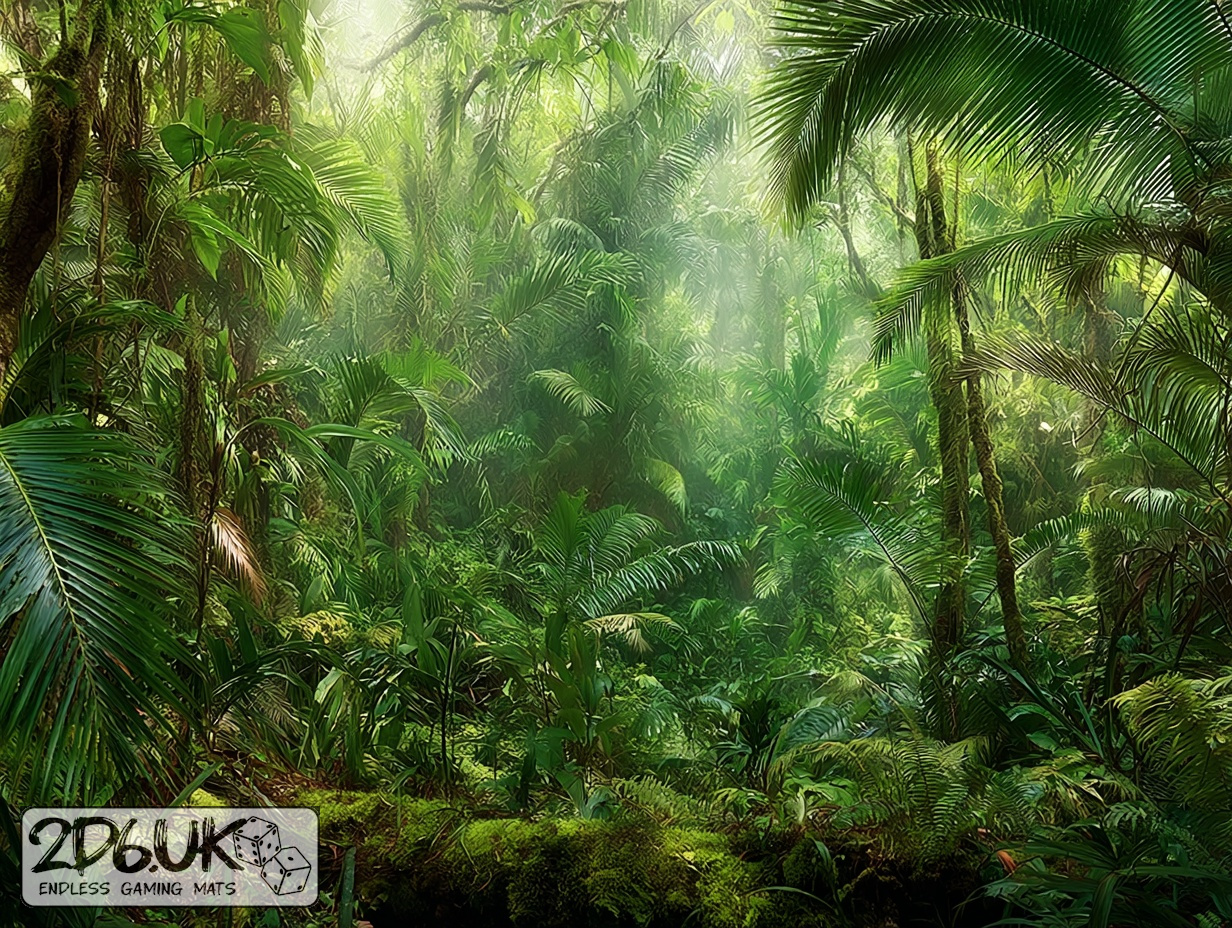
BUILD YOUR BATTLEFIELD
Ashvine Delta Wargaming Mat
Roll-up or rigid tiles Sizes from 1×1 ft to 6×4 ft
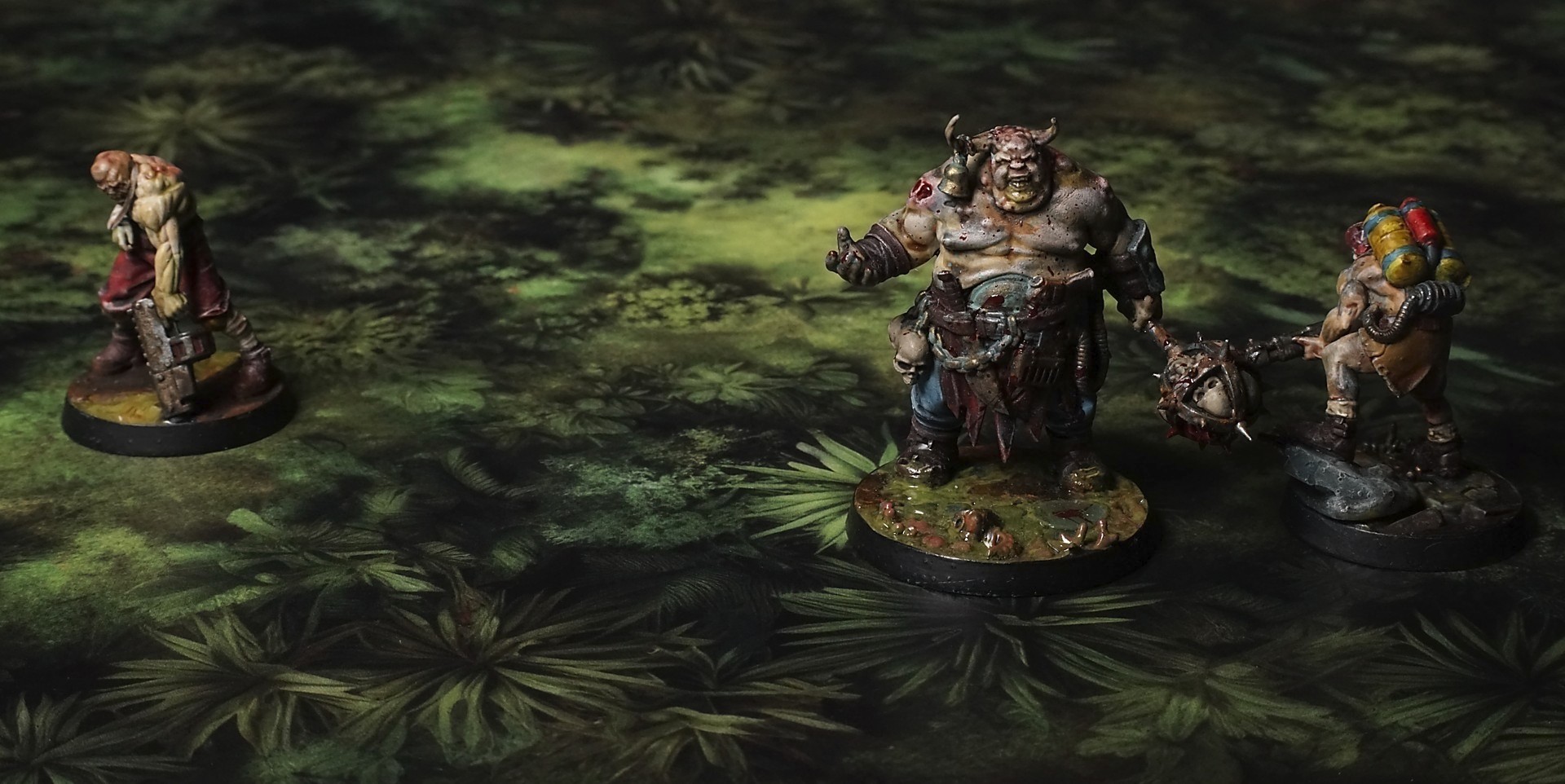
This mat presents a lush tapestry of green foliage, from spiky palm fronds to low-growing shrubs and mossy patches. Sunlit clearings of bright grass peek through dense underbrush, while darker leaf clusters add depth. The overall effect is a vibrant, overgrown delta floor.
This design is available as a roll-up gaming mat or rigid tile set, with supported battlefield sizes ranging from compact 1×1 ft tables up to full-size 6×4 ft battlefields, including 2×2 ft, 3×3 ft, 4×4 ft and 45×60 in presets.
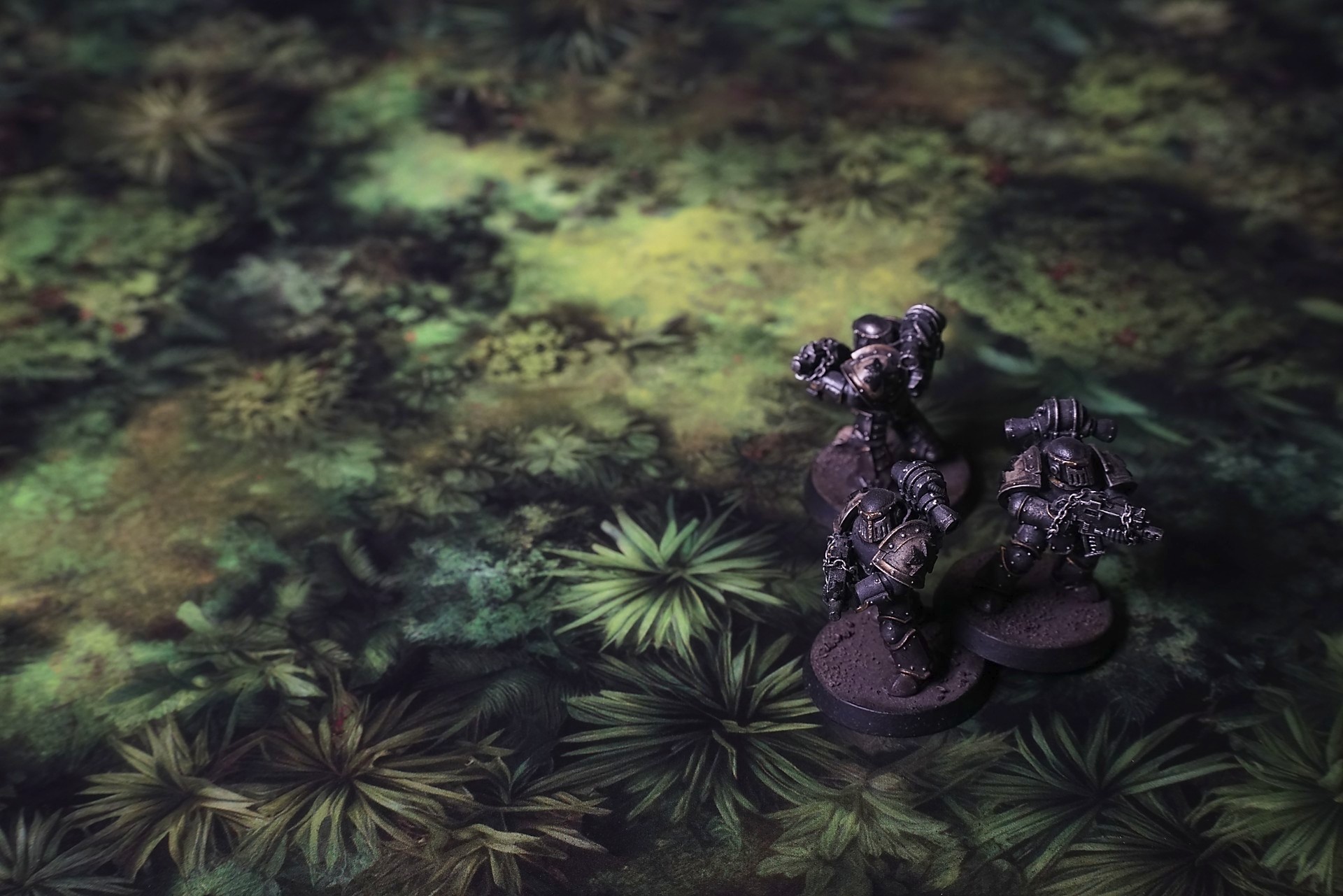
Ashvine Delta Battle Mat
They slipped into the green corridor soundlessly, machete blades tracing arcs that barely disturbed the dripping leaves. The trail narrowed until trunks pressed in like walls, roots twisting into hidden snares. Every footstep sank into damp earth that seemed to swallow it whole.
A sudden crack to their right froze them all: a fern frond trembling before the wind picked up. The air thickened with insect hisses and bird calls, so tangled it felt like living static. The scent of decay—moss and rot—coated their senses, sharp enough to taste.
Ahead, a scarlet flower glowed against the gloom. Its petals trembled as if tasting the air itself. Before the scout could warn, it snapped upward like a spring-loaded blade. She dove aside, metal striking leaf with a sharp ring as vines whipped out of the shadows.
Select material type for gaming mat
How to use the Mat Designer:
- Select tile size.
- Use the +/− controls next to “Rows” and “Columns” to adjust the map size.
- Click the Randomize button to reshuffle all tiles at once.
- Click a tile on the maps to select it, then click another tile to swap their positions.
- Or click an image in the preview gallery below the map to replace the selected tile on the map.
Tile or Graphic Size
Size Presets
Custom Logo Upload
Only PNG with transparent background. Max file size: 2 MB.
Note:
Recommended image size for 50x50mm logo is apx 500x500px
Unique preset code, copy and save it to regenerate the pattern in the future. Click on the code to paste new one.
Backdrops
Set of 5x, 14x10.5in map related background for photos



How to use Backdrops:
- Backdrop upright on a stand, 5–30 cm behind the model.
- Lower the camera to model eye level.
- For action shots, raise the camera and include plenty of floor tile.
- Focus on the model; keep the background softly blurred.
- Hide edges: add models/terrain to break the floor tile boundary.
- Light model, not so much tile or background.
- Step back and zoom (50–85 mm equiv. or phone 2–3×) to avoid distortion.
- Add depth with occluders: place small elements front/behind and half way through frame edges.
- Test light colour, angles and heights.
- Dark room, one handheld light. Photo with timer let you position light easily.
- Brush light across the miniature to mimic sun/lamp/fire.