BUILD YOUR BATTLEFIELD
Ashen Maw Wargaming Mat
Roll-up or rigid tiles Sizes from 1×1 ft to 6×4 ft
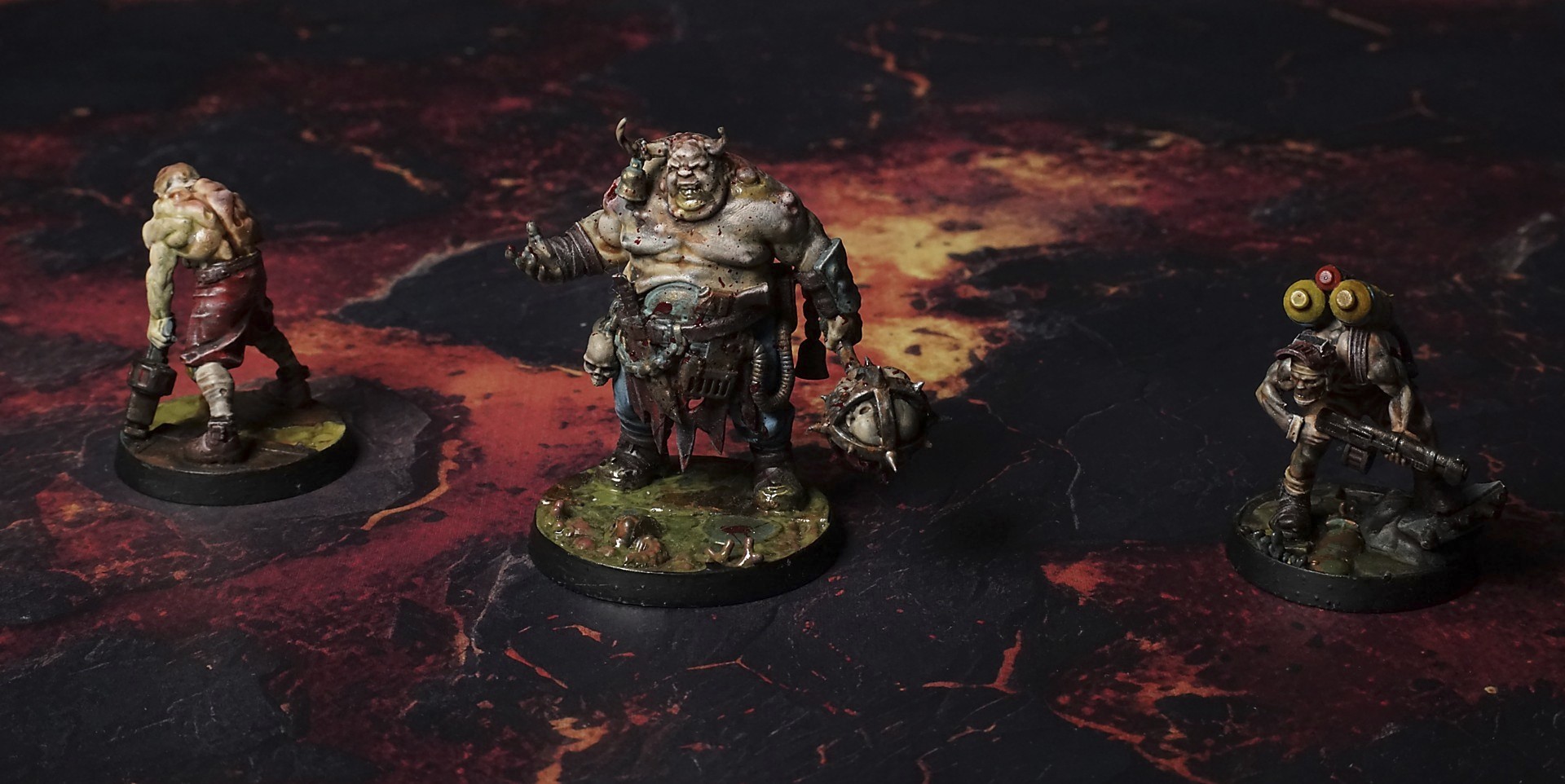
This mat shows jagged, blackened plates of cooled lava fractured by glowing rivers of molten amber and crimson. Scattered charred rock fragments lie atop smoldering fissures, while drifting ember sparks underscore the fierce, churning heat of a volcanic wasteland. Molten veins pulse beneath the crackled surface.
This design is available as a roll-up gaming mat or rigid tile set, with supported battlefield sizes ranging from compact 1×1 ft tables up to full-size 6×4 ft battlefields, including 2×2 ft, 3×3 ft, 4×4 ft and 45×60 in presets.
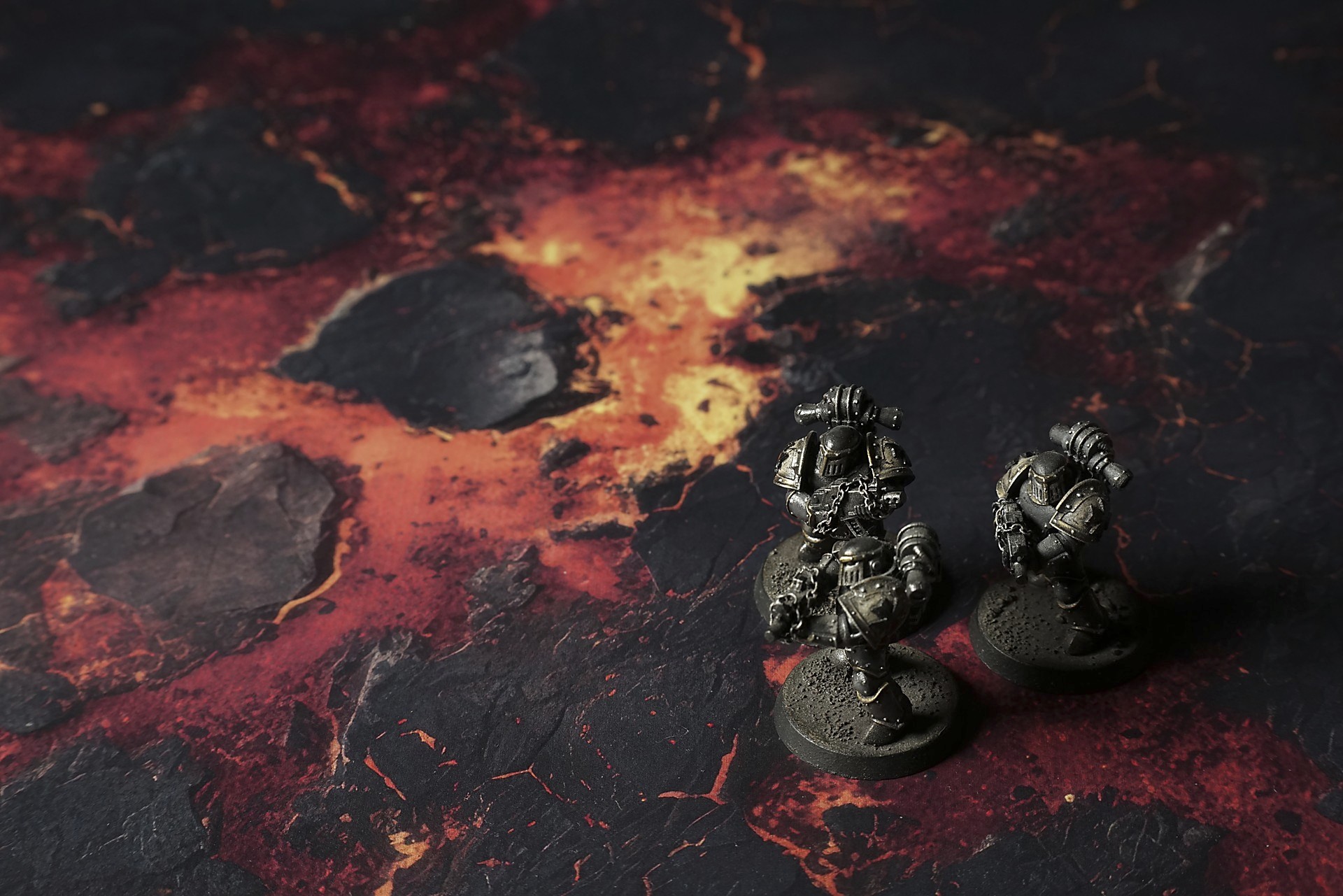

Ashen Maw Battle Mat
They stumbled into the heat haze like men walking into a furnace. Dara’s boots thudded on the cooling basalt—slick in spots, brittle in others—and every step made the rock spit up glowing embers. Warm air pressed in, thick and metallic, and her throat burned with each breath.
“Keep moving,” she rasped, voice lost in the roar of distant gas vents. A jet of sulfur-yellow flame hissed from a crack nearby, painting her visor before vanishing in a puff of smoke.
Behind her, Kovo scrambled over a fresh flow, eyes wide as the rock under his sole split with a dull crack, missing his foot by inches. He swallowed the taste of ash and nodded, face pale in the molten glint.
New lava oozed forward in slow scars, swallowing the path they’d made seconds before. Obsidian spikes jutted from half-frozen pools, glassy and treacherous; fresh magma beaded on their tips before dripping down in molten tears. Dara skirted around one pillar, feeling the ground pulse beneath her—black where she stepped, then red-hot in a heartbeat.
Select material type for gaming mat
How to use the Mat Designer:
- Select tile size.
- Use the +/− controls next to “Rows” and “Columns” to adjust the map size.
- Click the Randomize button to reshuffle all tiles at once.
- Click a tile on the maps to select it, then click another tile to swap their positions.
- Or click an image in the preview gallery below the map to replace the selected tile on the map.
Tile or Graphic Size
Size Presets
Custom Logo Upload
Only PNG with transparent background. Max file size: 2 MB.
Note:
Recommended image size for 50x50mm logo is apx 500x500px
Unique preset code, copy and save it to regenerate the pattern in the future. Click on the code to paste new one.
Backdrops
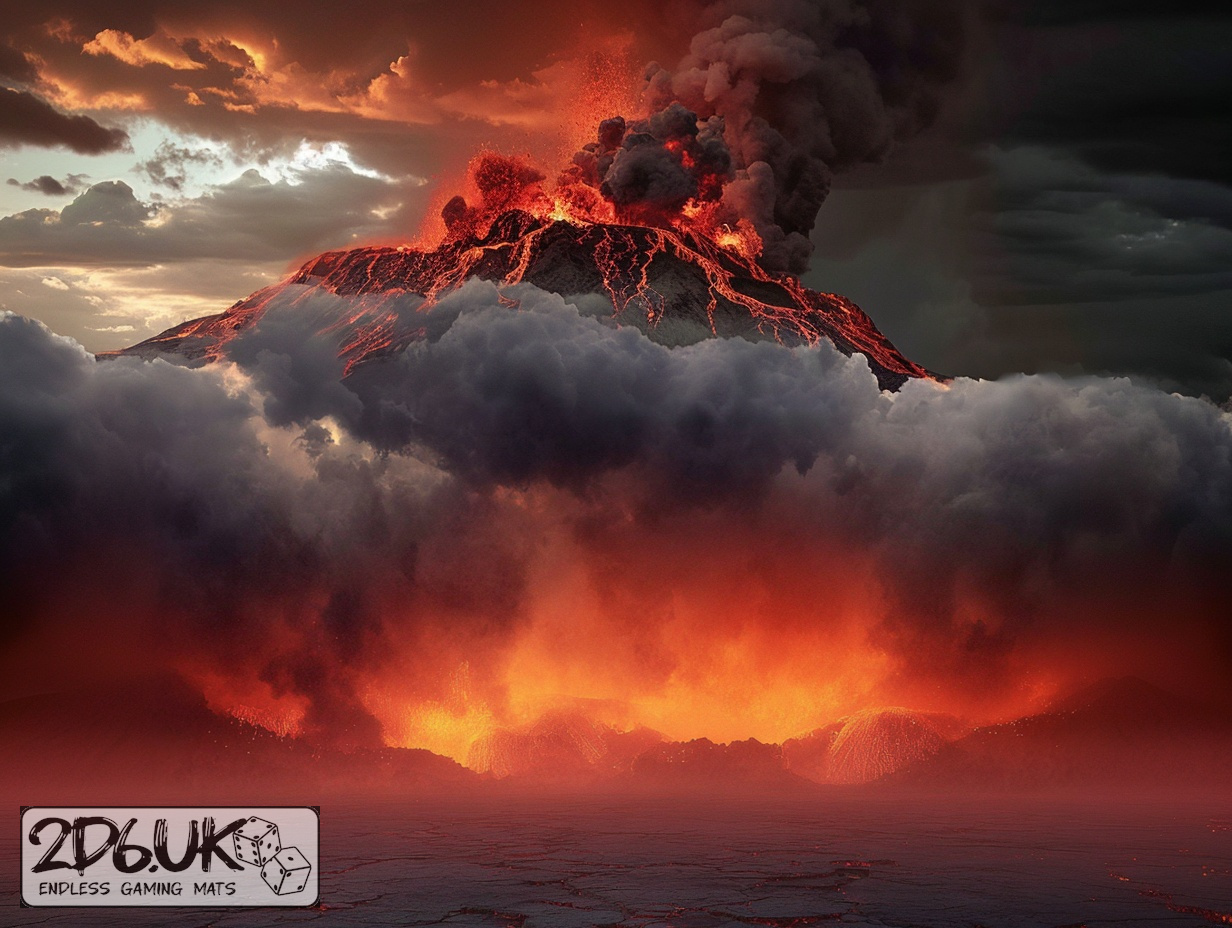
Set of 5x, 14x10.5in map related background for photos



How to use Backdrops:
- Backdrop upright on a stand, 5–30 cm behind the model.
- Lower the camera to model eye level.
- For action shots, raise the camera and include plenty of floor tile.
- Focus on the model; keep the background softly blurred.
- Hide edges: add models/terrain to break the floor tile boundary.
- Light model, not so much tile or background.
- Step back and zoom (50–85 mm equiv. or phone 2–3×) to avoid distortion.
- Add depth with occluders: place small elements front/behind and half way through frame edges.
- Test light colour, angles and heights.
- Dark room, one handheld light. Photo with timer let you position light easily.
- Brush light across the miniature to mimic sun/lamp/fire.