BUILD YOUR BATTLEFIELD
Graven Court Wargaming Mat
Roll-up or rigid tiles Sizes from 1×1 ft to 6×4 ft
This mat shows weathered stone blocks in gray and sandy beige tones, each slab marked by cracks, chips, and rough edges. Patches of brown soil settle in crevices, while faint streaks of darker grime highlight the uneven surface. The overall look is one of aged, worn masonry.
This design is available as a roll-up gaming mat or rigid tile set, with supported battlefield sizes ranging from compact 1×1 ft tables up to full-size 6×4 ft battlefields, including 2×2 ft, 3×3 ft, 4×4 ft and 45×60 in presets.
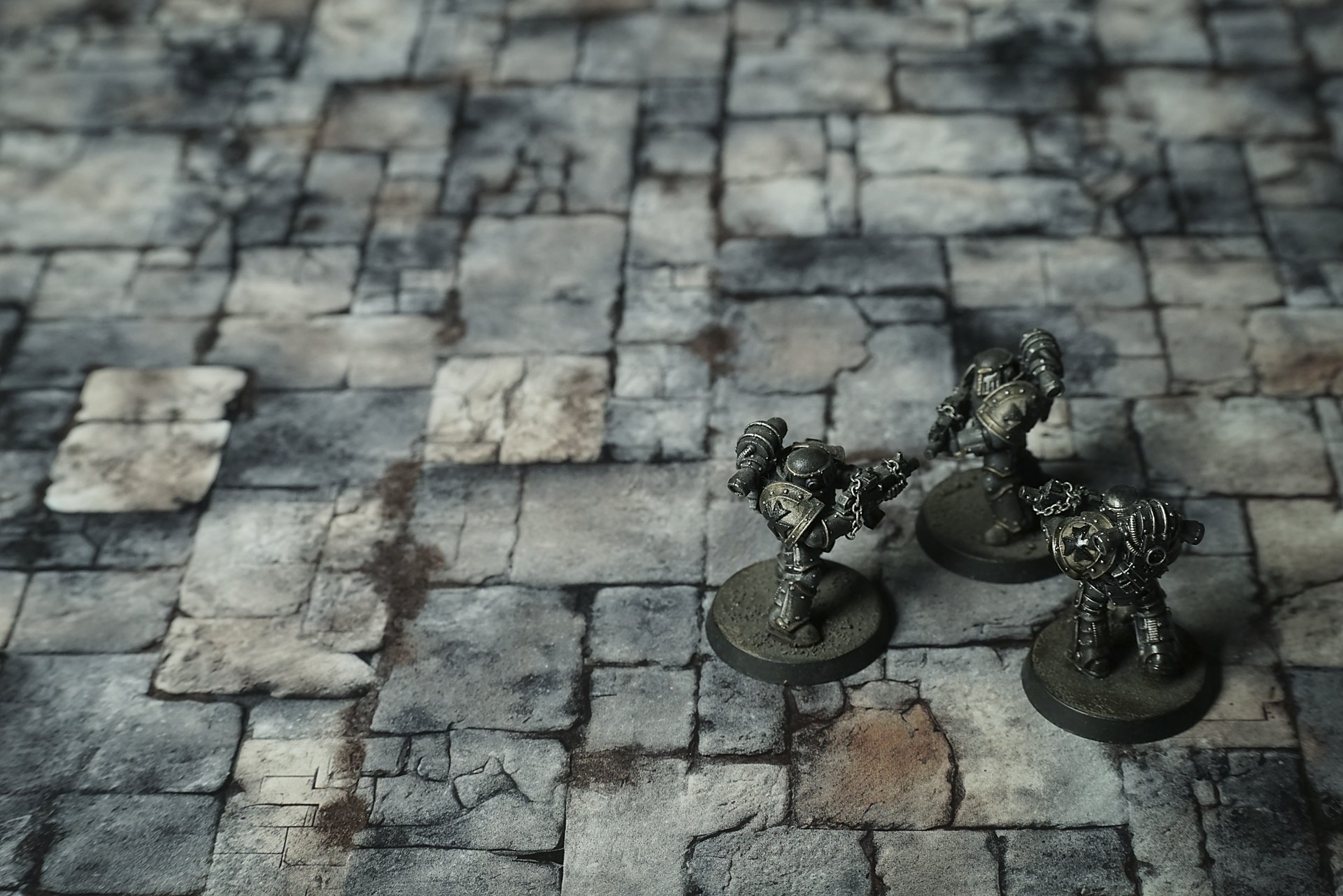
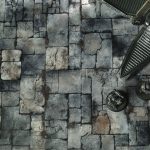
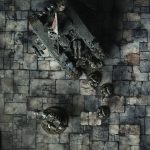
Graven Court Battle Mat
The job was supposed to be simple. Slip into the keep at dusk, lift the medallion from beneath the lord’s private vault, and vanish before the sentries finished their second drink. Lorren had done worse for less, and the floor—fortress bone, the broker had said—was supposed to be just old stone with stories, not a thing that watched.
He moved light and low, cloak pulled tight, the smell of damp moss and old sweat following him like a stale promise. The keep’s great hall opened before him, slabs tilted just enough to wrinkle a man’s balance if he wasn’t careful. The bones in the floor shifted under his weight with a soft complaint, as if it remembered the boots that had marched here and the steel that had dragged across it. He felt the grooves, the giving, the subtle list of a tile that had once held a banner pole. Every inch of it whispered warning in the way only a place with history could—there was weight to its silence.
Select material type for gaming mat
How to use the Mat Designer:
- Select tile size.
- Use the +/− controls next to “Rows” and “Columns” to adjust the map size.
- Click the Randomize button to reshuffle all tiles at once.
- Click a tile on the maps to select it, then click another tile to swap their positions.
- Or click an image in the preview gallery below the map to replace the selected tile on the map.
Tile or Graphic Size
Size Presets
Custom Logo Upload
Only PNG with transparent background. Max file size: 2 MB.
Note:
Recommended image size for 50x50mm logo is apx 500x500px
Unique preset code, copy and save it to regenerate the pattern in the future. Click on the code to paste new one.
Backdrops
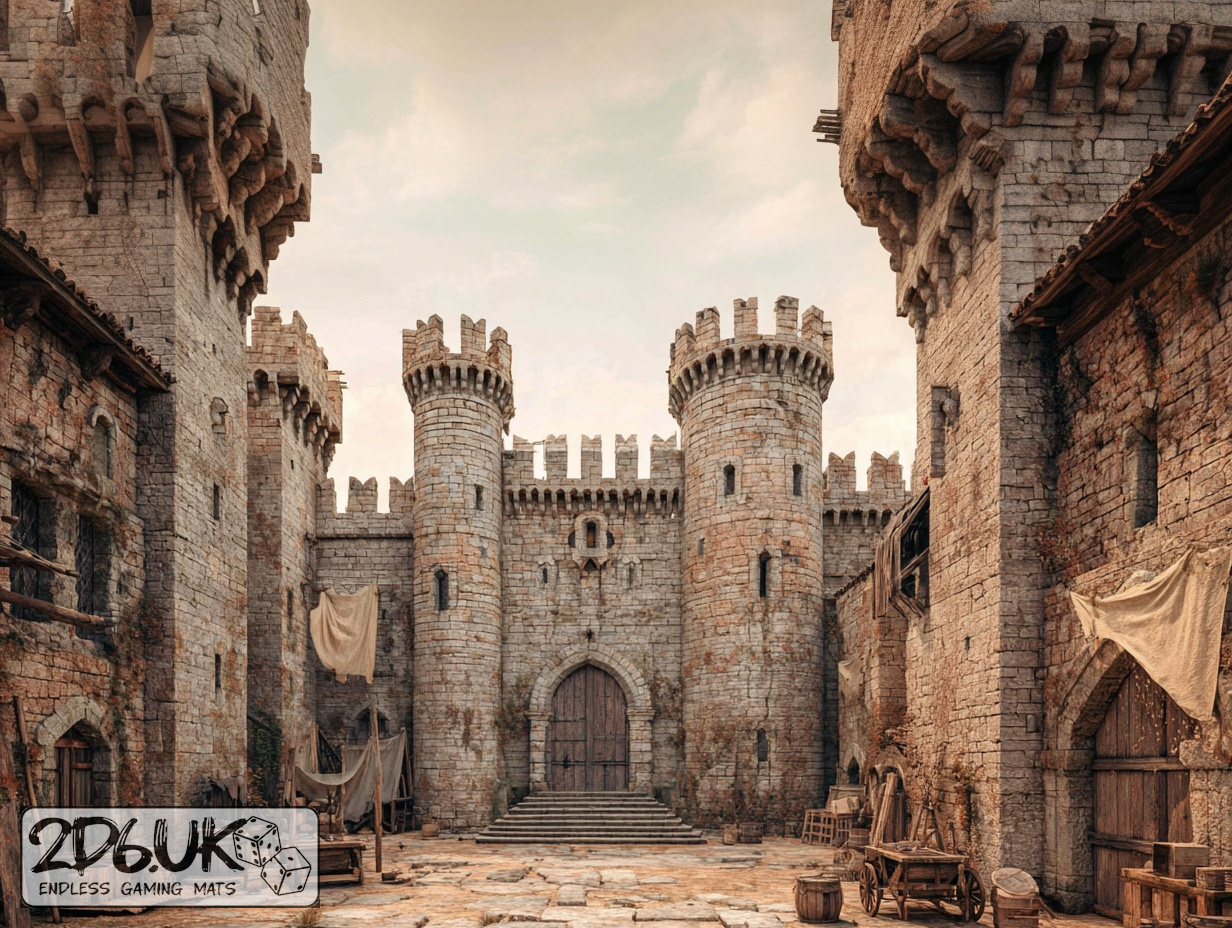
Set of 5x, 14x10.5in map related background for photos



How to use Backdrops:
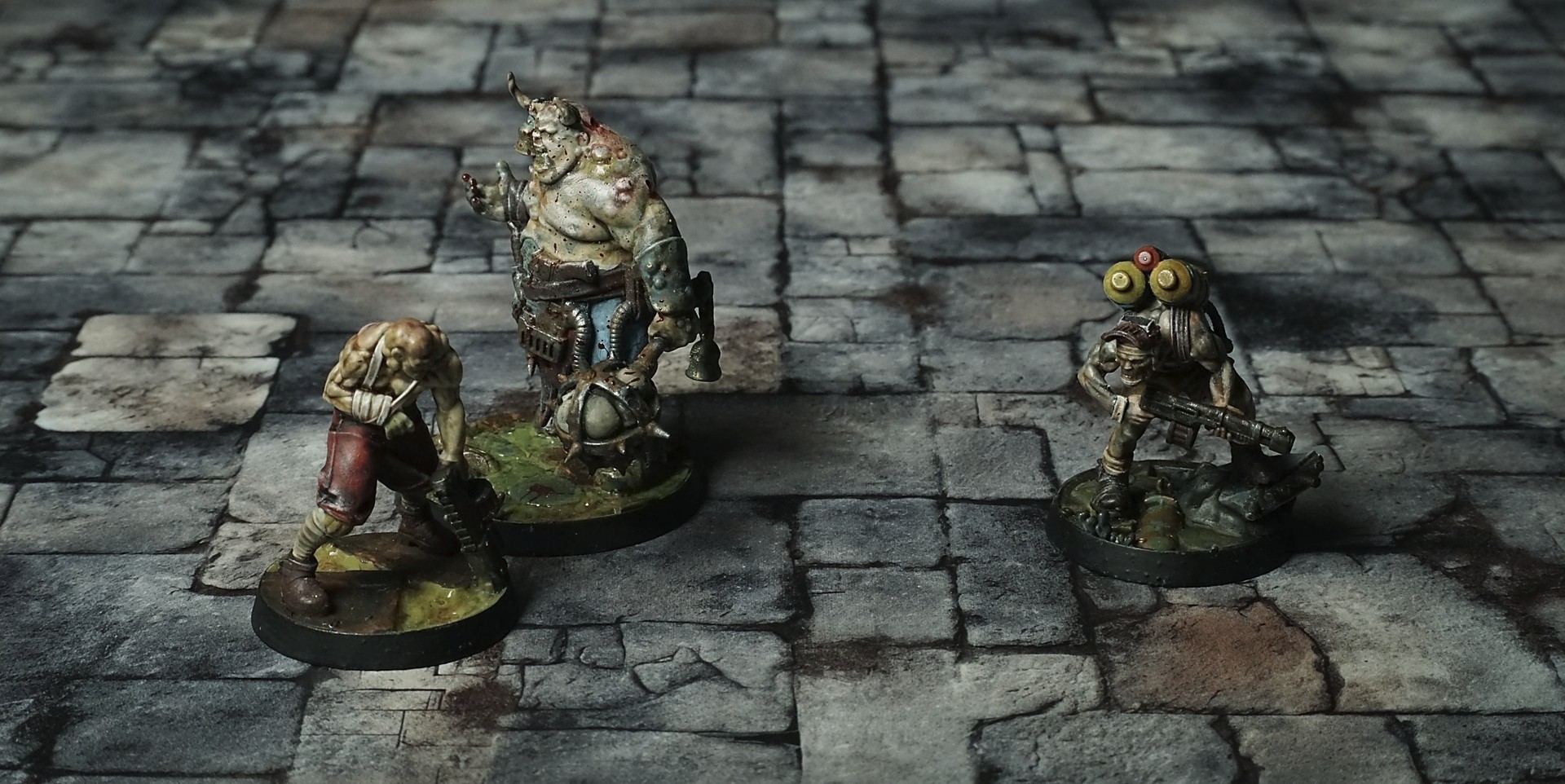
- Backdrop upright on a stand, 5–30 cm behind the model.
- Lower the camera to model eye level.
- For action shots, raise the camera and include plenty of floor tile.
- Focus on the model; keep the background softly blurred.
- Hide edges: add models/terrain to break the floor tile boundary.
- Light model, not so much tile or background.
- Step back and zoom (50–85 mm equiv. or phone 2–3×) to avoid distortion.
- Add depth with occluders: place small elements front/behind and half way through frame edges.
- Test light colour, angles and heights.
- Dark room, one handheld light. Photo with timer let you position light easily.
- Brush light across the miniature to mimic sun/lamp/fire.