BUILD YOUR BATTLEFIELD
Ash Flats Wargaming Mat
Roll-up or rigid tiles Sizes from 1×1 ft to 6×4 ft
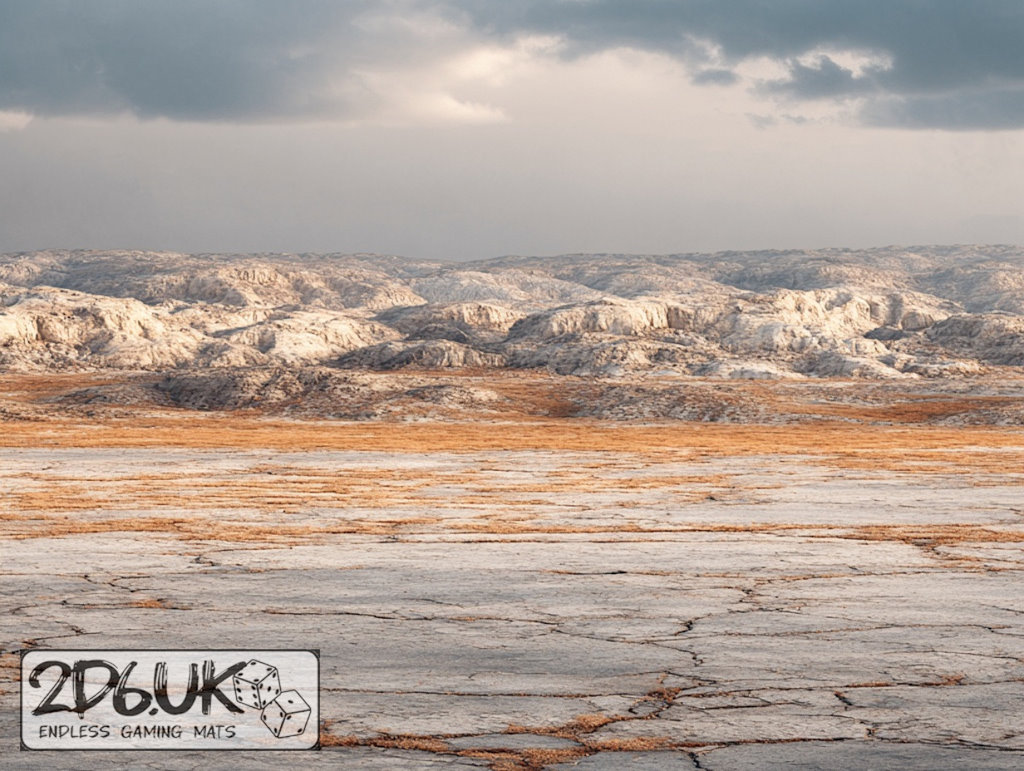
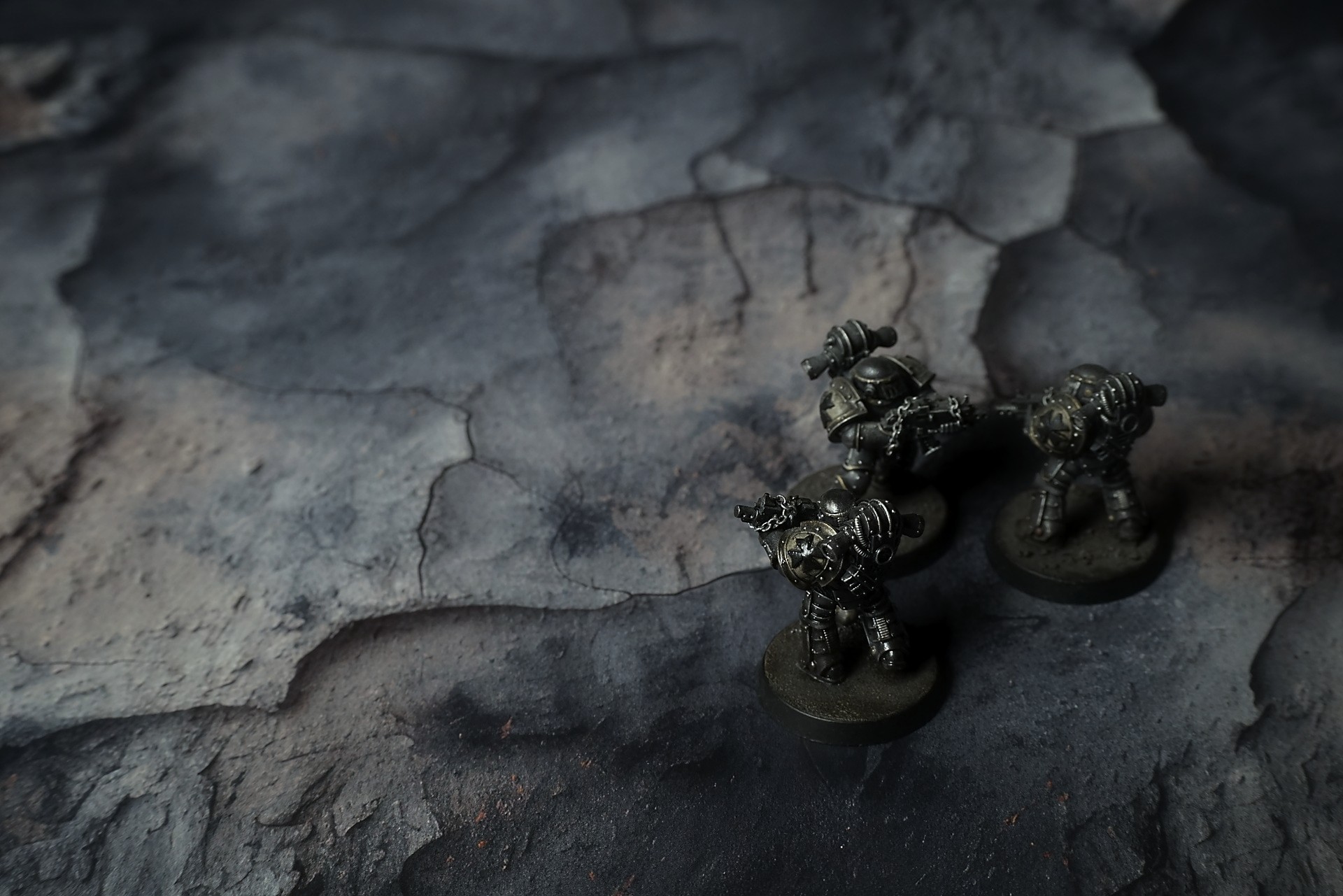
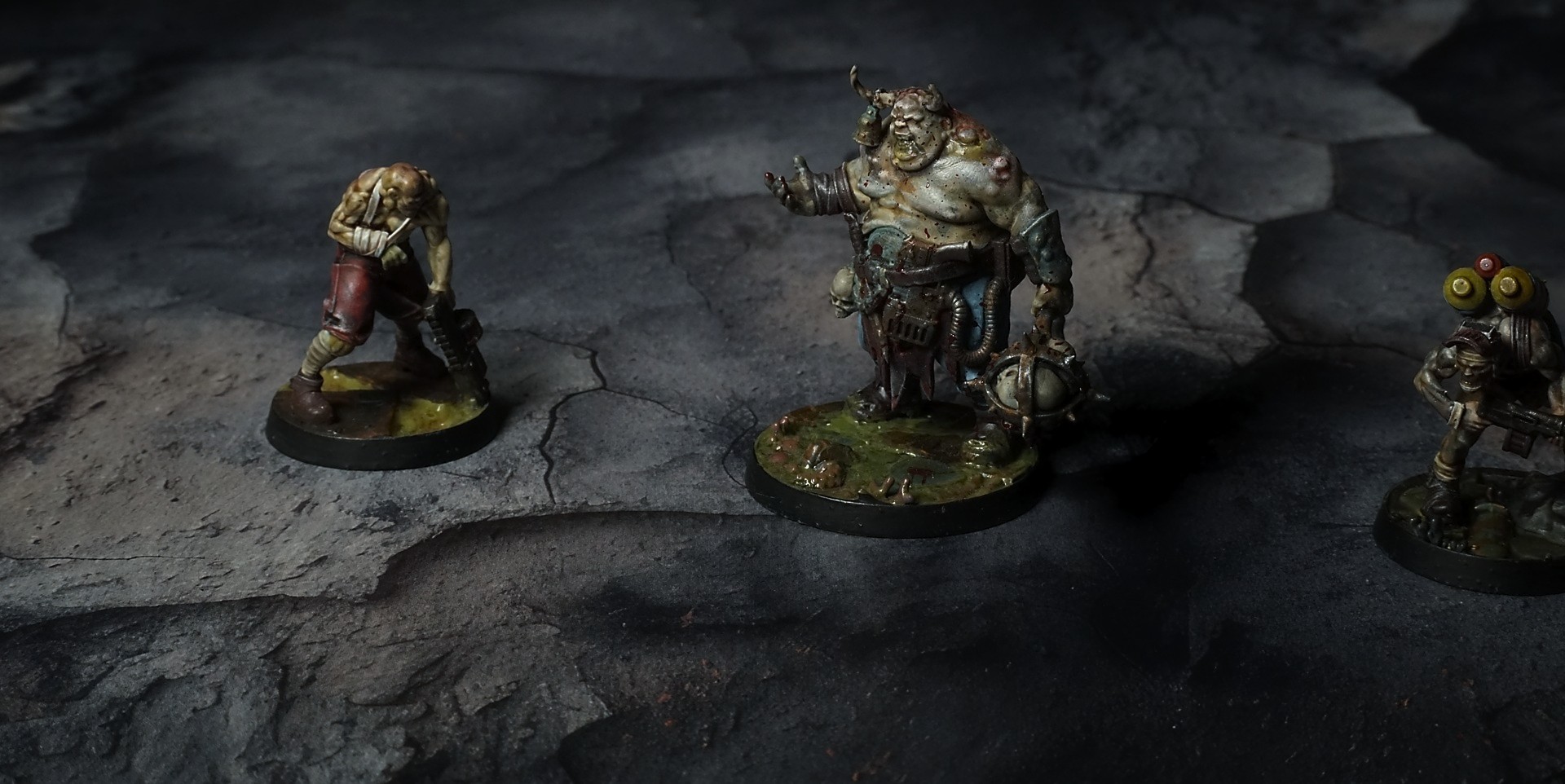
This mat features layered ash-textured plates of charcoal and slate tones, overlapped by crusty sediment patches and fine silt deposits. Subtle sepia dusting accentuates a network of hairline fractures and contoured ridges, while eroded seams delineate tactical high-ground and choke points.
This design is available as a roll-up gaming mat or rigid tile set, with supported battlefield sizes ranging from compact 1×1 ft tables up to full-size 6×4 ft battlefields, including 2×2 ft, 3×3 ft, 4×4 ft and 45×60 in presets.
Ash Flats Battle Mat
They clawed up from the bunker like drowned things surfacing. Dirt and ash caked their mouths. Gabe’s fingers slipped on the last rung, and when he hauled himself over the lip, he paused—couldn’t breathe, even though the air was thin and hot. Behind them the hatch yawned open, the tunnel’s light guttering out into a sky that had burned itself raw. The world they’d lived in was gone. The firestorm had eaten cities, reduced towers to twisted ribs, and left the ground a cracked graveyard of blackened earth and razor shards. Somewhere in the distance, something that had been a transport lay broken open, its hull bones twisted like a torn throat.
“Jesus,” Mira whispered, staring. Her breath hitched, then broke into a sob that she tried to swallow. “We stayed down for this?” Her hand trembled on Gabe’s sleeve. “It’s—there’s nothing left. Not even the sky. It’s… ash.”
Joss just stood, eyes wide, the old grizzled scavenger who’d seen worse and still didn’t have a word. He knelt, traced a finger over a crater rim where the heat had bubbled soil into glass. “We were supposed to be the ones burning things,” he muttered. “Not the ones buried under it.”
Select material type for gaming mat
How to use the Mat Designer:
- Select tile size.
- Use the +/− controls next to “Rows” and “Columns” to adjust the map size.
- Click the Randomize button to reshuffle all tiles at once.
- Click a tile on the maps to select it, then click another tile to swap their positions.
- Or click an image in the preview gallery below the map to replace the selected tile on the map.
Tile or Graphic Size
Size Presets
Custom Logo Upload
Only PNG with transparent background. Max file size: 2 MB.
Note:
Recommended image size for 50x50mm logo is apx 500x500px
Unique preset code, copy and save it to regenerate the pattern in the future. Click on the code to paste new one.
Backdrops
Set of 5x, 14x10.5in map related background for photos



How to use Backdrops:
- Backdrop upright on a stand, 5–30 cm behind the model.
- Lower the camera to model eye level.
- For action shots, raise the camera and include plenty of floor tile.
- Focus on the model; keep the background softly blurred.
- Hide edges: add models/terrain to break the floor tile boundary.
- Light model, not so much tile or background.
- Step back and zoom (50–85 mm equiv. or phone 2–3×) to avoid distortion.
- Add depth with occluders: place small elements front/behind and half way through frame edges.
- Test light colour, angles and heights.
- Dark room, one handheld light. Photo with timer let you position light easily.
- Brush light across the miniature to mimic sun/lamp/fire.