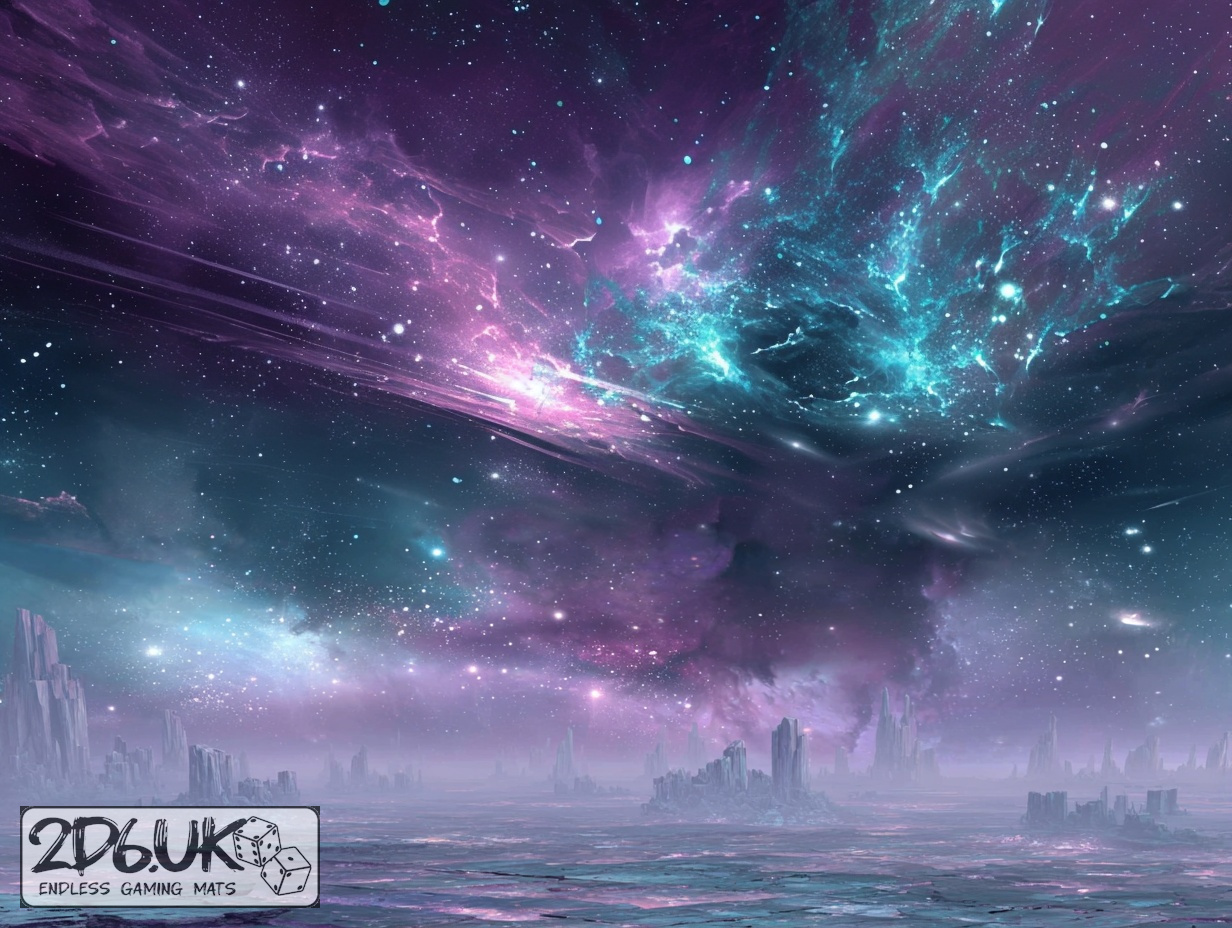
BUILD YOUR BATTLEFIELD
Moonshard Basin Wargaming Mat
Roll-up or rigid tiles Sizes from 1×1 ft to 6×4 ft
This mat displays fractured basalt slabs washed in cosmic hues of deep violet and teal, each fissure rimmed with luminescent azure filigree. Subtle dusting of metallic stardust sweeps across cracked surfaces, while interstitial celestial pools and nebular mists define central tactical sectors.
This design is available as a roll-up gaming mat or rigid tile set, with supported battlefield sizes ranging from compact 1×1 ft tables up to full-size 6×4 ft battlefields, including 2×2 ft, 3×3 ft, 4×4 ft and 45×60 in presets.
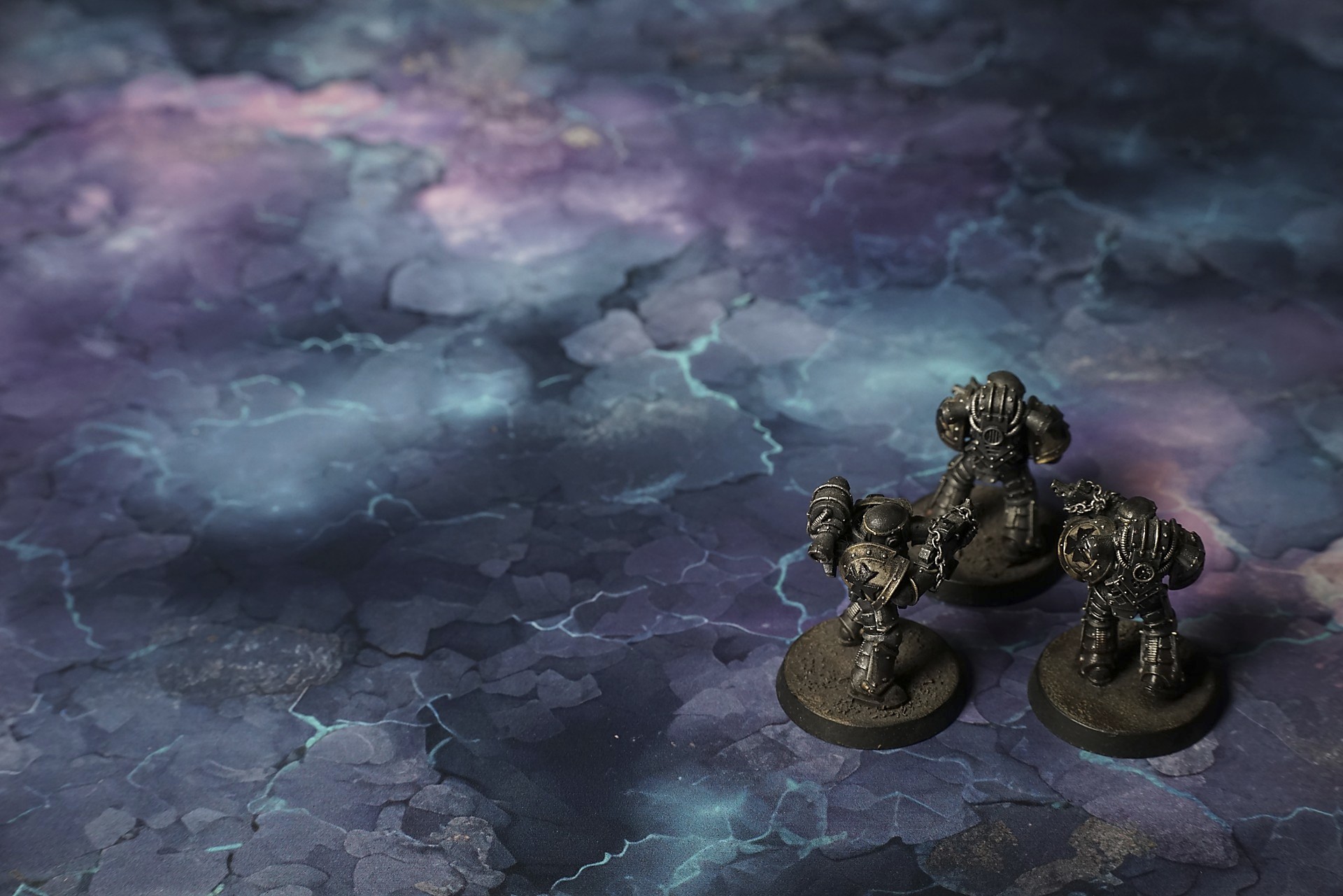

Moonshard Basin Battle Mat
“Look at that vein,” Harker breathed, fingertip tracing the violet line beneath the crystalline skin. “If it’s what I think, we haul out enough for three seasons. Just imagine—refits, payoffs, the whole lot.”
“I don’t like how it hums,” Maya muttered, knees bent, hand on her carbine. “Feels like it’s listening. You hear that? Like something’s counting steps.”
The ground underfoot vibrated, a slow, almost hungry pulse. It wasn’t rock. It wasn’t ice. It was something between breath and stone, a lattice of glass that flexed and sighed when they shifted weight, veins of cold light flickering in response like the place was mapping them. At first the shimmer was beautiful—starlight trapped in facets, silver motes drifting as if held in some negotiation between gravity and unwillingness. Then the light held, watching their shadows flare and settle, halos drawn around helmets and rifles, tracing and learning.
“Shiny things,” Old Joss grunted, wiping frosted residue off a prism spire with the back of his gloved hand. “That’s what we came for. Makes the trip worth it.” His breath fogged and didn’t fade cleanly. The mist hung, curling slow and wrong, as if reluctant to leave.
A hairline arc of light snapped between two crystalline towers, sharp and deliberate. The sound came after—a clean crack, like a gunshot without echo, and Maya flinched hard enough that her boots slipped. “Did you see that?” she whispered. “It answered us.”
Harker waved her off. “Refraction. Nothing more. We’re here to salvage. Keep moving.”

Select material type for gaming mat
How to use the Mat Designer:
- Select tile size.
- Use the +/− controls next to “Rows” and “Columns” to adjust the map size.
- Click the Randomize button to reshuffle all tiles at once.
- Click a tile on the maps to select it, then click another tile to swap their positions.
- Or click an image in the preview gallery below the map to replace the selected tile on the map.
Tile or Graphic Size
Size Presets
Custom Logo Upload
Only PNG with transparent background. Max file size: 2 MB.
Note:
Recommended image size for 50x50mm logo is apx 500x500px
Unique preset code, copy and save it to regenerate the pattern in the future. Click on the code to paste new one.
Backdrops
Set of 5x, 14x10.5in map related background for photos



How to use Backdrops:
- Backdrop upright on a stand, 5–30 cm behind the model.
- Lower the camera to model eye level.
- For action shots, raise the camera and include plenty of floor tile.
- Focus on the model; keep the background softly blurred.
- Hide edges: add models/terrain to break the floor tile boundary.
- Light model, not so much tile or background.
- Step back and zoom (50–85 mm equiv. or phone 2–3×) to avoid distortion.
- Add depth with occluders: place small elements front/behind and half way through frame edges.
- Test light colour, angles and heights.
- Dark room, one handheld light. Photo with timer let you position light easily.
- Brush light across the miniature to mimic sun/lamp/fire.