BUILD YOUR BATTLEFIELD
Glacierthorn Pass Wargaming Mat
Roll-up or rigid tiles Sizes from 1×1 ft to 6×4 ft
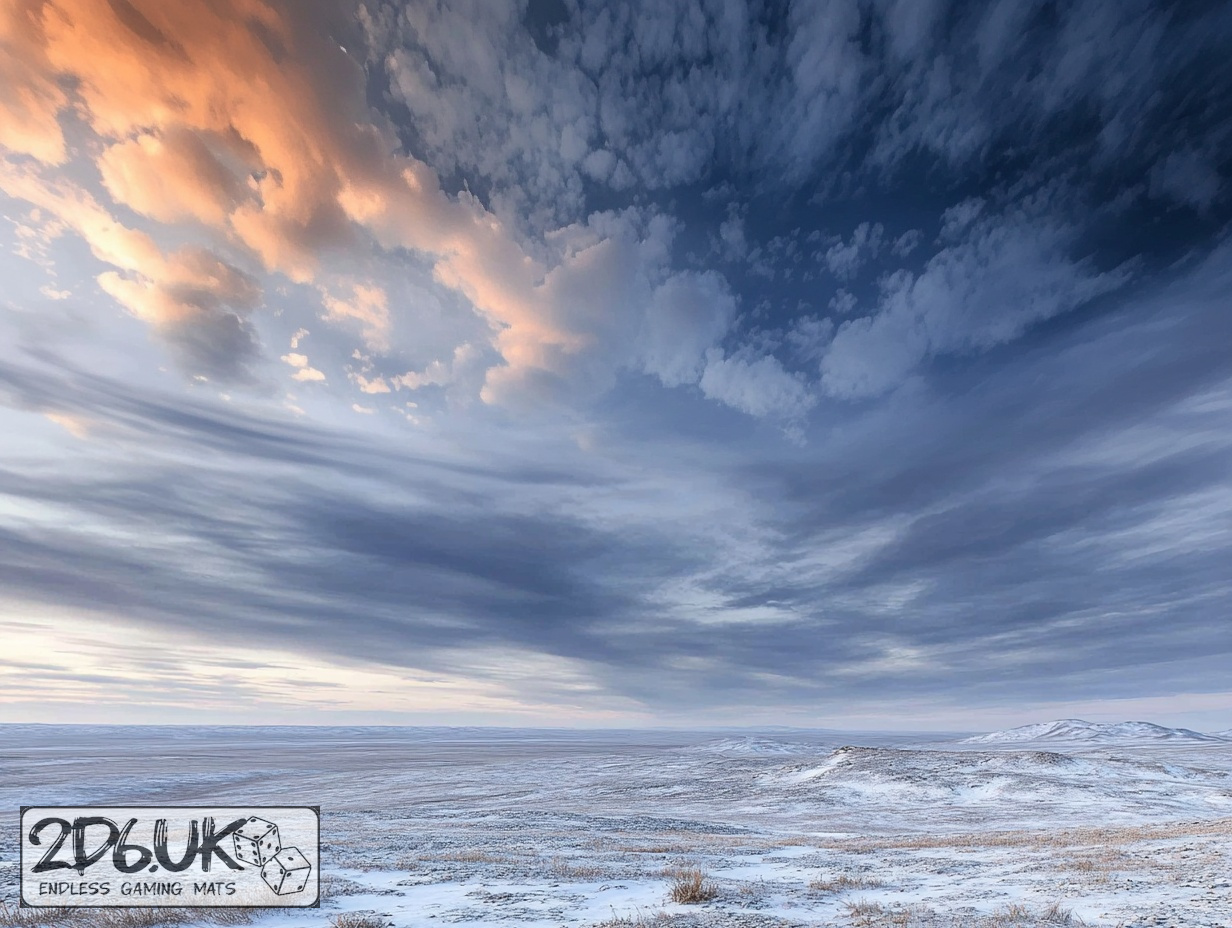
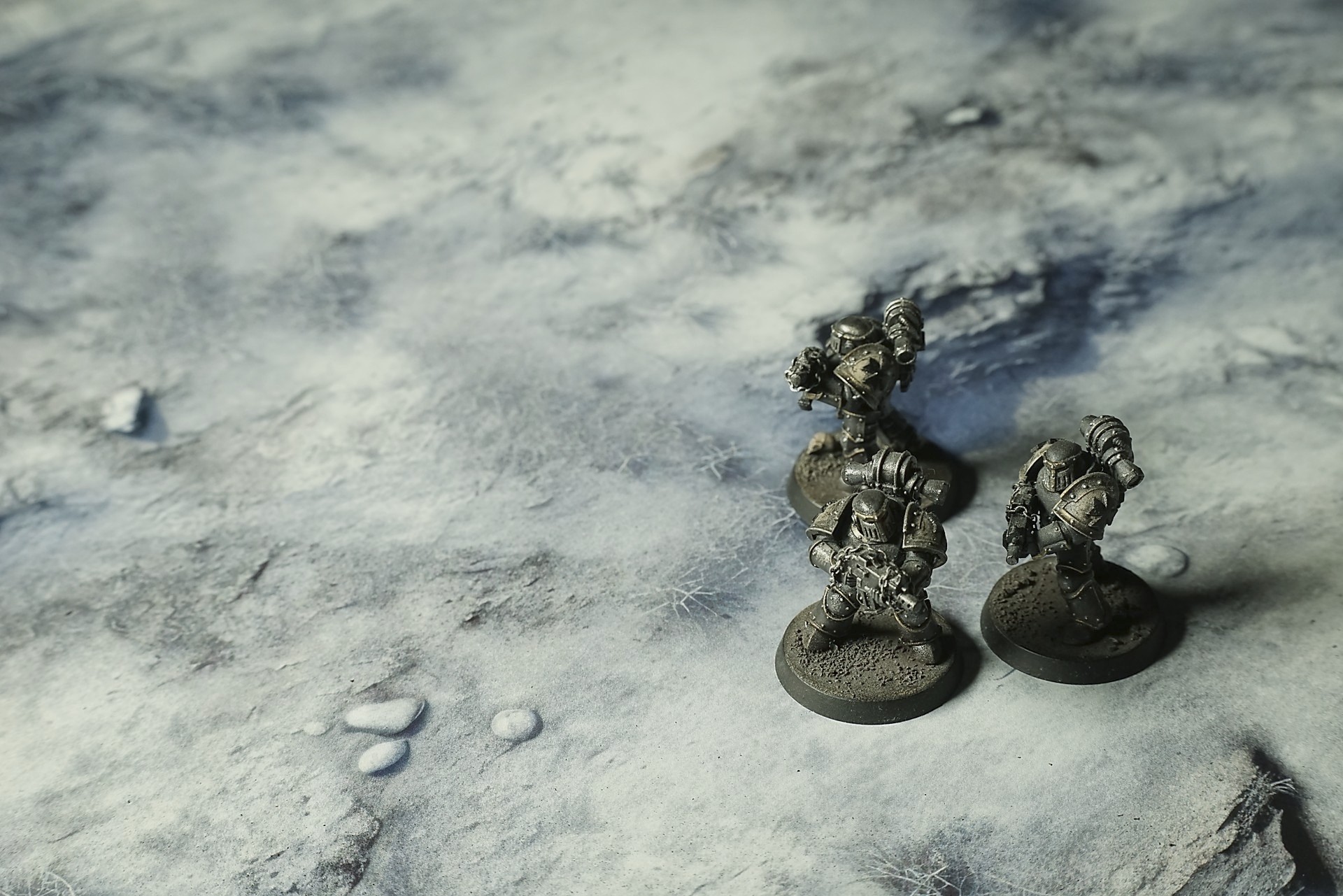
This mat features frost-dusted ground littered with bare shrubs and angular rock outcrops. Soft gradients from ash gray to pristine snow evoke packed drifts and exposed soil. Clusters of spindly brush and sunken depressions mark cover zones and tactical pathways across a wintry terrain.
This design is available as a roll-up gaming mat or rigid tile set, with supported battlefield sizes ranging from compact 1×1 ft tables up to full-size 6×4 ft battlefields, including 2×2 ft, 3×3 ft, 4×4 ft and 45×60 in presets.

Glacierthorn Pass Battle Mat
The pass had been a summer route once. That memory was buried under the glacier’s fingers now—slow, creeping, indifferent. Ice had pushed down, wrapping the slopes in a thin, hard skin that cracked under the light and held cold like a promise. What lived here did it by force. Grass stuck up in ragged tufts, bleached and brittle, stabbing through the frost as if it still had something to say. Bushes hunkered half-buried, their branches frozen mid-argue with the wind. Stones lay exposed, edges cleaned raw by the screaming gusts; snow piled behind them in shallow hollows, quiet and patient, like a thing that had waited long enough to understand how time bent around cold.
It wasn’t beautiful. The world here had the look of a thing that had given everything and was still holding on. The last warmth had been dragged out of it months—years—ago. The cold wasn’t just present. It pressed. It filled the gaps between breath and thought, made the rhythm of your pulse feel like an argument.
Select material type for gaming mat
How to use the Mat Designer:
- Select tile size.
- Use the +/− controls next to “Rows” and “Columns” to adjust the map size.
- Click the Randomize button to reshuffle all tiles at once.
- Click a tile on the maps to select it, then click another tile to swap their positions.
- Or click an image in the preview gallery below the map to replace the selected tile on the map.
Tile or Graphic Size
Size Presets
Custom Logo Upload
Only PNG with transparent background. Max file size: 2 MB.
Note:
Recommended image size for 50x50mm logo is apx 500x500px
Unique preset code, copy and save it to regenerate the pattern in the future. Click on the code to paste new one.
Backdrops
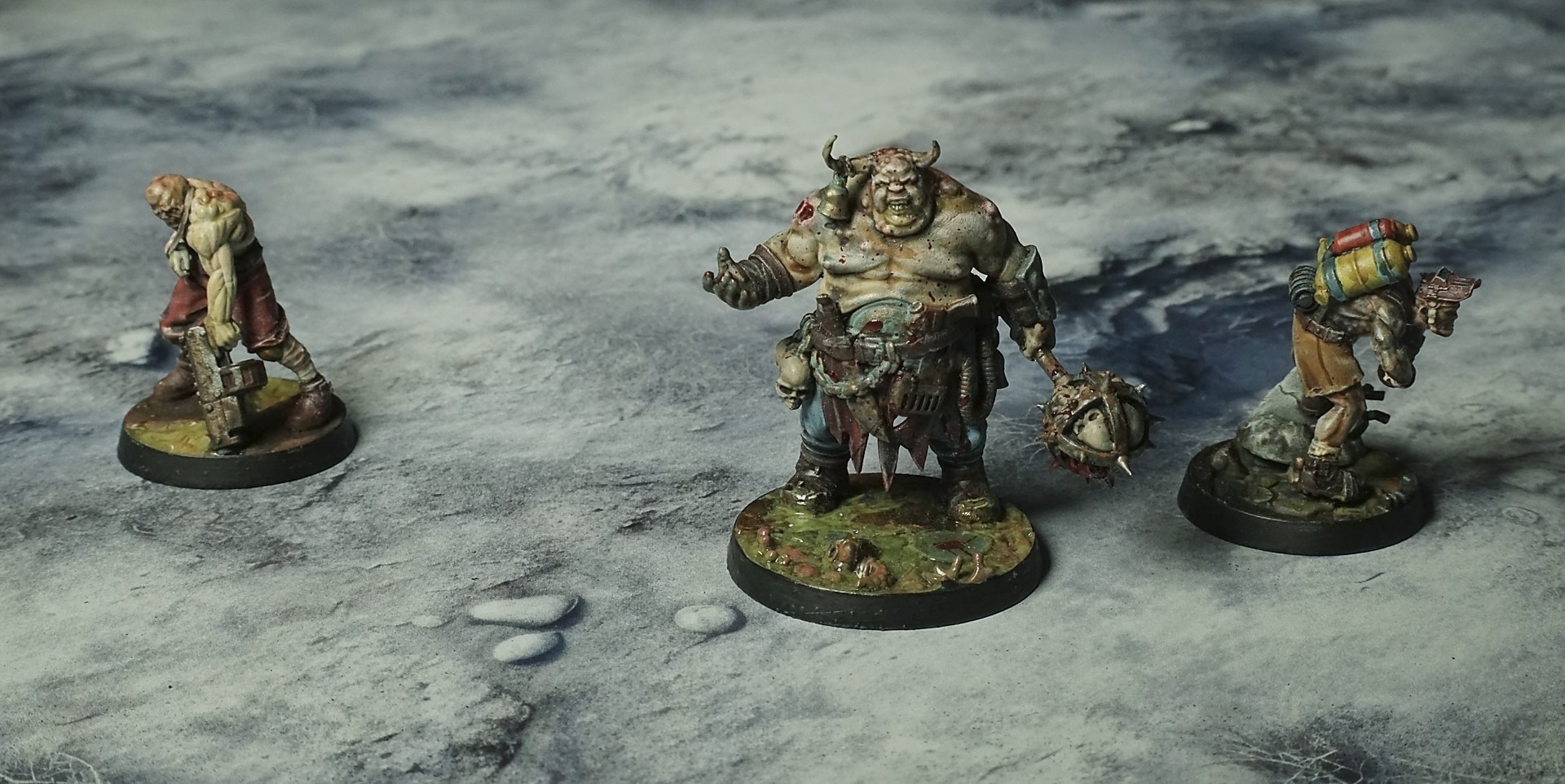
Set of 5x, 14x10.5in map related background for photos



How to use Backdrops:
- Backdrop upright on a stand, 5–30 cm behind the model.
- Lower the camera to model eye level.
- For action shots, raise the camera and include plenty of floor tile.
- Focus on the model; keep the background softly blurred.
- Hide edges: add models/terrain to break the floor tile boundary.
- Light model, not so much tile or background.
- Step back and zoom (50–85 mm equiv. or phone 2–3×) to avoid distortion.
- Add depth with occluders: place small elements front/behind and half way through frame edges.
- Test light colour, angles and heights.
- Dark room, one handheld light. Photo with timer let you position light easily.
- Brush light across the miniature to mimic sun/lamp/fire.