BUILD YOUR BATTLEFIELD
Soulcrack Basin Wargaming Mat
Roll-up or rigid tiles Sizes from 1×1 ft to 6×4 ft
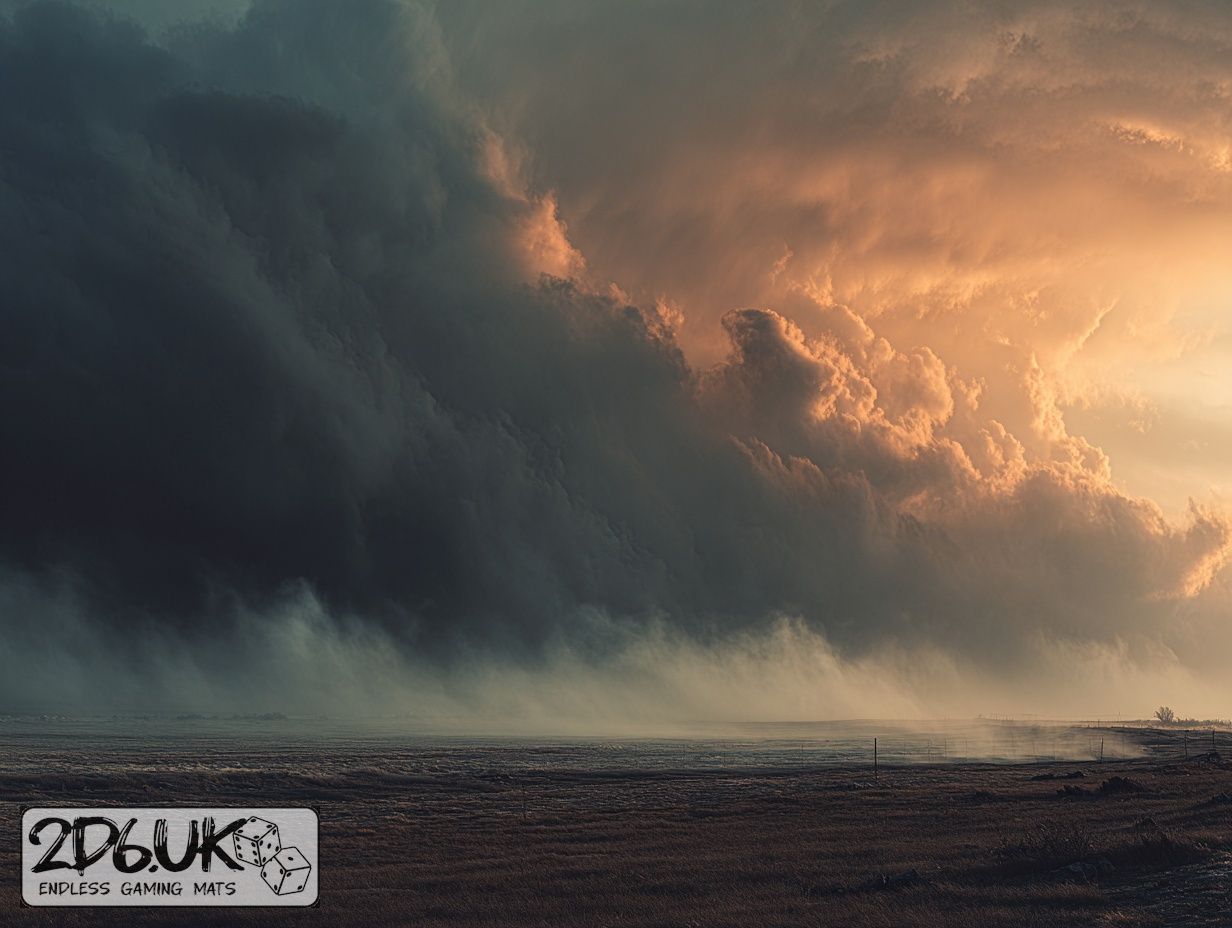
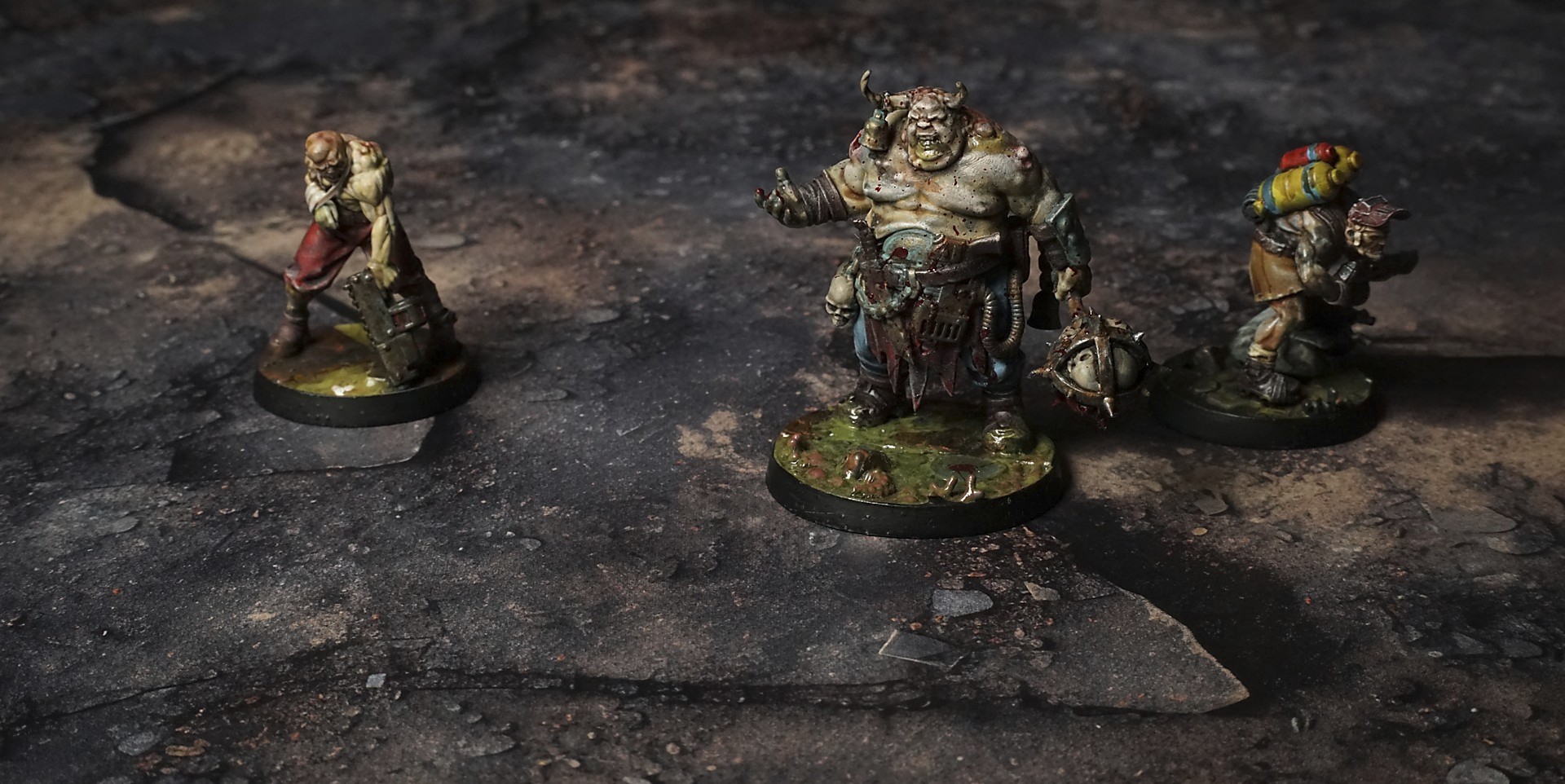
This mat reveals a fractured expanse of scorched shale, its layered plates worn and curling at the rim. Ochre dust fills low fissures, while peat-dark soot and scattered gravel highlight elevation shifts, and a drift of ember ash adds a fleeting glow to the battlefield, and a lurking threat.
This design is available as a roll-up gaming mat or rigid tile set, with supported battlefield sizes ranging from compact 1×1 ft tables up to full-size 6×4 ft battlefields, including 2×2 ft, 3×3 ft, 4×4 ft and 45×60 in presets.
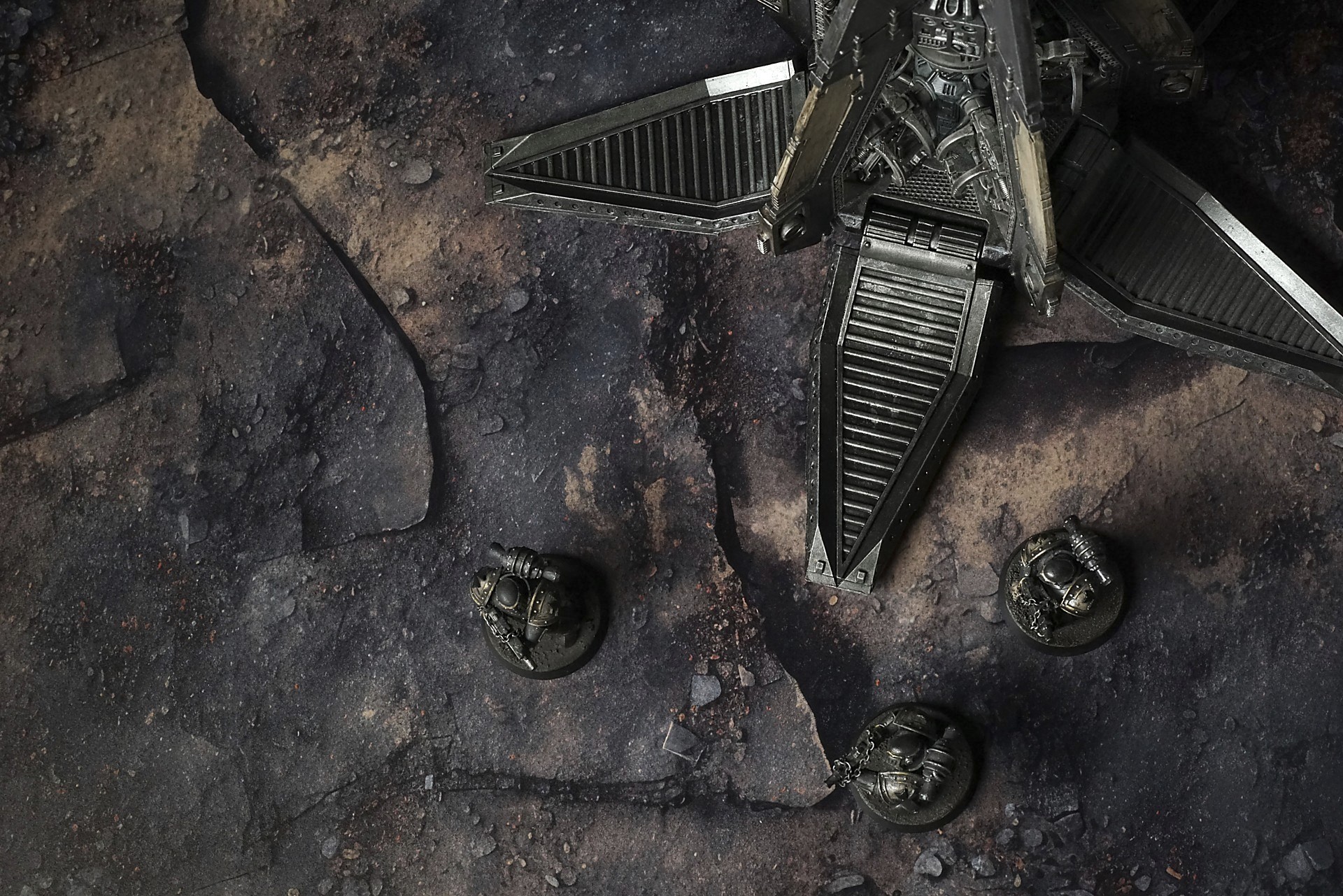

Soulcrack Basin Battle Mat
They called it the Outpost of Soulcrack Basin once. Now it was a half-swallowed ruin, ribbed in ash and sun-cracked concrete, a tooth broken off from some older world. The road leading in had stopped being a road long before we got there—just a series of pale scars cut through blackened dirt, pieces of it flaking off like old skin. The air tasted like metal that had been left too long in the sun. Heat hung over the ground in layers; the waves made the horizon wobble, and every breath came with the whisper of dust settling back into place after we disturbed it.
It wasn’t quiet. The waste had its own sound—dry wind dragging across broken rebar, the distant howl of something too big to care about us, the click of brittle stone shifting underfoot when the outcrop gave a fraction and then stilled. The place remembered violence even where the scorched marks had been sanded by time. I felt it in the silence between those sounds, a tension in the way light pooled in craters, the way the half-buried antennae leaned like tired sentries still listening.
Select material type for gaming mat
How to use the Mat Designer:
- Select tile size.
- Use the +/− controls next to “Rows” and “Columns” to adjust the map size.
- Click the Randomize button to reshuffle all tiles at once.
- Click a tile on the maps to select it, then click another tile to swap their positions.
- Or click an image in the preview gallery below the map to replace the selected tile on the map.
Tile or Graphic Size
Size Presets
Custom Logo Upload
Only PNG with transparent background. Max file size: 2 MB.
Note:
Recommended image size for 50x50mm logo is apx 500x500px
Unique preset code, copy and save it to regenerate the pattern in the future. Click on the code to paste new one.
Backdrops
Set of 5x, 14x10.5in map related background for photos



How to use Backdrops:
- Backdrop upright on a stand, 5–30 cm behind the model.
- Lower the camera to model eye level.
- For action shots, raise the camera and include plenty of floor tile.
- Focus on the model; keep the background softly blurred.
- Hide edges: add models/terrain to break the floor tile boundary.
- Light model, not so much tile or background.
- Step back and zoom (50–85 mm equiv. or phone 2–3×) to avoid distortion.
- Add depth with occluders: place small elements front/behind and half way through frame edges.
- Test light colour, angles and heights.
- Dark room, one handheld light. Photo with timer let you position light easily.
- Brush light across the miniature to mimic sun/lamp/fire.