BUILD YOUR BATTLEFIELD
Blightstone Trail Wargaming Mat
Roll-up or rigid tiles Sizes from 1×1 ft to 6×4 ft
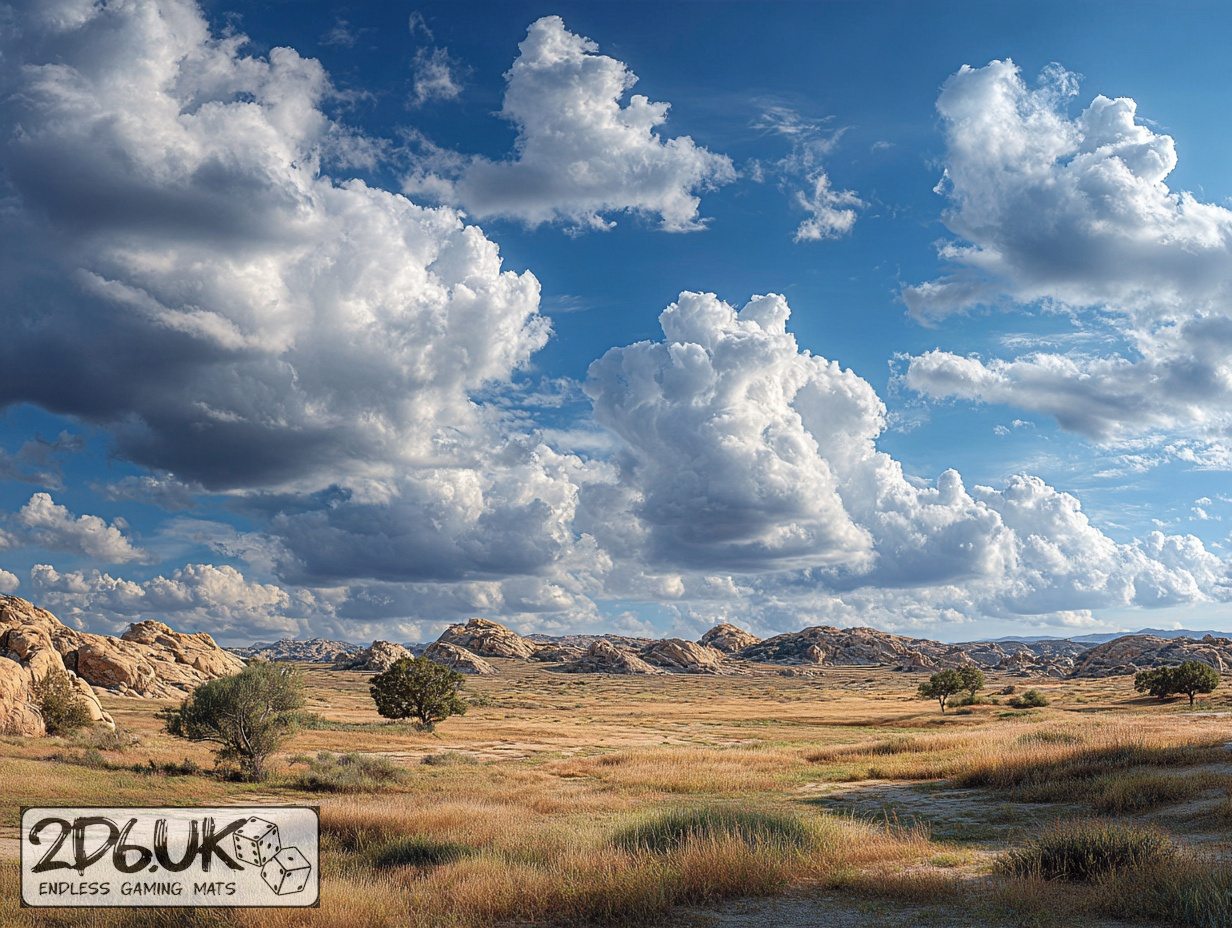
This mat presents a mottled terrain of sun-baked earth and vibrant moss tufts, crisscrossed by a winding rivulet. Drifting sediment trails carve faint channels, while subtle ochre-to-emerald gradients highlight water reflections, and spiny shrubs mark cover spots for marshland clashes.
This design is available as a roll-up gaming mat or rigid tile set, with supported battlefield sizes ranging from compact 1×1 ft tables up to full-size 6×4 ft battlefields, including 2×2 ft, 3×3 ft, 4×4 ft and 45×60 in presets.
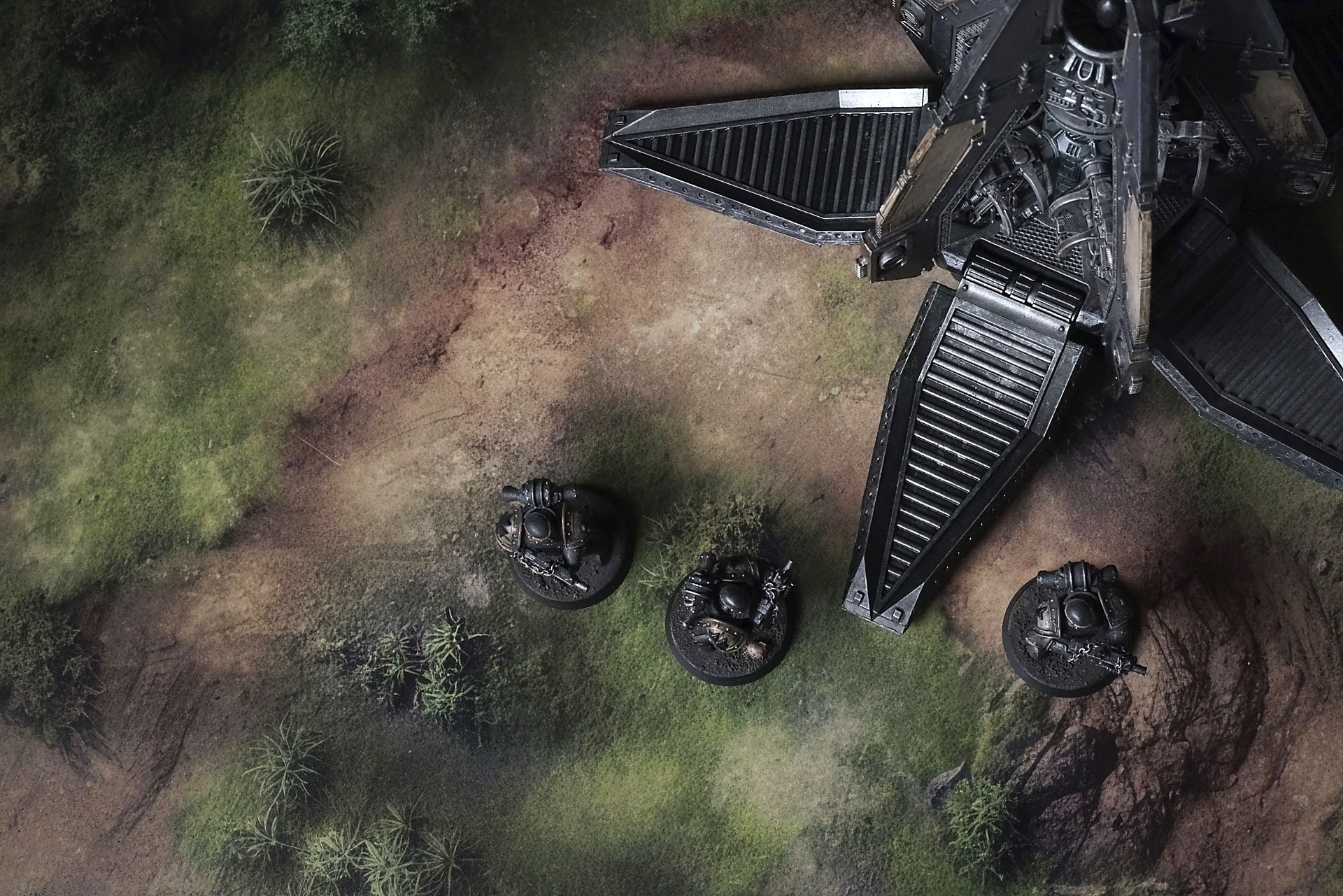

Blightstone Trail Battle Mat
The grass isn’t kind. It’s wiry, pale in places where the wind has rubbed it raw, like the earth’s been scoured and then left to heal badly. It snaps underfoot with a sound that isn’t loud but makes you know you’re heard. White stone spikes up in places it shouldn’t—sharp, wrong, like teeth left from something that died standing. Bushes cling in the cracks, small and stubborn, their leaves edged so thin they cut if you brush them careless. Nothing here offers comfort. Nothing here offers a hand. It just is. And it watches in the way a thing that’s lasted too long accumulates weight.
This isn’t ground for parades. Scouts vanish because the dips hold secrets, because the land corrals and betrays without malice. Ambushes aren’t set so much as inherited. You walk through it; the terrain rearranges you without ever looking back.
Select material type for gaming mat
How to use the Mat Designer:
- Select tile size.
- Use the +/− controls next to “Rows” and “Columns” to adjust the map size.
- Click the Randomize button to reshuffle all tiles at once.
- Click a tile on the maps to select it, then click another tile to swap their positions.
- Or click an image in the preview gallery below the map to replace the selected tile on the map.
Tile or Graphic Size
Size Presets
Custom Logo Upload
Only PNG with transparent background. Max file size: 2 MB.
Note:
Recommended image size for 50x50mm logo is apx 500x500px
Unique preset code, copy and save it to regenerate the pattern in the future. Click on the code to paste new one.
Backdrops
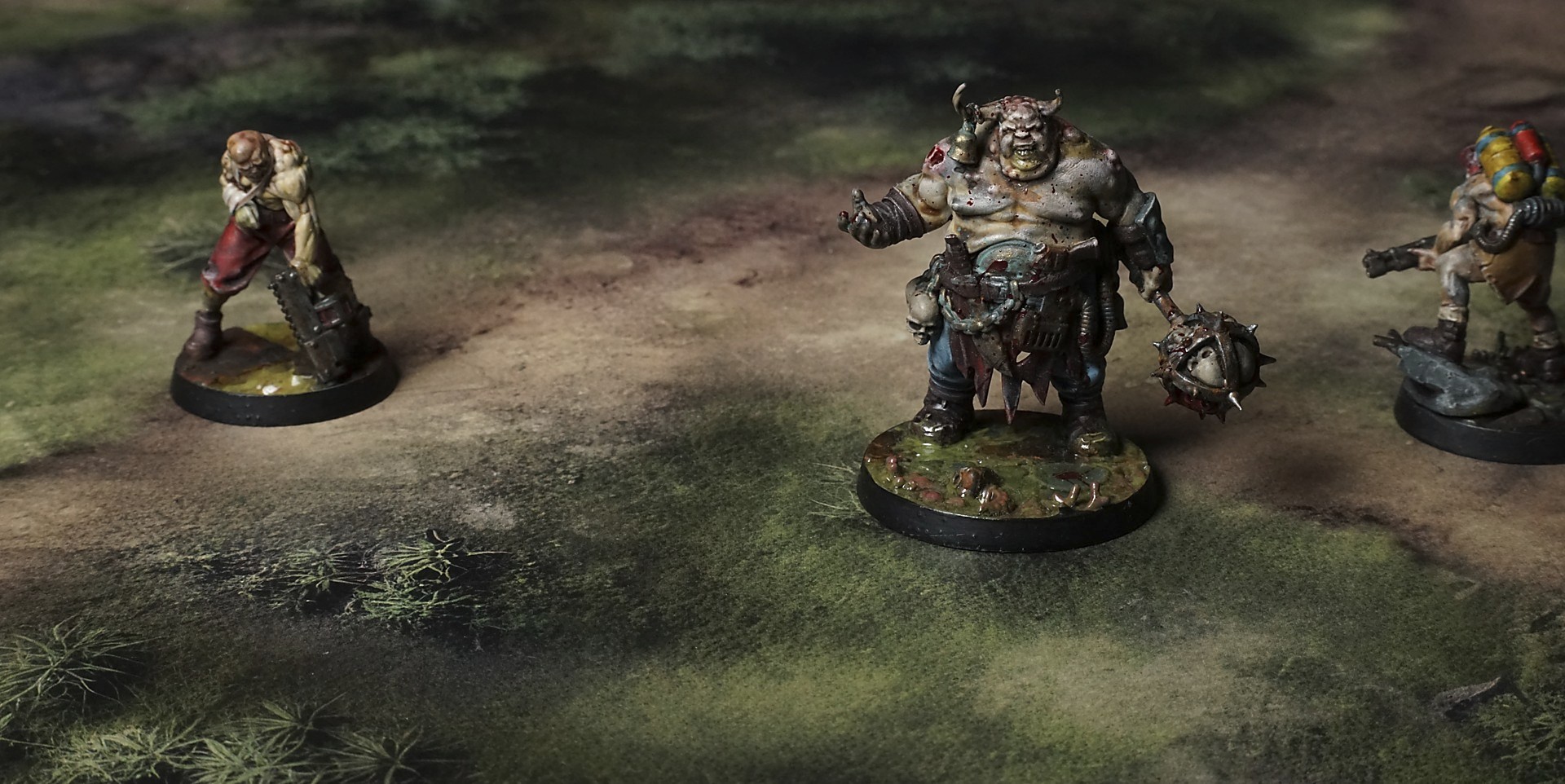
Set of 5x, 14x10.5in map related background for photos



How to use Backdrops:
- Backdrop upright on a stand, 5–30 cm behind the model.
- Lower the camera to model eye level.
- For action shots, raise the camera and include plenty of floor tile.
- Focus on the model; keep the background softly blurred.
- Hide edges: add models/terrain to break the floor tile boundary.
- Light model, not so much tile or background.
- Step back and zoom (50–85 mm equiv. or phone 2–3×) to avoid distortion.
- Add depth with occluders: place small elements front/behind and half way through frame edges.
- Test light colour, angles and heights.
- Dark room, one handheld light. Photo with timer let you position light easily.
- Brush light across the miniature to mimic sun/lamp/fire.