BUILD YOUR BATTLEFIELD
The Bleached Barrens Wargaming Mat
Roll-up or rigid tiles Sizes from 1×1 ft to 6×4 ft
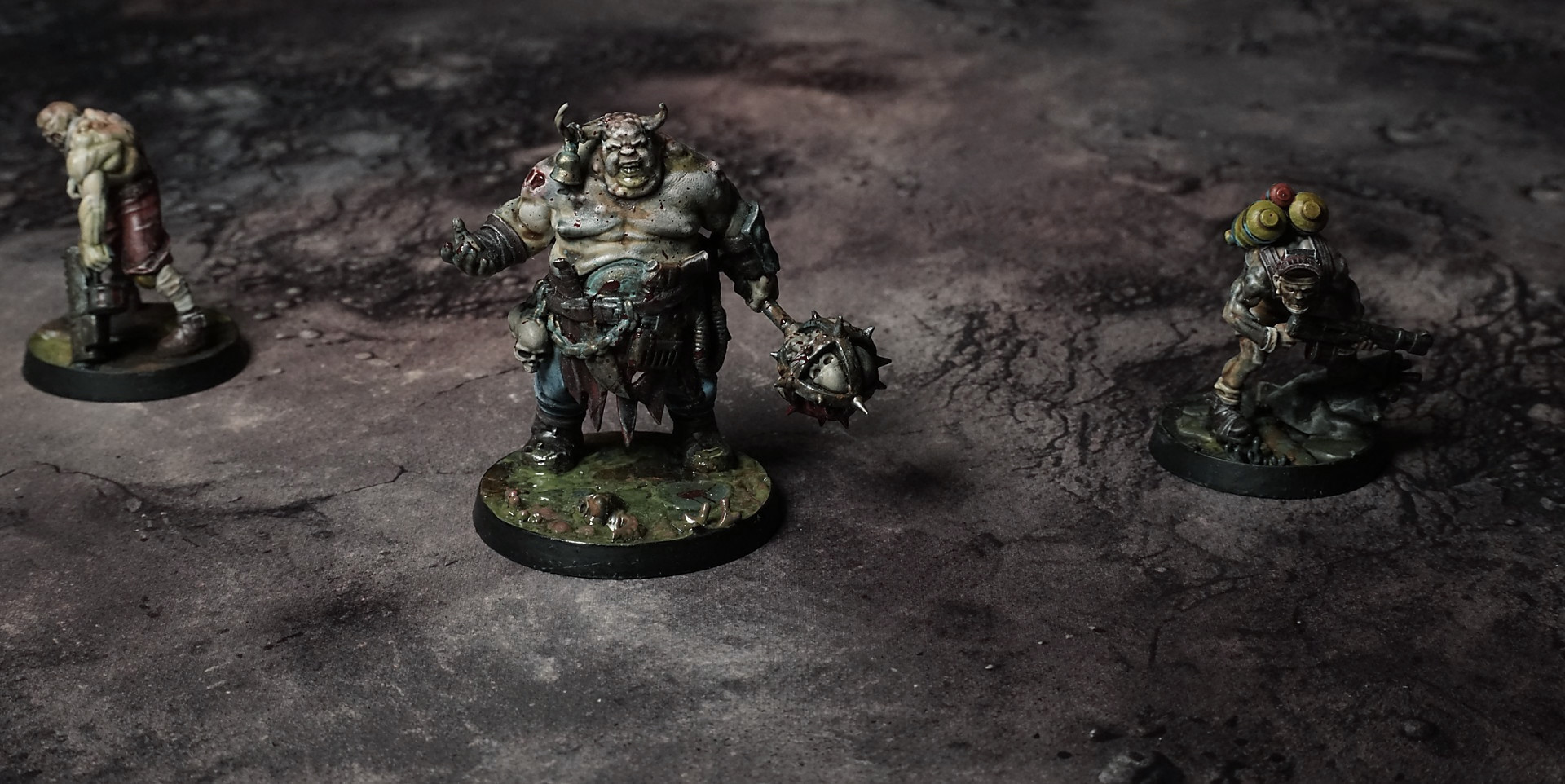
This mat features a grid of bleached sandstone tiles, each etched with hairline fractures and worn edges. Subtle buff-to-ivory gradients sweep across the surface, while salt-crusted patches, wind-sculpted ridges, and narrow fissures draw attention to key tactical hotspots in arid-themed skirmishes.
This design is available as a roll-up gaming mat or rigid tile set, with supported battlefield sizes ranging from compact 1×1 ft tables up to full-size 6×4 ft battlefields, including 2×2 ft, 3×3 ft, 4×4 ft and 45×60 in presets.
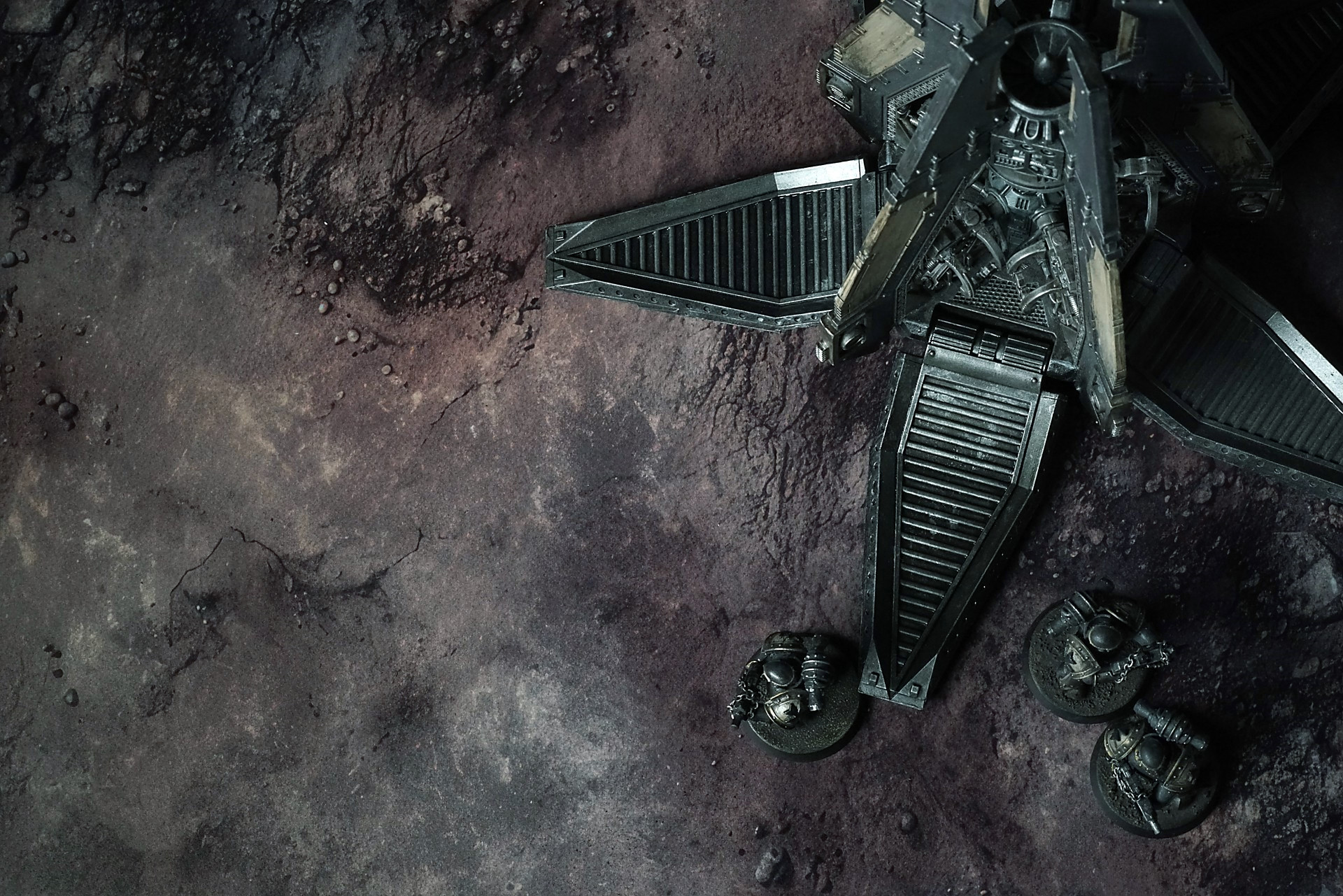
The Bleached Barrens Battle Mat
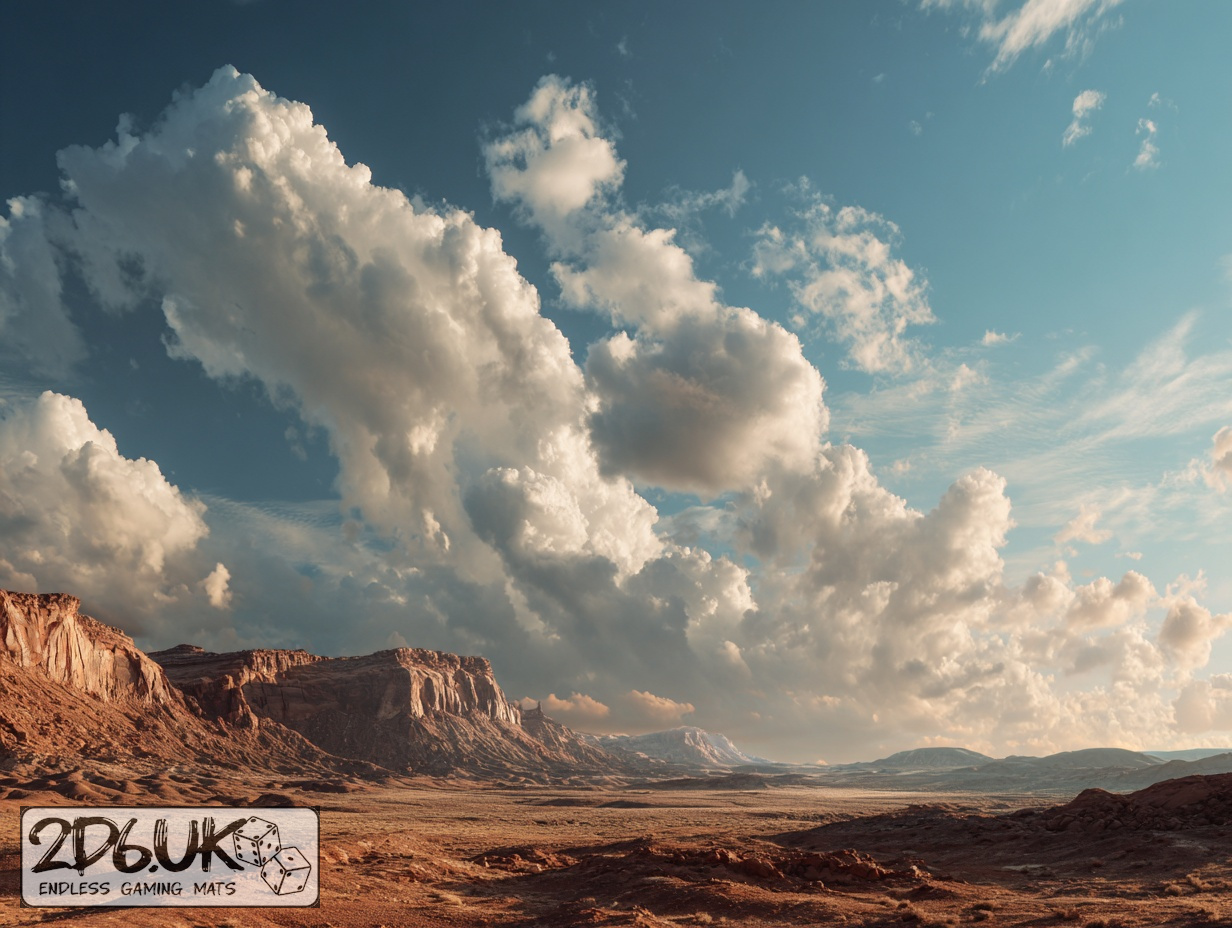
Above, the sky is a flat smear, colourless except where ancient orbital lights still pulse faintly, their reflections bleeding into the haze in sick greens and bruised purples. The sky doesn’t offer light; it offers evidence of neglect. The colours stain the dust, layering cycle upon cycle of fallout, debris, and indifference.
Every step disturbs what remains. The surface crumbles, not with drama, but with inevitability. Each footfall leaves marks that mean nothing. Every scrape sends another sliver of humanity’s work into the air, weightless, forgotten before it lands. The ground doesn’t protest. It lets go.
Select material type for gaming mat
How to use the Mat Designer:
- Select tile size.
- Use the +/− controls next to “Rows” and “Columns” to adjust the map size.
- Click the Randomize button to reshuffle all tiles at once.
- Click a tile on the maps to select it, then click another tile to swap their positions.
- Or click an image in the preview gallery below the map to replace the selected tile on the map.
Tile or Graphic Size
Size Presets
Custom Logo Upload
Only PNG with transparent background. Max file size: 2 MB.
Note:
Recommended image size for 50x50mm logo is apx 500x500px
Unique preset code, copy and save it to regenerate the pattern in the future. Click on the code to paste new one.
Backdrops
Set of 5x, 14x10.5in map related background for photos



How to use Backdrops:
- Backdrop upright on a stand, 5–30 cm behind the model.
- Lower the camera to model eye level.
- For action shots, raise the camera and include plenty of floor tile.
- Focus on the model; keep the background softly blurred.
- Hide edges: add models/terrain to break the floor tile boundary.
- Light model, not so much tile or background.
- Step back and zoom (50–85 mm equiv. or phone 2–3×) to avoid distortion.
- Add depth with occluders: place small elements front/behind and half way through frame edges.
- Test light colour, angles and heights.
- Dark room, one handheld light. Photo with timer let you position light easily.
- Brush light across the miniature to mimic sun/lamp/fire.