BUILD YOUR BATTLEFIELD
The Vermin Sprawl Wargaming Mat
Roll-up or rigid tiles Sizes from 1×1 ft to 6×4 ft
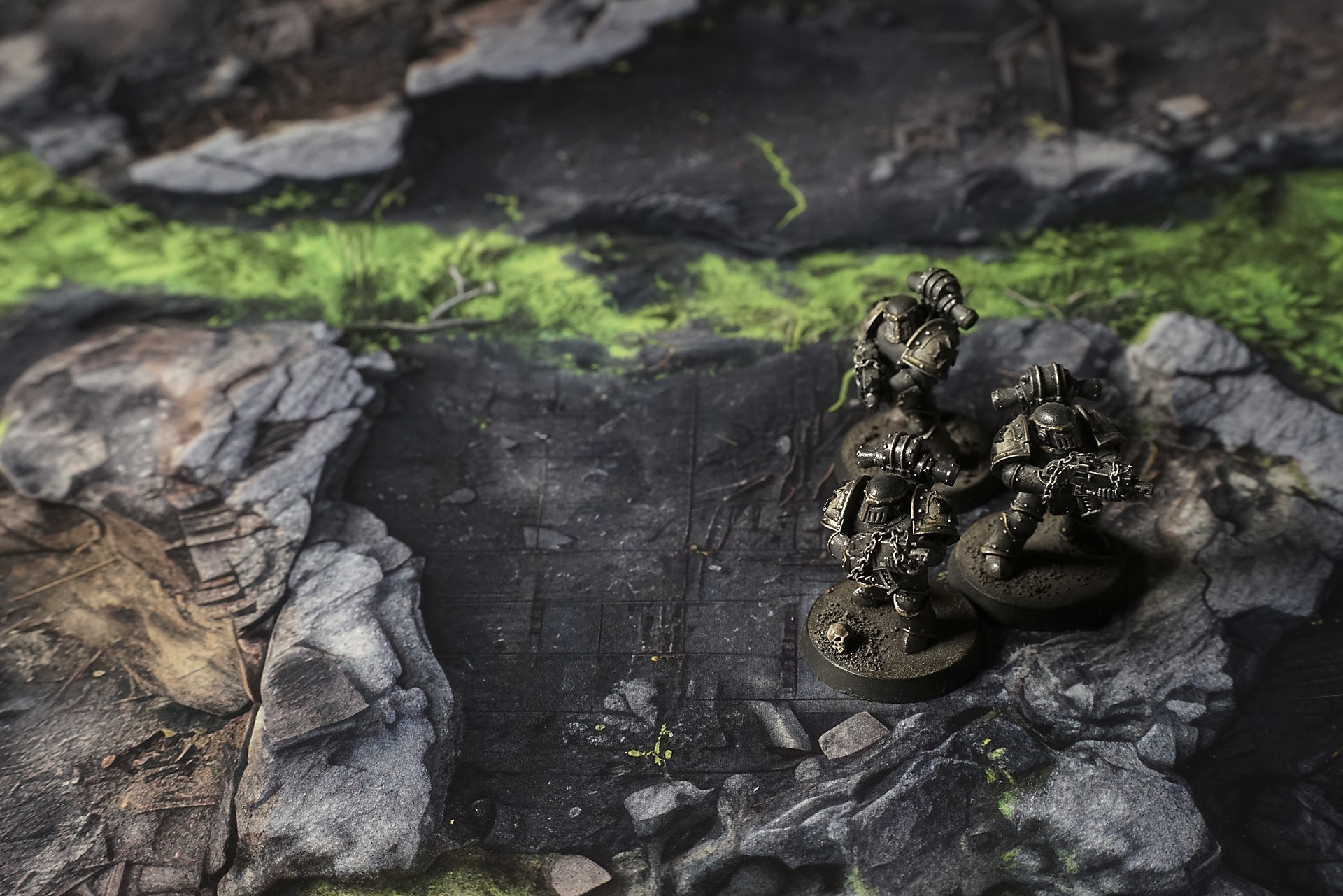
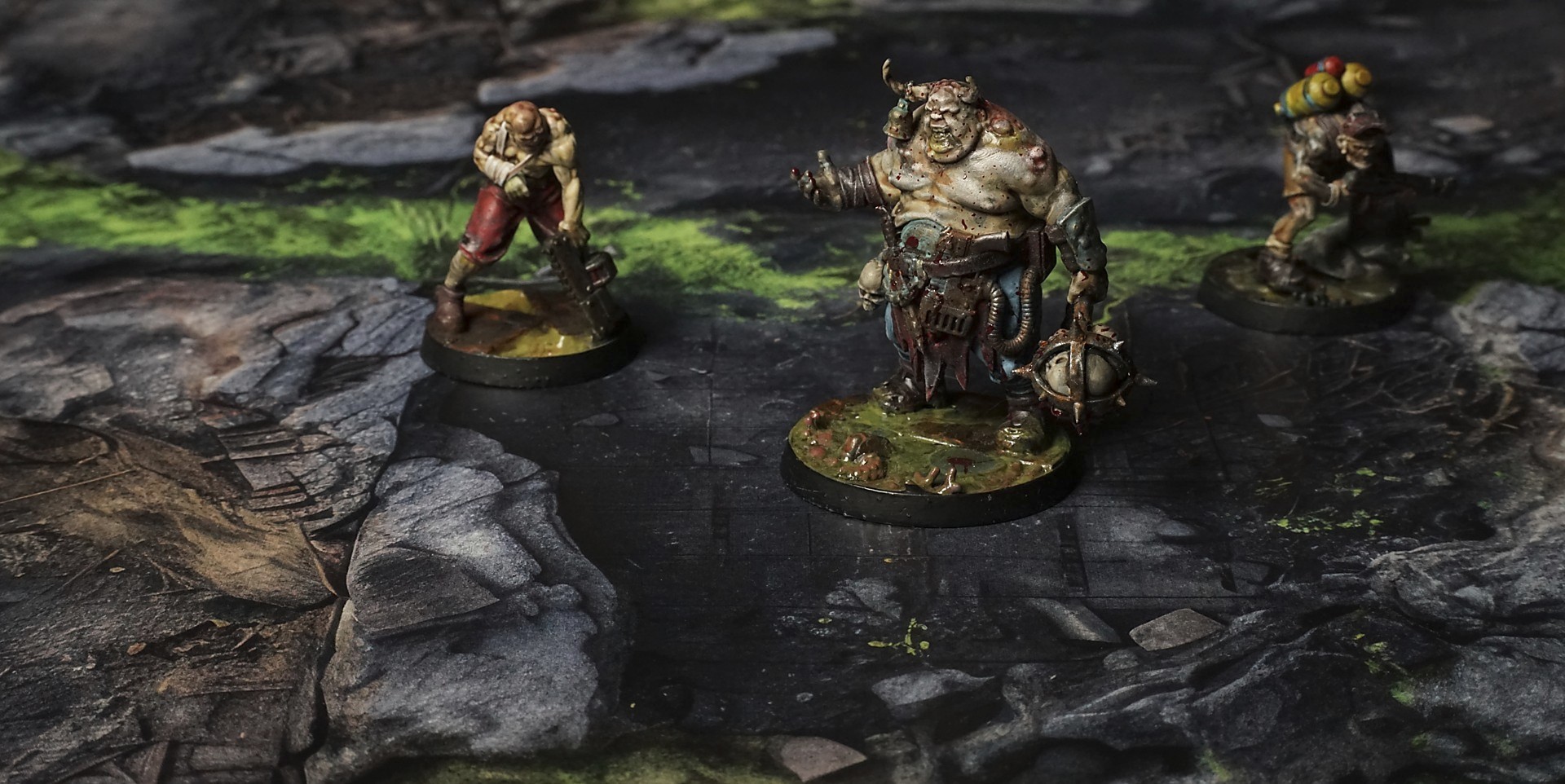
This mat shows jagged dark rock plates layered in uneven patches, with vibrant neon-green growth seeping through crevices. Scattered gravel and broken fragments add texture, while rust-colored veins and subtle golden stains accent rough, fractured surfaces for a decayed, organic feel.
This design is available as a roll-up gaming mat or rigid tile set, with supported battlefield sizes ranging from compact 1×1 ft tables up to full-size 6×4 ft battlefields, including 2×2 ft, 3×3 ft, 4×4 ft and 45×60 in presets.


The Vermin Sprawl Battle Mat
They came at dawn—if you could call that sickly green light a dawn. The last of whatever sun had ever seen this place was filtered through warped vents, pooling like old bile over broken pillars that rose from the muck like drowned ribs. The dwarf shieldwall waited beyond the collapsed archway, a wall of hammered steel and stone-carved defiance. Axebearers in layered plate, runes glowing faintly along the edges of their shields, braced with hammers hooked, beards braided with prayer-threads. Their banner—split, embroidered with a faded mountain and a clenched gauntlet—flapped uselessly in the stagnant, gnawed air. Between each man the floor held, old flagstones biting back under their weight, but even the stones trembled as if whispering warning under the pressure of what festered below.
The first scream came from the tunnels. Not a battle cry—something higher, shrill, lived in the timbre of a thing that tasted steel and found it sweet.
“Hold the line,” the sergeant barked, voice low and iron. “Do not break. Let them come. Let them taste stone and axe.”
They didn’t have to wait long. A ripple ran through the muck, a boiling, hissing tide of movement. Not a wave, but a swelling plague—poured from the cracks in the walls, thin limbs hooking off each other, splattered in phosphorescent slime that left greasy streaks over dwarf runes.
Select material type for gaming mat
How to use the Mat Designer:
- Select tile size.
- Use the +/− controls next to “Rows” and “Columns” to adjust the map size.
- Click the Randomize button to reshuffle all tiles at once.
- Click a tile on the maps to select it, then click another tile to swap their positions.
- Or click an image in the preview gallery below the map to replace the selected tile on the map.
Tile or Graphic Size
Size Presets
Custom Logo Upload
Only PNG with transparent background. Max file size: 2 MB.
Note:
Recommended image size for 50x50mm logo is apx 500x500px
Unique preset code, copy and save it to regenerate the pattern in the future. Click on the code to paste new one.
Backdrops
Set of 5x, 14x10.5in map related background for photos



How to use Backdrops:
- Backdrop upright on a stand, 5–30 cm behind the model.
- Lower the camera to model eye level.
- For action shots, raise the camera and include plenty of floor tile.
- Focus on the model; keep the background softly blurred.
- Hide edges: add models/terrain to break the floor tile boundary.
- Light model, not so much tile or background.
- Step back and zoom (50–85 mm equiv. or phone 2–3×) to avoid distortion.
- Add depth with occluders: place small elements front/behind and half way through frame edges.
- Test light colour, angles and heights.
- Dark room, one handheld light. Photo with timer let you position light easily.
- Brush light across the miniature to mimic sun/lamp/fire.