BUILD YOUR BATTLEFIELD
Fangspire Ledge Wargaming Mat
Roll-up or rigid tiles Sizes from 1×1 ft to 6×4 ft
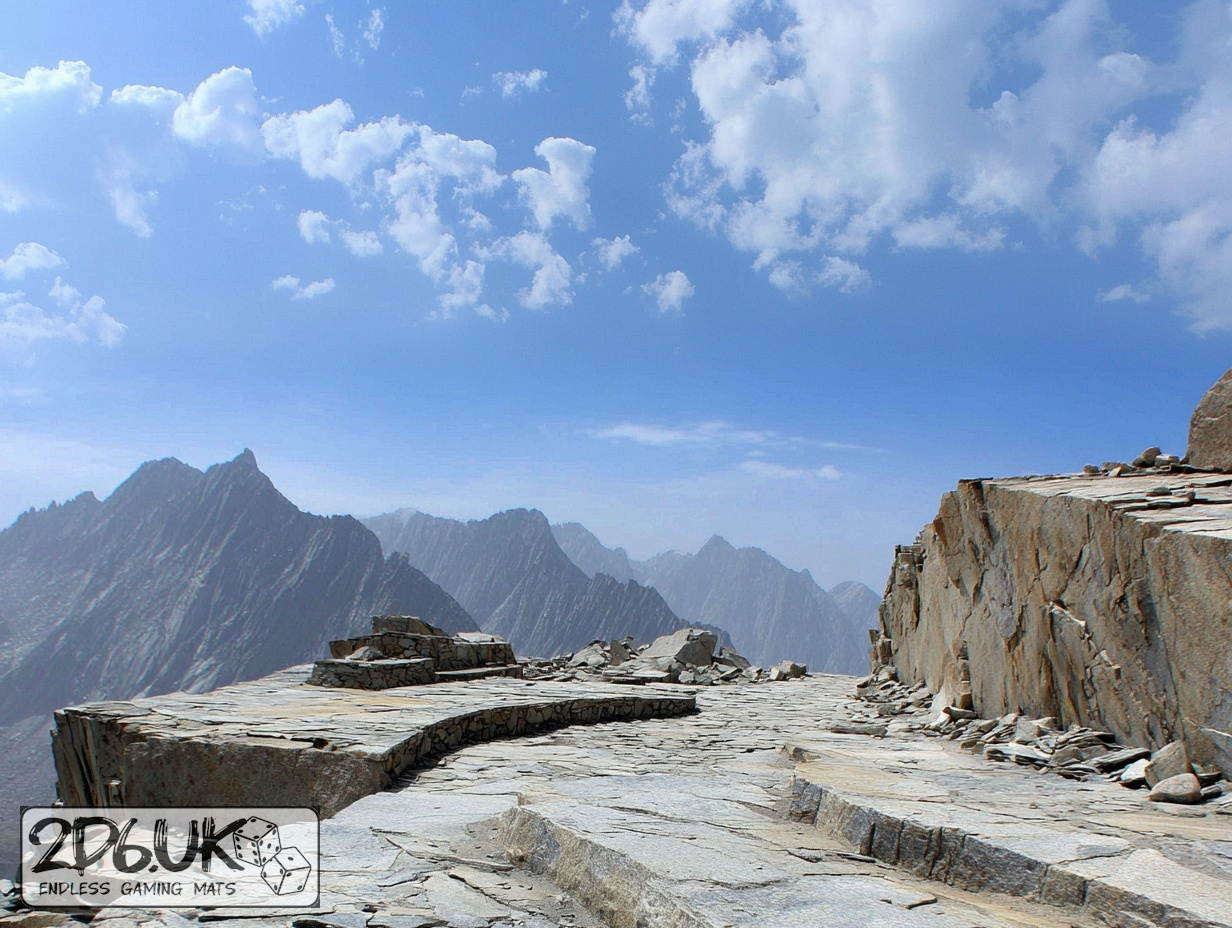
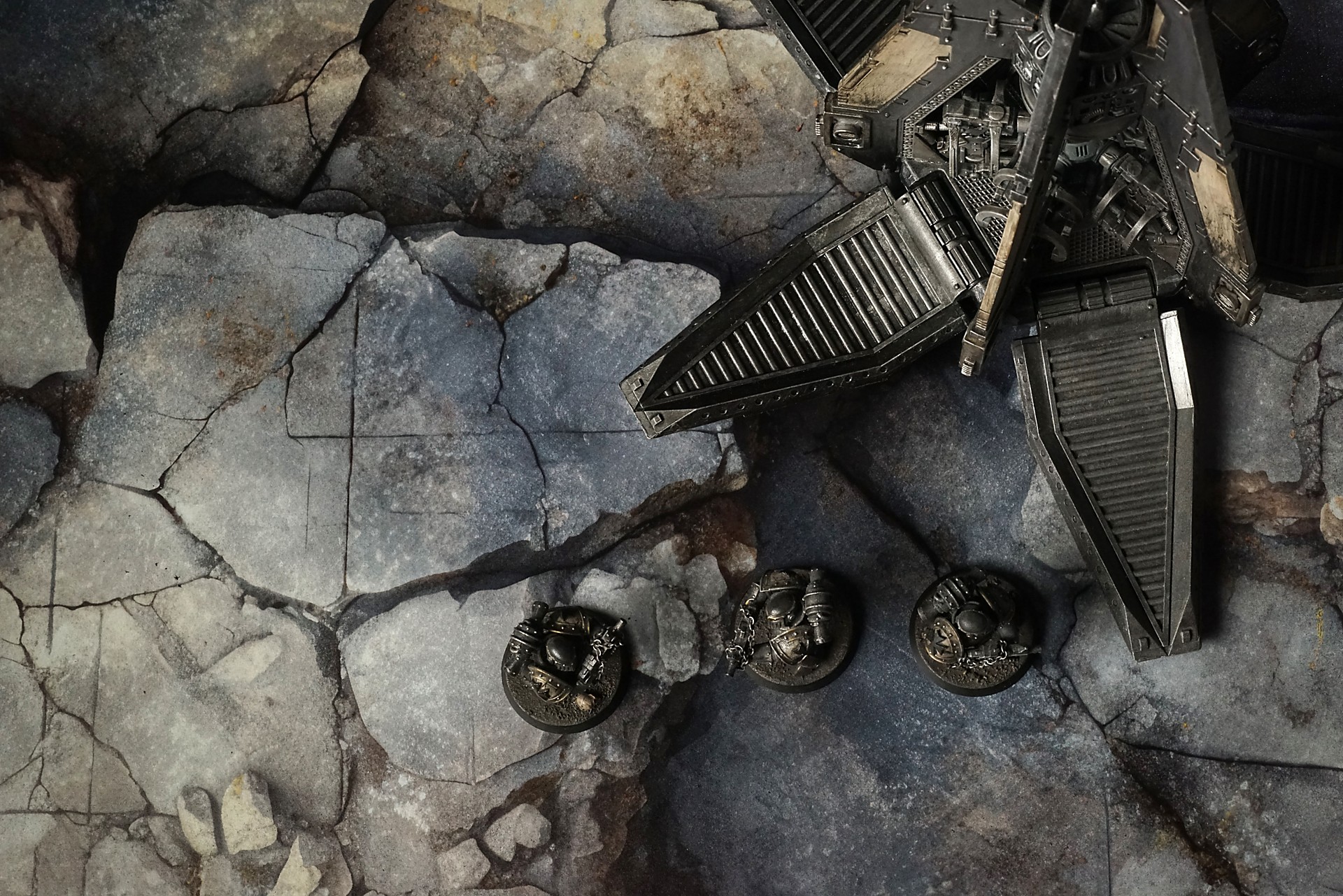
This mat shows pale gray limestone slabs fractured by deep fissures, their rough surfaces streaked with warm beige dust and subtle moss-green stains. Jagged rock edges overlap compacted gravel and sandy inlays, creating a weathered, natural stone expanse.
This design is available as a roll-up gaming mat or rigid tile set, with supported battlefield sizes ranging from compact 1×1 ft tables up to full-size 6×4 ft battlefields, including 2×2 ft, 3×3 ft, 4×4 ft and 45×60 in presets.
Fangspire Ledge Battle Mat
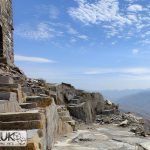
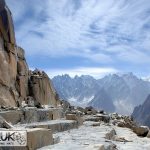
They marched slow, the way mountains do when they’ve decided to move again—weight behind every step, purpose spelled in the grind of boot against stone. The banner rode high, its runes faded but not forgotten, carried by the sergeant whose beard had the grey of carved granite and the stubbornness to match. Ahead, the quarry spread like a wound that had healed over badly—giant blocks half-freed from the earth, themselves monuments to hands that had stopped mid-pull. Some leaned on each other as if braced by memory; others sat cracked, seams spidered where the mountain had said no.
“See those chisel tracks?” young Brok asked, breath steaming in the cool air. His hammer hung light at his hip, more for habit than use. “They were cutting clean. Sharp as a promise. Then someone just… left.”
“It wasn’t forsaken,” the sergeant said. He ran a thumb over a groove, the spiral of an abandoned drill bit disappearing into unfinished stone. The dust in it had settled like a thin film of sleep. “It was paused. That’s worse. Means they meant to come back. Means they had a reason to stop.”
Select material type for gaming mat
How to use the Mat Designer:
- Select tile size.
- Use the +/− controls next to “Rows” and “Columns” to adjust the map size.
- Click the Randomize button to reshuffle all tiles at once.
- Click a tile on the maps to select it, then click another tile to swap their positions.
- Or click an image in the preview gallery below the map to replace the selected tile on the map.
Tile or Graphic Size
Size Presets
Custom Logo Upload
Only PNG with transparent background. Max file size: 2 MB.
Note:
Recommended image size for 50x50mm logo is apx 500x500px
Unique preset code, copy and save it to regenerate the pattern in the future. Click on the code to paste new one.
Backdrops
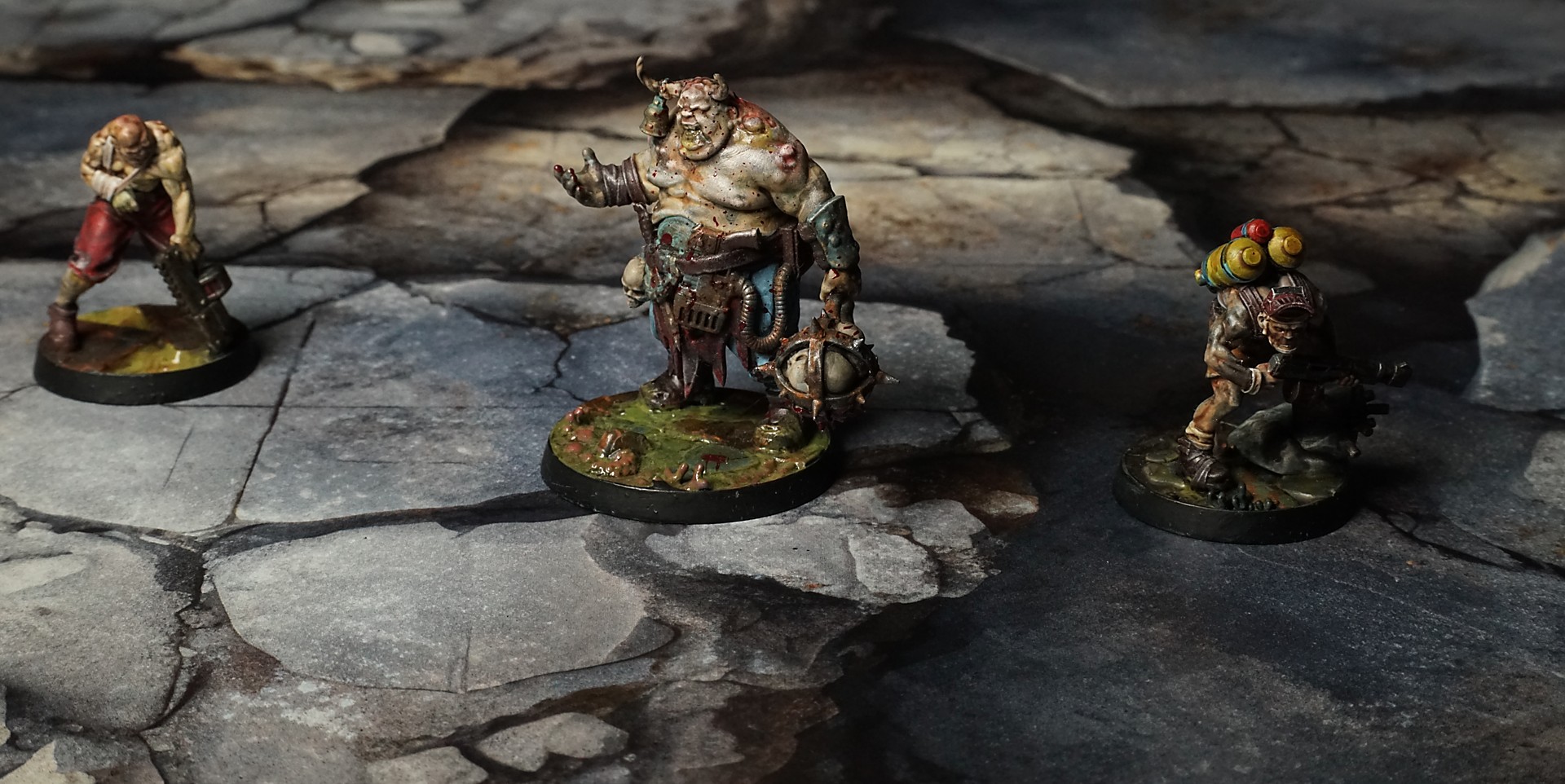
Set of 5x, 14x10.5in map related background for photos



How to use Backdrops:
- Backdrop upright on a stand, 5–30 cm behind the model.
- Lower the camera to model eye level.
- For action shots, raise the camera and include plenty of floor tile.
- Focus on the model; keep the background softly blurred.
- Hide edges: add models/terrain to break the floor tile boundary.
- Light model, not so much tile or background.
- Step back and zoom (50–85 mm equiv. or phone 2–3×) to avoid distortion.
- Add depth with occluders: place small elements front/behind and half way through frame edges.
- Test light colour, angles and heights.
- Dark room, one handheld light. Photo with timer let you position light easily.
- Brush light across the miniature to mimic sun/lamp/fire.