BUILD YOUR BATTLEFIELD
Nocterra Wargaming Mat
Roll-up or rigid tiles Sizes from 1×1 ft to 6×4 ft
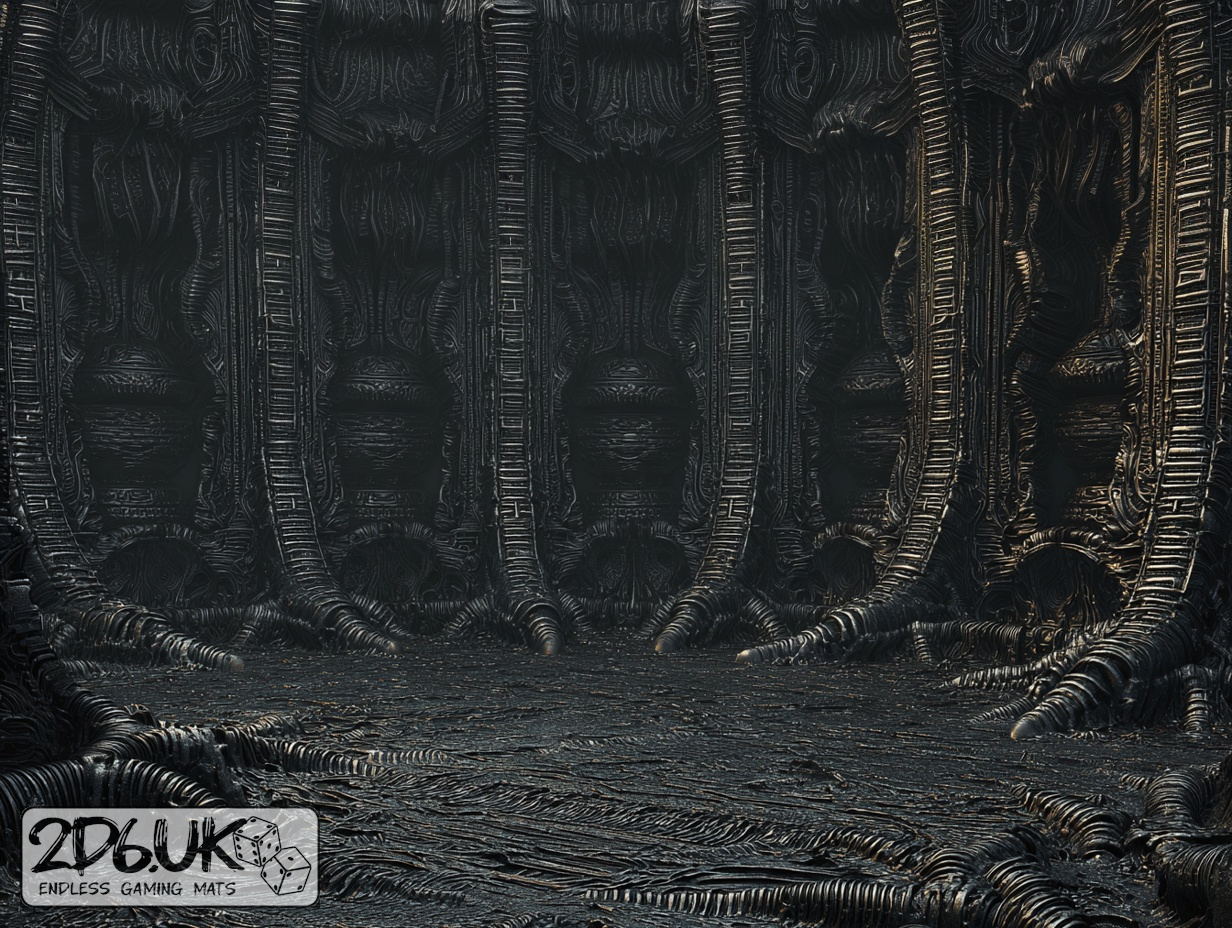
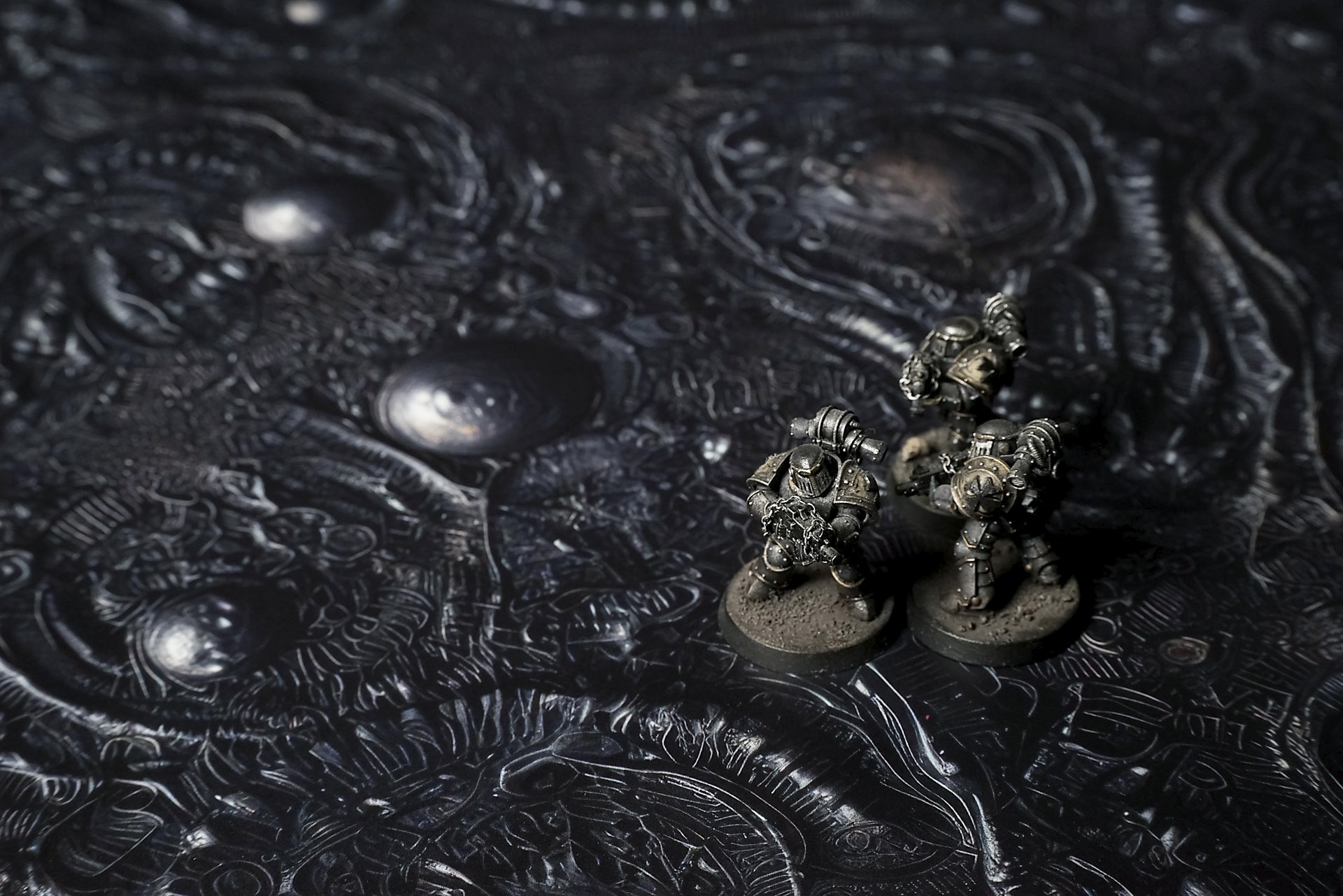
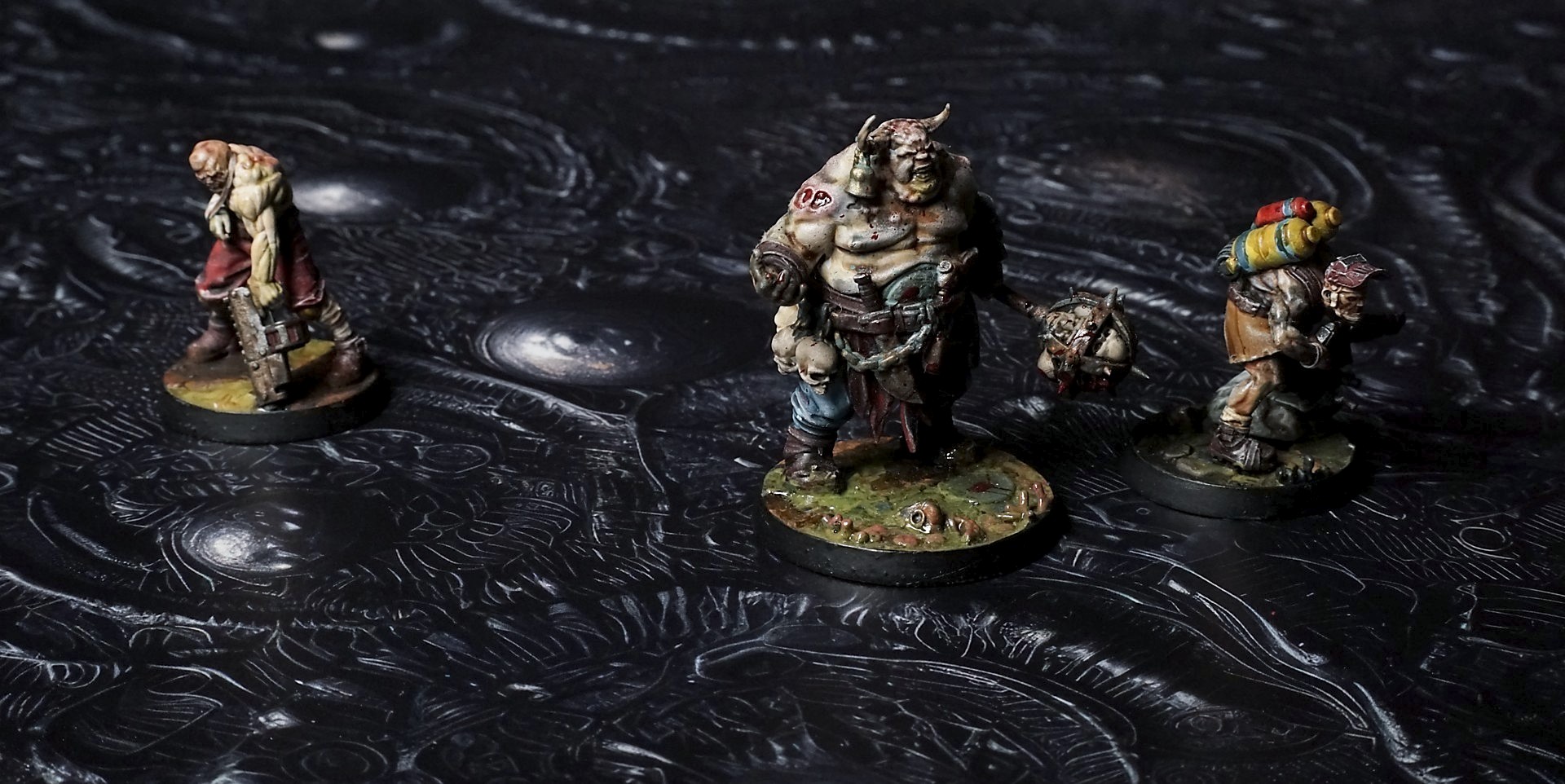
This mat reveals a sinuous expanse of ebony coils and undulating ridges, dotted with polished orb shapes and recessed hollows. Jagged, vein-like tendrils weave around the spheres, and delicate embossed patterns catch stray glints of metallic sheen across the pitch-dark field.
This design is available as a roll-up gaming mat or rigid tile set, with supported battlefield sizes ranging from compact 1×1 ft tables up to full-size 6×4 ft battlefields, including 2×2 ft, 3×3 ft, 4×4 ft and 45×60 in presets.
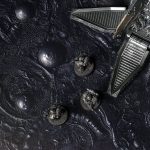

Nocterra Battle Mat
They were already dead. Not the kind of death with silence and peace—this was the slow rewrite, the kind that chewed at you while you still screamed.
“Rook, move!” I shoved him forward, dragging his weight, the planet’s skin sucking at his boots like a living trap. He didn’t answer. His eyes rolled, layered—one voice begging, one voice muttering coordinates that made no sense. The black tissue underfoot flexed with every step, tasting us, tracing us, learning the rhythm of our breath.
Kade’s hands shook on the comms. “Signal’s gone. Extraction’s a ghost.” His voice clipped at the edges, the planet folding him into its cadence.
The sacs ahead pulsed. Not a beat. A pull. Like a predator turning its head. One rose, fat and slow, and the ground under it collapsed. Juno went first. I saw her leg sink—no crack, no noise, just a tug—and her scream ripped raw. She didn’t fall; she dissolved. Her body blurred, the edges sliding into the skin around her.
Select material type for gaming mat
How to use the Mat Designer:
- Select tile size.
- Use the +/− controls next to “Rows” and “Columns” to adjust the map size.
- Click the Randomize button to reshuffle all tiles at once.
- Click a tile on the maps to select it, then click another tile to swap their positions.
- Or click an image in the preview gallery below the map to replace the selected tile on the map.
Tile or Graphic Size
Size Presets
Custom Logo Upload
Only PNG with transparent background. Max file size: 2 MB.
Note:
Recommended image size for 50x50mm logo is apx 500x500px
Unique preset code, copy and save it to regenerate the pattern in the future. Click on the code to paste new one.
Backdrops
Set of 5x, 14x10.5in map related background for photos



How to use Backdrops:
- Backdrop upright on a stand, 5–30 cm behind the model.
- Lower the camera to model eye level.
- For action shots, raise the camera and include plenty of floor tile.
- Focus on the model; keep the background softly blurred.
- Hide edges: add models/terrain to break the floor tile boundary.
- Light model, not so much tile or background.
- Step back and zoom (50–85 mm equiv. or phone 2–3×) to avoid distortion.
- Add depth with occluders: place small elements front/behind and half way through frame edges.
- Test light colour, angles and heights.
- Dark room, one handheld light. Photo with timer let you position light easily.
- Brush light across the miniature to mimic sun/lamp/fire.