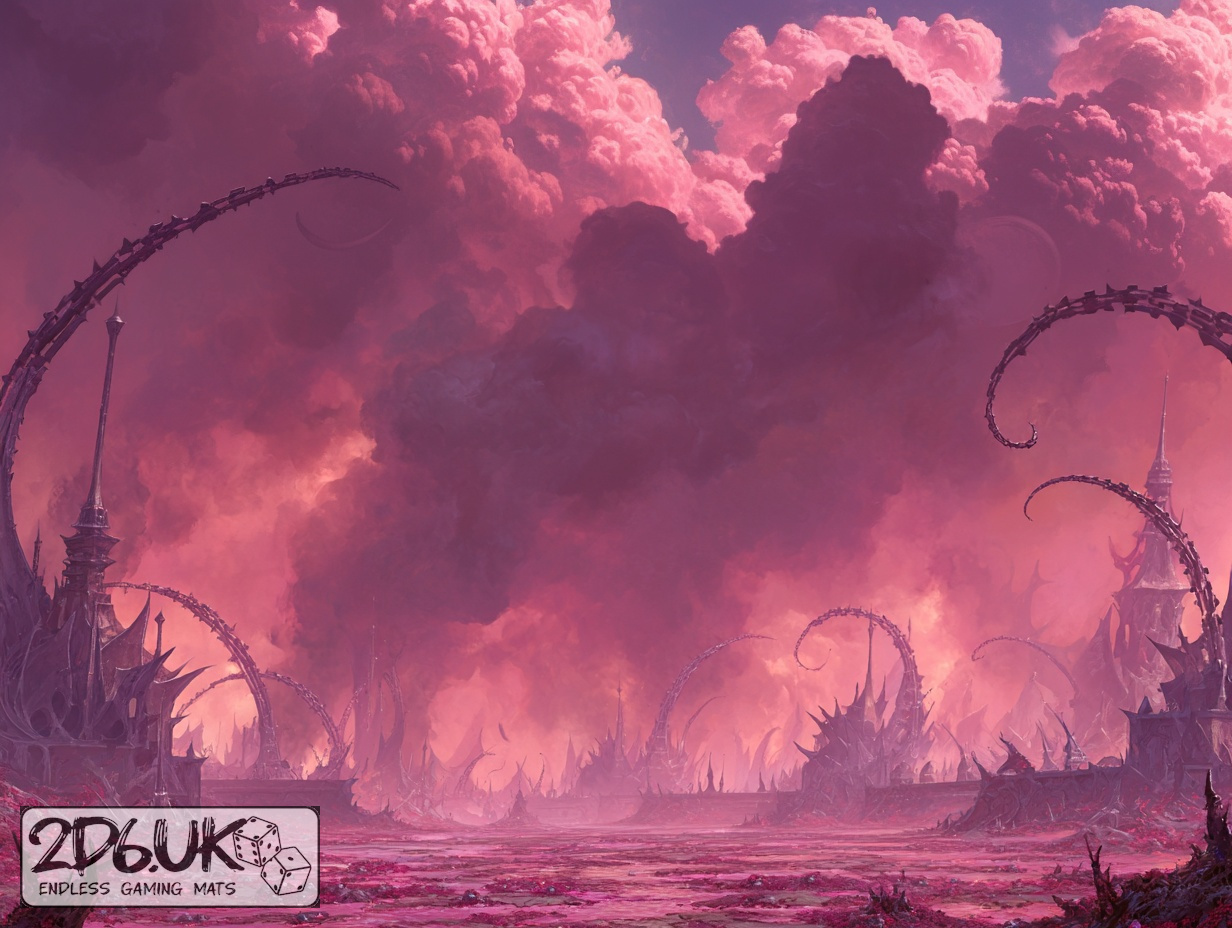
BUILD YOUR BATTLEFIELD
The Crimson Veil Wargaming Mat
Roll-up or rigid tiles Sizes from 1×1 ft to 6×4 ft
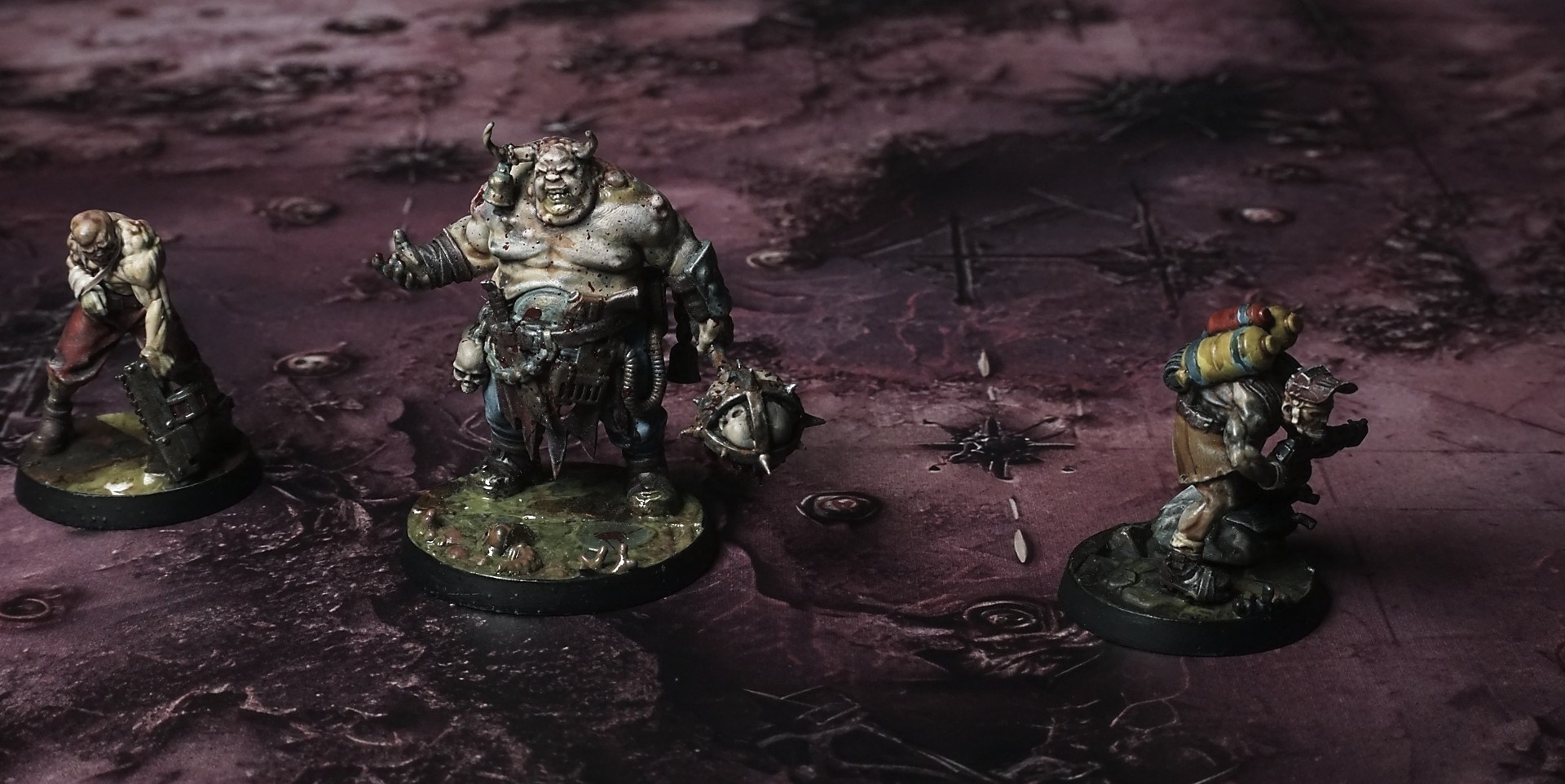
This mat shows red-toned panels streaked with darker smears and faint grid lines. Bolt heads and rivets mark seams. Jagged shards and cross-like etchings break the flat surface, while scattered debris and smoky shadows deepen the worn, industrial feel.
This design is available as a roll-up gaming mat or rigid tile set, with supported battlefield sizes ranging from compact 1×1 ft tables up to full-size 6×4 ft battlefields, including 2×2 ft, 3×3 ft, 4×4 ft and 45×60 in presets.
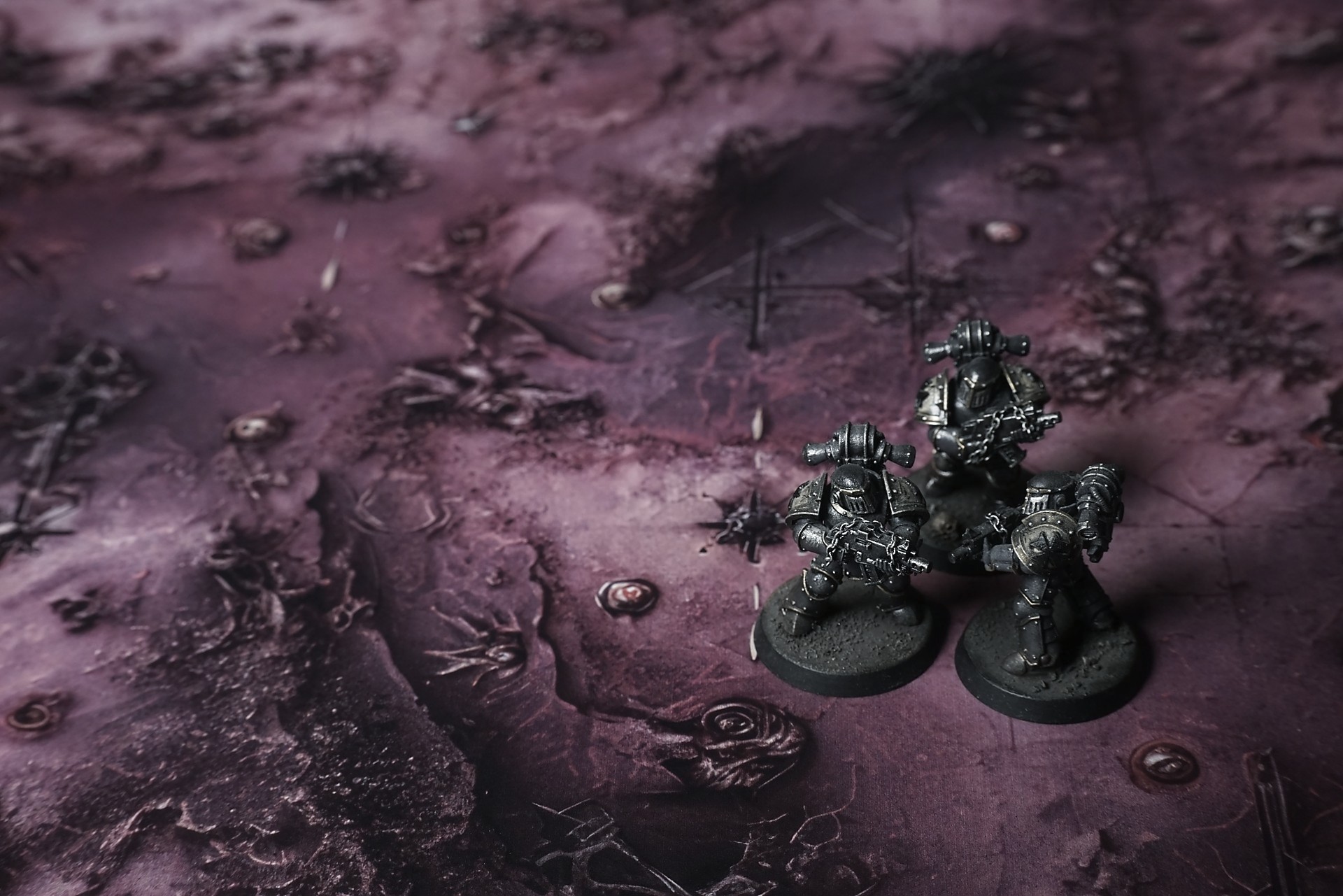

The Crimson Veil Battle Mat
They brought me in blindfolded, shackled, the iron biting into wrists raw from the creek of battle. Sounds came first—high, twisted laughter layered over guttural moans, a chorus of breaking and wanting. Then the cage rattled. The blindfold came loose just enough for the world to slice into me.
Light—sickly, pulsing—spilled over the expanse like a fever dream. The ground wasn’t ground. It writhed beneath the cage, pink and warm, sighing as we were set down. The “sand” parted around my ankles, soft at first, then closing with a sticky pressure that made me jerk. It felt like flesh. It trembled in time with something deep below, a slow, hungry throb that matched the tremble in my teeth. Every breath I took was laced with perfume and rot. Honeysuckle and old blood tangled so tight the smell punched through my nausea and made my skin prick with something that could have been dread or something dangerously close to anticipation.
Chains scraped as the captors pulled the cage open. I tried to swallow and the air tasted like copper dipped in sugar. Beyond the bars, the world was a cathedral of pain dressed in silk.
Select material type for gaming mat
How to use the Mat Designer:
- Select tile size.
- Use the +/− controls next to “Rows” and “Columns” to adjust the map size.
- Click the Randomize button to reshuffle all tiles at once.
- Click a tile on the maps to select it, then click another tile to swap their positions.
- Or click an image in the preview gallery below the map to replace the selected tile on the map.
Tile or Graphic Size
Size Presets
Custom Logo Upload
Only PNG with transparent background. Max file size: 2 MB.
Note:
Recommended image size for 50x50mm logo is apx 500x500px
Unique preset code, copy and save it to regenerate the pattern in the future. Click on the code to paste new one.
Backdrops
Set of 5x, 14x10.5in map related background for photos



How to use Backdrops:
- Backdrop upright on a stand, 5–30 cm behind the model.
- Lower the camera to model eye level.
- For action shots, raise the camera and include plenty of floor tile.
- Focus on the model; keep the background softly blurred.
- Hide edges: add models/terrain to break the floor tile boundary.
- Light model, not so much tile or background.
- Step back and zoom (50–85 mm equiv. or phone 2–3×) to avoid distortion.
- Add depth with occluders: place small elements front/behind and half way through frame edges.
- Test light colour, angles and heights.
- Dark room, one handheld light. Photo with timer let you position light easily.
- Brush light across the miniature to mimic sun/lamp/fire.