BUILD YOUR BATTLEFIELD
Hexmark Reach Wargaming Mat
Roll-up or rigid tiles Sizes from 1×1 ft to 6×4 ft
This mat features etched circular glyph arrays set against a charcoal-gray stone backdrop. Burnt-orange dust accents radial carvings, while scattered debris and hairline cracks break the smooth between glyph circles. Faint rune marks and scattered pebbles add depth to the worn surface.
This design is available as a roll-up gaming mat or rigid tile set, with supported battlefield sizes ranging from compact 1×1 ft tables up to full-size 6×4 ft battlefields, including 2×2 ft, 3×3 ft, 4×4 ft and 45×60 in presets.
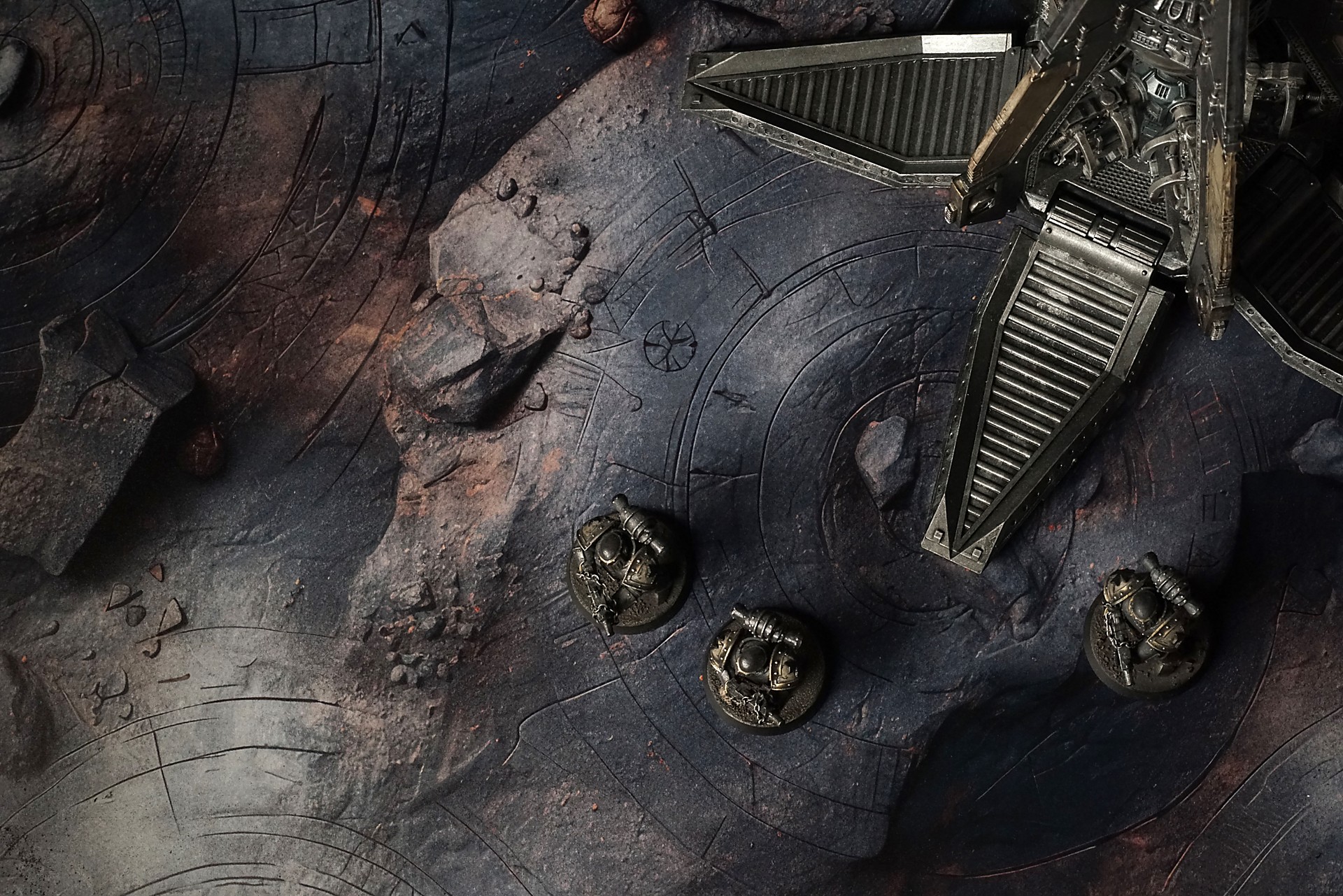
Hexmark Reach Battle Mat
I stepped onto that blackened plain and my heart clenched—like the world had closed its fist around everything I believed about magic. The air tasted of scorched metal, and beneath my boots the ground gave a soft tremor, as if remembering the moment everything cracked open. I knelt by one of the rune-ringed craters, watching its dull pulse echo in my veins, a slow drumbeat of power turned violent.
Years ago I chased arcane secrets like a child hunting fireflies. Here, I discovered how that chase can burn a soul. My breath hitched as sparks flickered in the dust, tiny stars born from a spell left to die. My fingers hovered over the closest symbol, and my skin prickled the moment I touched the stone. The dust snapped in tiny sparks, and I flinched, heart racing.
Select material type for gaming mat
How to use the Mat Designer:
- Select tile size.
- Use the +/− controls next to “Rows” and “Columns” to adjust the map size.
- Click the Randomize button to reshuffle all tiles at once.
- Click a tile on the maps to select it, then click another tile to swap their positions.
- Or click an image in the preview gallery below the map to replace the selected tile on the map.
Tile or Graphic Size
Size Presets
Custom Logo Upload
Only PNG with transparent background. Max file size: 2 MB.
Note:
Recommended image size for 50x50mm logo is apx 500x500px
Unique preset code, copy and save it to regenerate the pattern in the future. Click on the code to paste new one.
Backdrops
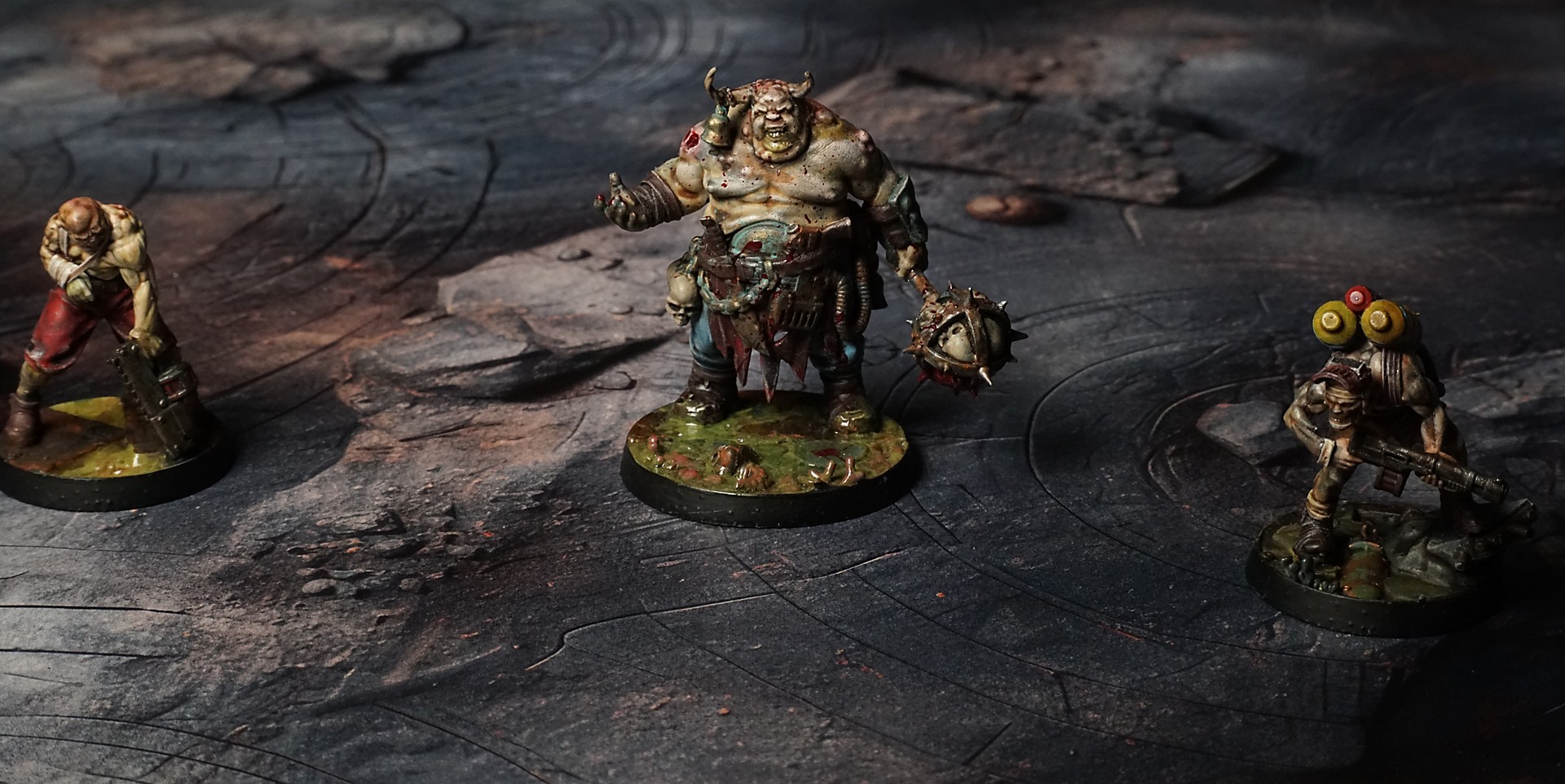
Set of 5x, 14x10.5in map related background for photos



How to use Backdrops:
- Backdrop upright on a stand, 5–30 cm behind the model.
- Lower the camera to model eye level.
- For action shots, raise the camera and include plenty of floor tile.
- Focus on the model; keep the background softly blurred.
- Hide edges: add models/terrain to break the floor tile boundary.
- Light model, not so much tile or background.
- Step back and zoom (50–85 mm equiv. or phone 2–3×) to avoid distortion.
- Add depth with occluders: place small elements front/behind and half way through frame edges.
- Test light colour, angles and heights.
- Dark room, one handheld light. Photo with timer let you position light easily.
- Brush light across the miniature to mimic sun/lamp/fire.