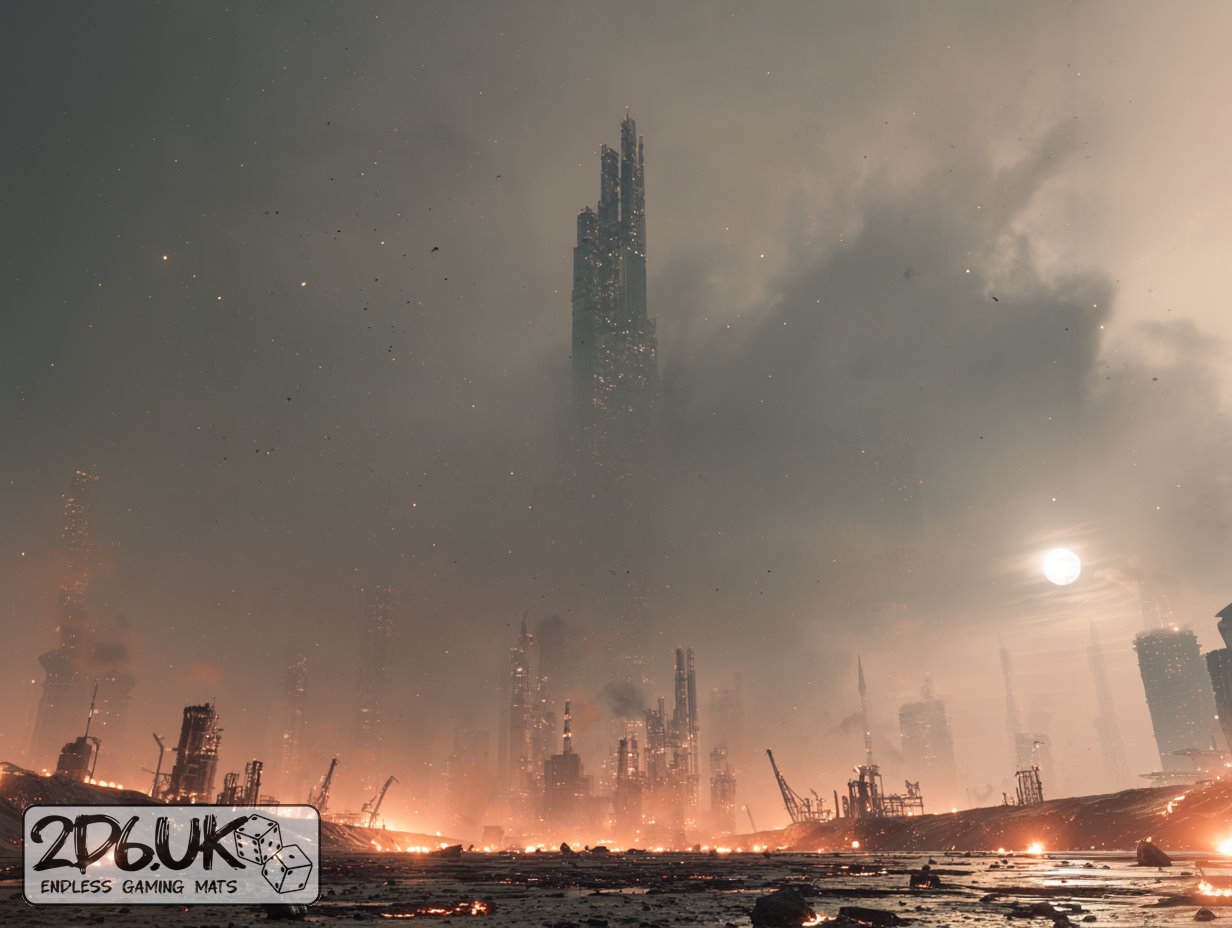
BUILD YOUR BATTLEFIELD
The Iron Wastes Wargaming Mat
Roll-up or rigid tiles Sizes from 1×1 ft to 6×4 ft
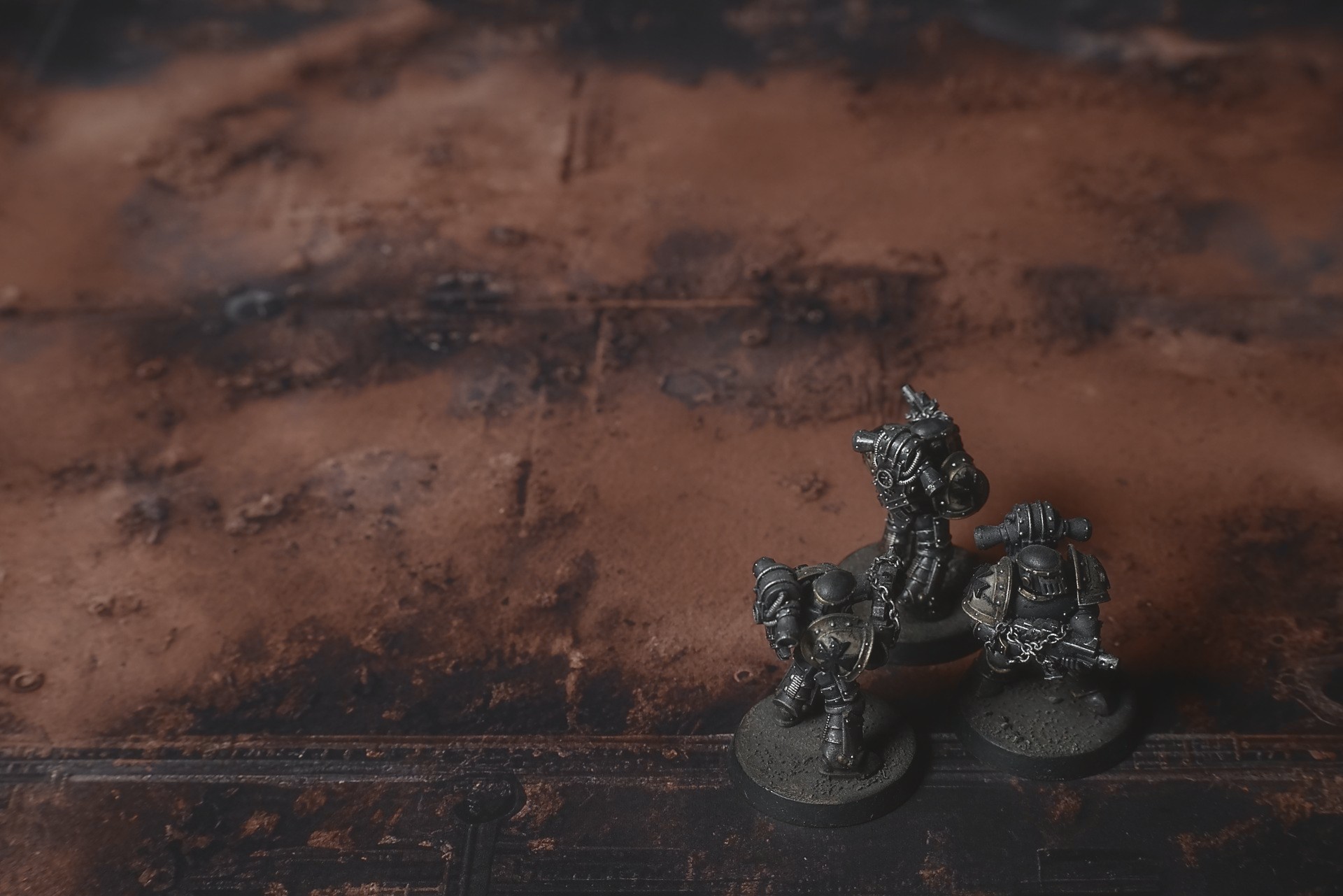
This mat shows a rust-orange dusting over dark, scorched metal plates. Scraped panels and grated vents peek through the rust, while scattered debris and pitted craters add texture. The contrasting burnished orange and blackened steel create a harsh, industrial wasteland look.
This design is available as a roll-up gaming mat or rigid tile set, with supported battlefield sizes ranging from compact 1×1 ft tables up to full-size 6×4 ft battlefields, including 2×2 ft, 3×3 ft, 4×4 ft and 45×60 in presets.
The Iron Wastes Battle Mat
I crouch on a buckled deck-plate, fingers brushing rusted seams stamped with the holy cog. Every movement kicks up iron-rich dust that scratches at my lungs—remnant of the war that ended before I drew breath.
A press arm looms to my right, frozen mid-swing, its piston cracked and empty. I remember the hum of its servo-motor in holo-recs—how it forged hull plating so thick enemy shells shattered off its face. Now it’s nothing more than a brittle skeleton against the wind, whispering the end of industry.
My boots grind over fused gear-stacks, and I pause at a half-buried wrench. It’s worn at the grip where my grandfather’s hands would have held it. He taught me the first canticle of maintenance—soft words you sing into bearings to coax life back into them. I close my eyes, whisper the lines, and imagine the ratcheting coil answering in kind.
Select material type for gaming mat
How to use the Mat Designer:
- Select tile size.
- Use the +/− controls next to “Rows” and “Columns” to adjust the map size.
- Click the Randomize button to reshuffle all tiles at once.
- Click a tile on the maps to select it, then click another tile to swap their positions.
- Or click an image in the preview gallery below the map to replace the selected tile on the map.
Tile or Graphic Size
Size Presets
Custom Logo Upload
Only PNG with transparent background. Max file size: 2 MB.
Note:
Recommended image size for 50x50mm logo is apx 500x500px
Unique preset code, copy and save it to regenerate the pattern in the future. Click on the code to paste new one.
Backdrops
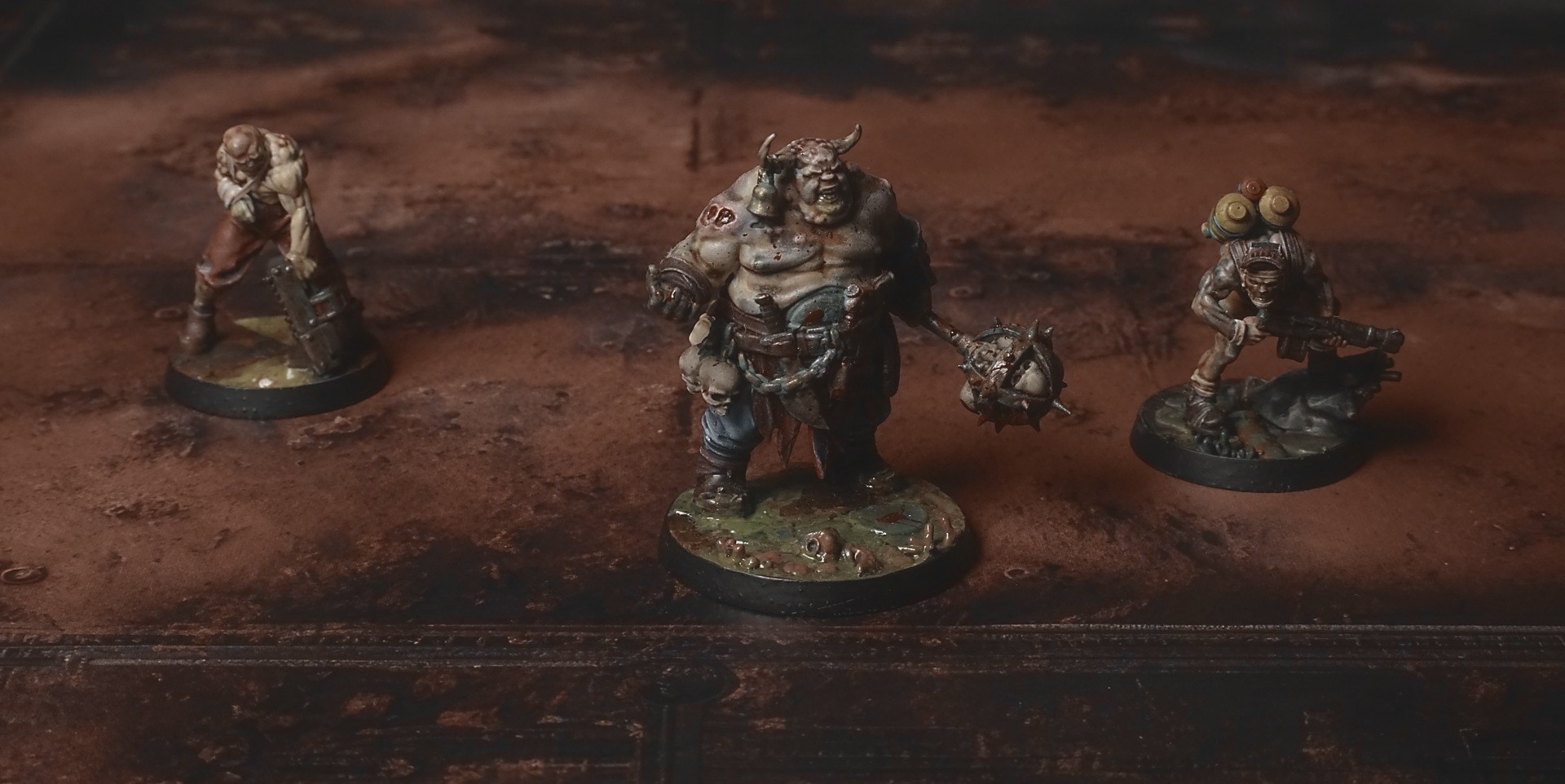
Set of 5x, 14x10.5in map related background for photos



How to use Backdrops:
- Backdrop upright on a stand, 5–30 cm behind the model.
- Lower the camera to model eye level.
- For action shots, raise the camera and include plenty of floor tile.
- Focus on the model; keep the background softly blurred.
- Hide edges: add models/terrain to break the floor tile boundary.
- Light model, not so much tile or background.
- Step back and zoom (50–85 mm equiv. or phone 2–3×) to avoid distortion.
- Add depth with occluders: place small elements front/behind and half way through frame edges.
- Test light colour, angles and heights.
- Dark room, one handheld light. Photo with timer let you position light easily.
- Brush light across the miniature to mimic sun/lamp/fire.