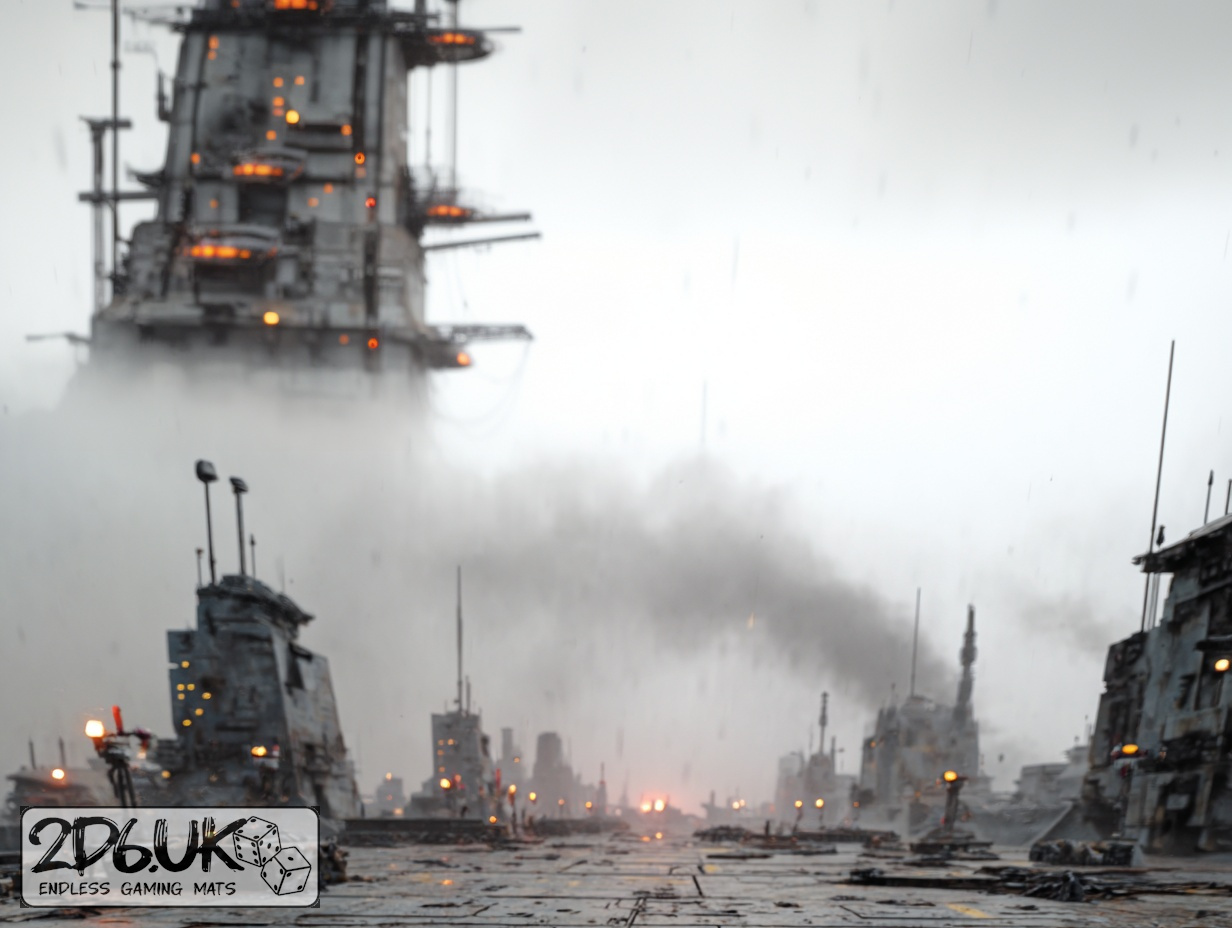
BUILD YOUR BATTLEFIELD
Sootveil Crossings Wargaming Mat
Roll-up or rigid tiles Sizes from 1×1 ft to 6×4 ft
This mat shows worn metal walkways crossing in an X-pattern, with faded yellow panels marking sections. Cracked concrete and scattered rubble fill gaps. Soot streaks and exposed girders combine with dirt deposits to create a weathered industrial scene.
This design is available as a roll-up gaming mat or rigid tile set, with supported battlefield sizes ranging from compact 1×1 ft tables up to full-size 6×4 ft battlefields, including 2×2 ft, 3×3 ft, 4×4 ft and 45×60 in presets.
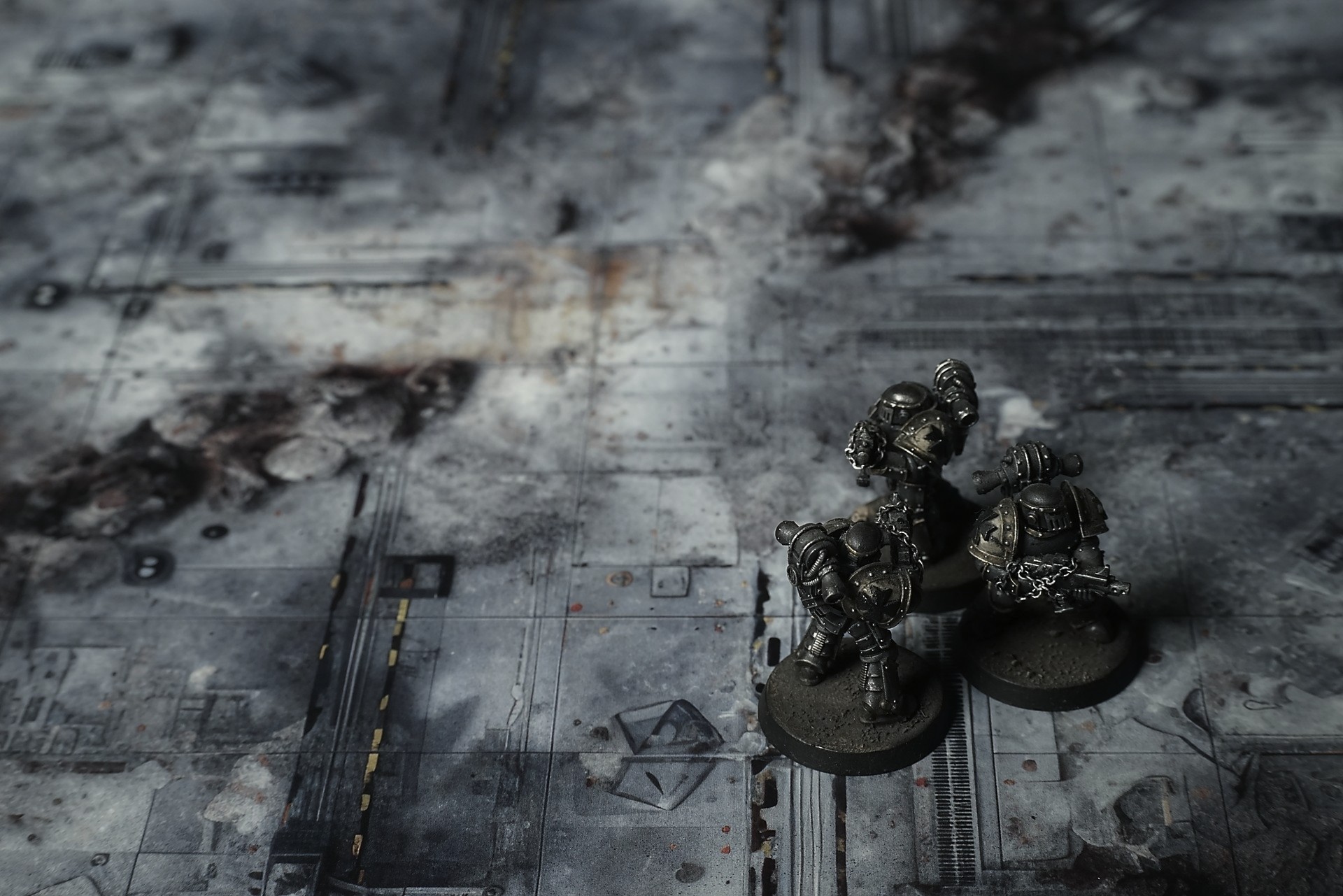
Sootveil Crossings Battle Mat
Lieutenant Rhee halted at a scorch ring where a micro-missile had struck. The dust had settled over the recessed lamp strips, muting their glow to a dull ember. She knelt, swept a blood-stained fragment of crate flap aside, and met my eyes with a look that said we were the first living souls here in weeks.
Private Solis caught sight of a coolant streak winding between shell casings. “Tram line’s dead,” he muttered, voice low. “No evac this way.” His scanner buzzed against his leg—guidance rail still humming, but for what? Not a tram. No one was coming.
Select material type for gaming mat
How to use the Mat Designer:
- Select tile size.
- Use the +/− controls next to “Rows” and “Columns” to adjust the map size.
- Click the Randomize button to reshuffle all tiles at once.
- Click a tile on the maps to select it, then click another tile to swap their positions.
- Or click an image in the preview gallery below the map to replace the selected tile on the map.
Tile or Graphic Size
Size Presets
Custom Logo Upload
Only PNG with transparent background. Max file size: 2 MB.
Note:
Recommended image size for 50x50mm logo is apx 500x500px
Unique preset code, copy and save it to regenerate the pattern in the future. Click on the code to paste new one.
Backdrops
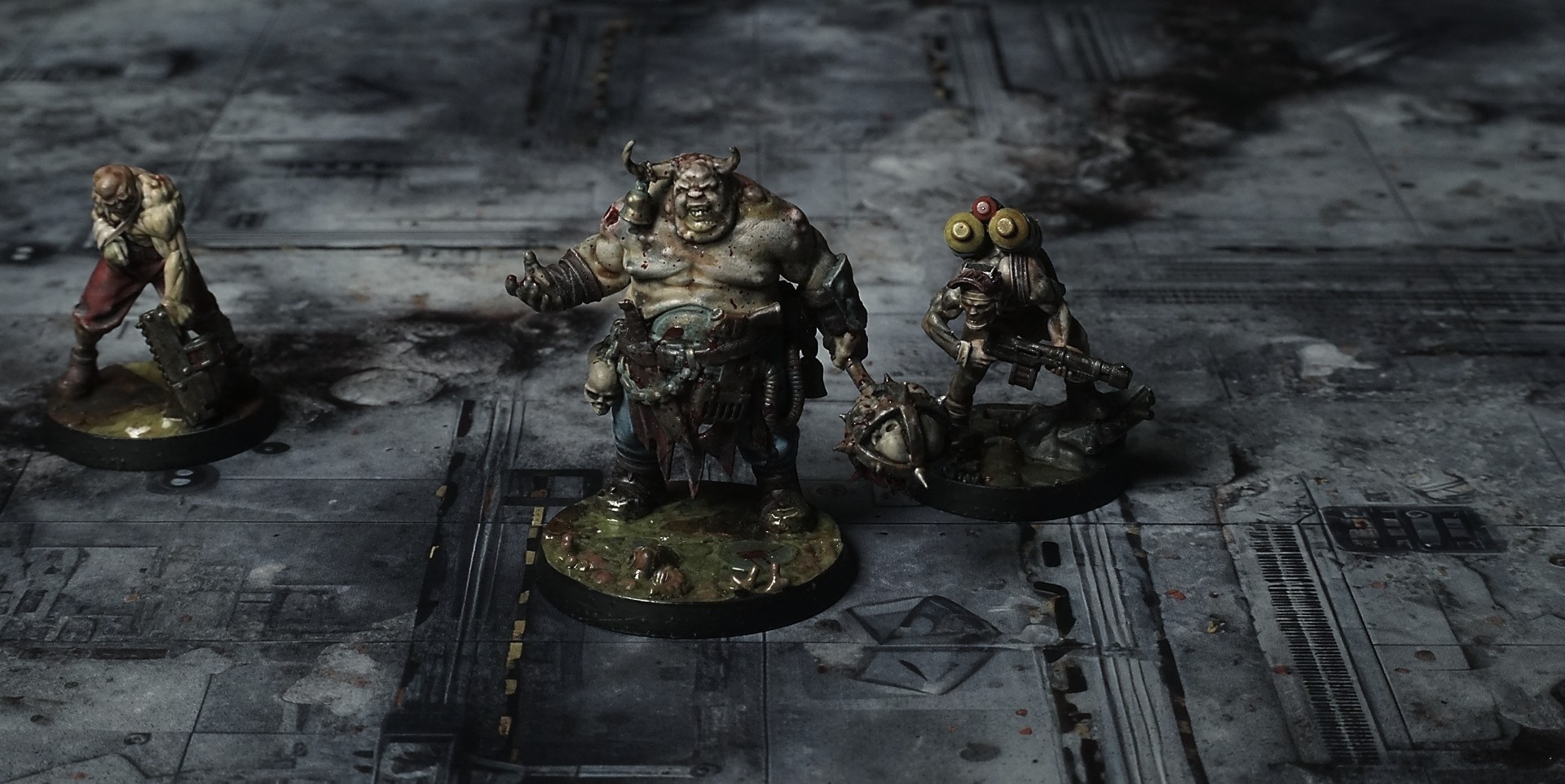
Set of 5x, 14x10.5in map related background for photos



How to use Backdrops:
- Backdrop upright on a stand, 5–30 cm behind the model.
- Lower the camera to model eye level.
- For action shots, raise the camera and include plenty of floor tile.
- Focus on the model; keep the background softly blurred.
- Hide edges: add models/terrain to break the floor tile boundary.
- Light model, not so much tile or background.
- Step back and zoom (50–85 mm equiv. or phone 2–3×) to avoid distortion.
- Add depth with occluders: place small elements front/behind and half way through frame edges.
- Test light colour, angles and heights.
- Dark room, one handheld light. Photo with timer let you position light easily.
- Brush light across the miniature to mimic sun/lamp/fire.