BUILD YOUR BATTLEFIELD
Slagspire Block Wargaming Mat
Roll-up or rigid tiles Sizes from 1×1 ft to 6×4 ft
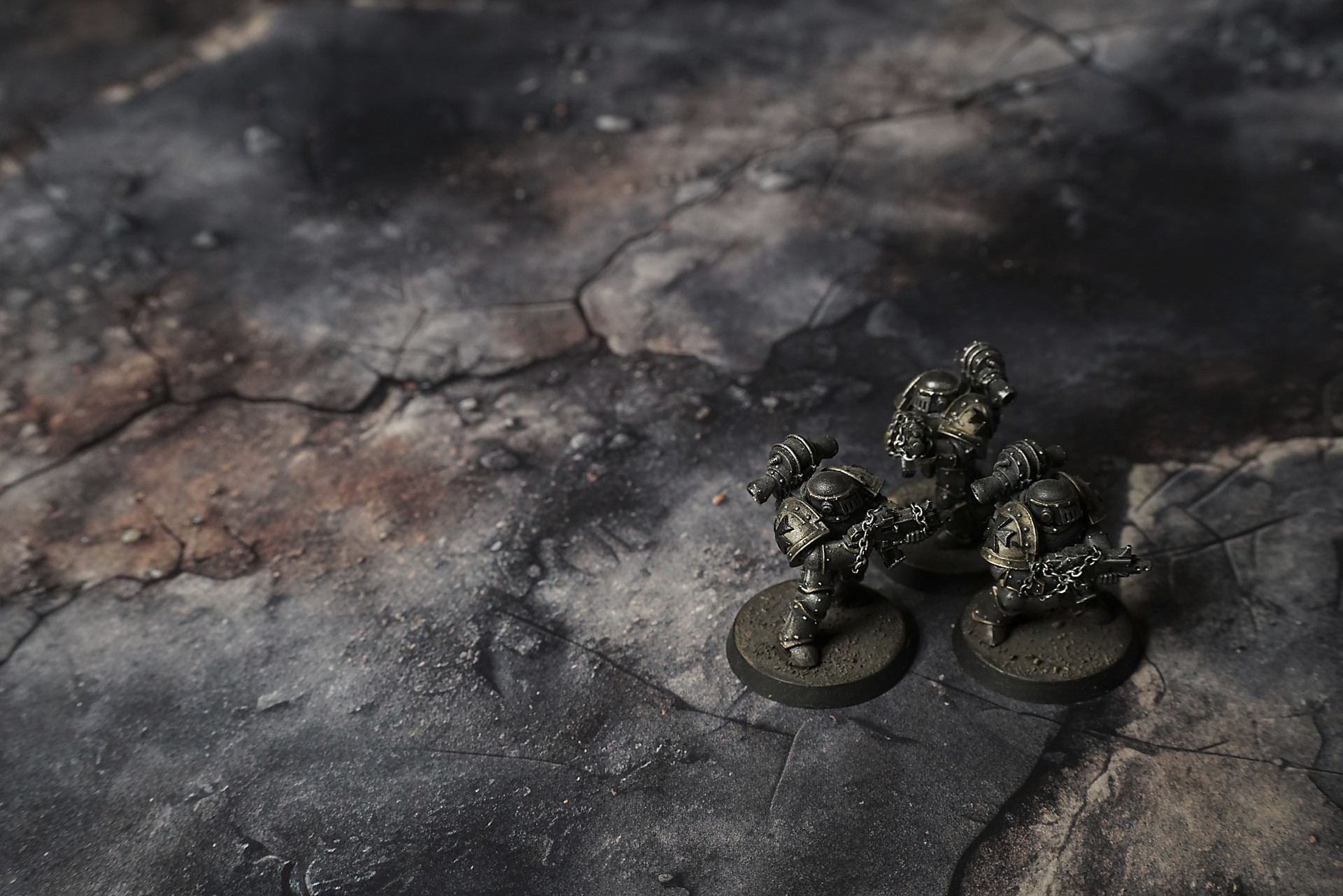
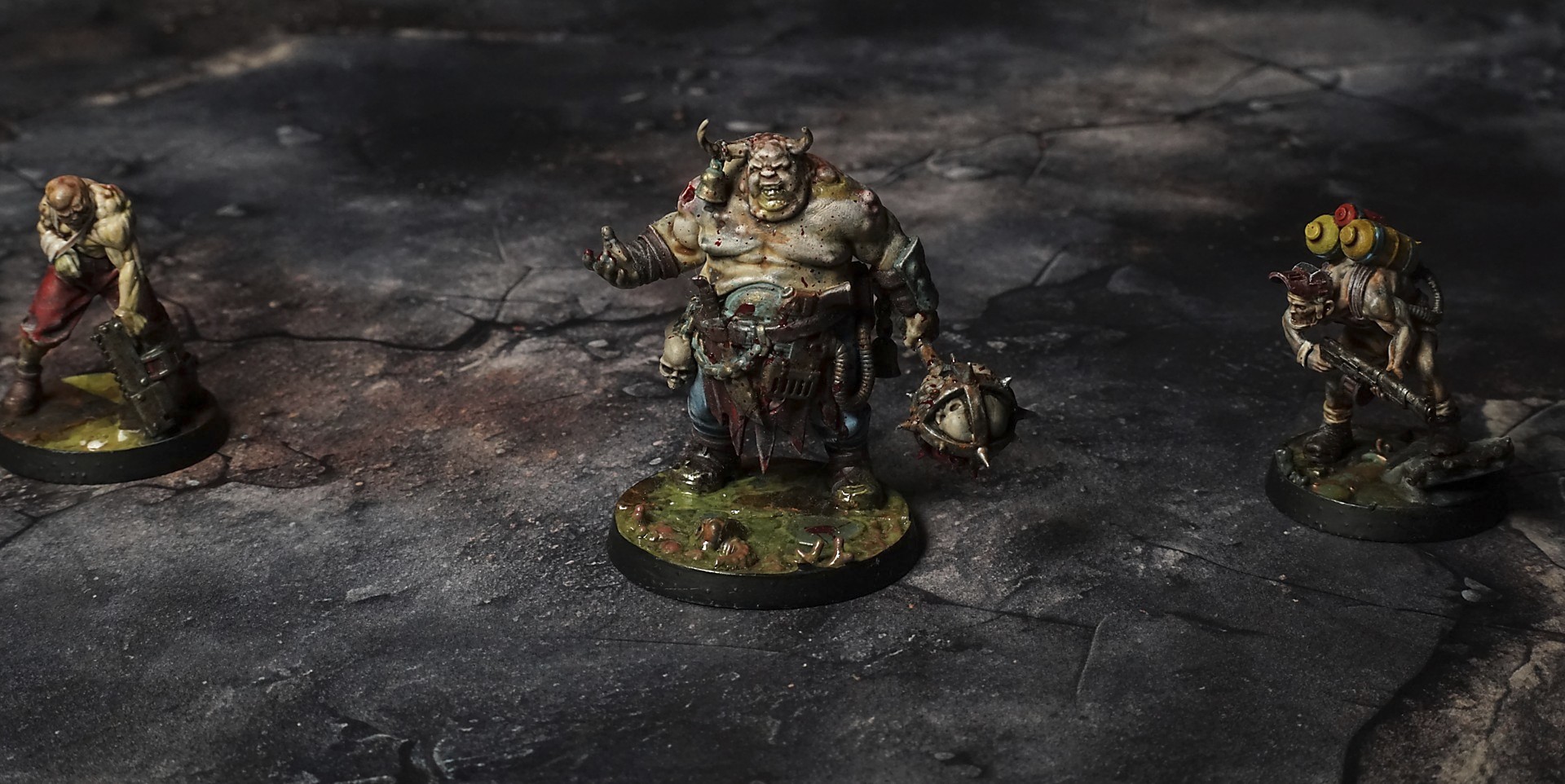
This mat shows patched, charred concrete slabs in charcoal and rust tones, layered with cracked mortar and flaking paint. Smoky white residues cloud areas, while exposed brick peeks through breaks. Scattered rubble and gritty textures give a worn, industrial feel. Corroded metal, grit fill cracks.
This design is available as a roll-up gaming mat or rigid tile set, with supported battlefield sizes ranging from compact 1×1 ft tables up to full-size 6×4 ft battlefields, including 2×2 ft, 3×3 ft, 4×4 ft and 45×60 in presets.
Slagspire Block Battle Mat
They swarmed the wreck like rats in a trap. Spines hunched, las-guns raised, eyes flicking over the broken plates. The concrete beneath our boots groaned—a thin, brittle sound swallowed in ash-grey dust that lay everywhere.
“Watch the ruts,” I barked, stepping over a gouge wide enough to lose a foot. Rebar snags caught my coat as I passed, a quiet reminder that this city doesn’t forgive mistakes.
Sergeant Vox jabbed his thumb toward a blast cone caked in soot. “That was melta,” he snarled. “Heat fused it solid. Might still be hot.” He knelt, ran a gloved finger over the glazed crater. Sparks leapt off the edge where a splintered chunk of tarmac caught the afternoon glare like a dying star.
Gunner Arlo kicked a piece of shattered glass underfoot—crunching it to glitter—and grinned. “Perfect bit of scrap for a shiv,” he said, hefting a jagged shard. Then his grin died when we heard it: the distant rumble of engines, metal hulls shifting miles away but audible to any man who’s ever waited for reinforcements.
Select material type for gaming mat
How to use the Mat Designer:
- Select tile size.
- Use the +/− controls next to “Rows” and “Columns” to adjust the map size.
- Click the Randomize button to reshuffle all tiles at once.
- Click a tile on the maps to select it, then click another tile to swap their positions.
- Or click an image in the preview gallery below the map to replace the selected tile on the map.
Tile or Graphic Size
Size Presets
Custom Logo Upload
Only PNG with transparent background. Max file size: 2 MB.
Note:
Recommended image size for 50x50mm logo is apx 500x500px
Unique preset code, copy and save it to regenerate the pattern in the future. Click on the code to paste new one.
Backdrops
Set of 5x, 14x10.5in map related background for photos



How to use Backdrops:
- Backdrop upright on a stand, 5–30 cm behind the model.
- Lower the camera to model eye level.
- For action shots, raise the camera and include plenty of floor tile.
- Focus on the model; keep the background softly blurred.
- Hide edges: add models/terrain to break the floor tile boundary.
- Light model, not so much tile or background.
- Step back and zoom (50–85 mm equiv. or phone 2–3×) to avoid distortion.
- Add depth with occluders: place small elements front/behind and half way through frame edges.
- Test light colour, angles and heights.
- Dark room, one handheld light. Photo with timer let you position light easily.
- Brush light across the miniature to mimic sun/lamp/fire.