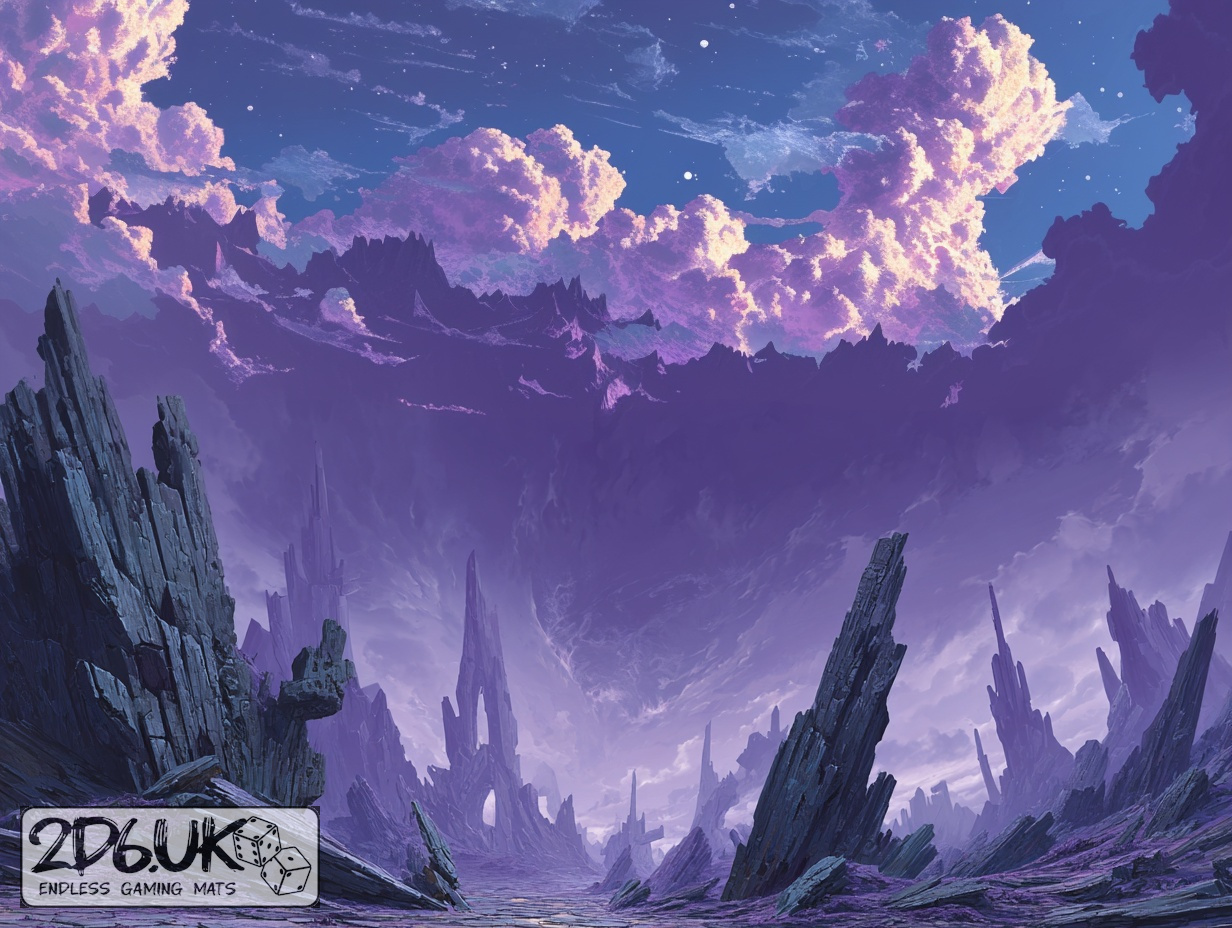
BUILD YOUR BATTLEFIELD
The Fracture Spiral Wargaming Mat
Roll-up or rigid tiles Sizes from 1×1 ft to 6×4 ft
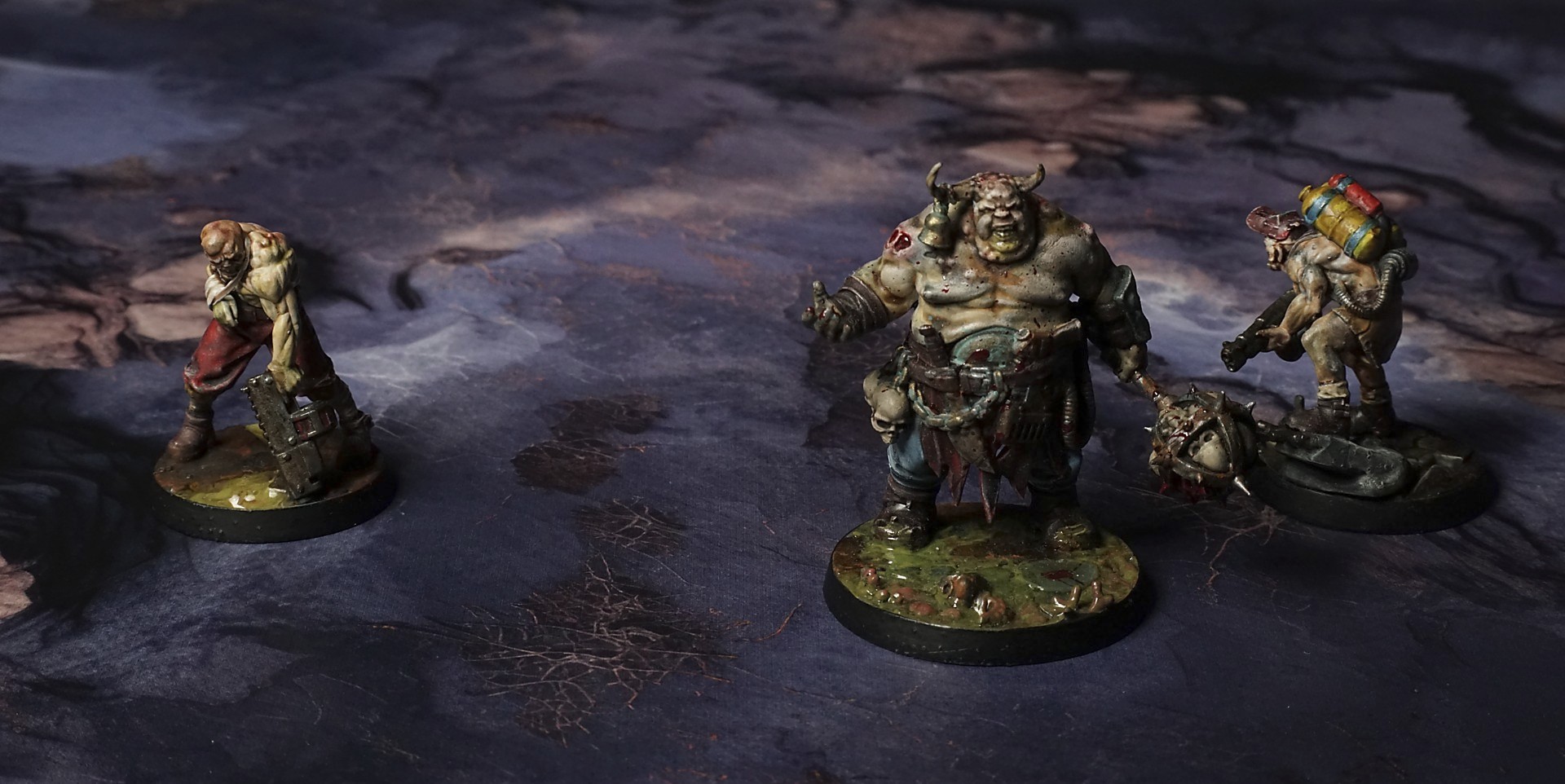
This mat shows rugged, uneven stone ledges in muted purples and grays, their edges warmed by soft amber highlights. Deep fissures carve the surface, while clusters of dried twig-like roots fill hollow spots. The interplay of cool and warm tones emphasizes the fractured, spiraling terrain.
This design is available as a roll-up gaming mat or rigid tile set, with supported battlefield sizes ranging from compact 1×1 ft tables up to full-size 6×4 ft battlefields, including 2×2 ft, 3×3 ft, 4×4 ft and 45×60 in presets.

The Fracture Spiral Battle Mat
They touched down on the ridge in a low hover, thrusters kicking up clouds of metallic dust that scraped across their visors. Corporal Vega led the way, boots clanking on slab-edged platforms that felt sharper than any knife. She planted her rifle’s bipod on a jutting ridge and peered into the gloom—every plate around her seemed poised to shear off at a moment’s notice.
Lieutenant Ramos flicked his helmet light over a crevice yawning at his feet. “Watch your step,” he warned. The wind—and if you could call it that—whispered through the gap, a low growl that rattled his spine. He tested the ground with a grav-ankle boost, just a centimeter of lift, and the slab shifted under him, sliding a hair’s breadth before grinding to a halt.
Private Lin ducked under a swirl of ionized dust, coughing into her mask. When the haze cleared, the path she’d just trod was gone—plates had rotated, edges locking into a new pattern. “Route’s gone,” she hissed. “We’ll need to recalibrate the map.”
Select material type for gaming mat
How to use the Mat Designer:
- Select tile size.
- Use the +/− controls next to “Rows” and “Columns” to adjust the map size.
- Click the Randomize button to reshuffle all tiles at once.
- Click a tile on the maps to select it, then click another tile to swap their positions.
- Or click an image in the preview gallery below the map to replace the selected tile on the map.
Tile or Graphic Size
Size Presets
Custom Logo Upload
Only PNG with transparent background. Max file size: 2 MB.
Note:
Recommended image size for 50x50mm logo is apx 500x500px
Unique preset code, copy and save it to regenerate the pattern in the future. Click on the code to paste new one.
Backdrops
Set of 5x, 14x10.5in map related background for photos



How to use Backdrops:
- Backdrop upright on a stand, 5–30 cm behind the model.
- Lower the camera to model eye level.
- For action shots, raise the camera and include plenty of floor tile.
- Focus on the model; keep the background softly blurred.
- Hide edges: add models/terrain to break the floor tile boundary.
- Light model, not so much tile or background.
- Step back and zoom (50–85 mm equiv. or phone 2–3×) to avoid distortion.
- Add depth with occluders: place small elements front/behind and half way through frame edges.
- Test light colour, angles and heights.
- Dark room, one handheld light. Photo with timer let you position light easily.
- Brush light across the miniature to mimic sun/lamp/fire.