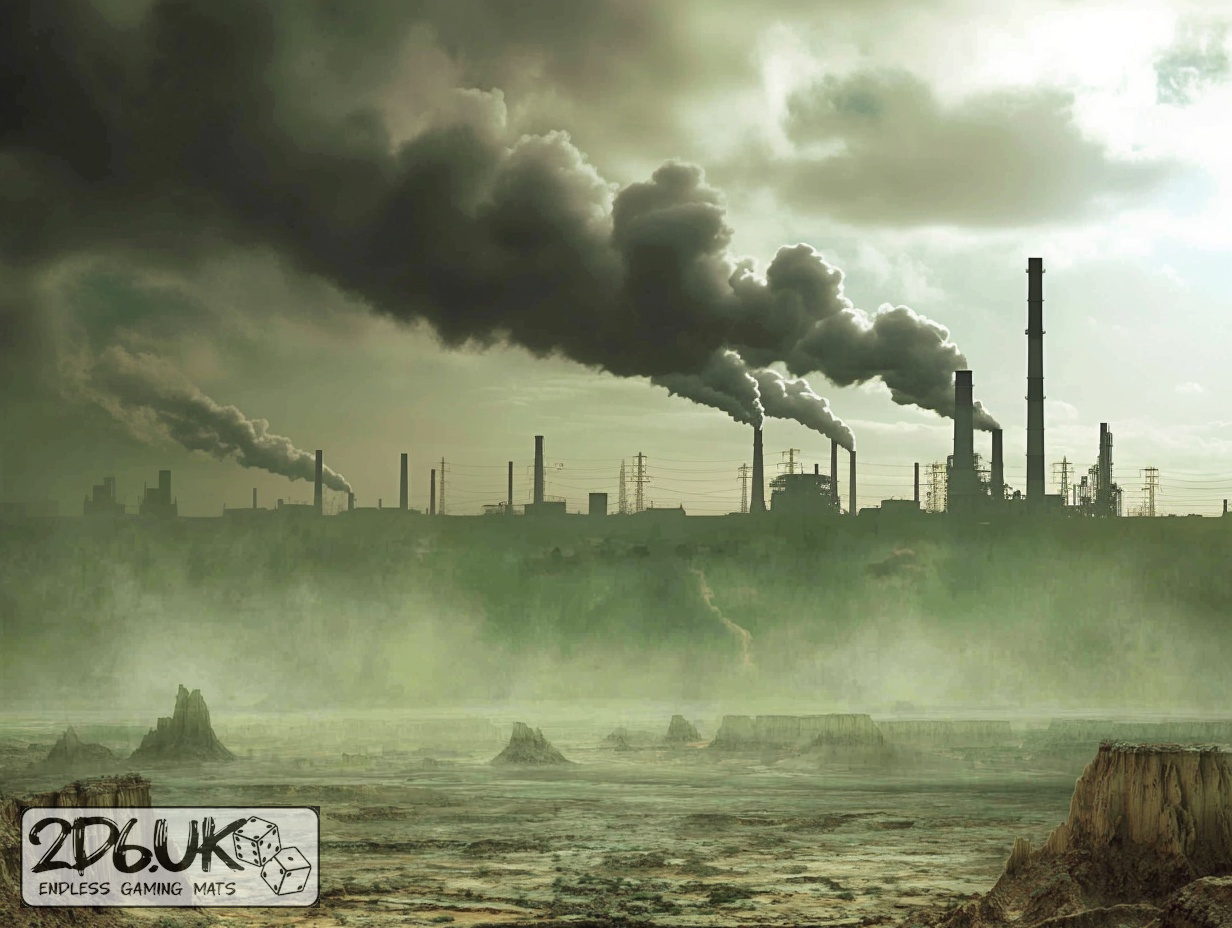
BUILD YOUR BATTLEFIELD
Quagmire Waste Wargaming Mat
Roll-up or rigid tiles Sizes from 1×1 ft to 6×4 ft
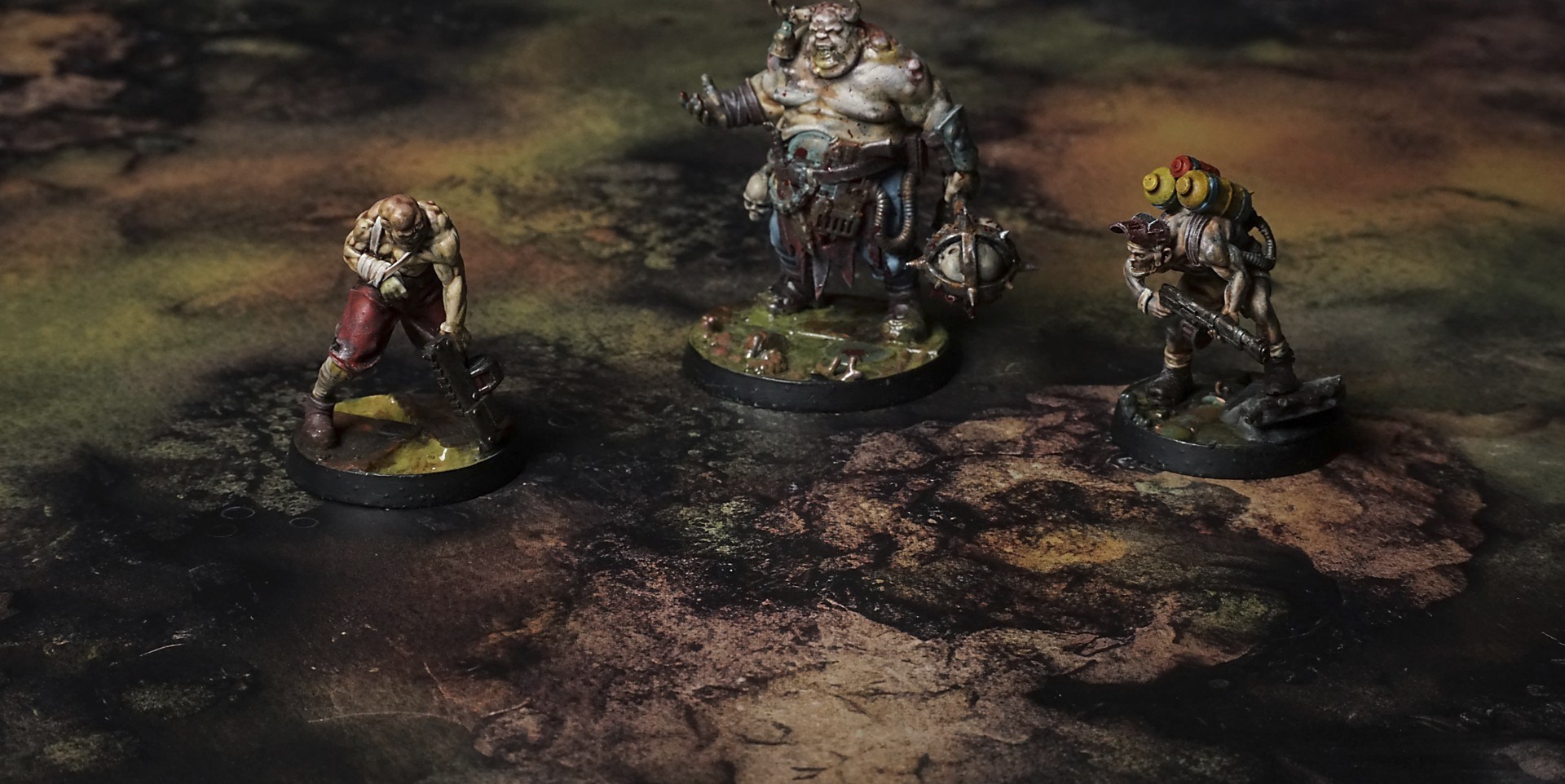
This mat shows mustard-yellow mud layered with olive-green algae, its cracked clay ridges giving way to shallow, murky pools. Patches of dark peat and jagged rock jut from the soggy ground. The mix of slick slime tones and earthy browns evokes a damp, marshy wasteland.
This design is available as a roll-up gaming mat or rigid tile set, with supported battlefield sizes ranging from compact 1×1 ft tables up to full-size 6×4 ft battlefields, including 2×2 ft, 3×3 ft, 4×4 ft and 45×60 in presets.
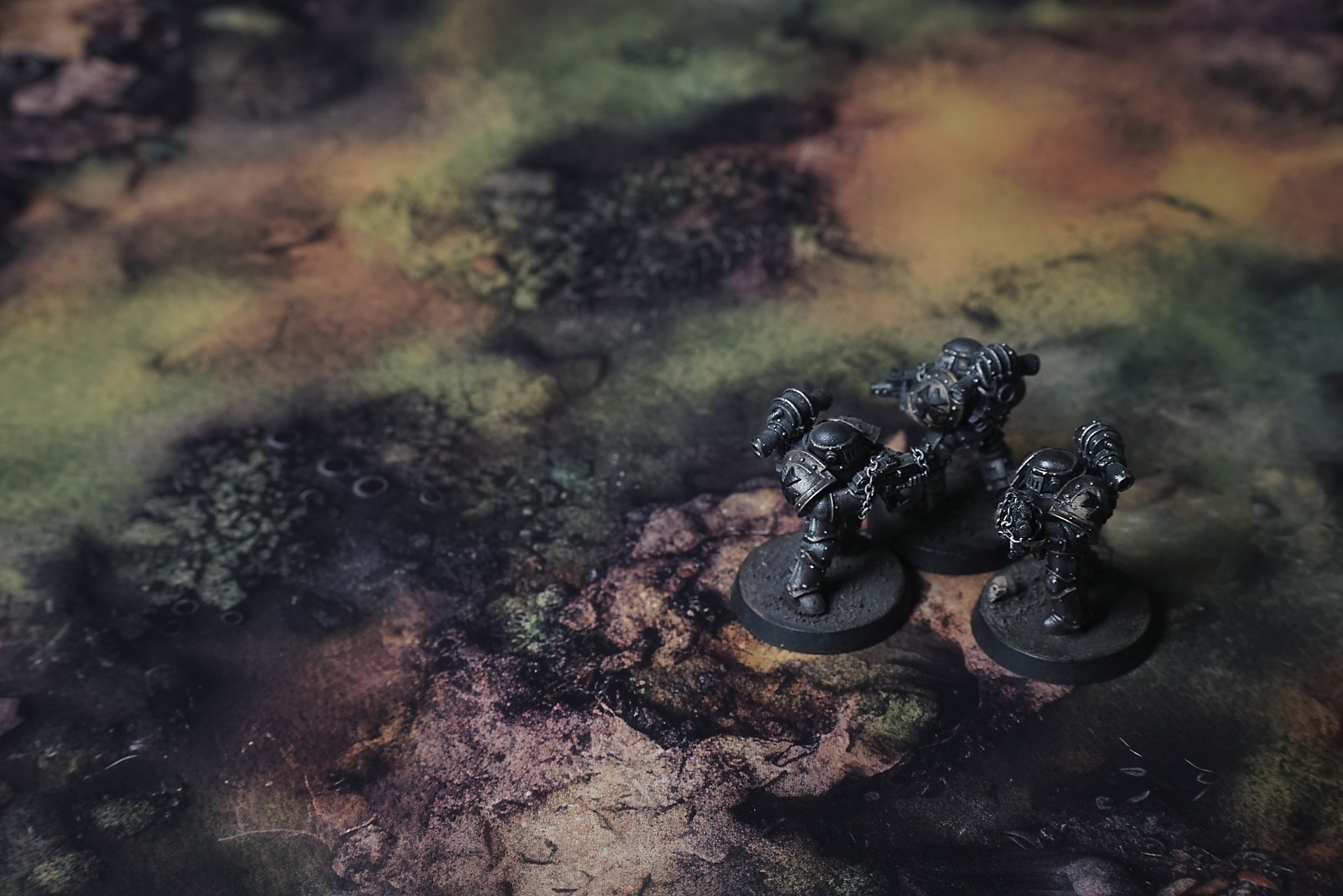
Quagmire Waste Battle Mat
They picked their way across the alien flats, eyes darting between rainbow scum pooling in shallow pits and glass-hard crusts that rang with every boot-step. Lieutenant Sora tested a patch with her toe—the syrupy ground gave and tugged at her boot, a fleeting tug that smelled of burned sugar. She jerked her foot free before it could sink too deep.
Corporal Reyes followed, rifle at the ready. His scan flickered at the edge of vision—salt crystals along a fissure glowed green and pink like broken aquarium glass. He knelt, ran a gloved finger over the shards, then stood and broke off a twig from a nearby bush. The branch rattled against another, clattering like a thousand test tubes, and Reyes stiffened. “Something’s watching,” he muttered.
Sweet-rot lay thick in the air, making every breath sticky on the tongue. Sora pressed her visor closed tighter, scanning the warped horizon. In the distance, violet-bleached leaves trembled on corkscrew trunks as the breeze picked up—an unsettling percussion that made her heart thump in time.
Select material type for gaming mat
How to use the Mat Designer:
- Select tile size.
- Use the +/− controls next to “Rows” and “Columns” to adjust the map size.
- Click the Randomize button to reshuffle all tiles at once.
- Click a tile on the maps to select it, then click another tile to swap their positions.
- Or click an image in the preview gallery below the map to replace the selected tile on the map.
Tile or Graphic Size
Size Presets
Custom Logo Upload
Only PNG with transparent background. Max file size: 2 MB.
Note:
Recommended image size for 50x50mm logo is apx 500x500px
Unique preset code, copy and save it to regenerate the pattern in the future. Click on the code to paste new one.
Backdrops
Set of 5x, 14x10.5in map related background for photos



How to use Backdrops:
- Backdrop upright on a stand, 5–30 cm behind the model.
- Lower the camera to model eye level.
- For action shots, raise the camera and include plenty of floor tile.
- Focus on the model; keep the background softly blurred.
- Hide edges: add models/terrain to break the floor tile boundary.
- Light model, not so much tile or background.
- Step back and zoom (50–85 mm equiv. or phone 2–3×) to avoid distortion.
- Add depth with occluders: place small elements front/behind and half way through frame edges.
- Test light colour, angles and heights.
- Dark room, one handheld light. Photo with timer let you position light easily.
- Brush light across the miniature to mimic sun/lamp/fire.