BUILD YOUR BATTLEFIELD
Blightwater Marsh Wargaming Mat
Roll-up or rigid tiles Sizes from 1×1 ft to 6×4 ft
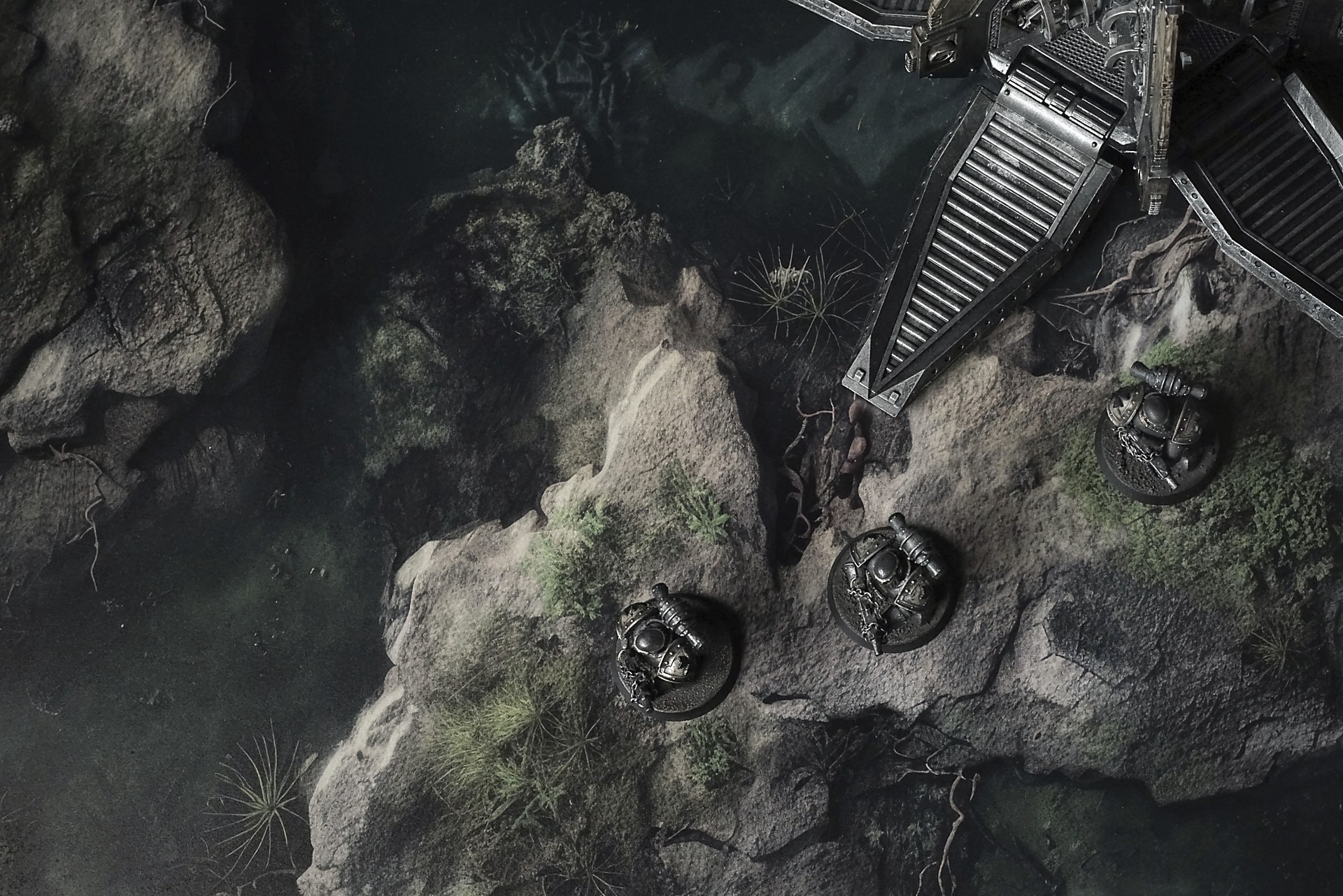
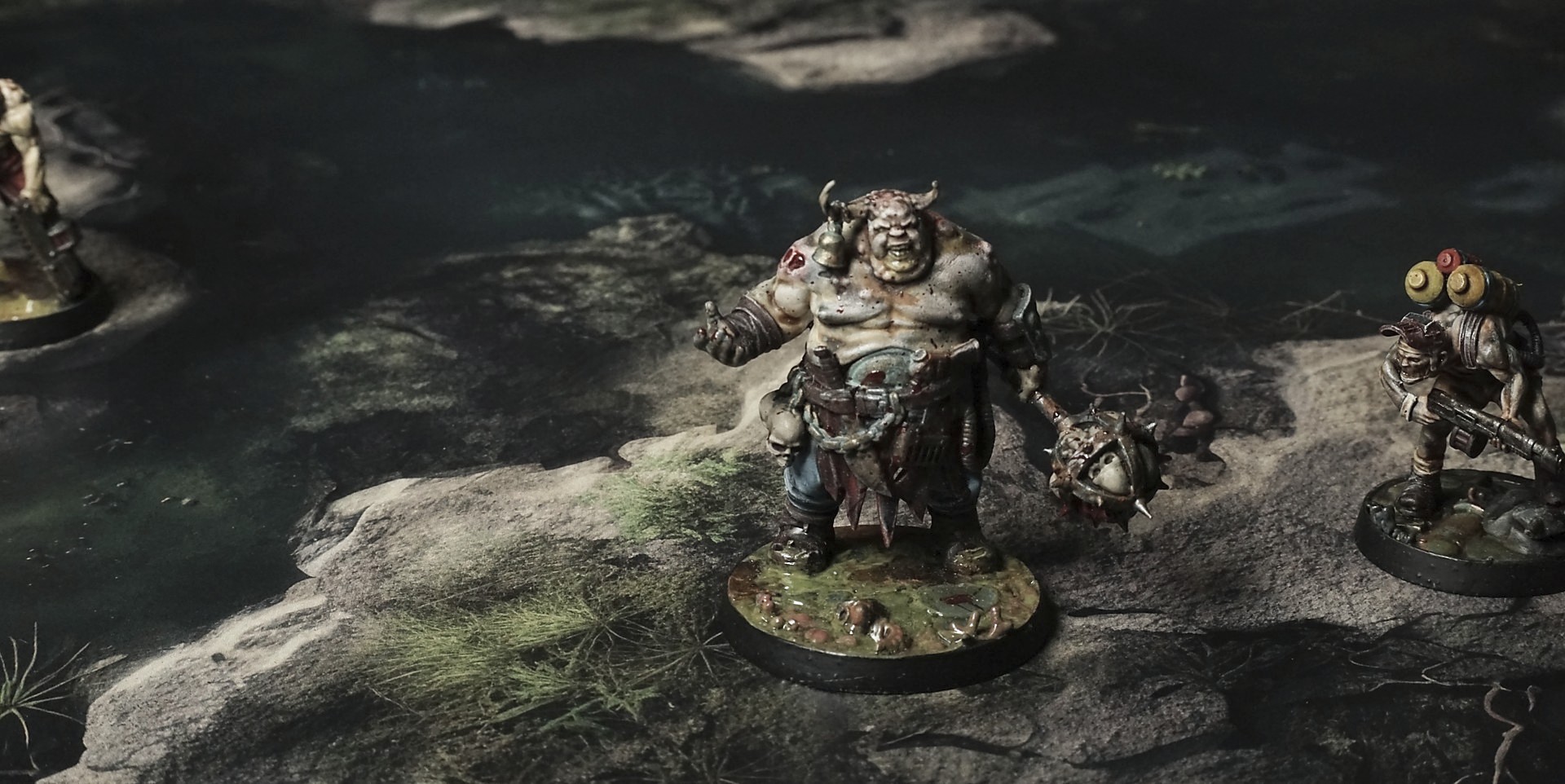
This mat shows murky green pools of marsh water winding through sodden earth and rocks. Mossy patches and slimy algae cling to muddy banks, while scattered stones and clumps of reeds break the surface. The overall look is a damp, overgrown wetland floor.
This design is available as a roll-up gaming mat or rigid tile set, with supported battlefield sizes ranging from compact 1×1 ft tables up to full-size 6×4 ft battlefields, including 2×2 ft, 3×3 ft, 4×4 ft and 45×60 in presets.
Blightwater Marsh Battle Mat
They pushed through the haze in single file, lantern-flies bobbing above their shoulders. Bert’s boots slipped in the roots’ mud-soup, and he wrenched free with a curse, the swamp tasting at his heel like it wanted blood.
Mara followed close, staff in hand. The air weighed on her chest—sweet decay mixed with peat ghosts, each breath a reminder of rot straight to the gut. She stepped over a tangled branch and froze: bones peeked out from the reeds, white and slick, then sank back into the black water as if ashamed.
A hollow pop sounded nearby. Bert’s heart lurched; his hand snapped to the repeater’s grip. The water stilled, hiding its secret, and the fog closed in tighter.
Mara held up a finger. “Something’s moving beneath.” She knelt, letting her lantern-fly drift closer to the surface. Its pale glow caught ripples at the edge of vision—tiny whirlpools that vanished before she could focus.
Select material type for gaming mat
How to use the Mat Designer:
- Select tile size.
- Use the +/− controls next to “Rows” and “Columns” to adjust the map size.
- Click the Randomize button to reshuffle all tiles at once.
- Click a tile on the maps to select it, then click another tile to swap their positions.
- Or click an image in the preview gallery below the map to replace the selected tile on the map.
Tile or Graphic Size
Size Presets
Custom Logo Upload
Only PNG with transparent background. Max file size: 2 MB.
Note:
Recommended image size for 50x50mm logo is apx 500x500px
Unique preset code, copy and save it to regenerate the pattern in the future. Click on the code to paste new one.
Backdrops
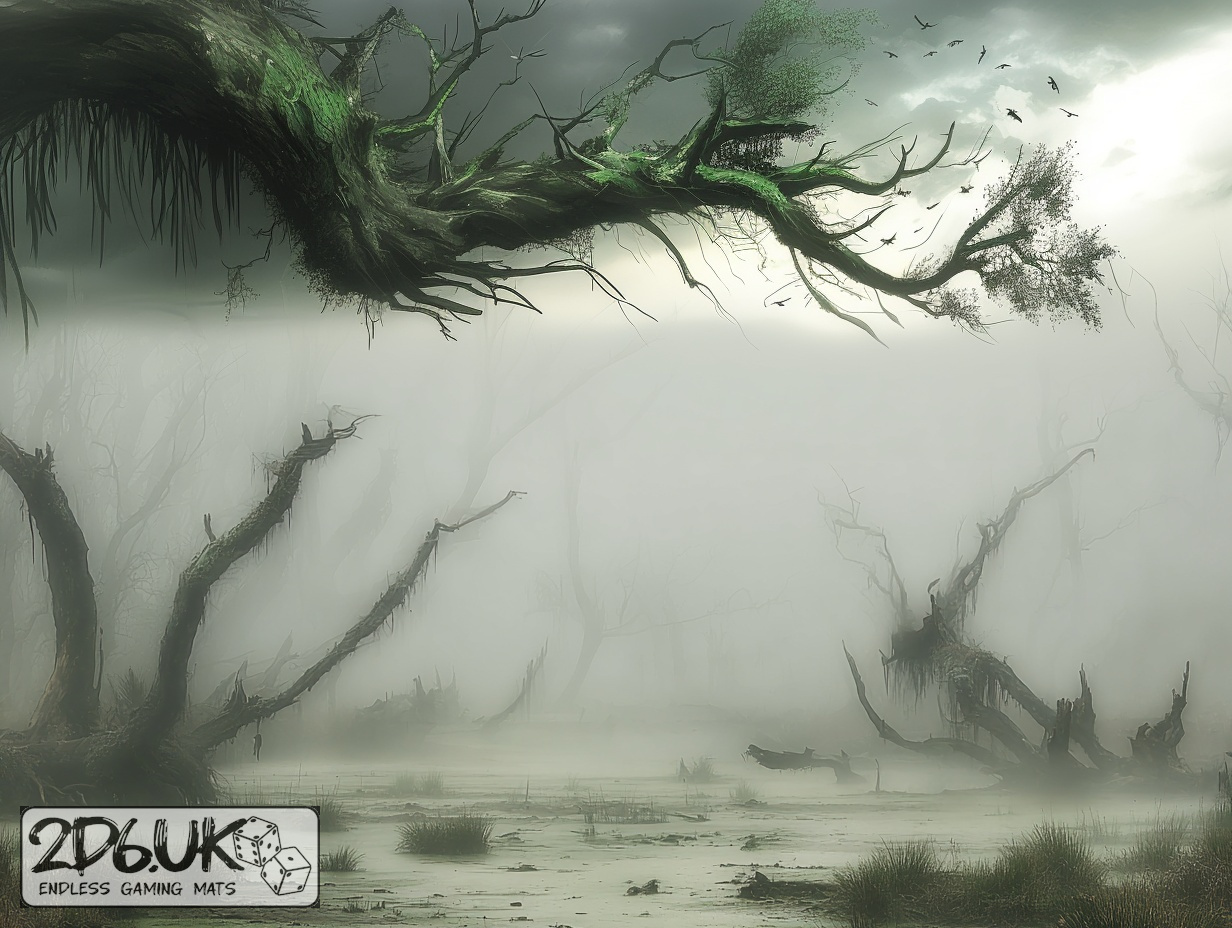
Set of 5x, 14x10.5in map related background for photos



How to use Backdrops:
- Backdrop upright on a stand, 5–30 cm behind the model.
- Lower the camera to model eye level.
- For action shots, raise the camera and include plenty of floor tile.
- Focus on the model; keep the background softly blurred.
- Hide edges: add models/terrain to break the floor tile boundary.
- Light model, not so much tile or background.
- Step back and zoom (50–85 mm equiv. or phone 2–3×) to avoid distortion.
- Add depth with occluders: place small elements front/behind and half way through frame edges.
- Test light colour, angles and heights.
- Dark room, one handheld light. Photo with timer let you position light easily.
- Brush light across the miniature to mimic sun/lamp/fire.